Google Gemini: AI assistant app
Google Gemini is a Productivity app by Google LLC that lets you chat with Google AI to write, plan, create, and learn.
Google Gemini is a free productivity app from Google LLC that provides a personal AI assistant for writing, planning, creating, and learning tasks. It supports advanced features like Gemini Live for real-time conversation, photo editing with Nano Banana 2, and research through NotebookLM.
Screenshots
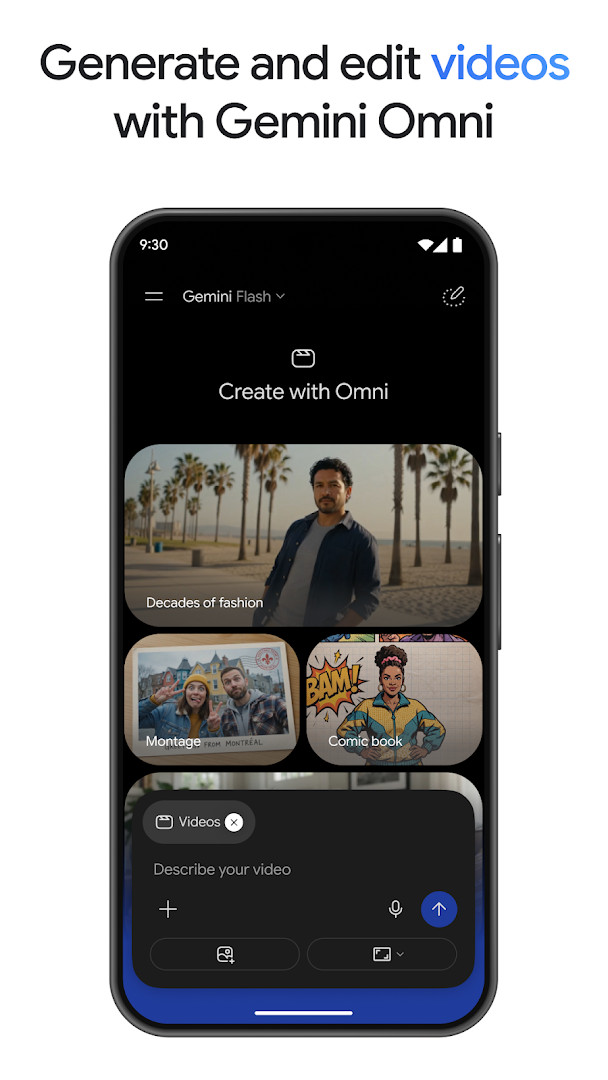
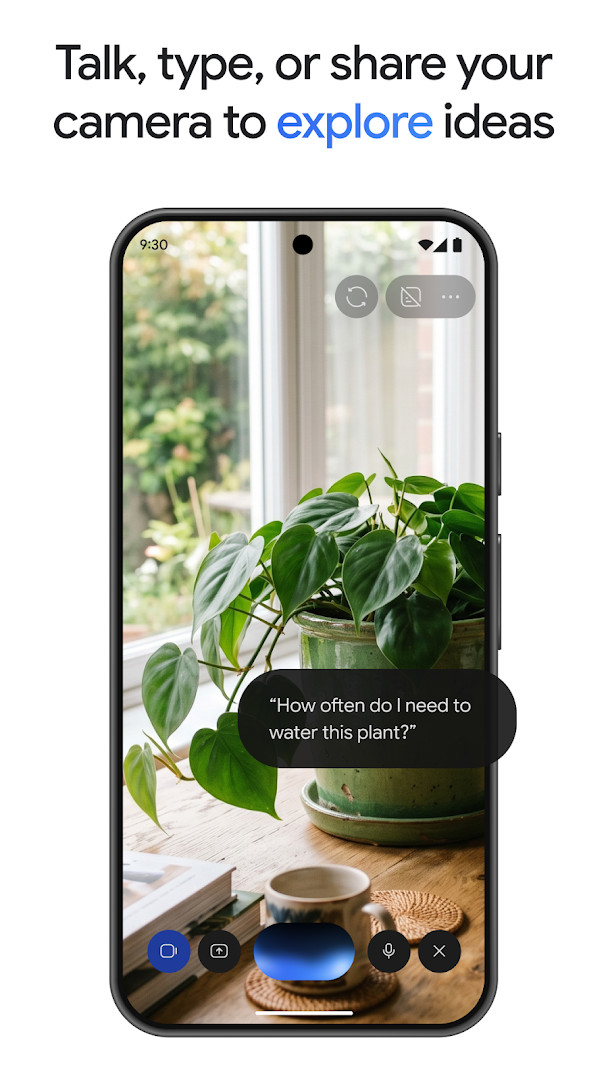
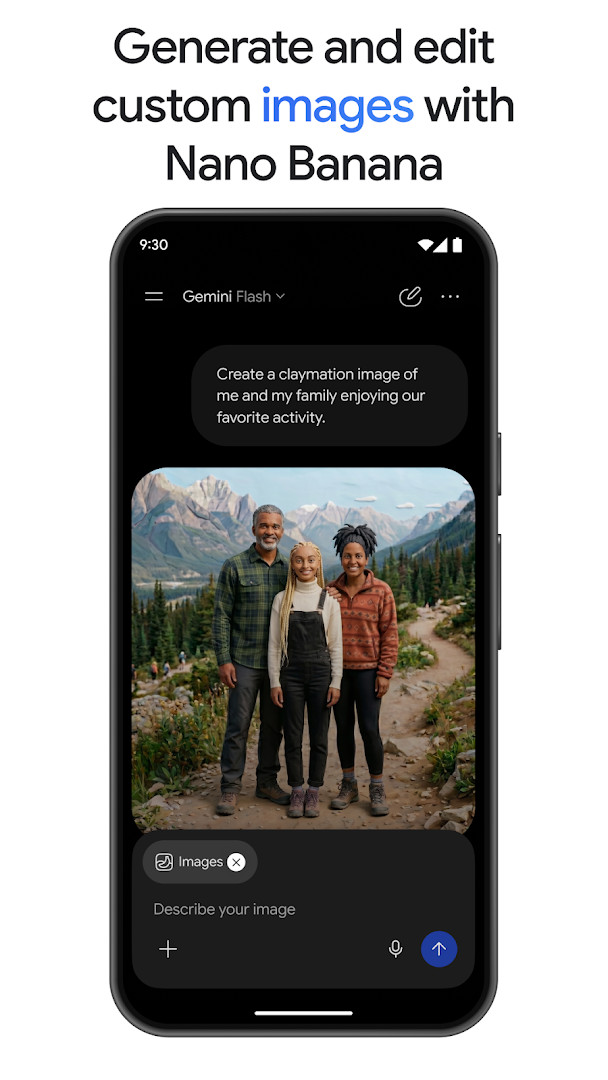
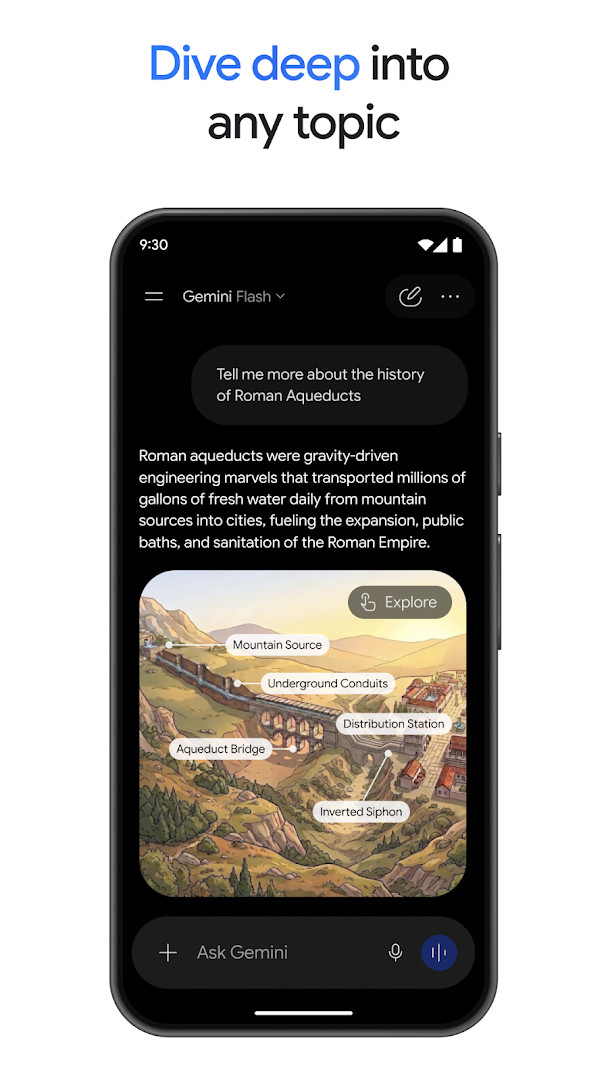
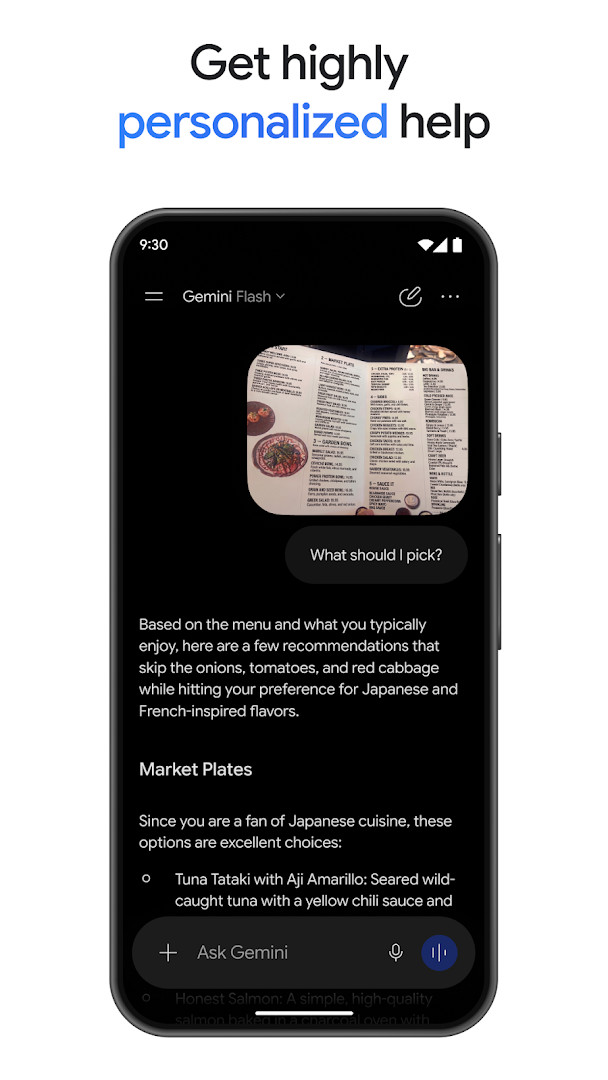
Google Gemini is a productivity app by Google LLC that provides an AI assistant for writing, planning, creating, and learning through conversational interaction. It addresses the challenge of managing complex, multi-step tasks that require reasoning, coding, data analysis, and creative output, by offering a unified interface that can process text, images, audio, and documents. Instead of relying on separate tools, users can brainstorm, generate visuals, edit photos, create videos, build prototypes, and get grounded research answers within one workflow, with responses that include interactive elements rather than plain text.
Key features
- Access to the Gemini 4 Argon and Gemini Omni models for advanced reasoning, coding, and data analysis
- Gemini Live mode for real-time voice conversations, including sharing your screen or camera to discuss what you see
- Generate and edit images with Nano Banana 2, including camera and lighting controls, blending multiple images, and creating posters or diagrams
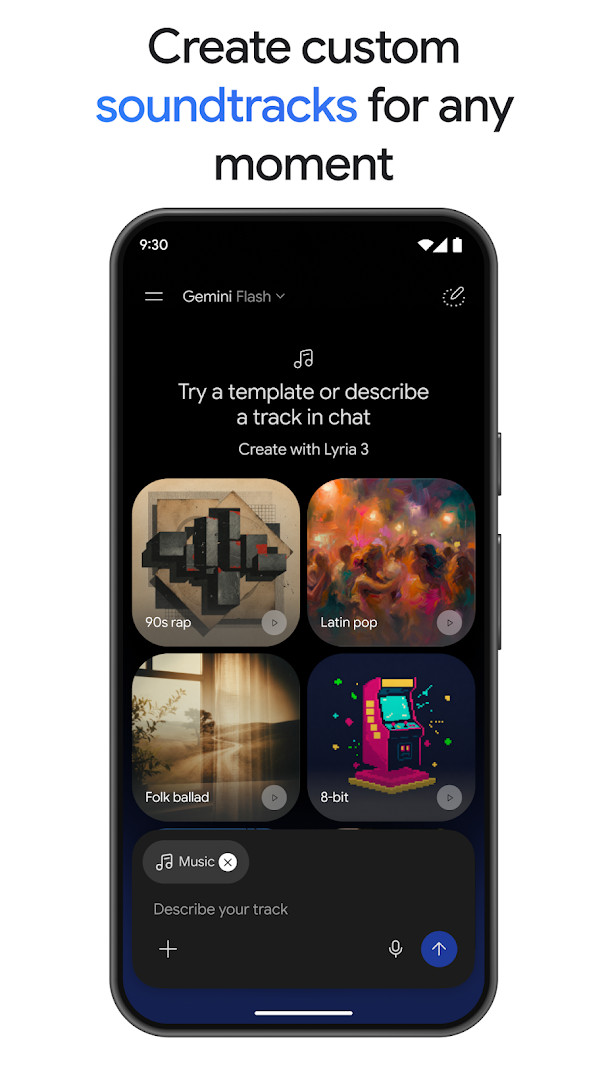
- Create cinematic videos with Gemini Omni (for Google AI Plus, Pro, Ultra, and Workspace users) and custom soundtracks with Lyria 3
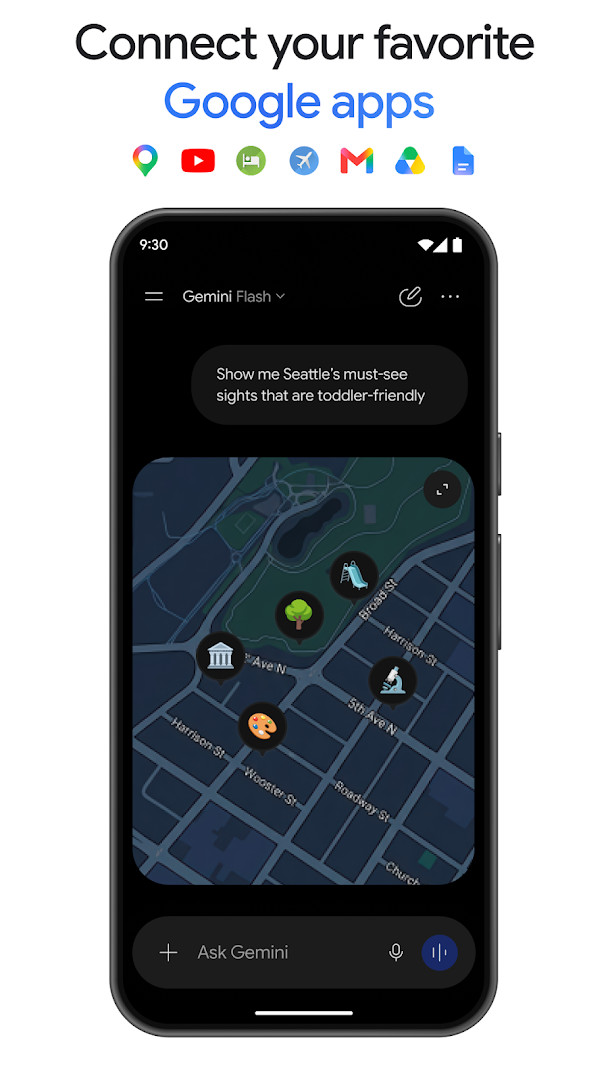
- Connect Google apps like Gmail, Calendar, Google Photos, YouTube, and Search for more personalized assistance
- Upload documents, spreadsheets, photos, videos, and more for summaries and insights
- Research with NotebookLM, which grounds responses in your uploaded sources
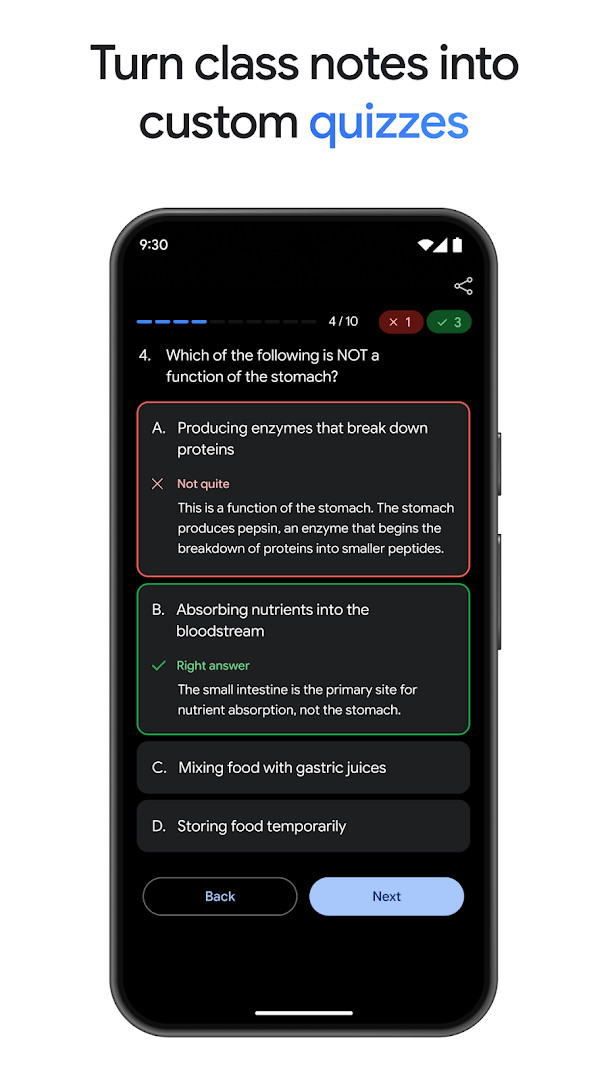
- Convert files into podcast-style overviews and generate practice quizzes from class notes
How to install
- Tap the download button on this page to get the APK file. The file size is not specified in the data provided.
- When Android prompts you, allow your browser or file manager to install apps by enabling the 'Install unknown apps' setting for that app.
- Open the downloaded APK file from your notification bar or Downloads folder.
- Tap 'Install' on the confirmation screen and wait for the installation to finish.
- Open the app from your app drawer after installation completes. Note that the minimum Android version required is 9 (Android Pie).
Pros
- Free to download with no ads and no in-app purchases
- Powerful multi-modal capabilities spanning text, image, video, and audio generation
- Deep integration with Google services for contextual help
- Grounded research responses via NotebookLM
- Capable of building web pages, games, and dashboards from simple prompts
- Regular updates with the latest frontier models
Cons
- Requests extensive permissions, including camera, microphone, location, contacts, calendar, phone, storage, and device history
- Opting in replaces Google Assistant as the primary assistant, and some Assistant voice features are not yet available
- Content rated Teen, which may not suit all users
- Some advanced features (e.g., video creation) are gated behind paid Google AI plans
Latest changes · 1.0.1009090390
Version 1.0.1009090390 introduces Gemini 4 Argon, a new frontier model. It handles complex, multi-step workflows with advanced reasoning. The update improves coding capabilities, allowing users to write, debug, and execute code, as well as analyze complex data quickly. It also enables turning rough concepts into polished, ready-to-use projects.
Older versions
| Version | Size | Requires Android | Updated |
|---|---|---|---|
| 1.0.1009090390 | — | 9 | Nov 18, 2026 |
| 1.0.995038376 | — | 9 | Nov 18, 2026 |
| 1.0.971139365 | — | 9 | Aug 31, 2026 |
| 1.0.618909562 | 2.7 MB | 12 | Nov 14, 2025 |
| 1.0.603736800 | 2.6 MB | 6.0 | Mar 12, 2025 |
This app is aimed at experienced Android users who want a single, powerful AI tool for both professional and personal tasks. It suits developers needing to write and debug code, students preparing for exams with generated quizzes, creatives producing images, videos, or music, and professionals who analyze data or research with source-grounded answers. Given the broad permission set and the assistant replacement behavior, it is best for users comfortable managing app permissions and who are willing to explore a deep integration with Google services.
If you rely on Google Assistant for specific voice commands like media control or routines, be aware these may not work in Gemini; you can switch back to Assistant in settings. Review the app's permission prompts carefully during first launch, and consider granting only what you need for core chat functionality. For complex file analysis, upload documents directly rather than pasting text to get better grounded answers.
Permissions
FAQ
How do I install the Gemini APK on my Android device?
Download the APK file from the page and open it. Allow installation from unknown sources if prompted, then follow the on-screen steps. The app requires Android 9 or higher.
What is new in version 1.0.1009090390?
This version introduces Gemini 4 Argon, a frontier model with advanced reasoning, faster coding and data analysis, and tools to turn ideas into finished projects.
Does Google Gemini contain ads or in-app purchases?
No. The app is free to download with no ads and no in-app purchases. Optional paid plans like Google AI Plus, Pro, and Ultra are mentioned but are not purchases inside the app.
Can I use Gemini offline?
The data does not state offline capabilities. The app relies on Google AI services, so a connection is generally needed for chat, image generation, and document analysis.
Are there alternative AI assistant apps in the Productivity category?
Yes, several other productivity apps offer AI chat, writing help, and planning tools. You can compare them by features, ratings, and permissions before choosing.
What permissions does Gemini request?
It asks for access to device and app history, calendar, contacts, location, phone, photos and media, storage, camera, microphone, Wi-Fi info, and device ID. Review these before installing.
Will installing Gemini replace Google Assistant?
If you opt in, Gemini becomes your primary assistant. Some Assistant voice features are not yet available in Gemini, and you can switch back to Google Assistant in settings.
Google Gemini offers a remarkably broad AI toolkit in a single app, covering conversation, creation, and analysis. It is a compelling choice for power users, though the extensive permissions and assistant replacement are worth weighing before installing.
Similar apps





More from this developer





Updated: Nov 25, 2026
| Version | Size | Requires Android | Updated |
|---|---|---|---|
| 1.0.1009090390 | — | 9 | Nov 18, 2026 |
| 1.0.995038376 | — | 9 | Nov 18, 2026 |
| 1.0.971139365 | — | 9 | Aug 31, 2026 |
| 1.0.618909562 | 2.7 MB | 12 | Nov 14, 2025 |
| 1.0.603736800 | 2.6 MB | 6.0 | Mar 12, 2025 |
- Version
- 1.0.1009090390
- Requires Android
- 9
- Updated
- Nov 18, 2026
- Installs
- 1B+
- Rating
- ★ 4.54 (52,805,513)
- Category
- Productivity
- Developer
- Google LLC
- Content rating
- Teen
- Package
- com.google.android.apps.bard
- Free
- ✓