
Google Meet for Android
Google Meet is a video calling app from Google LLC for high-quality calls with friends, family, and colleagues.
Google Meet helps people stay connected through secure, high-quality video calls for personal and professional conversations. It offers features like automatic light adjustment, noise cancellation, real-time captions, effects, filters, reactions, and backgrounds. The app is free, has no ads or in-app purchases, requires Android 8.1 or higher, and is about 118 MB in size.
Screenshots
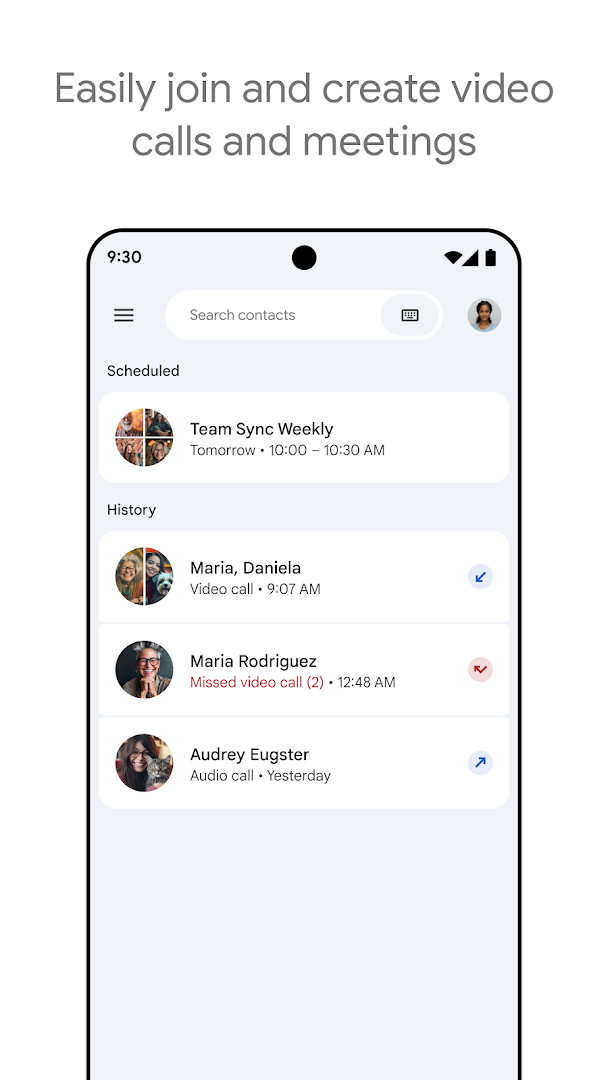



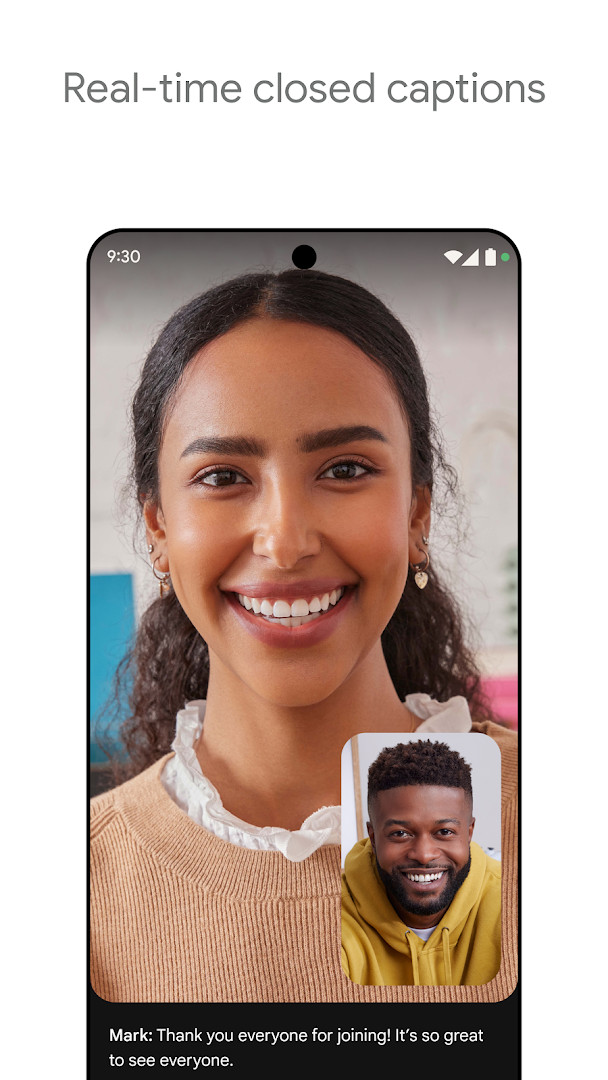
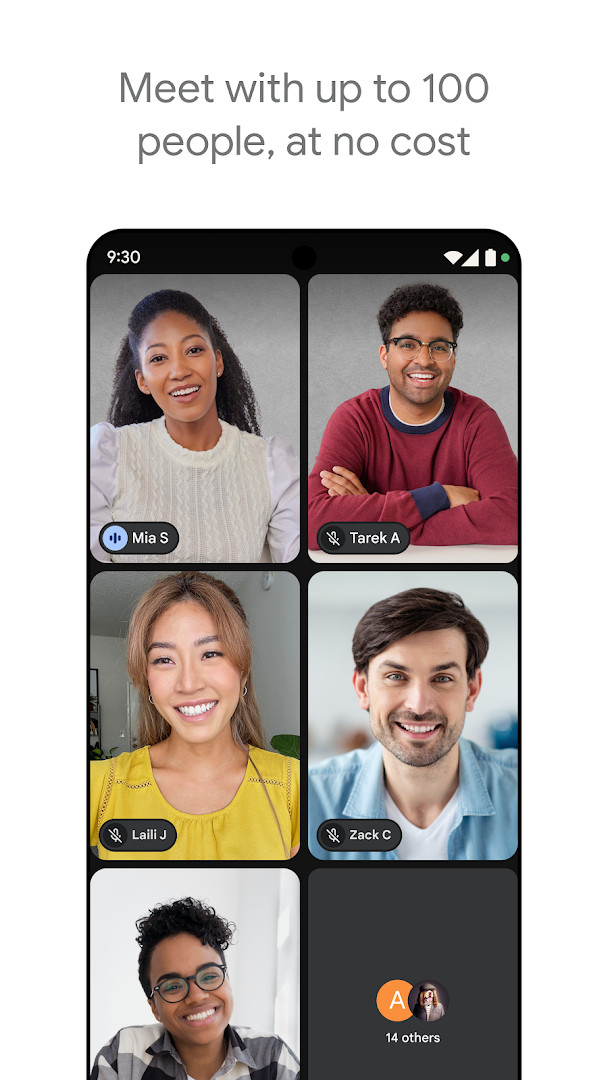
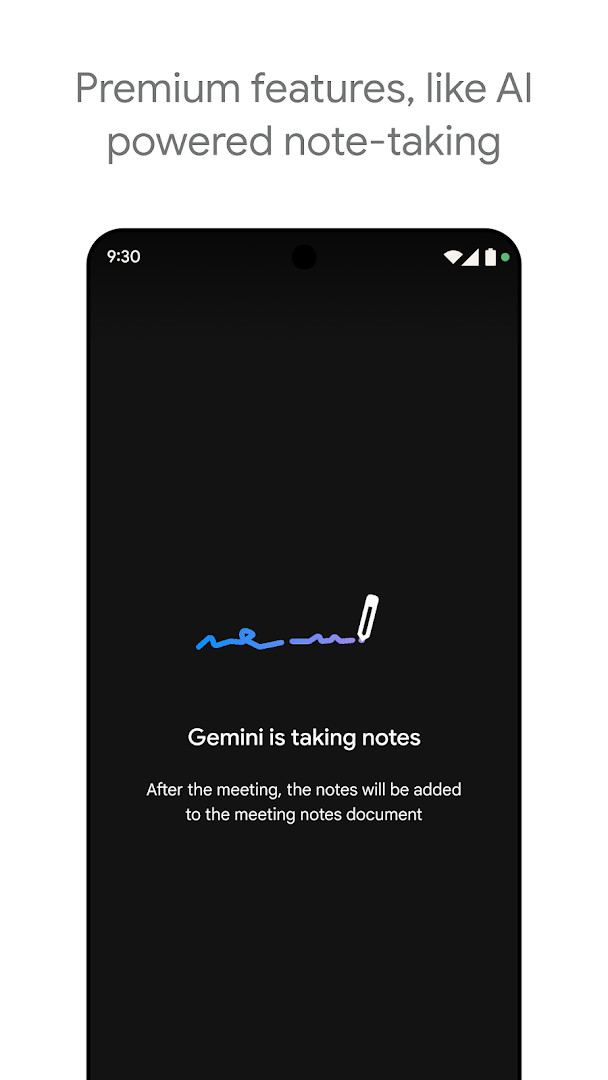
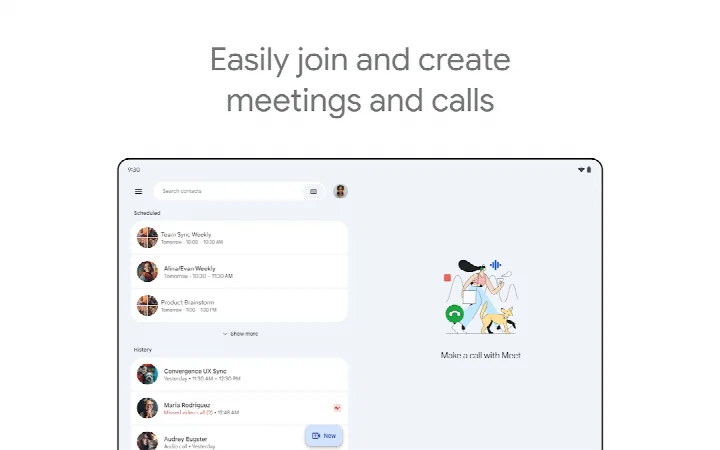
Google Meet is a communication app by Google LLC that provides high-quality video calling for personal and professional use. It lets you connect with friends, family, colleagues, and classmates through spontaneous calls, scheduled meetings, or video messages, all within a single application. The app is designed to be accessible across Android devices running version 8.1 or later, with a download size of 118 MB, making it a substantial but standard installation for modern smartphones and tablets.
The app goes beyond basic video calling by integrating with other Google Workspace tools like Gmail, Docs, Slides, and Calendar, allowing you to schedule events, share documents, and collaborate seamlessly during a conversation. For casual users, it offers fun features like stackable effects, filters, backgrounds, and in-call emojis to personalize interactions. For professionals, it includes practical tools such as in-call chat, screen sharing for presentations, and real-time captions to ensure clear communication.
Google Meet is built to handle both small and large gatherings. You can enjoy one-on-one calls for up to 24 hours and host meetings with up to 100 participants for 60 minutes at no cost. The service also supports real-time translated captions in over 70 languages, helping to bridge language gaps. With its focus on quality, the app offers up to 4K video resolution, automatic light adjustment, and noise cancellation (the latter as a premium feature), ensuring participants look and sound their best.
Given its dual focus on personal connection and professional collaboration, Google Meet serves a wide audience—from families catching up across distances to teams conducting remote work sessions. Its cross-platform nature means calls can be joined from mobile, tablet, web, or smart devices, making it a versatile choice for anyone needing reliable video communication.
Key features
- Secure, high-quality video calling for individuals and groups
- Automatic light adjustment to improve visibility in various environments
- Noise cancellation to reduce background distractions (premium feature)
- Real-time captions to follow conversations more easily (availability varies by language)
- Fun effects, filters, reactions, and backgrounds to personalize calls
- In-call chat for sharing ideas, questions, or feedback without interrupting
- Screen sharing for photos, videos, and presentations during a call
- On-the-go mode for an audio-only experience with larger call controls
- AI-powered note-taking and real-time speech-to-speech translation (premium features)
- Integration with Google Workspace apps like Gmail, Docs, Slides, and Calendar
How to install
- Tap the download button on this page to get the APK file for Google Meet, which is 118 MB in size.
- When your browser or file manager asks for permission, allow it to install apps by enabling the 'Install unknown apps' setting for that app.
- Locate the downloaded APK file in your device's Downloads folder or notification bar.
- Open the APK file; if prompted, confirm that you want to proceed with the installation.
- Tap the 'Install' button and wait for the process to complete, which may take a few moments.
- Once installed, open Google Meet from your app drawer and sign in with your Google account to start using it. Note that the app requires Android 8.1 or higher.
Pros
- Free to download and use with no ads or in-app purchases
- Supports long one-on-one calls (up to 24 hours) and large meetings (up to 100 participants)
- Offers high video quality up to 4K for a clear experience
- Includes useful accessibility features like live captions and translated captions in many languages
- Integrates smoothly with other Google Workspace apps for productivity
- Provides fun customization options like effects and backgrounds
Cons
- Requires access to sensitive permissions like Camera, Microphone, Contacts, and Storage, which may raise privacy concerns
- Some advanced features like noise cancellation and AI note-taking are premium and not included for free
- Live captions and speech translation are not available in all languages
- Specific feature availability may vary depending on your device's hardware and specifications
Latest changes
The latest update, released on November 5, 2026, brings premium features into sharper focus, including AI-powered note-taking and real-time speech-to-speech translation. These tools are designed to help everyone stay engaged in the conversation and overcome language barriers. As always, some advanced capabilities, such as noise cancellation and meeting recording, are available as premium features.
Older versions
| Version | Size | Requires Android | Updated |
|---|---|---|---|
| 305.0.756012893.duo.android_20250504.15_p1.n | 118 MB | 8.1 | May 16, 2025 |
Google Meet is for anyone who needs a reliable video calling solution, including families staying in touch, friends planning social events, and professionals or students conducting remote meetings and classes. It's equally suited for casual users who want fun effects and for business users who need robust collaboration tools integrated with Google Workspace.
To get the most out of Google Meet, ensure your device meets the minimum Android 8.1 requirement and has a stable internet connection. For clearer audio, use a headset or find a quiet space, as the free tier does not include noise cancellation. If you're on the move, switch to on-the-go mode for an audio-only experience that saves battery and data.
Permissions
FAQ
Is Google Meet free to download and use?
Yes, Google Meet is free to download, with no cost for the app itself and no in-app purchases. The price is listed as $0.00, and it does not contain ads. Some premium features, such as AI-powered note-taking and speech translation, may require a paid plan.
What Android version do I need to install Google Meet?
Google Meet requires Android 8.1 or higher. If your device runs an older version of Android, it will not be compatible with this app.
How large is the Google Meet APK file?
The APK file size for Google Meet is 118 MB. Make sure you have enough free storage space on your device before downloading.
Do I need an account to use Google Meet?
Yes, you need a Google account to sign in and use Google Meet. The app integrates with other Google services and uses your account to manage calls, meetings, and contacts.
What permissions does Google Meet request?
Google Meet requests permissions related to Identity, Contacts, Phone, Photos/Media/Files, Storage, Camera, Microphone, Wi-Fi connection information, and Device ID & call information. These permissions are used for features like video calls, sharing media, and managing connections.
How do I update Google Meet to the latest version?
To update Google Meet, simply download the newest version available on this page and install it over your current installation. The latest version listed is 305.0.756012893.duo.android_20250504.15_p1.n, released on 2025-05-16.
Google Meet is a versatile and dependable video calling app that balances fun and functionality, making it a strong choice for both personal and professional communication. Its generous free tier, high-quality video, and deep integration with Google services make it a compelling option, though users should weigh the premium features and permission requirements against their needs.
Similar apps






More from this developer



Updated: Nov 17, 2026
| Version | Size | Requires Android | Updated |
|---|---|---|---|
| 305.0.756012893.duo.android_20250504.15_p1.n | 118 MB | 8.1 | May 16, 2025 |
- Size
- 118 MB
- Requires Android
- 8.1
- Updated
- Nov 5, 2026
- Installs
- 10B+
- Rating
- ★ 4.37 (12,024,501)
- Category
- Communication
- Developer
- Google LLC
- Content rating
- Everyone
- Package
- com.google.android.apps.tachyon
- Free
- ✓