Google Chrome: Fast and Secure Browser
Google Chrome is a free web browser by Google LLC that lets you search, browse, and sync across devices.
Google Chrome is a 215 MB browser that requires Android 12L or higher. It includes ads and offers features like Google Lens, Translate, and enhanced security. This app suits users seeking a fast, secure, and cross-device browsing experience.
Screenshots
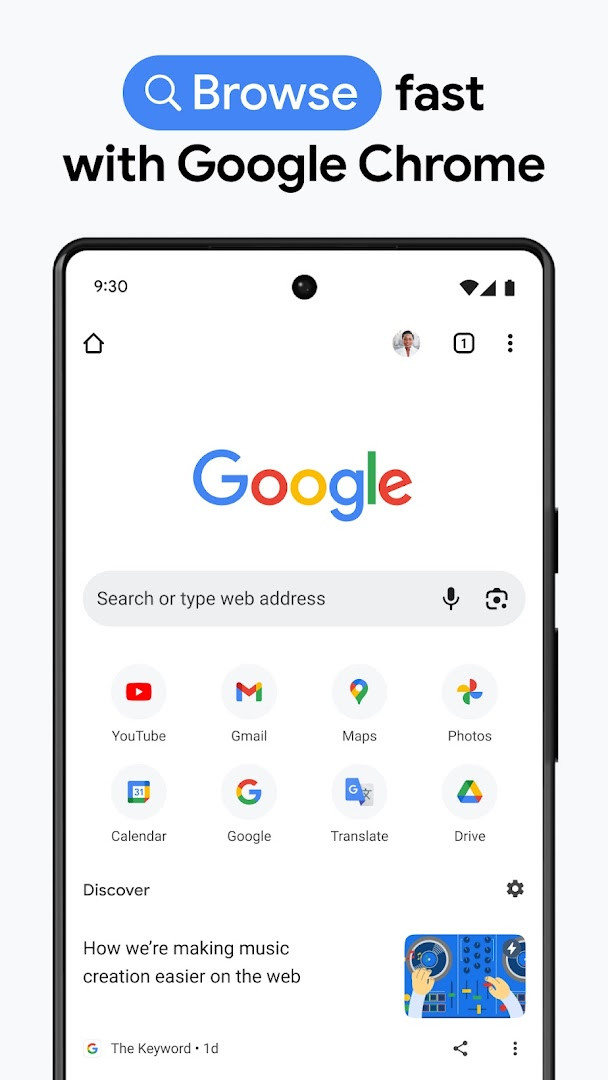
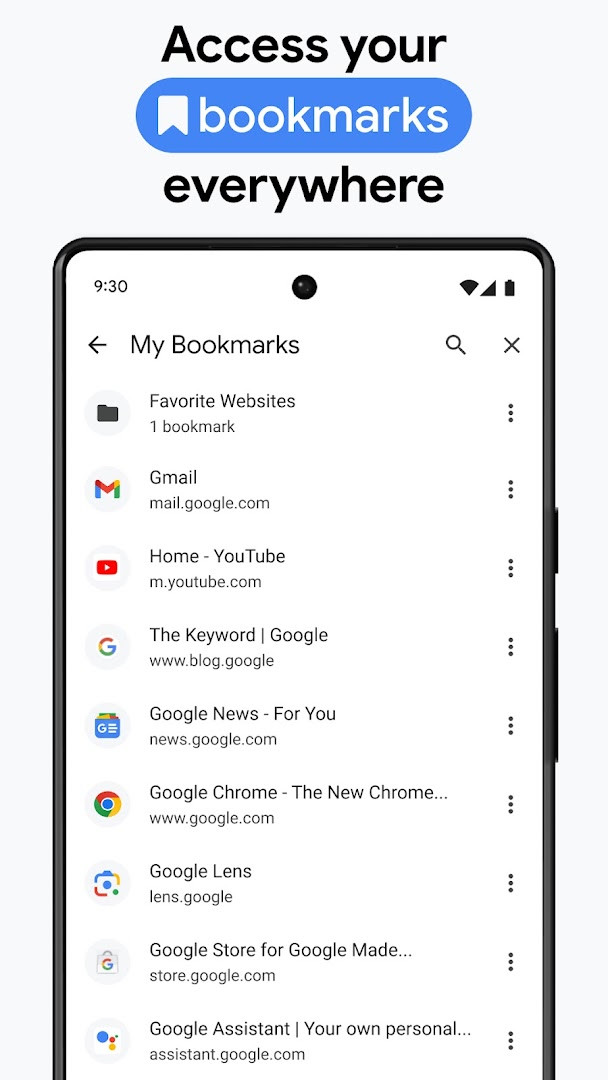
Google Chrome is a web browser by Google LLC that lets you browse the internet quickly and securely. It's one of the most widely used browsers on Android, designed to make everyday web tasks simple and fast. With a clean interface and deep integration with Google services, it aims to provide a seamless experience for searching, reading, and managing your online life.
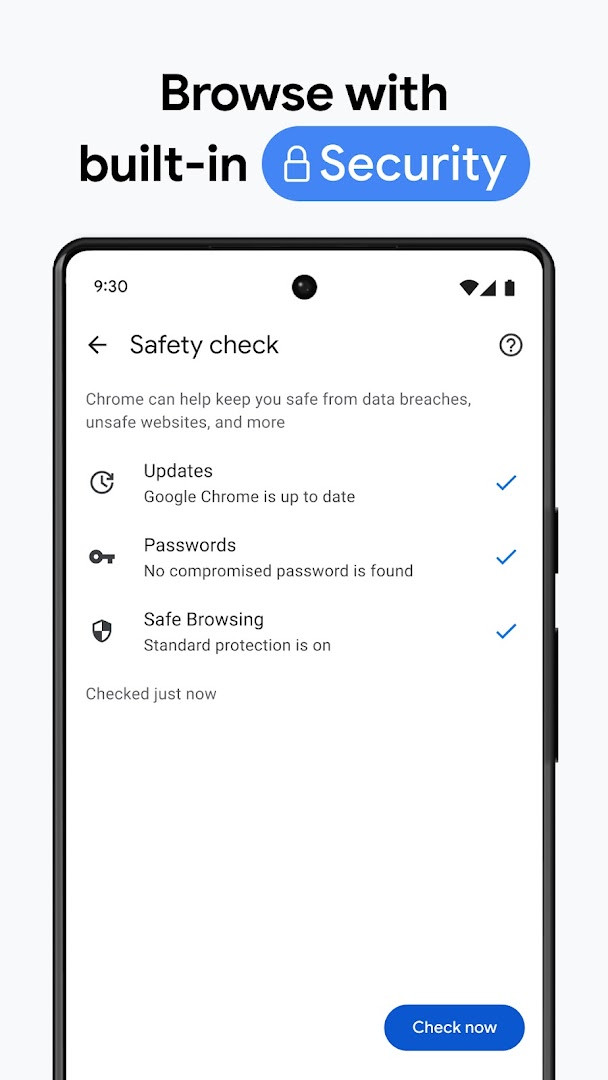
Chrome on Android goes beyond basic browsing. It includes features like Google Lens for visual searches, voice search, and one-click translation of entire websites in over 130 languages. Security is a major focus, offering enhanced protection mode and proactive safety alerts through Safety Check. The built-in password manager helps you create and store strong passwords, and alerts you if they might be compromised. You can also sync your bookmarks, tabs, passwords, and autofill data across your devices when signed in to your Google account.
The latest release, version 154.0.8037.126, focuses on stability and performance improvements, making the browser run more smoothly. The app has been available since 2012 and is updated regularly. It's free to use, though it contains ads. The current version requires Android 12L or higher and takes up about 215 MB of storage. This makes it a modern, feature-rich choice for most Android users.
Key features
- Google search with voice input for hands-free queries
- Google Lens integration to search using your camera
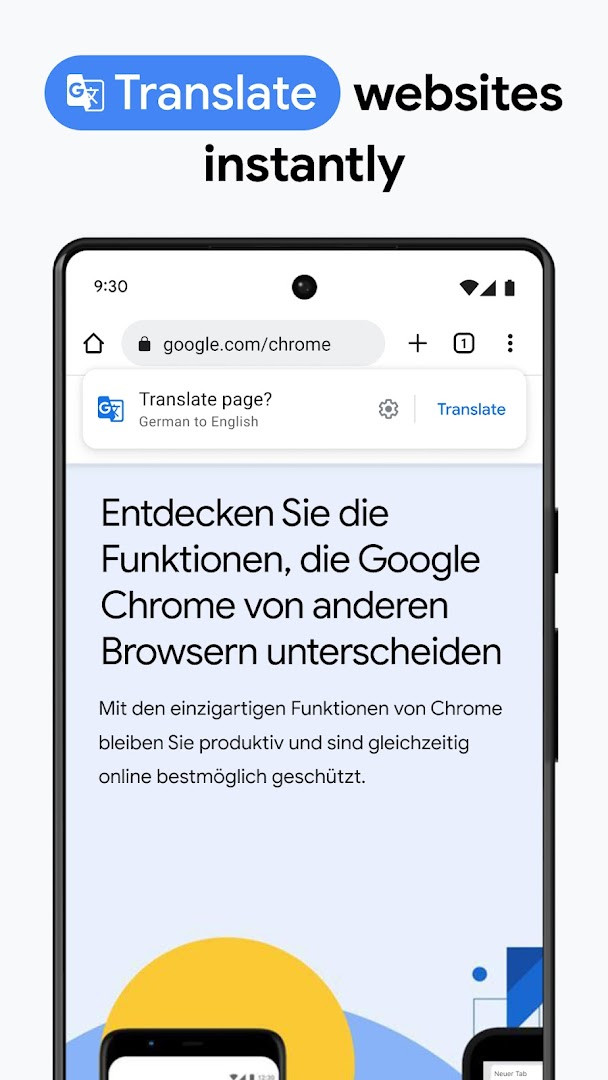
- One-click translation for entire websites in 130+ languages
- Enhanced Protection mode for the highest level of security
- Safety Check with proactive alerts about your browsing safety
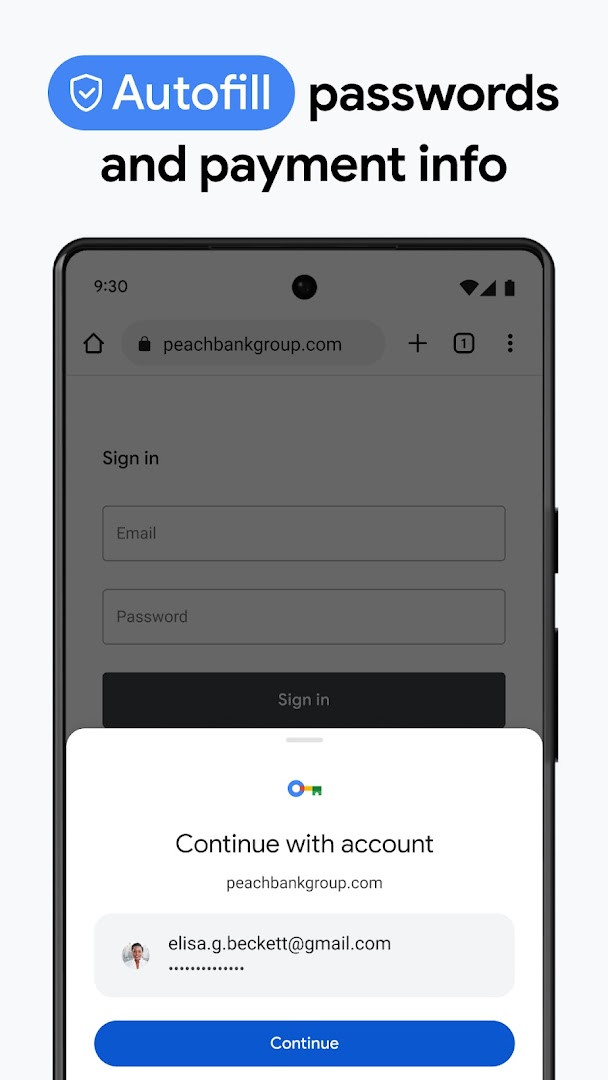
- Built-in Google Password Manager to generate, save, and autofill passwords
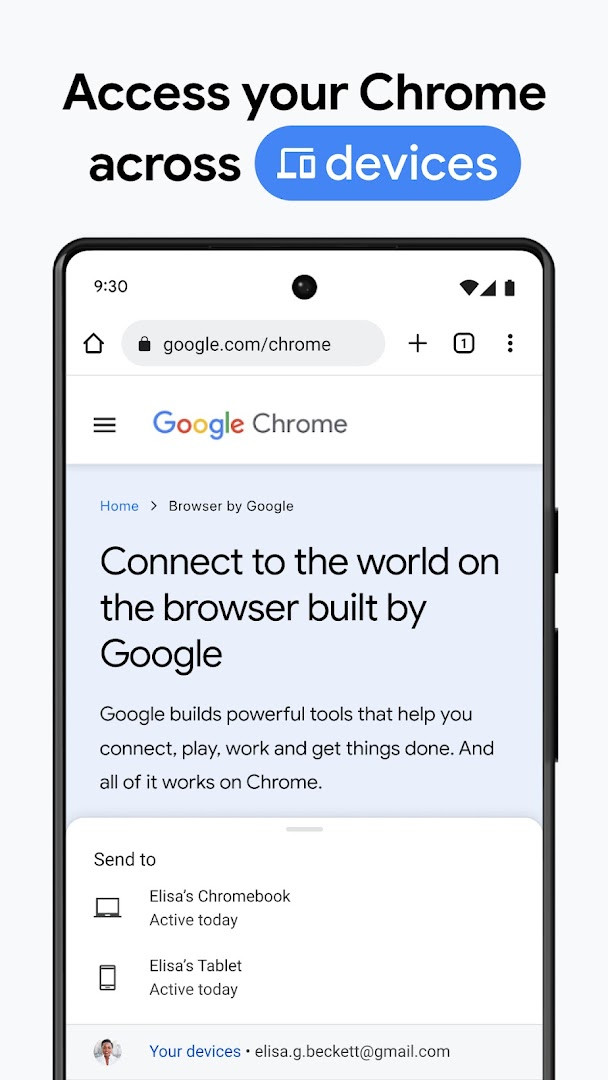
- Sync bookmarks, tabs, passwords, and autofill data across devices
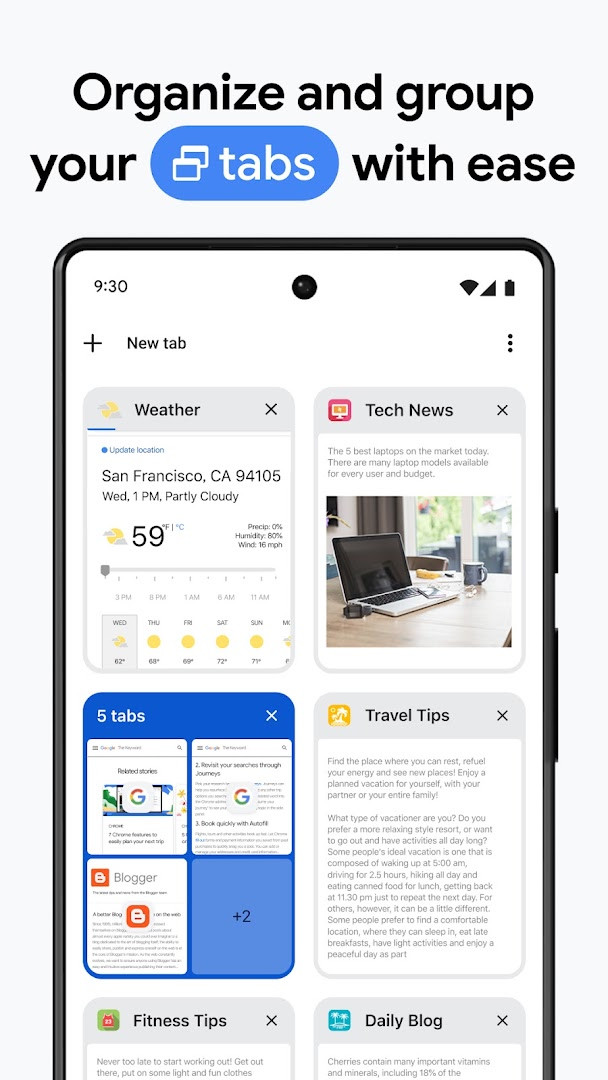
- Tab Groups to organize tabs across devices
- Autofill for payments, addresses, and passwords to save time
How to install
- Tap the download button on this page to get the APK file, which is about 215 MB.
- When your browser or file manager asks for permission to install apps, allow it by enabling the 'Install unknown apps' setting for that app.
- Open the downloaded APK file from your notifications or file manager.
- Tap 'Install' and wait for the installation to complete.
- Open the app from your home screen or app drawer. Ensure your device runs Android 12L or higher.
Pros
- Fast and reliable browsing experience
- Deep integration with Google services like Lens and Translate
- Strong security features including enhanced protection and password manager
- Cross-device syncing of bookmarks, tabs, and passwords
- Regular updates with performance and stability improvements
Cons
- Contains ads, which may be intrusive for some users
- Large app size (215 MB) and requires a recent Android version (12L+)
- Some features may vary by country or language
- Requests many permissions, which might raise privacy concerns
Latest changes
This update for Chrome focuses on stability and performance improvements, helping to keep your browsing experience smooth and reliable. Thank you for choosing Chrome.
Older versions
| Version | Size | Requires Android | Updated |
|---|---|---|---|
| 154.0.8037.126 | 215 MB | 12L | Oct 6, 2026 |
| 153.0.8010.53 | 214 MB | 12L | Sep 27, 2026 |
| 149.0.7827.103 | 13 MB | 10 | Jun 12, 2026 |
| 148.0.7778.167 | 12 MB | 12L | May 15, 2026 |
| 148.0.7778.121 | 12 MB | 12L | May 12, 2026 |
| 148.0.7778.120 | 12 MB | 12L | May 12, 2026 |
| 138.0.7204.179 | 227 MB | 8.0 | Oct 30, 2025 |
| 119.0.6045.194 | 132 MB | 7.0 | Jan 15, 2024 |
| 106.0.5249.126 | 115 MB | 6.0 | Oct 19, 2022 |
| 81.0.4044.138 | 52 MB | 4.4 | May 9, 2020 |
This app is ideal for everyday internet users who want a straightforward, secure browser with Google services built in. It's also great for people who use multiple devices and want their bookmarks and passwords to stay in sync. Students and professionals who rely on Google tools like Translate and Lens will find it especially handy.
Enable 'Enhanced Protection' in Settings to get the best security, but be aware it may share more browsing data with Google for safety analysis.
Permissions
FAQ
What Google services are built into Chrome, and how do they work?
Chrome integrates several Google features: you can search with Google, use your voice for hands-free queries, search what you see with Google Lens through your camera, and translate entire websites in one click with Google Translate, which supports 130+ languages.
What does Enhanced Protection Mode do in Chrome?
Enhanced Protection Mode is described as the highest level of Chrome's security, meant to help you browse with confidence. It's one of the security features highlighted in the app's description, along with proactive Safety Check alerts and the Google Password Manager.
How does Chrome help manage my passwords and payments?
Chrome includes a Google Password Manager that can securely generate and save passwords for fast sign-in, and it alerts you if your passwords are at risk. It also has Autofill, which can save time by filling in your saved payments, addresses, and passwords.
Can I sync my Chrome data across my different devices?
Yes. When you sign in to Chrome on your phone, computer, or tablet, you can sync items like bookmarks, tabs, and passwords. You can also create tab groups to stay organized across devices, making it easier to keep your browsing consistent.
What is the most recent version of Chrome and when was it updated?
The most recent version listed is 154.0.8037.126, released on 2026-10-06. The app itself was last updated on 2026-10-07, and that update includes stability and performance improvements.
Google Chrome remains a top choice for Android browsing, offering a blend of speed, security, and seamless Google integration. While the large size and ads might not suit everyone, its robust features and regular updates make it a solid, dependable option for most users. If you're looking for a browser that works well with Google's ecosystem, it's hard to go wrong with Chrome.
Similar apps




More from this developer




Updated: Oct 24, 2026
| Version | Size | Requires Android | Updated |
|---|---|---|---|
| 154.0.8037.126 | 215 MB | 12L | Oct 6, 2026 |
| 153.0.8010.53 | 214 MB | 12L | Sep 27, 2026 |
| 149.0.7827.103 | 13 MB | 10 | Jun 12, 2026 |
| 148.0.7778.167 | 12 MB | 12L | May 15, 2026 |
| 148.0.7778.121 | 12 MB | 12L | May 12, 2026 |
| 148.0.7778.120 | 12 MB | 12L | May 12, 2026 |
| 138.0.7204.179 | 227 MB | 8.0 | Oct 30, 2025 |
| 119.0.6045.194 | 132 MB | 7.0 | Jan 15, 2024 |
| 106.0.5249.126 | 115 MB | 6.0 | Oct 19, 2022 |
| 81.0.4044.138 | 52 MB | 4.4 | May 9, 2020 |
- Size
- 215 MB
- Requires Android
- 12L
- Updated
- Oct 7, 2026
- Installs
- 10B+
- Rating
- ★ 4.12 (49,425,698)
- Category
- Communication
- Developer
- Google LLC
- Content rating
- Everyone
- Package
- com.android.chrome
- Free
- ✓ · Contains ads