
Google Messages: Messaging App
Google Messages is a messaging app by Google LLC that uses RCS to replace SMS and MMS.
Google Messages is the official messaging app from Google LLC, built on RCS for high-resolution sharing, typing indicators, and end-to-end encrypted one-on-one chats. Google Messages is aimed at Android users who want a modern and safer alternative to SMS and MMS. Google Messages is free, has no ads or in-app purchases, requires Android 6.0 or newer, and downloads at 9 MB.
Screenshots
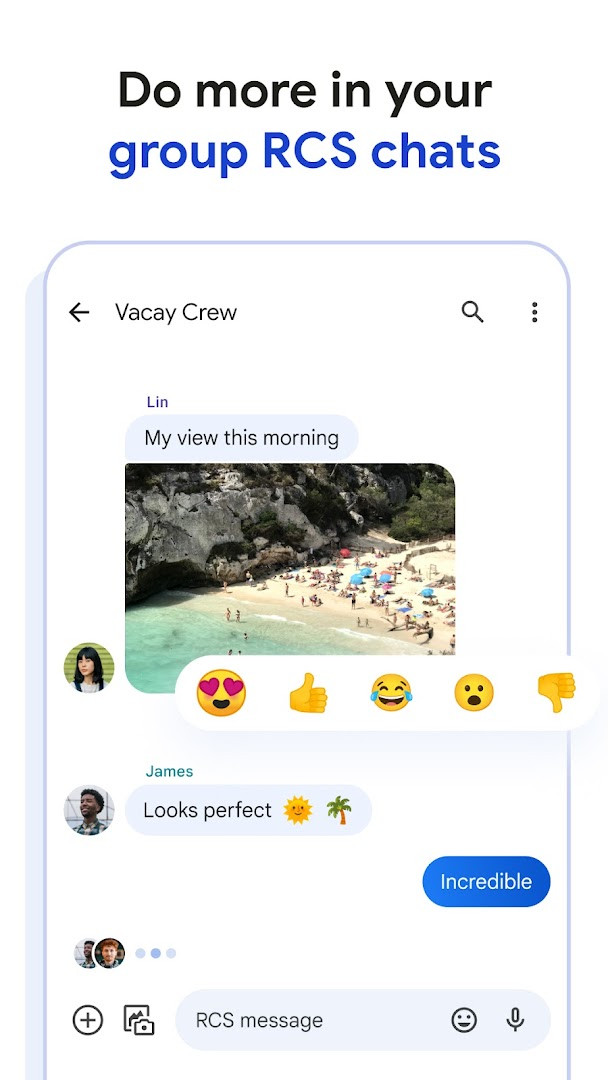
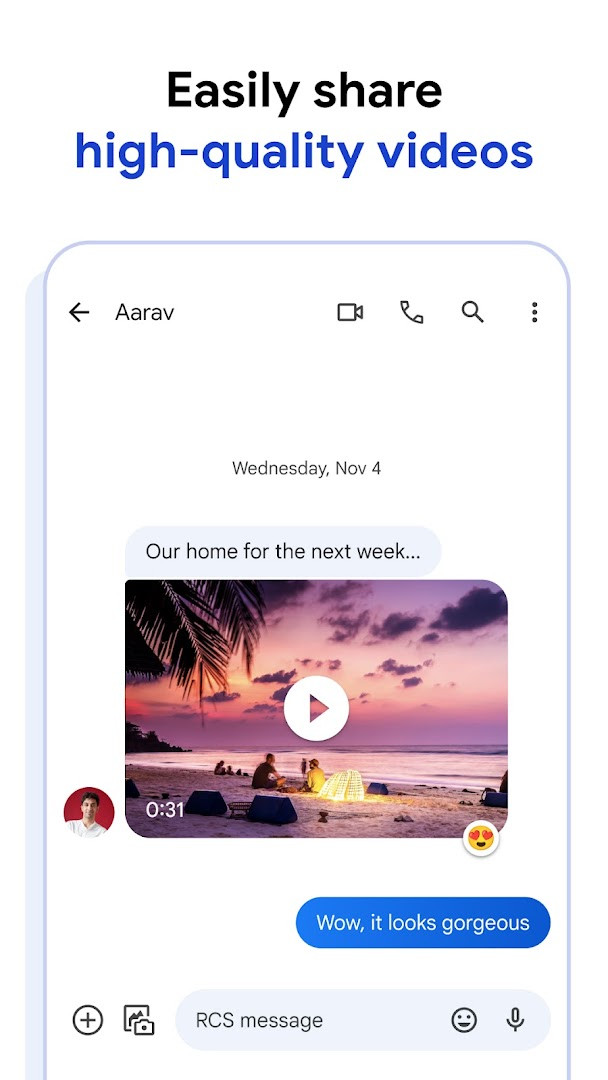
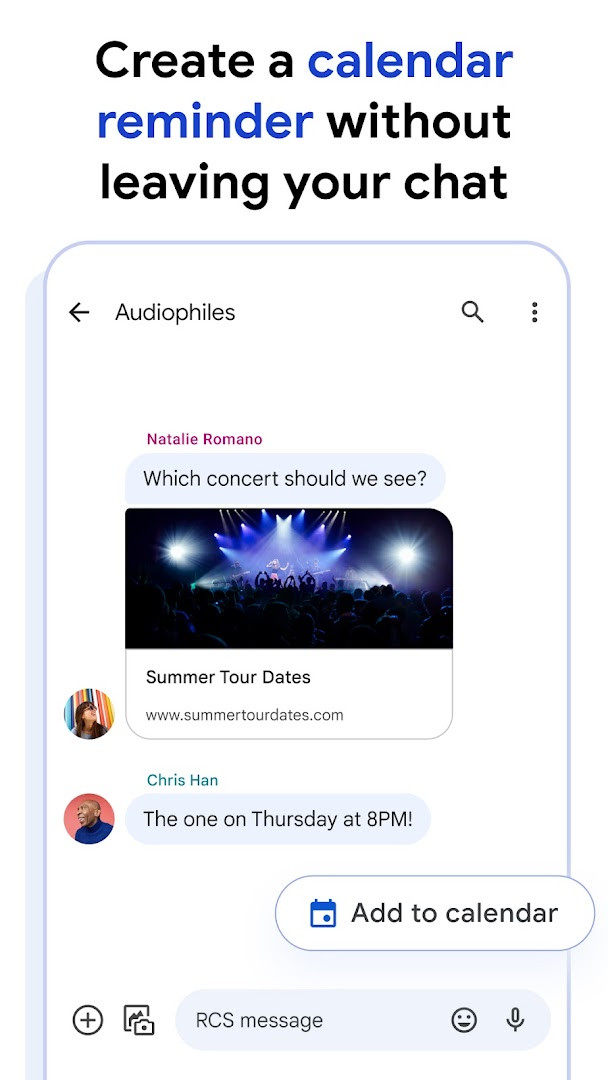
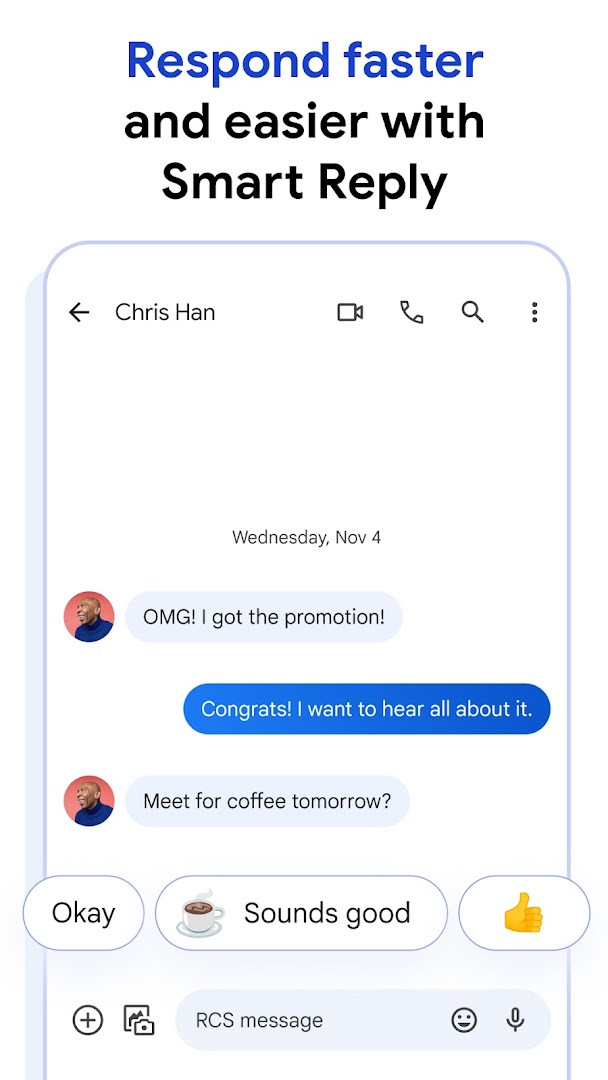
Google Messages is a communication app by Google LLC that handles SMS, MMS, and RCS messaging. Built around the RCS standard, it goes beyond basic texting by supporting higher-quality photo and video sharing, typing indicators, and more dynamic group conversations. The app has been around since 2014 and is free to use, with no ads and no in-app purchases.
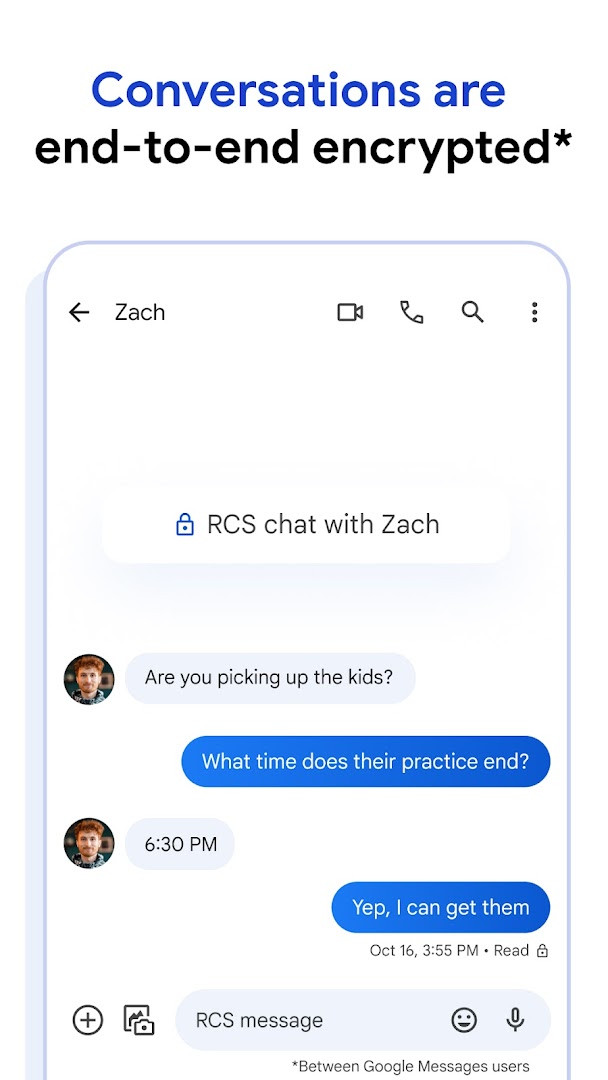
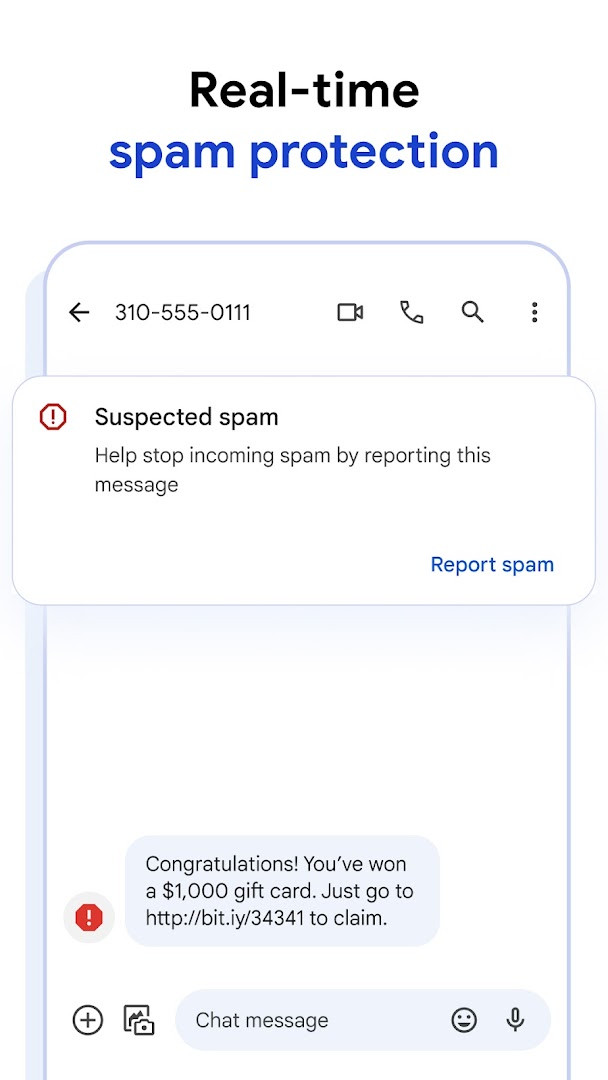
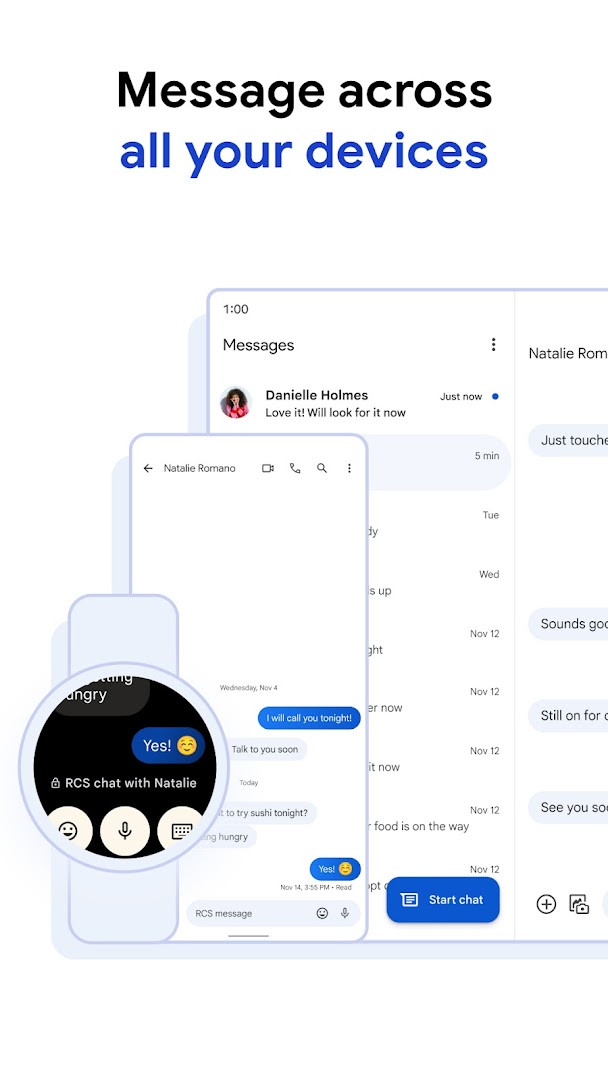
For everyday use, Google Messages focuses on privacy and convenience. Personal chats between Google Messages users are protected with end-to-end encryption, and advanced spam protection helps keep unwanted texts out of the inbox. AI-powered tools such as Magic Compose can suggest wording, while custom bubble colors and selfie GIFs make conversations feel more personal. Because chats can continue on a tablet or computer, catching up on messages does not require always having the phone nearby.
The app suits anyone who wants a straightforward but capable texting experience, from daily SMS users to people juggling group chats. Core messaging works widely, but RCS availability varies by region and carrier and may require a data plan. To deliver features like attachments, location sharing, and calling, the app requests access to identity, contacts, location, SMS, phone, media, camera, and microphone data.
Key features
- High-resolution photo and video sharing through RCS
- Typing indicators and dynamic group chats that can include iPhone users via RCS
- Custom chat bubble colors and selfie GIFs for personalizing conversations
- End-to-end encryption for personal chats between Google Messages users
- Advanced spam protection for messages
- Magic Compose AI suggestions to help craft the right message
- Cross-device continuity, letting you start a chat on your phone and continue on a tablet or computer
How to install
- 1. Tap the download button on this page to save the Google Messages APK (9 MB).
- 2. When Android asks, allow your browser or file manager to install apps by enabling the "Install unknown apps" setting.
- 3. Open the downloaded APK file.
- 4. Tap Install and wait for the process to finish.
- 5. Open the app and follow the setup prompts to start messaging. Google Messages requires Android 6.0 or newer.
Pros
- Free to use with no ads and no in-app purchases
- End-to-end encryption for personal chats between Google Messages users
- RCS support for richer media sharing and group chats
- Advanced spam protection
- Conversations can continue across phone, tablet, and computer
Cons
- Broad permission set includes identity, contacts, location, SMS, phone, media, camera, and microphone
- RCS availability varies by region and carrier and may require a data plan
- Some features may not be available on every device or market
Latest changes
The latest update to Google Messages is limited to bug fixes and stability improvements. No new user-facing features were introduced in this release. The app continues to support RCS messaging, end-to-end encryption between Google Messages users, cross-device syncing, and Wear OS availability. RCS availability still depends on region and carrier, and features vary by market and device.
Older versions
| Version | Size | Requires Android | Updated |
|---|---|---|---|
| 1.9.041 (4109217-38.phone) | 18 MB | 4.1 | Sep 25, 2019 |
| 4.3.094 (griffin_RC05_alldpi.armeabi-v7a.wear) | 9 MB | 6.0 | Apr 30, 2019 |
| 1.9.518 (3202766-48.phone) | 18 MB | 7.1 | Oct 11, 2016 |
| 1.1.057 (1704610-04) | 8.1 MB | 5.1 | Mar 10, 2015 |
Anyone who wants a free, modern replacement for standard texting, especially people who message frequently, participate in group chats, or value encrypted conversations and spam filtering.
Enable RCS in the app's settings if your carrier supports it, and turn on spam protection for an extra layer of filtering. If you use multiple devices, consider setting up cross-device sync so you can continue conversations from your tablet or computer.
Permissions
FAQ
How does Google Messages improve on standard SMS and MMS texting?
Google Messages uses Rich Communication Services (RCS), the industry standard that goes beyond SMS and MMS. With RCS, you get high-resolution photo and video sharing, typing indicators, and more dynamic group chats. These richer group experiences now also work with iPhone contacts using RCS.
What protection do my private conversations get in Google Messages?
Conversations between Google Messages users are secured with end-to-end encryption, meaning only the people in the chat can read messages and attachments, not Google or third parties. The app also includes advanced spam protection.
Can I start a conversation on my phone and pick it up elsewhere?
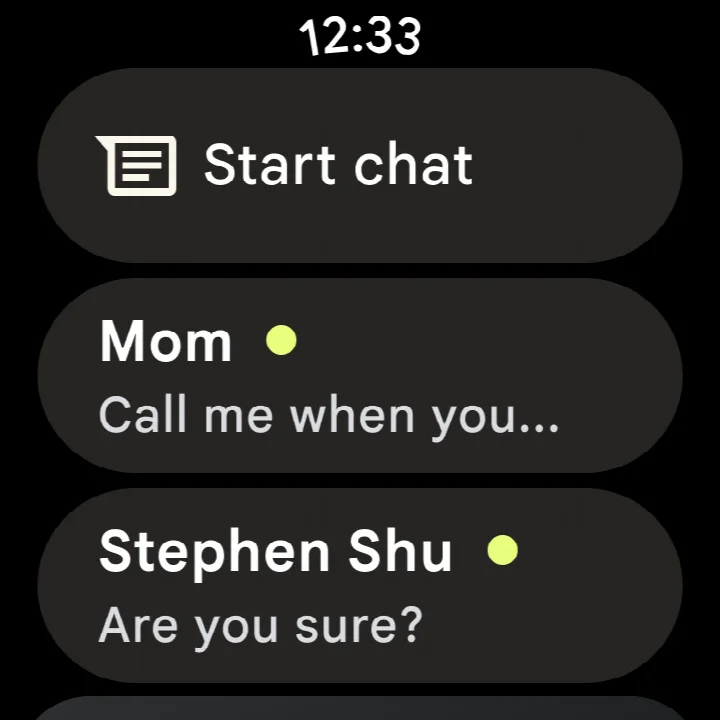
Yes. You can begin a chat on your phone and continue it on a tablet or computer. Google Messages is also compatible with Wear OS devices. Note that some features are available on Wear OS as well.
What does Magic Compose do in Google Messages?
Magic Compose is part of the app's AI-powered messaging features. It provides suggested phrasing to help you craft messages, and it works alongside other recent AI features built into the app.
What are the basic system requirements and cost of Google Messages?
The app requires a minimum operating system of Android 6.0 and has a download size of about 9 MB. It is free to use, with no ads and no in-app purchases.
Google Messages turns everyday texting into a richer, more private experience. With RCS support, end-to-end encryption, and AI-assisted composition, it is a solid free choice for a default messaging app on Android 6.0 and newer.
Similar apps



More from this developer



Updated: Oct 23, 2026
| Version | Size | Requires Android | Updated |
|---|---|---|---|
| 1.9.041 (4109217-38.phone) | 18 MB | 4.1 | Sep 25, 2019 |
| 4.3.094 (griffin_RC05_alldpi.armeabi-v7a.wear) | 9 MB | 6.0 | Apr 30, 2019 |
| 1.9.518 (3202766-48.phone) | 18 MB | 7.1 | Oct 11, 2016 |
| 1.1.057 (1704610-04) | 8.1 MB | 5.1 | Mar 10, 2015 |
- Size
- 9 MB
- Requires Android
- 6.0
- Updated
- Oct 8, 2026
- Installs
- 10B+
- Rating
- ★ 4.58 (50,447,936)
- Category
- Communication
- Developer
- Google LLC
- Content rating
- Everyone
- Package
- com.google.android.apps.messaging
- Free
- ✓