Speech Recognition & Synthesis for Android
Speech Recognition & Synthesis is a tools app from Google LLC for converting speech to text and reading text out loud.
Speech Recognition & Synthesis is for Android users who want voice input and spoken feedback inside apps such as navigation, dictation, accessibility, and language learning tools. The app is free, contains no ads or in-app purchases, requires Android 8.0 or higher, and takes up about 15 MB. It has 4.35 million ratings and over 10 billion installs.
Screenshots
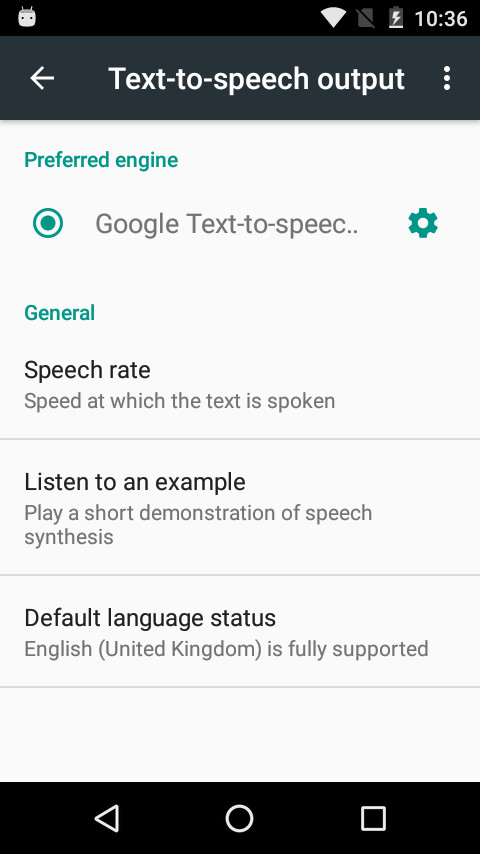
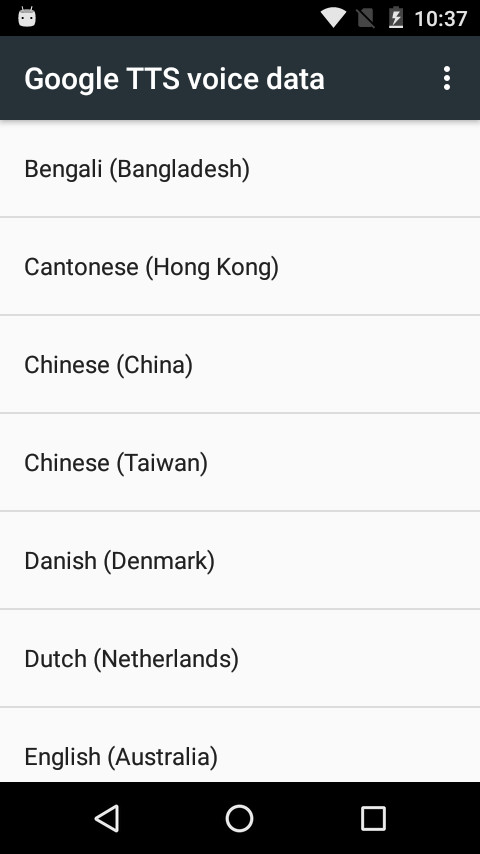
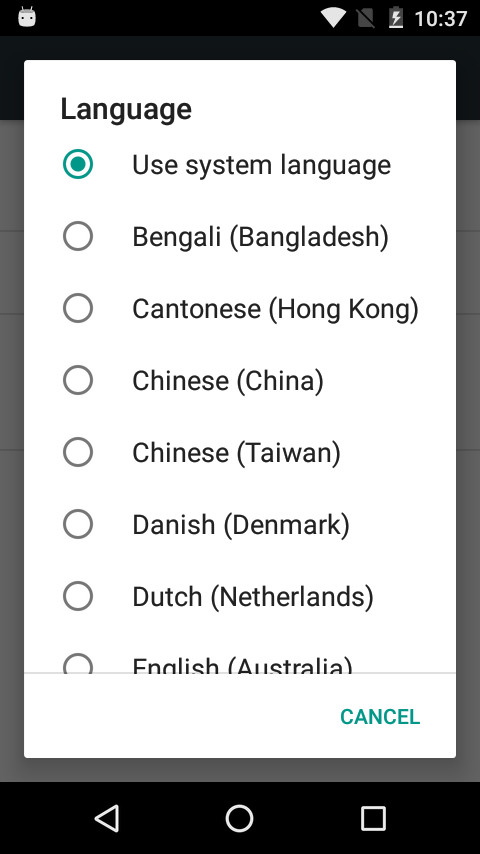
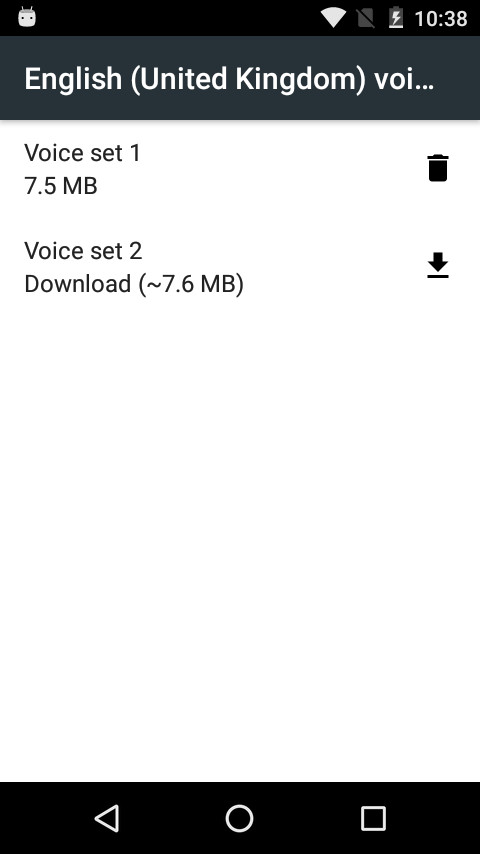
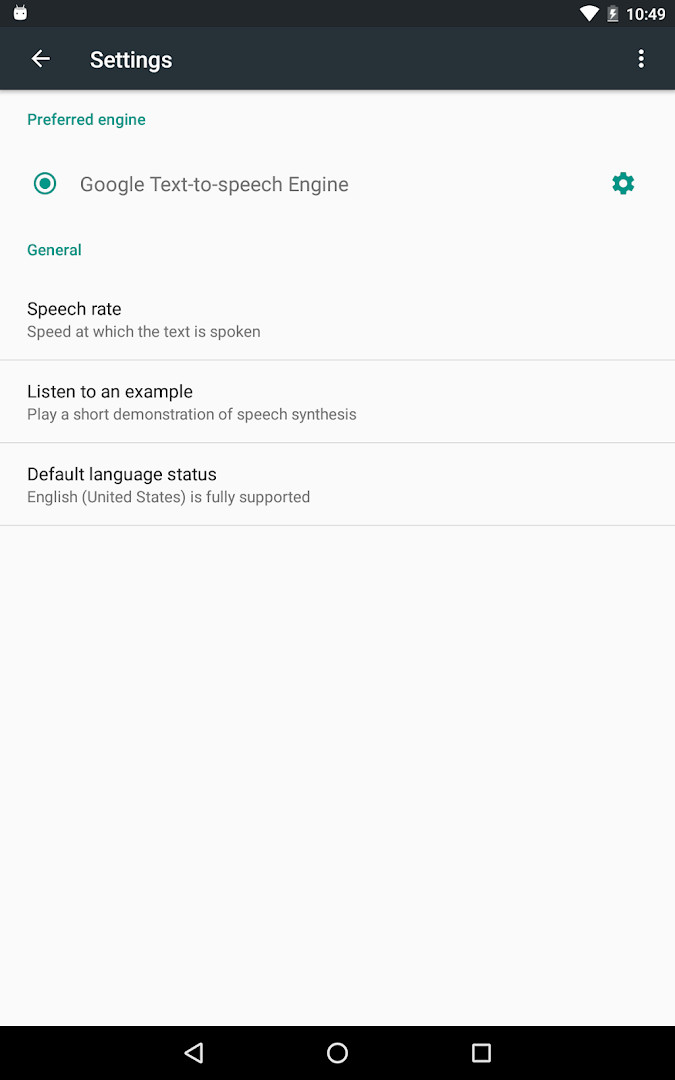
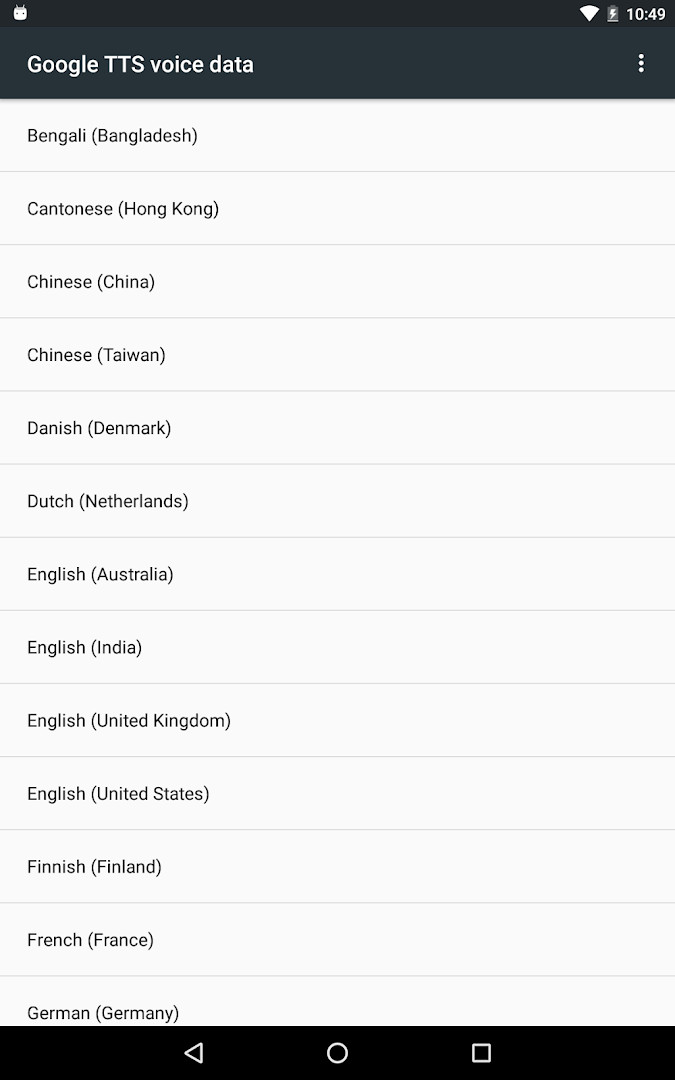
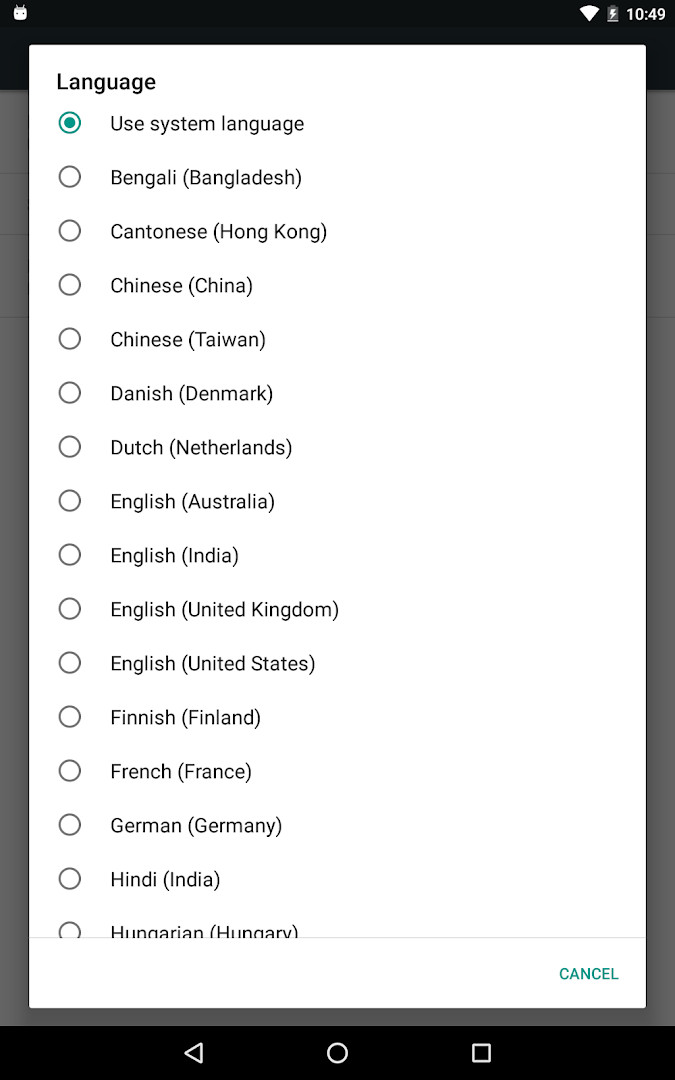
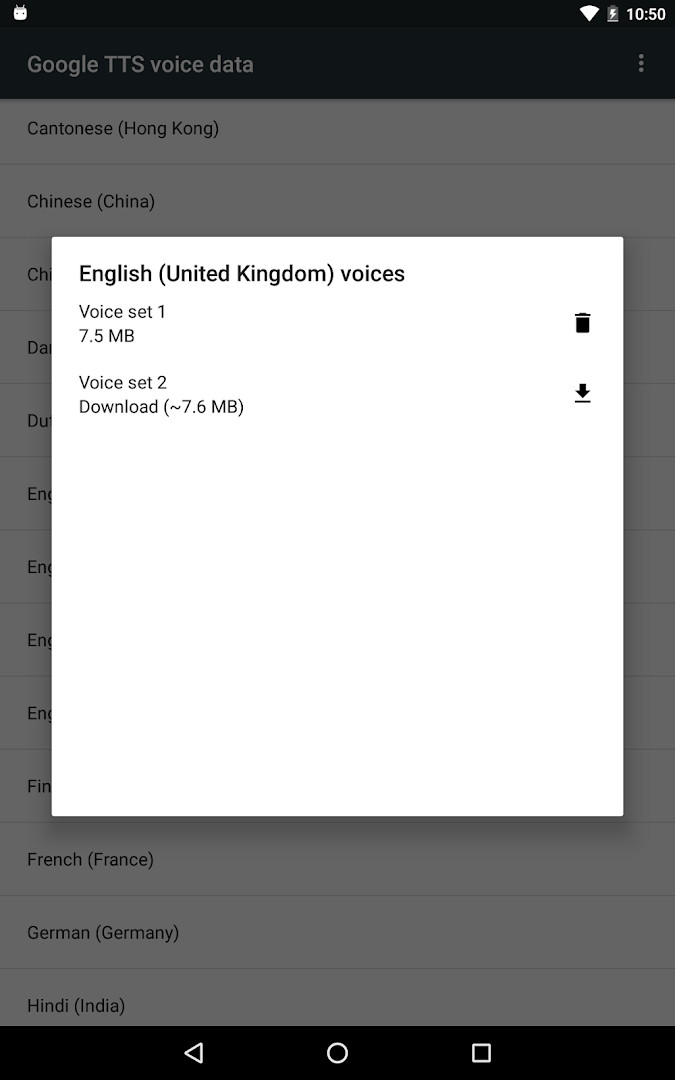
Speech Recognition & Synthesis is a utility app by Google LLC that provides both speech-to-text and text-to-speech functionality to Android devices. It solves the problem of needing a reliable, system-level voice engine by acting as a bridge between your spoken words and the apps that rely on them. Instead of each app implementing its own voice processing, this app offers a shared service that any application can call upon. For example, it enables voice search in apps, transcribes recordings in a recorder app, reads out loud from e-books, and supports accessibility tools like TalkBack. The app works by letting you set it as your preferred voice input engine in your device's settings, after which it seamlessly converts your speech into text or reads on-screen text aloud, making your device more efficient and accessible in daily use.
Key features
- Provides speech-to-text conversion for voice search, dictation, and transcription in compatible apps.
- Offers text-to-speech output to read on-screen text aloud in apps like e-books and translation tools.
- Supports accessibility features, including TalkBack and Voice Access, for hands-free device control.
- Can be set as the default voice input engine in system settings.
- Works with a wide range of third-party apps, from language learning to navigation.
- Free to use with no ads and no in-app purchases.
How to install
- Tap the download button on this page to get the APK file (15 MB).
- When your browser or file manager asks for permission, allow it to install apps by enabling the 'Install unknown apps' setting.
- Open the downloaded APK file from your notifications or downloads folder.
- Tap 'Install' and wait for the installation to complete.
- Open the app from your app drawer or home screen.
- Go to your device's settings to set it as your preferred voice input or text-to-speech engine, if needed.
Pros
- Free to use with no ads and no in-app purchases.
- Reliable voice recognition and synthesis from a trusted developer.
- Enhances many everyday apps with voice control and accessibility.
- Lightweight at just 15 MB.
- Supports a wide range of Android versions (minimum 8.0).
Cons
- Requires microphone permission, which may raise privacy concerns for some users.
- No dedicated user interface; it works in the background, so it may be confusing for those wanting a standalone app.
- Performance can vary depending on the device and network connection.
Latest changes
The app has been renamed to “Speech Recognition and Synthesis from Google” in this update. It continues to offer both text-to-speech and speech-to-text capabilities, allowing other applications to convert your voice into text. More information can be found in the app’s description.
Older versions
| Version | Size | Requires Android | Updated |
|---|---|---|---|
| 996.0.100.79.22 | 15 MB | 4.1 | Feb 16, 2024 |
This app is for anyone who uses voice commands, dictation, or text-to-speech on their Android device. It's particularly useful for people who rely on accessibility features like TalkBack or Voice Access, as well as those who frequently use voice search, dictate messages, or listen to e-books and translations being read aloud. It also benefits language learners who practice pronunciation and users who prefer hands-free operation while driving or multitasking. Even if you don't think you need it, many popular apps depend on this service, so having it updated ensures everything works smoothly.
After installation, go to your device's Settings > Apps & notifications > Default apps > Assist App to select it as your voice input engine. For text-to-speech, navigate to Settings > Languages & Input > Text-to-Speech output to set it as your preferred engine. This will ensure all compatible apps use this service.
Permissions
FAQ
How does the app provide both speech-to-text and text-to-speech functions?
Speech Recognition and Synthesis from Google bundles two core capabilities. It converts your spoken words into text for apps, and it also powers apps to read on-screen text aloud, such as when a book is read to you.
Which Android settings do I use to make this app my default voice input engine?
Open Settings, go to Apps & notifications, then Default apps, and choose Assist App. There you can select Speech Recognition and Synthesis from Google as your preferred voice input engine.
Where in Settings can I set this app as my preferred text-to-speech engine?
Go to Settings, then Languages & Input, and select Text-to-Speech output. From there, choose Speech Recognition and Synthesis from Google as your preferred engine.
Can you give examples of apps that use the speech-to-text functionality?
Yes. Google Maps can use it when you search places by voice, the Recorder App can transcribe recordings on device, the Phone App's Call Screen can show a real-time transcription of a caller, and accessibility apps like Voice Access can let you operate the device through voice. Dictation apps, voice search features, and language learning apps may also use it.
Is the app already available on my Android device, and what is its size?
On many Android devices, Speech Recognition and Synthesis from Google is already available, but you can update to the latest version if needed. The app is about 15 MB in size.
Speech Recognition & Synthesis is a practical tool that powers voice features across many apps, making your device more responsive and accessible. It's a free, lightweight addition that most Android users will benefit from having installed.
Similar apps






More from this developer



Updated: Oct 24, 2026
| Version | Size | Requires Android | Updated |
|---|---|---|---|
| 996.0.100.79.22 | 15 MB | 4.1 | Feb 16, 2024 |
- Size
- 15 MB
- Requires Android
- 8.0
- Updated
- Sep 29, 2026
- Installs
- 10B+
- Rating
- ★ 3.96 (4,352,458)
- Category
- Tools
- Developer
- Google LLC
- Content rating
- Everyone
- Package
- com.google.android.tts
- Free
- ✓