Gmail for Android
Gmail is an email client from Google LLC for managing, searching, and writing messages on Android phones and tablets.
Gmail serves Android users who need a secure email app that handles multiple accounts, blocks spam, and finds messages quickly. The app is free to use, requires Android 5.0 or higher, and takes up about 26 MB of space.
Screenshots
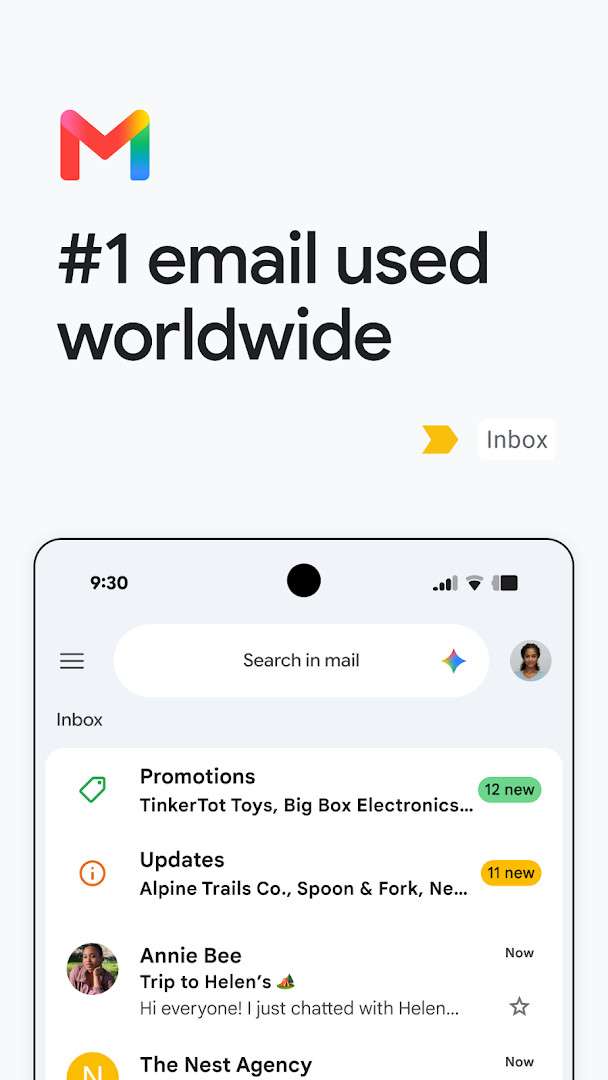
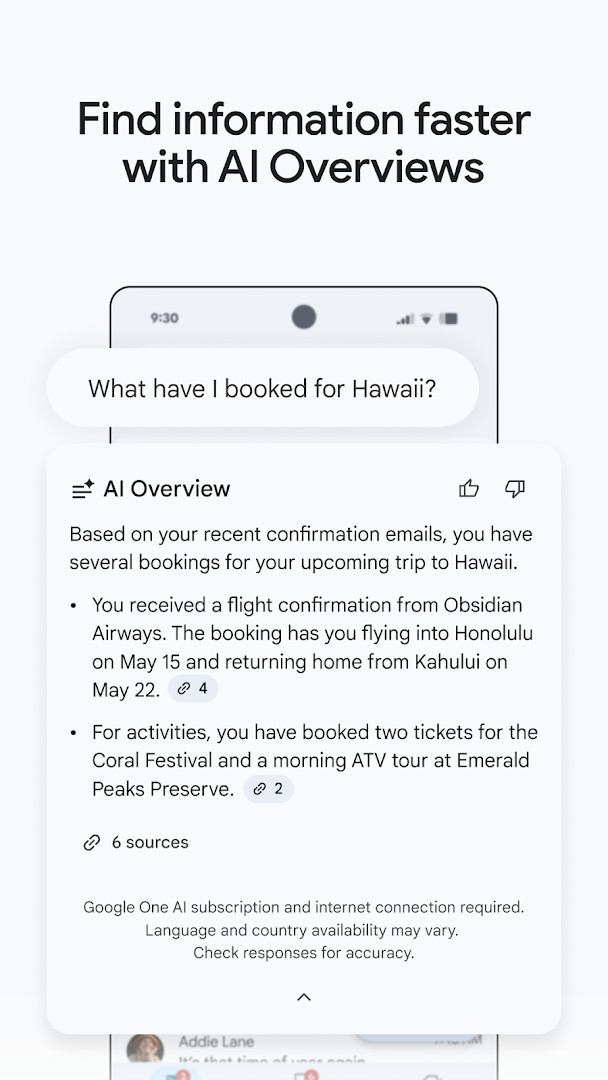
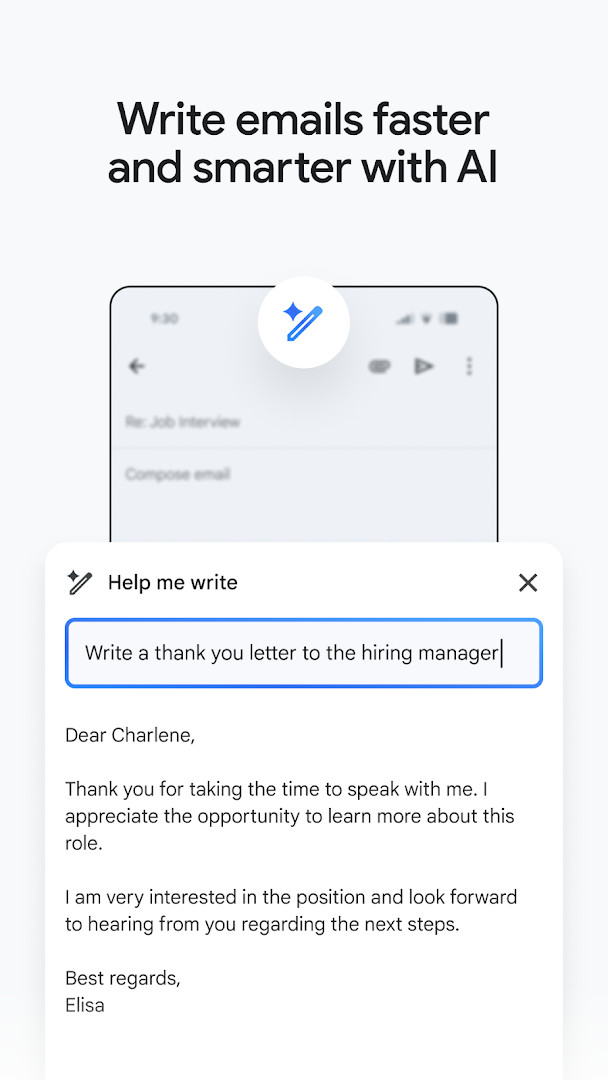
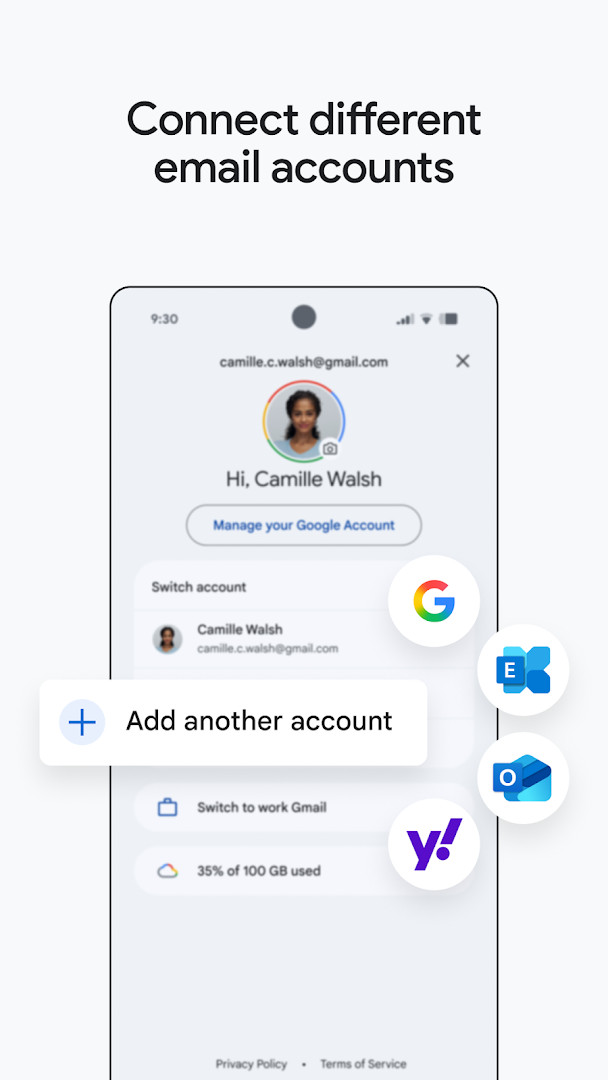
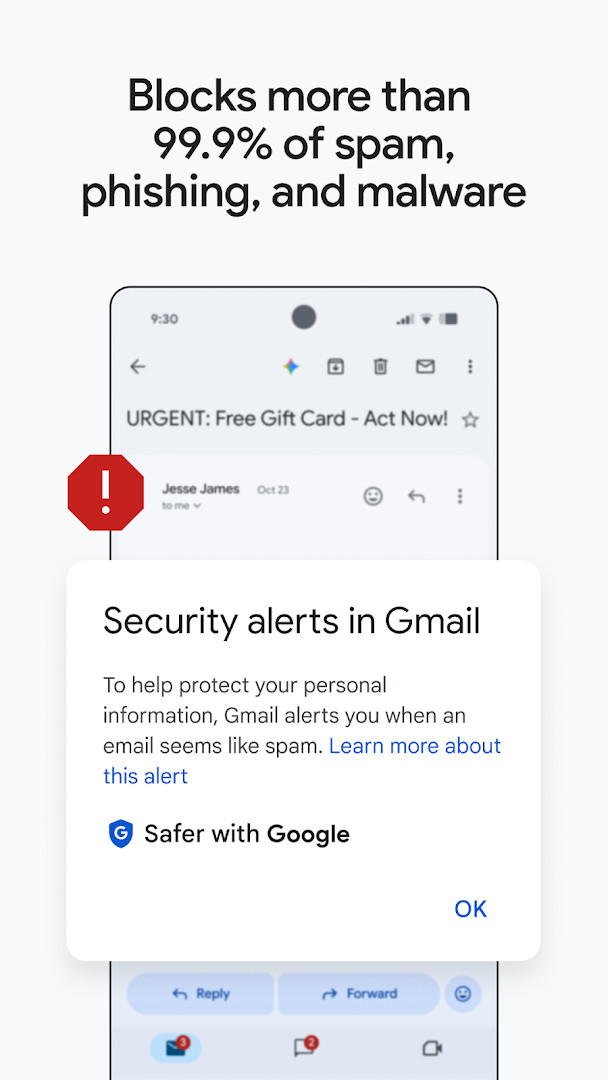
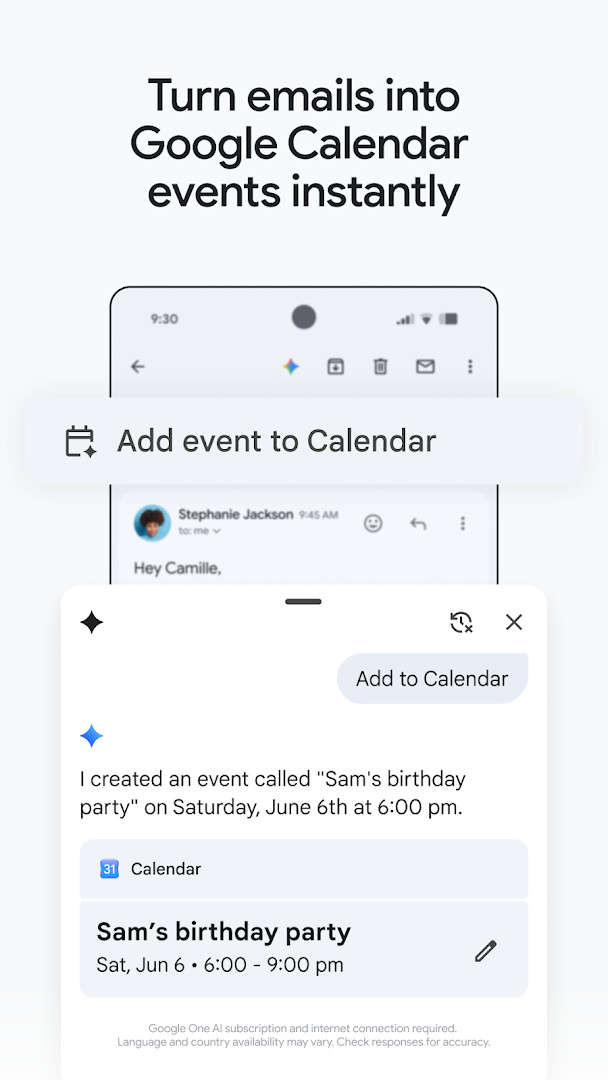
Gmail is a communication app by Google LLC that provides a full-featured email client for Android devices. It lets you send, receive, and organize email, with tools to search your inbox, manage multiple accounts, and integrate with other Google services. The app is designed to be a central hub for both personal correspondence and workplace collaboration, aiming to make daily email tasks more efficient. It is available for Android 5.0 and up, with a download size of about 26 MB, making it a lightweight addition to most phones and tablets.
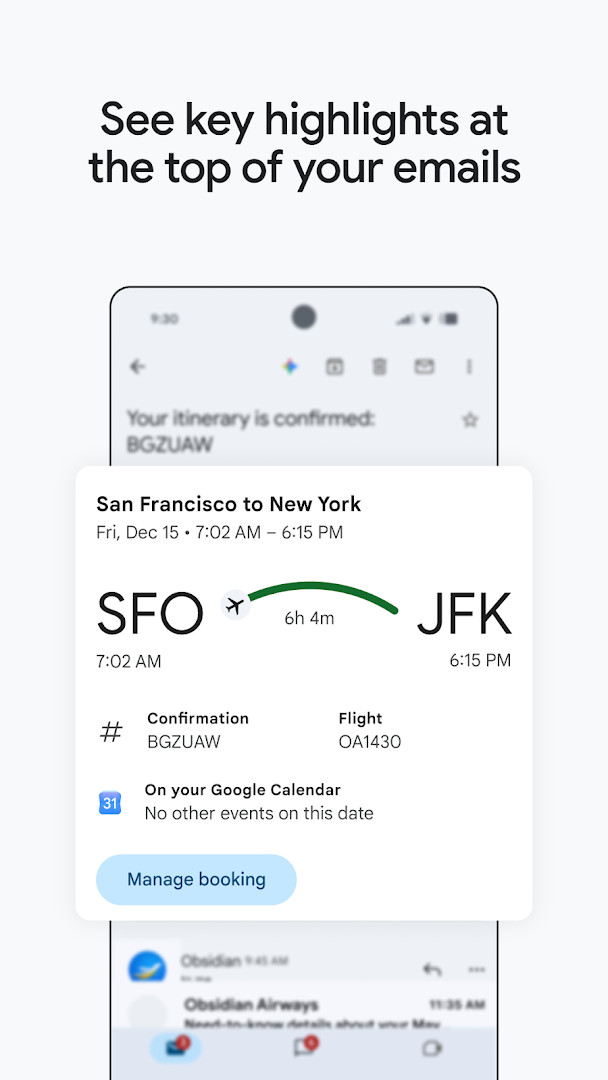
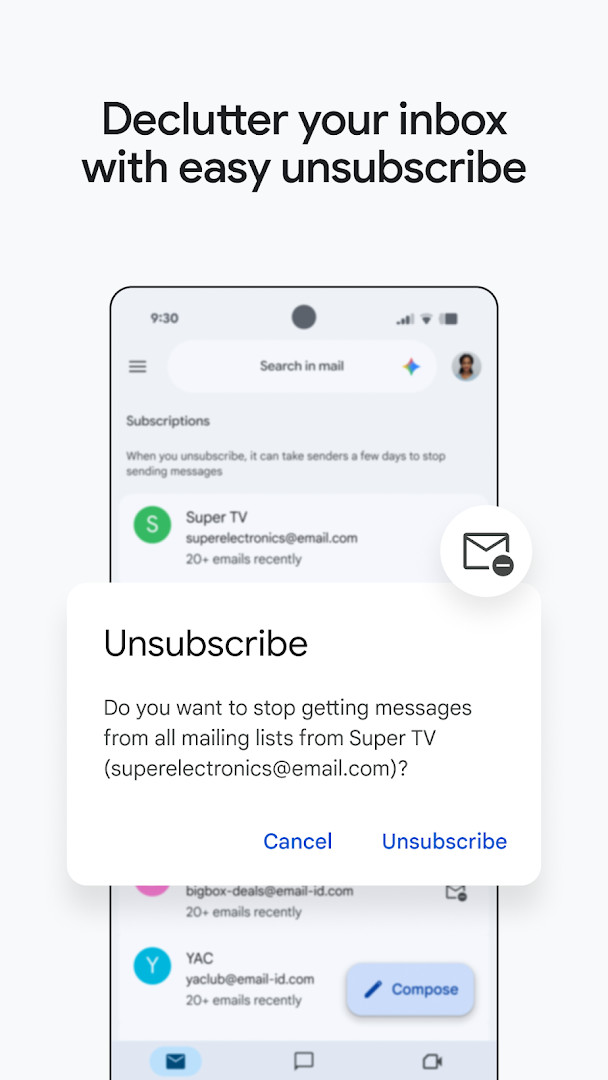
The app goes beyond basic email by bundling features that help you stay productive. You can switch between accounts from different providers, use summary cards to see key details at the top of messages, and unsubscribe from unwanted senders in a single place. For those who use Google Workspace, the app connects with Chat, Meet, Calendar, and task lists, so you can handle conversations, schedule meetings, and manage to-dos without leaving your inbox. The interface is designed to be straightforward, with a search function that aims to surface the messages you need quickly.
For everyday users, Gmail acts as a reliable way to keep track of personal and work email. The app includes automatic protection that blocks the vast majority of spam, phishing, and malware before it reaches your inbox, which adds a layer of safety to your communication. If you use a Google AI plan, you can access writing assistance and contextual replies, though these features require a paid subscription and an internet connection. The app is free to download and use, with no in-app purchases, though it does show ads. Overall, it is a practical tool for anyone who wants a capable email client that integrates well with Google's ecosystem and supports multiple accounts in one place.
Key features
- Summary cards at the top of emails to find key details quickly
- One-tap unsubscribe from unwanted email senders
- Powerful search with relevant keywords, plus Gemini assistance for finding details in inbox and Google Drive files
- AI-powered writing assistance with 'Help me write' and contextual Smart Reply (requires Google AI Pro or Ultra plan and internet)
- Support for multiple accounts from different email providers
- Automatic blocking of more than 99.9% of spam, phishing, and malware
- 'Add to Calendar' button to create Google Calendar invites instantly with Gemini
- Wear OS complication and tile for a quick email overview on your watch
How to install
- Tap the download button on this page to get the APK file for Gmail, which is about 26 MB in size.
- When Android asks for permission, allow your browser or file manager to install apps by enabling the 'Install unknown apps' setting for that app.
- Locate the downloaded APK file in your device's Downloads folder or notification bar.
- Open the APK file to start the installation process.
- Tap the Install button when prompted, and wait for the installation to complete.
- Open the Gmail app from your app drawer or home screen, then sign in with your account. Note that Android 5.0 or higher is required.
Pros
- Free to use with no in-app purchases
- Supports multiple accounts from various email providers
- Strong spam and phishing protection built in
- Integrates with other Google services like Calendar, Meet, and Chat
- Regular updates and a long history of development
Cons
- Shows ads within the app
- Requires many permissions, including identity, contacts, phone, storage, camera, and microphone
- Some AI features require a paid Google AI plan and may not be available in all regions
- Large number of permissions may raise privacy concerns for some users
Latest changes
The latest Gmail release helps you stay on top of important work as part of Google Workspace. Alongside secure email, you can chat, collaborate with a group in spaces, and make voice or video calls—all in one place.
Older versions
| Version | Size | Requires Android | Updated |
|---|---|---|---|
| 8.10.7.218420740.release | 22 MB | 4.1 | Jan 20, 2026 |
| 2019.10.20.278647676.release | 26 MB | 4.4 | Jan 17, 2026 |
| 2020.05.31.316831277.release | 26 MB | 5.0 | Jan 16, 2026 |
| 7.5.7.156101332.release | 19 MB | 4.0 | May 18, 2017 |
| 2.3.6 | 1.8 MB | — | Jun 16, 2013 |
| 1.3 | 0.8 MB | — | Jan 27, 2012 |
Gmail is for anyone who needs a reliable email app on Android, from individuals managing personal correspondence to professionals who juggle multiple work accounts. It is especially useful for those already using Google services like Calendar, Drive, or Workspace, as well as users who want strong spam protection and the ability to switch between different email providers in one place.
To get the most out of Gmail, take time to set up multiple accounts so you can switch between work and personal mail easily. Use the summary cards to quickly scan important details without opening every email. If you have a Google AI plan, try the 'Help me write' feature for drafting responses, but always double-check the content for accuracy. You can also use the unsubscribe option to clean up your inbox and reduce clutter from unwanted senders.
Permissions
FAQ
What can summary cards at the top of emails do in the Gmail app?
Summary cards appear at the top of your emails and help you quickly find important details without reading the full message.
How does Gmail handle spam, phishing, and malware?
Gmail automatically blocks more than 99.9% of spam, phishing, and malware before it reaches your inbox.
What Gemini-powered features are available inside Gmail?
With a Google AI Pro or Ultra plan and an internet connection, you can use Gemini as a writing assistant with 'Help me write' and contextual Smart Reply, ask Gemini to search your inbox or Google Drive files, and create Google Calendar invites with the 'Add to Calendar' button. Availability may vary by language and country.
Can I manage emails from different providers in one app?
Yes, the Gmail app lets you switch between multiple accounts from different email providers.
How can I use Gmail on a Wear OS watch?
You can add a Gmail complication and tile on your Wear OS watch to get a quick overview of your emails.
Gmail is a dependable and versatile email app that handles the essentials well, with strong security and multi-account support. While it asks for many permissions and includes ads, its integration with Google services and powerful search make it a solid choice for everyday email management on Android.
Similar apps




More from this developer



Updated: Nov 3, 2026
| Version | Size | Requires Android | Updated |
|---|---|---|---|
| 8.10.7.218420740.release | 22 MB | 4.1 | Jan 20, 2026 |
| 2019.10.20.278647676.release | 26 MB | 4.4 | Jan 17, 2026 |
| 2020.05.31.316831277.release | 26 MB | 5.0 | Jan 16, 2026 |
| 7.5.7.156101332.release | 19 MB | 4.0 | May 18, 2017 |
| 2.3.6 | 1.8 MB | — | Jun 16, 2013 |
| 1.3 | 0.8 MB | — | Jan 27, 2012 |
- Size
- 26 MB
- Requires Android
- 5.0
- Updated
- Oct 12, 2026
- Installs
- 10B+
- Rating
- ★ 4.06 (14,486,799)
- Category
- Communication
- Developer
- Google LLC
- Content rating
- Everyone
- Package
- com.google.android.gm
- Free
- ✓ · Contains ads