
Android Accessibility Suite Screen Reader Tools
Android Accessibility Suite is a free accessibility suite by Google LLC that lets you operate your device eyes-free or with a switch device.
Android Accessibility Suite is a 45 MB collection of accessibility tools from Google LLC that requires Android 9 or later. Android Accessibility Suite contains no ads and no in-app purchases. Android Accessibility Suite serves people who want to operate a phone hands-free, hear on-screen text read aloud, or use a large on-screen menu for volume, brightness, and screenshots.
Screenshots
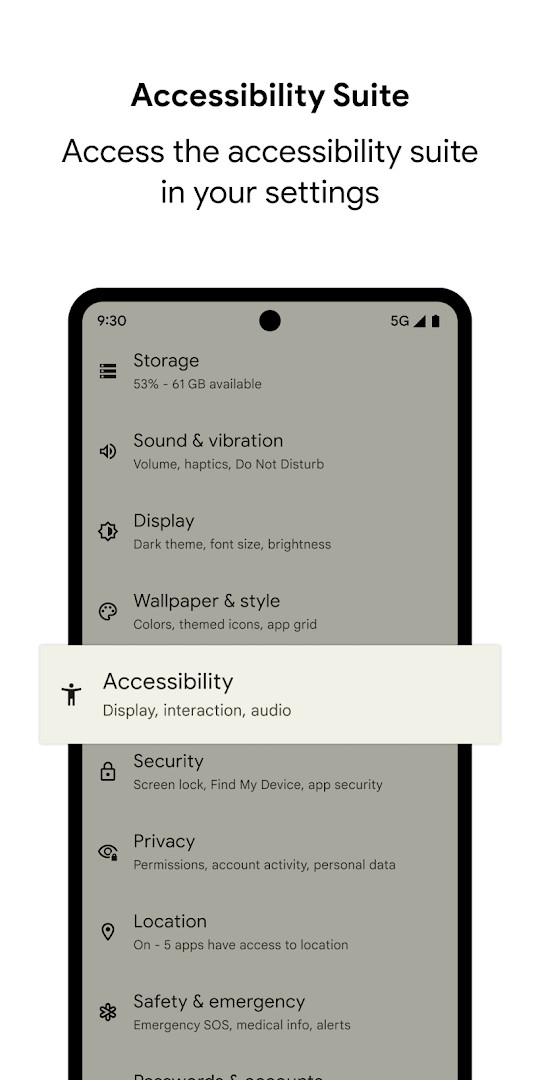
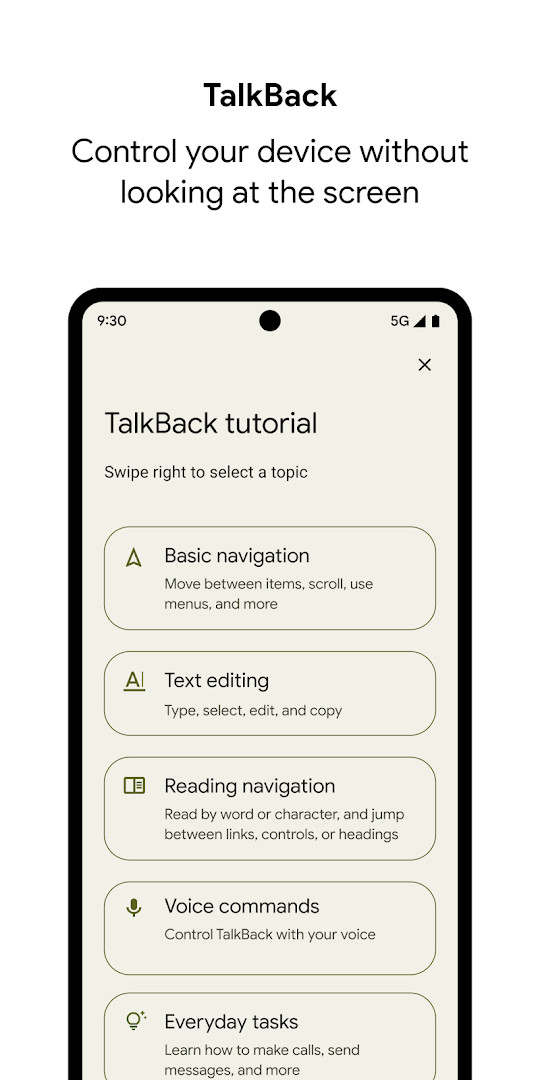
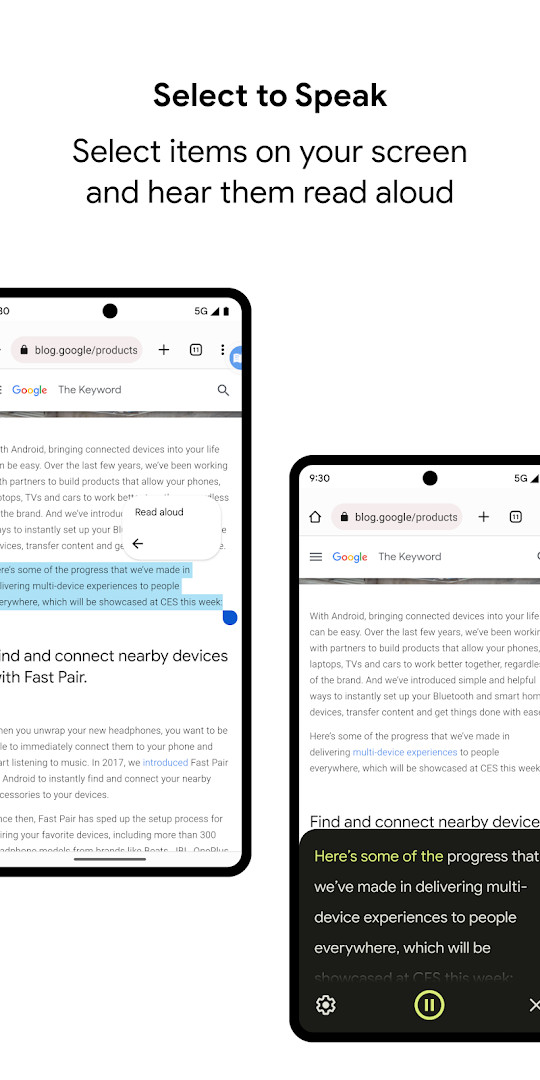
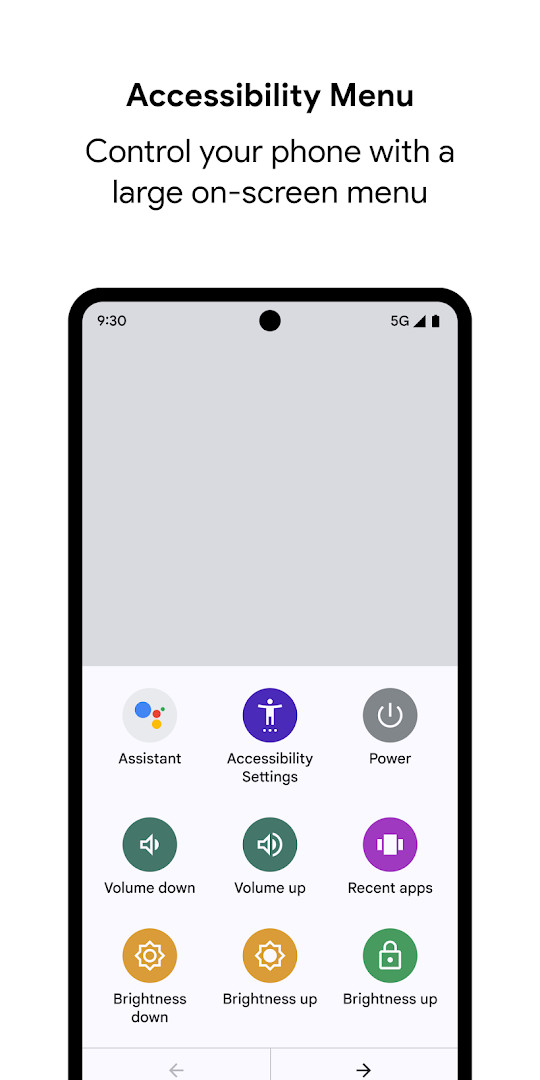
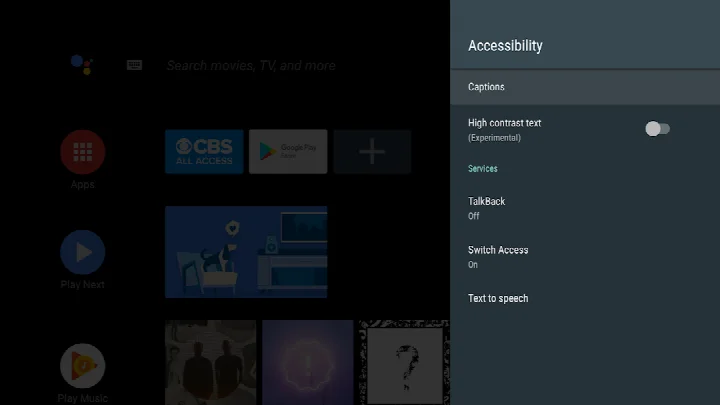
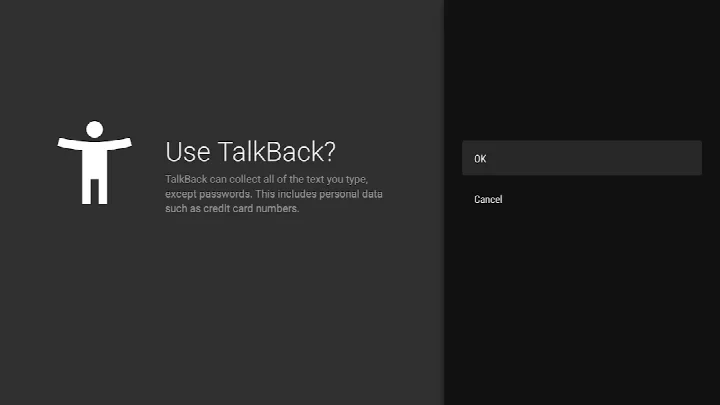
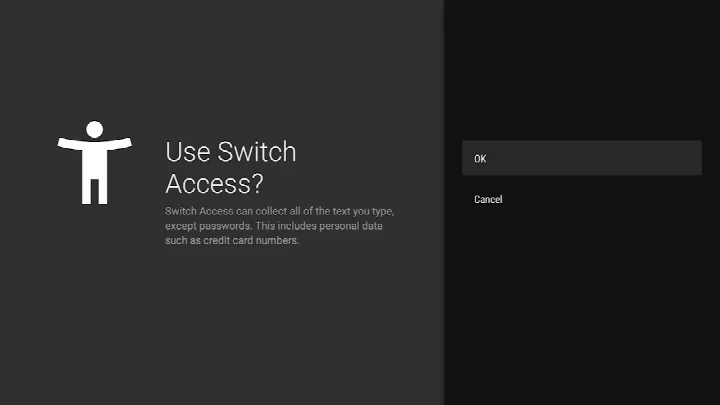
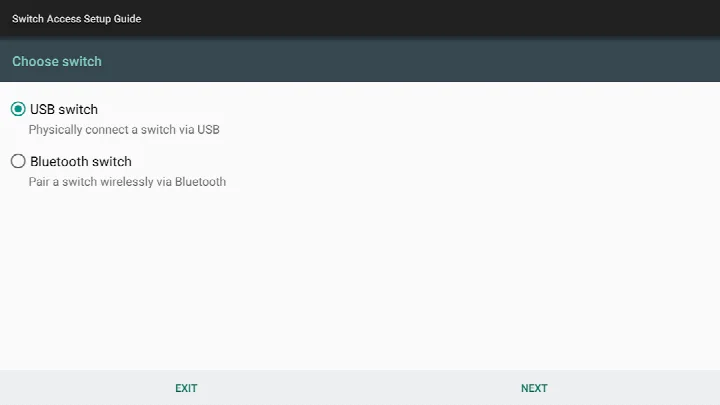
Android Accessibility Suite is a collection of accessibility tools by Google LLC that helps you operate an Android device eyes-free or with an external switch device. It bundles TalkBack, Accessibility Menu, Select to Speak, and related components into one package, so instead of installing several separate utilities you get a coordinated set. For users with limited vision or motor control, the usual problem is that standard touch navigation and small controls are difficult to manage; this suite addresses that by layering screen reading, gesture control, an on-screen braille keyboard, and a large customizable menu on top of the normal interface. TalkBack reads what is on screen and lets you control the phone through gestures, Select to Speak reads chosen items aloud, and the Accessibility Menu offers quick actions like locking the phone or adjusting volume and brightness. Each component is enabled from the Android Accessibility settings, and the suite adapts its announcements based on call status. The package is free, contains no ads, and has no in-app purchases; the latest updates focus on TalkBack 17.0 improvements such as braille display customization, a more reliable keyboard experience, and extra reading control hints for physical keyboard navigation.
Key features
- TalkBack screen reader provides spoken feedback, gesture-based device control, and an on-screen braille keyboard for typing.
- Accessibility Menu shows a large on-screen panel that can lock the phone, adjust volume and brightness, and take screenshots.
- Select to Speak lets you pick items on the screen and have them read aloud.
- Phone-state awareness adapts announcements to your call status, so spoken feedback behaves sensibly during calls.
- TalkBack for Wear is supported on devices running Wear OS 3.0 or later.
- TalkBack 17.0 adds more ways to customize a braille display and improves keyboard reliability.
- Optional notification permission lets TalkBack inform you about updates.
How to install
- Tap the download button on this page to get the APK file, which is about 45 MB and requires Android 9 or later.
- When Android asks, allow your browser or file manager to install apps by granting the "Install unknown apps" setting.
- Open the downloaded APK file from your file manager or browser downloads.
- Tap Install and wait for the installation to complete.
- Open the app, then go to your device's Settings > Accessibility and enable Accessibility Menu, Select to Speak, or TalkBack.
Pros
- Free to use with no ads and no in-app purchases.
- Combines a screen reader, selection reader, and control menu in a single suite.
- Supports multiple input styles: gestures, on-screen braille keyboard, and switch devices.
- Recent TalkBack 17.0 improvements target braille displays, keyboard reliability, and physical keyboard navigation.
- Components can be enabled independently depending on your needs.
Cons
- Requests broad permissions including location, camera, microphone, phone, storage, media, and device ID, which may go beyond what some users expect.
- As an accessibility service, it can observe your actions, retrieve window content, and read text you type, a significant privacy consideration.
- The gesture-based TalkBack controls and braille keyboard have a learning curve for new users.
- Several tools overlap in function, so it can take time to figure out which mode suits your workflow.
What's New
TalkBack 17.0 brings additional customization options for braille displays, a more dependable keyboard experience, and extra reading control hints when using a physical keyboard.
Versions
| Version | Size | Requires Android | Updated |
|---|---|---|---|
| 3.1.1 | 1.2 MB | 4.1 | 01.10.2026 |
| 17.1.0.983118198 | 45 MB | 9 | 29.09.2026 |
| 17.0.1.926549743 | 43 MB | 9 | 24.09.2026 |
| 12.2.0.461147544 leanback | 28 MB | 6.0 | 26.06.2026 |
| 17.0.1.911806202 | 43 MB | 9 | 10.06.2026 |
| 9.0.0.332399336 | 15 MB | 11 | 22.11.2025 |
| 3.2.0 | 1.3 MB | 4.2 | 10.11.2025 |
| 7.3.0.238058557 leanback | 11 MB | 5.0 | 14.03.2019 |
| 5.0.7 | 7.2 MB | 4.1 | 13.11.2016 |
This suite is intended for people who are blind or have low vision and want spoken feedback and braille input, as well as for those with limited fine motor control who benefit from a large on-screen menu or switch access. It also suits anyone who occasionally prefers to have on-screen text read aloud, such as when multitasking or reading long passages, and it can serve as a complete accessibility setup for a device used by someone with more significant vision or dexterity needs. Because it includes multiple tools, it is also useful for accessibility specialists or caregivers configuring a phone for another person and wanting a single, coherent package rather than separate utilities.
Start by enabling just one component, such as Select to Speak, to get comfortable before switching on the full TalkBack gesture mode. If you use a braille display or a physical keyboard, review the TalkBack 17.0 notes about customization options and reading control hints to adjust the experience to your hardware.
Permissions
FAQ
Is Android Accessibility Suite free to download and use?
Yes. The app is free, has a listed price of $0.00, and contains no ads or in-app purchases.
Which Android version do I need to install the app?
The app requires Android 9 or later. The current release for phones and tablets is version 17.1.0.983118198.
How large is the APK file?
The app is about 45 MB in size, so make sure your device has enough free storage before downloading.
Do I need to create an account to use the suite?
No account is required. You can download and install the app directly from this page and start using it right away.
What permissions does Android Accessibility Suite request?
The app requests access to location, phone, photos and media, storage, camera, microphone, and device ID and call information. As an accessibility service, it can also observe your actions, retrieve window content, and read text you type.
How do I update Android Accessibility Suite?
To update, simply download the latest version from this page and install it over your current installation. The most recent update was released on September 29, 2026.
Android Accessibility Suite gathers the core assistive components that make an Android phone usable without looking at the screen or relying on precise touches, and it is actively updated with refinements to TalkBack. It is free and comprehensive, but the accessibility-service and system permissions it requests mean you should enable only what you need and review what each tool is allowed to observe.
Similar Apps



More from Developer


Updated: 23.10.2026
| Version | Size | Requires Android | Updated |
|---|---|---|---|
| 3.1.1 | 1.2 MB | 4.1 | 01.10.2026 |
| 17.1.0.983118198 | 45 MB | 9 | 29.09.2026 |
| 17.0.1.926549743 | 43 MB | 9 | 24.09.2026 |
| 12.2.0.461147544 leanback | 28 MB | 6.0 | 26.06.2026 |
| 17.0.1.911806202 | 43 MB | 9 | 10.06.2026 |
| 9.0.0.332399336 | 15 MB | 11 | 22.11.2025 |
| 3.2.0 | 1.3 MB | 4.2 | 10.11.2025 |
| 7.3.0.238058557 leanback | 11 MB | 5.0 | 14.03.2019 |
| 5.0.7 | 7.2 MB | 4.1 | 13.11.2016 |
- Size
- 45 MB
- Requires Android
- 9
- Updated
- 23.10.2026
- Installs
- 10B+
- Rating
- ★ 4.07 (4 451 405)
- Category
- Tools
- Developer
- Google LLC
- Content rating
- Everyone
- Package
- com.google.android.marvin.talkback
- Free
- ✓