
Phone by Google: Calls with Spam Protection
Phone by Google is a free calling app by Google LLC that lets you block spam callers, identify unknown numbers and manage voicemail.
Phone by Google is a 79 MB app that requires Android 11 or higher and contains no ads or in-app purchases. It offers caller ID, call screening, visual voicemail and call recording, with some features limited to certain devices or regions. The app suits people who want reliable everyday calling with built-in protection against unwanted calls.
Screenshots
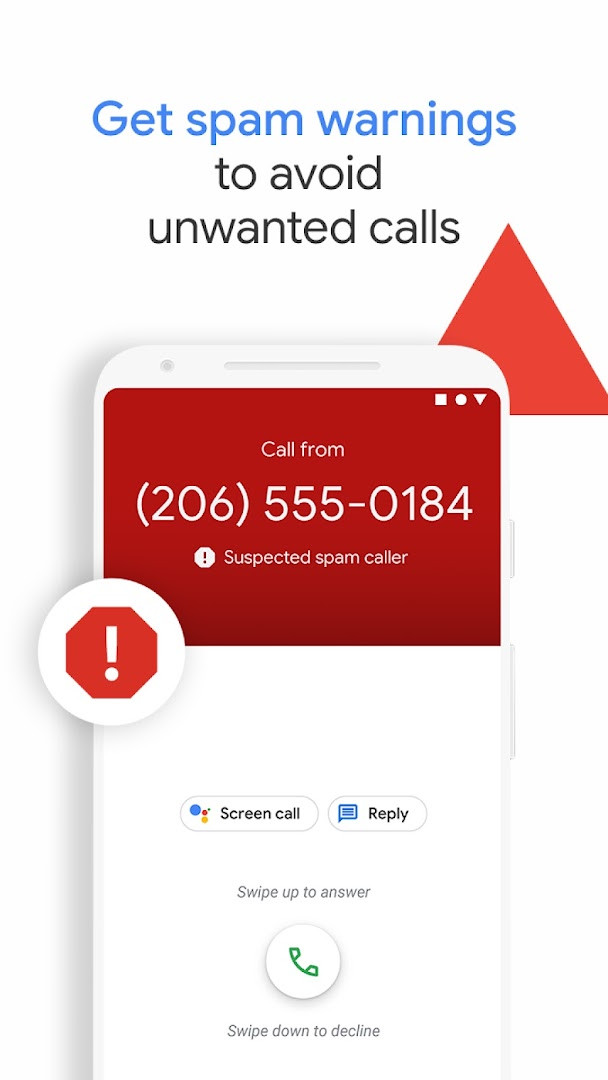
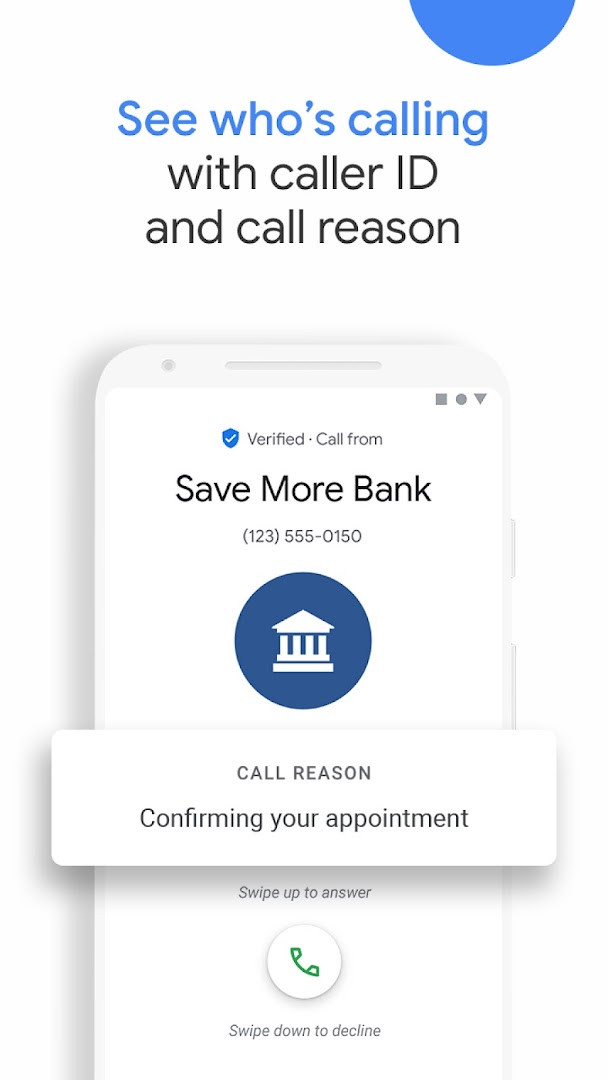
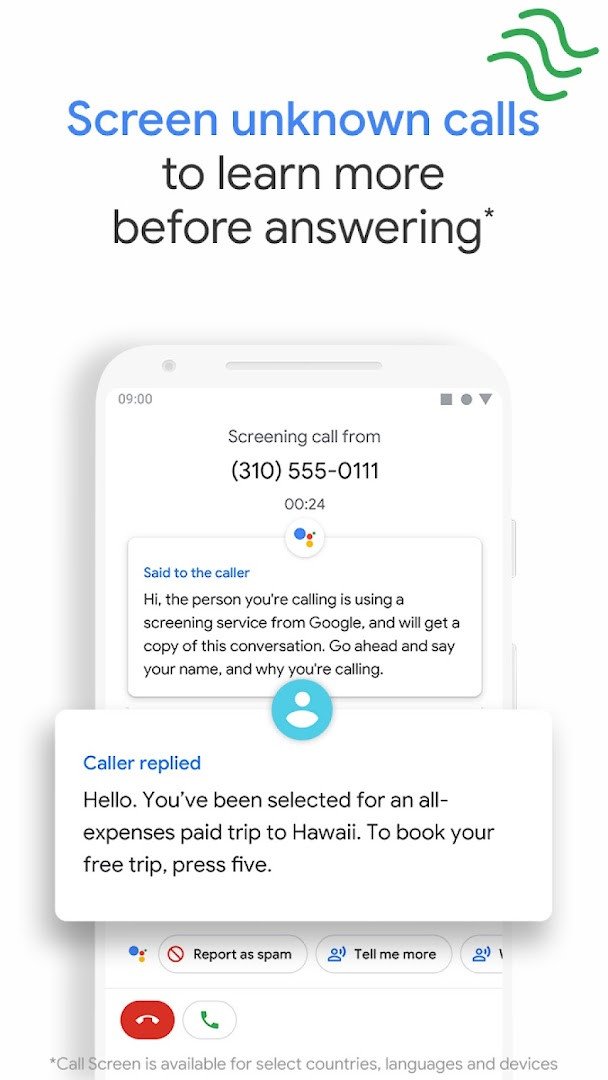
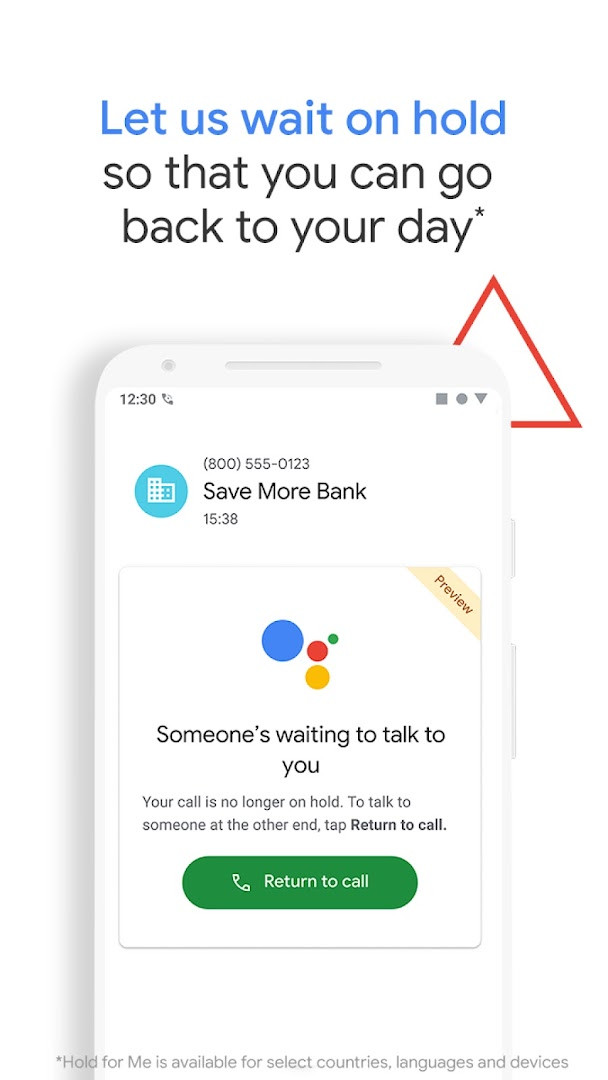
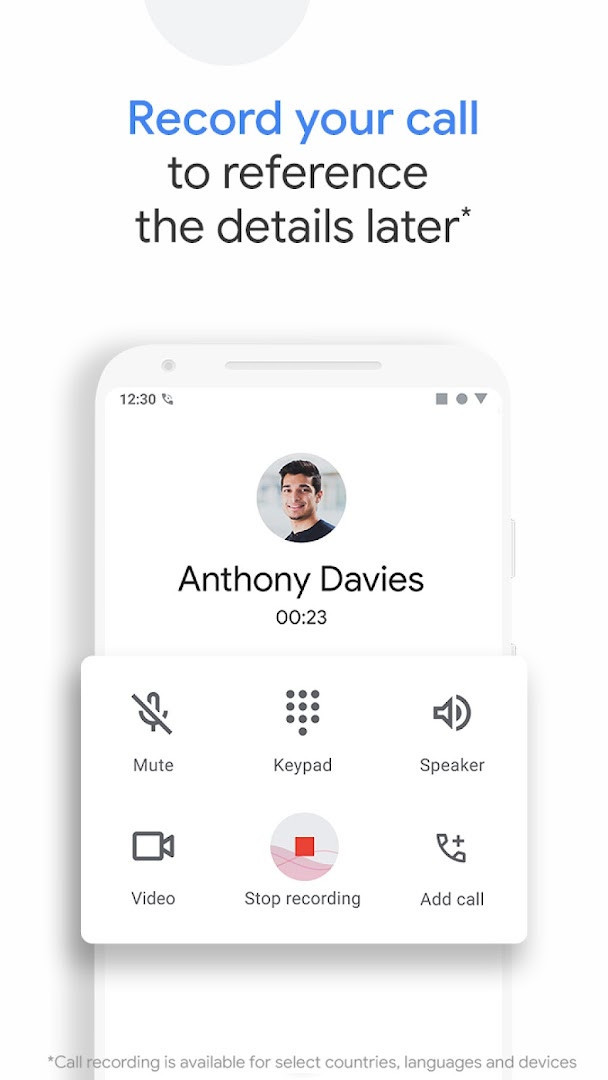
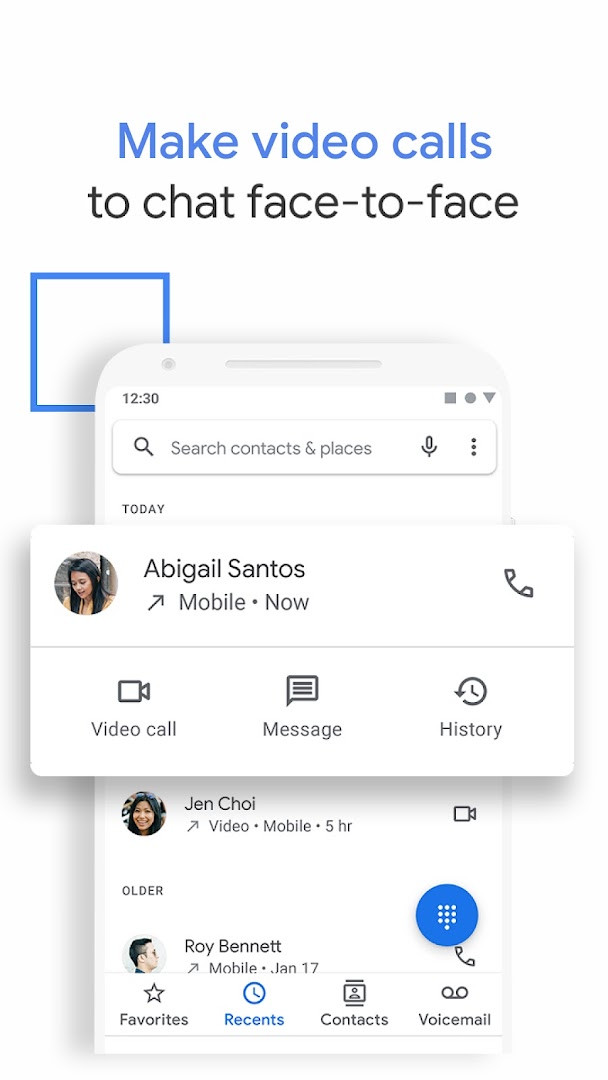
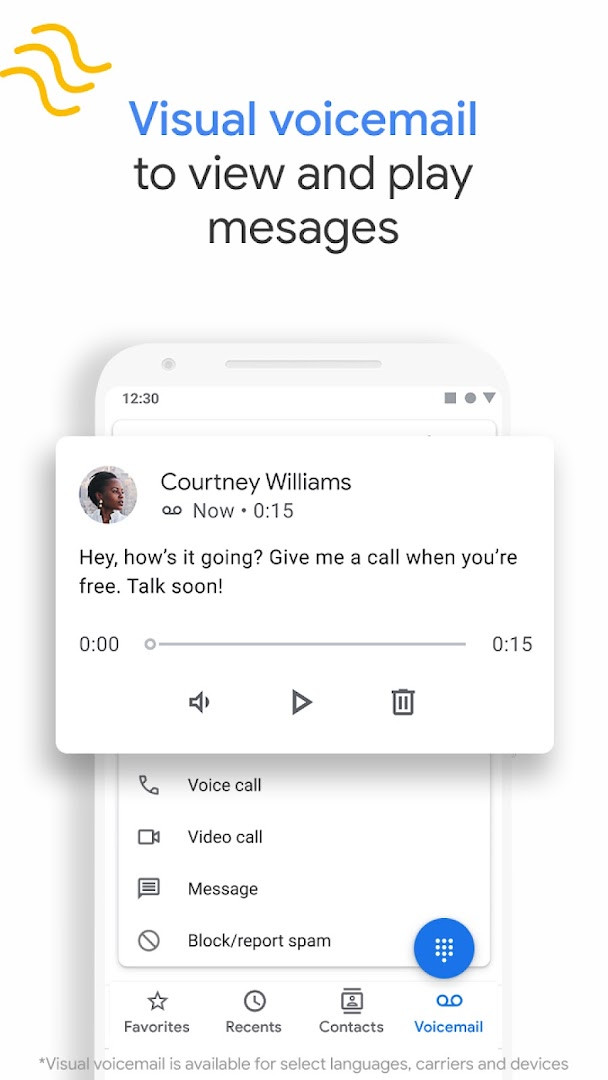
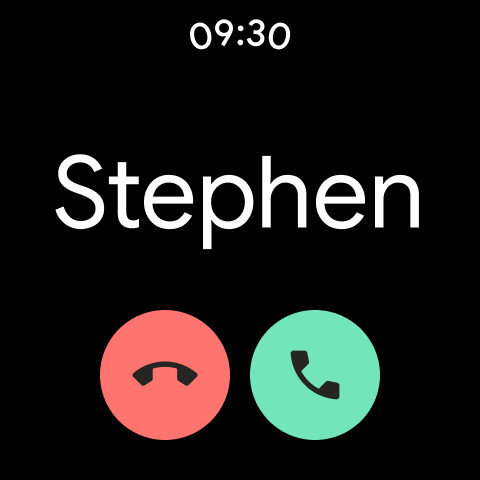
Phone by Google is a calling and communication tool by Google LLC that provides spam protection, caller ID, call screening, and related dialer features for everyday phone use. It functions as a full-featured replacement for the standard dialer, bundling a visual voicemail inbox, call recording, and emergency assistance into one interface. The app has accumulated a rating of about 4.4 out of 5 from more than 52 million ratings and over five billion installs, reflecting its wide adoption since its original release in December 2015.
From a privacy standpoint, the app requests access to a broad set of permissions, including identity, contacts, location, SMS, phone, photos and media files, storage, camera, microphone, Wi-Fi connection information, and device ID and call information. Some of these are clearly necessary for a dialer, such as the microphone for calls and phone for handling them, while others, like storage or SMS, are only relevant to specific features. Users who value data minimization should review the permission list carefully after installation and grant only what they feel is essential.
The latest update, dated November 2026, refines Call Screen on Pixel devices in the US. Google Assistant now automatically screens unknown callers and filters out detected robocalls before the phone rings; if the call is legitimate, the phone rings a few moments later with useful context about who is calling and why. The app requires Android 11 or later and is available as a free download with no ads and no in-app purchases.
Key features
- Spam warnings and number blocking to reduce unwanted calls from spammers, telemarketers and scammers
- Business caller ID so you can see which company is calling before you answer
- Hold for Me, which lets Google Assistant wait on hold for toll-free calls (US only, Pixel 2 and later)
- Call Screen to answer unknown callers and filter spam automatically (automatic screening available in the US, English only)
- Visual voicemail with transcriptions, letting you view, play, save or delete messages in any order (transcription US, English only)
- Call recording with a disclosure played to everyone on the line; recordings are saved on your phone
- Emergency support that can share your location and assistance information with emergency operators without speaking (select countries only)
- Lightweight interface with dark mode to reduce battery drain and eye strain at night
How to install
- Tap the download button on this page to get the Phone by Google APK file (about 79 MB).
- When Android asks, allow your browser or file manager to install apps by enabling the 'Install unknown apps' setting.
- Open the downloaded APK file from your notifications or Downloads folder.
- Tap Install and wait for the installation to finish (Android 11 or later is required).
- Open the app, set it as your default dialer if prompted, and review the permissions it requests.
Pros
- Free to use with no ads and no in-app purchases
- Built-in spam protection and caller ID help avoid unwanted calls
- Optional assistant features like Hold for Me and automatic call screening
- Visual voicemail with transcription saves time checking messages
- Simple, intuitive design with a dark mode option
Cons
- Requests a very wide set of permissions, which may concern privacy-minded users
- Several headline features are limited to the US or English, and some to Pixel devices
- Call recording is only available on certain devices that have Phone pre-installed
- Transcriptions and emergency support are not available in all regions
Latest changes
The latest update to Phone by Google, released November 13, 2026, enhances Call Screen on Pixel devices in the US. The Google Assistant now automatically screens unknown callers and filters out detected robocalls before your phone rings. If it's not a robocall, your phone rings shortly after with helpful context about who is calling and why.
Older versions
| Version | Size | Requires Android | Updated |
|---|---|---|---|
| 247.0.1016877637-publicbeta | 79 MB | 11 | Nov 13, 2026 |
| 245.0.1014219393 | 72 MB | 11 | Nov 11, 2026 |
| 246.0.1012442248 | 72 MB | 11 | Nov 11, 2026 |
| 245.0.1014219393-pixel | 86 MB | 11 | Nov 11, 2026 |
| 244.0.1005938827-publicbeta-downloadable | 38 MB | 11 | Nov 10, 2026 |
| 244.0.1005938827-publicbeta | 84 MB | 11 | Nov 8, 2026 |
| 245.0.1006864670 | 81 MB | 11 | Nov 7, 2026 |
| 245.0.1006864670-downloadable | 38 MB | 11 | Nov 4, 2026 |
| 245.0.1006864670-pixel | 86 MB | 11 | Nov 4, 2026 |
| 245.0.1006864670-publicbeta | 84 MB | 11 | Nov 3, 2026 |
Phone by Google suits people who receive many spam or robocalls and want automatic screening, users who regularly call businesses and would appreciate caller ID and Hold for Me, and Android owners who prefer a Google-developed dialer with visual voicemail and call recording built in.
Open the app's Call Screen settings after installation to choose whether the Google Assistant screens unknown callers automatically or only when you tap the option, and review the permission list in your system settings to deny access to anything you are not comfortable sharing.
Permissions
FAQ
How do I install the APK on Android?
Download the APK file and open it from your notifications or file manager. If prompted, allow installs from unknown sources, then follow the on-screen steps to complete the setup.
What is the current version?
The latest release is version 247.0.1016877637-publicbeta, dated 2026-11-13. A stable version 245.0.1014219393 was also published on 2026-11-11.
Does the app contain ads or in-app purchases?
No. The app is free, does not show ads, and offers no in-app purchases.
Can I use the app offline?
Core calling features work without an internet connection, but features like caller ID, spam detection, Call Screen, and voicemail transcription rely on network and Google services.
What alternatives exist in the same category?
Other dialer apps offer basic calling and contacts management. However, this app stands out with integrated spam protection, caller ID, Call Screen, and visual voicemail.
What Android version is required?
The app requires Android 11 (API level 30) or higher. It is compatible with most devices running that version or later.
How large is the app?
The app size is approximately 79 MB. Actual storage used may vary slightly depending on your device and system configuration.
Phone by Google is a capable and polished dialer with genuinely useful anti-spam and assistant-powered features, though its broad permission requests and the regional limits on several functions mean it is not the right fit for everyone. If you are comfortable managing permissions and live in a supported region, it is a strong, free option.
Similar apps







More from this developer



Updated: Nov 14, 2026
| Version | Size | Requires Android | Updated |
|---|---|---|---|
| 247.0.1016877637-publicbeta | 79 MB | 11 | Nov 13, 2026 |
| 245.0.1014219393 | 72 MB | 11 | Nov 11, 2026 |
| 246.0.1012442248 | 72 MB | 11 | Nov 11, 2026 |
| 245.0.1014219393-pixel | 86 MB | 11 | Nov 11, 2026 |
| 244.0.1005938827-publicbeta-downloadable | 38 MB | 11 | Nov 10, 2026 |
| 244.0.1005938827-publicbeta | 84 MB | 11 | Nov 8, 2026 |
| 245.0.1006864670 | 81 MB | 11 | Nov 7, 2026 |
| 245.0.1006864670-downloadable | 38 MB | 11 | Nov 4, 2026 |
| 245.0.1006864670-pixel | 86 MB | 11 | Nov 4, 2026 |
| 245.0.1006864670-publicbeta | 84 MB | 11 | Nov 3, 2026 |
- Size
- 79 MB
- Requires Android
- 11
- Updated
- Nov 13, 2026
- Installs
- 5B+
- Rating
- ★ 4.43 (52,832,376)
- Category
- Tools
- Developer
- Google LLC
- Content rating
- Everyone
- Package
- com.google.android.dialer
- Free
- ✓