Google Assistant for Android
Google Assistant is a free productivity app from Google LLC for hands-free control of your phone, tasks, and smart home devices.
Google Assistant is aimed at people who want to get everyday tasks done faster using voice commands. It lets users open apps, adjust settings, make calls, send texts, set reminders, and control compatible smart home devices without touching the screen.
Screenshots
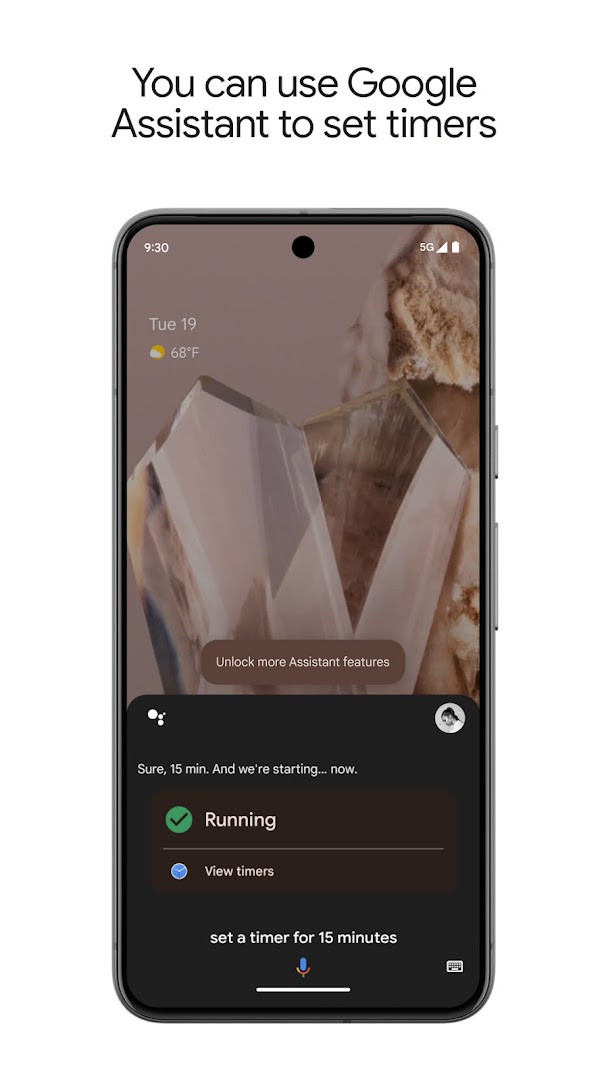
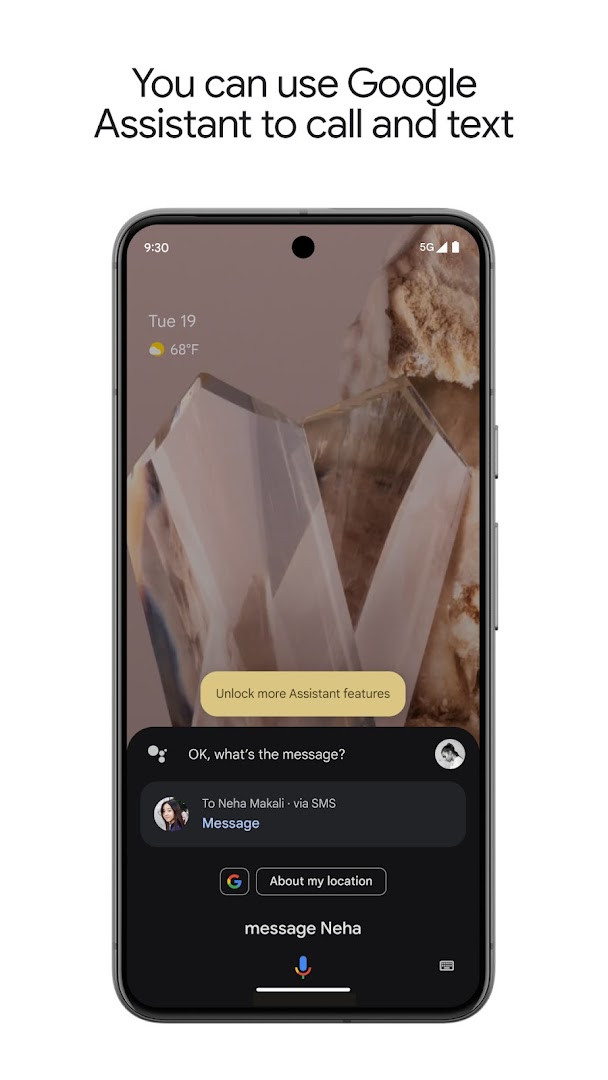
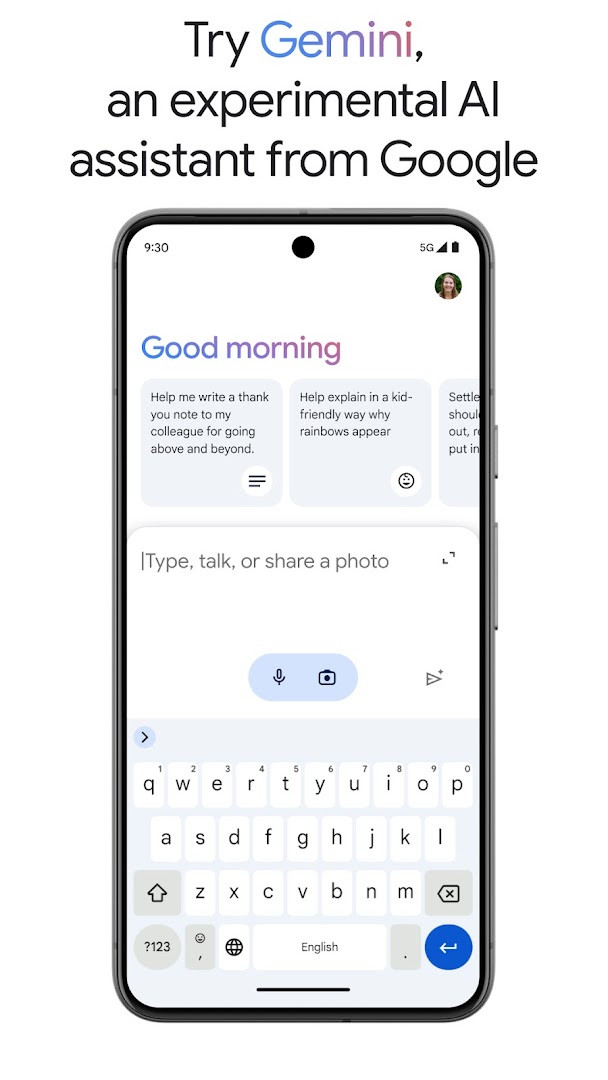
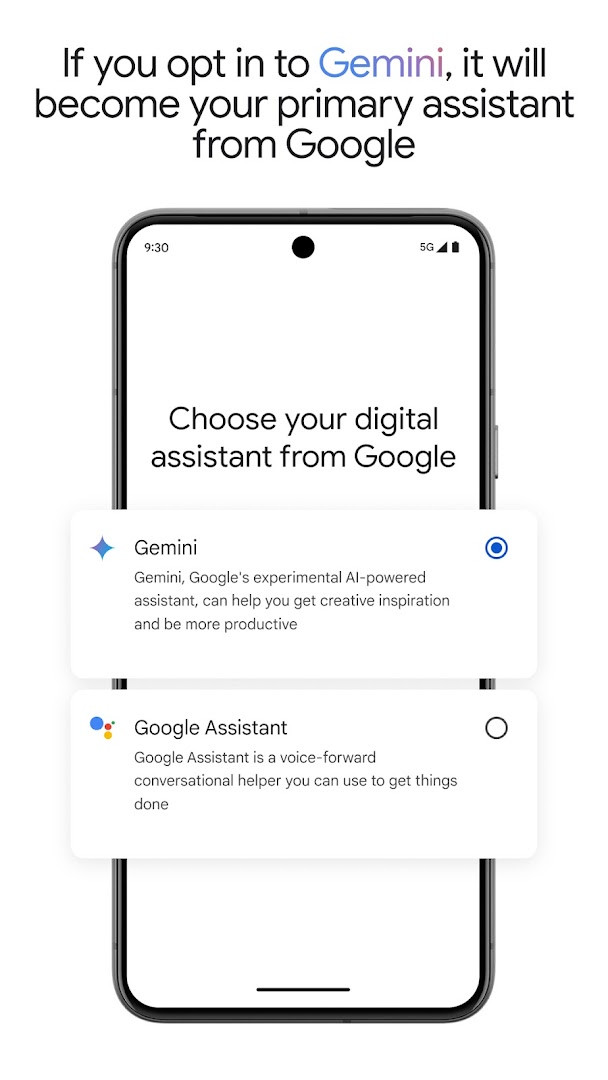
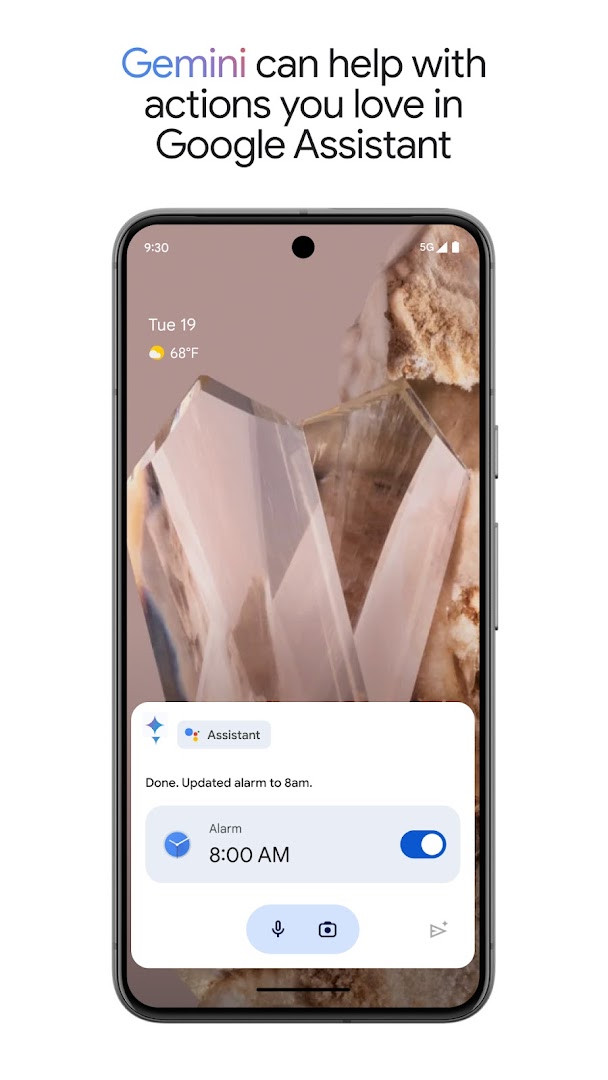
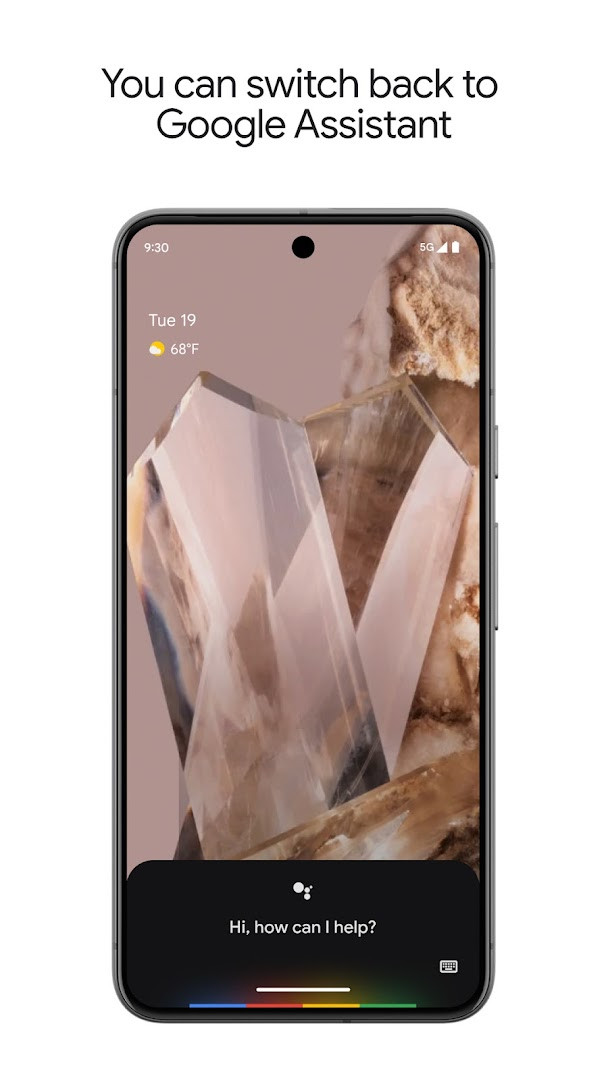
Google Assistant is a productivity app by Google LLC that lets you complete tasks on your Android phone using voice commands. It solves the problem of needing to manually navigate apps and settings by providing a hands-free way to control your device, stay connected, and manage daily tasks. The app processes spoken requests to open apps, adjust settings, set reminders, send messages, and control compatible smart home devices. It also offers proactive suggestions and routines to streamline recurring activities. A notable addition is the option to opt in to Gemini, an experimental AI assistant, which can act as your primary assistant, though this is rolling out gradually to select devices and countries. The app is free, contains no ads or in-app purchases, and requires Android 6.0 or higher.
Key features
- Control your phone hands-free, such as opening apps, turning on the flashlight, and adjusting settings like Do Not Disturb, Bluetooth, and airplane mode.
- Stay connected by making calls, sending texts, and managing emails using voice commands.
- Set reminders, alarms, timers, create shopping lists, and manage your schedule and tasks.
- Ask questions, get directions, and find local information like nearby petrol stations.
- Manage compatible smart home devices, including lights, thermostats, and appliances, even when away from home.
- Create automatic routines for regular activities, such as a morning or good night routine, to streamline your day.
- Opt in to Gemini, an experimental AI assistant, to have it act as your primary assistant from Google.
- Receive proactive information and contextual reminders to help you when you need it.
How to install
- Tap the download button on this page to get the APK file, which is 2.4 MB in size.
- When prompted, allow your browser or file manager to install apps by enabling the 'Install unknown apps' setting for that app.
- Open the downloaded APK file from your notification or file manager.
- Tap 'Install' on the installation screen.
- After installation completes, tap 'Open' to launch Google Assistant.
Pros
- Free to use with no ads and no in-app purchases.
- Hands-free control of phone settings and apps.
- Proactive assistance with contextual reminders and routines.
- Integration with smart home devices.
- Option to upgrade to Gemini for more advanced AI assistance.
Cons
- Requires network access to function fully, as it needs to connect to Google services.
- Some features, like smart home control, require compatible devices.
- Gemini opt-in is not available to all users or countries initially.
- Permissions include reading Google services configuration, which may raise privacy considerations for some users.
Latest changes · 0.1.884448652
Version 0.1.884448652 introduces an opt-in for Gemini as the primary assistant from Google. Gemini can handle many existing Assistant actions, though some are not yet supported and more are planned. Users can switch back to Google Assistant in app settings. The rollout is limited to select devices and countries over the coming weeks.
Older versions
| Version | Size | Requires Android | Updated |
|---|---|---|---|
| 0.1.601924805 | 1.2 MB | 5.0 | Jun 30, 2026 |
| 0.1.884448652 | 2.4 MB | 6.0 | Mar 23, 2026 |
| 0.1.766117055 | 2.3 MB | 5.0 | Jun 18, 2025 |
This app is for anyone who wants to save time and effort by using voice commands to manage their phone and daily tasks. It's especially useful for people who are frequently on the go, such as commuters or busy professionals, as it allows them to set reminders, send messages, and get directions without touching the screen. It also appeals to smart home enthusiasts who want to control their devices remotely. The optional Gemini integration may interest early adopters who want to try an experimental AI assistant, but it's not essential for core functionality.
To get the most out of Google Assistant, try creating custom routines for your daily habits, like a 'Good morning' routine that gives you the weather and your schedule. Also, make sure your phone's language and region settings are correct for accurate voice recognition and local information.
Permissions
FAQ
How can I install the APK on my Android device?
To install it on Android, grab the APK from this page and open it on your device. You may need to allow installations from unknown sources first.
What is the current version of Google Assistant?
The most recent listed version is 0.1.884448652, updated on 2026-03-23.
Does Google Assistant have ads or paid features?
No, the app is free. It does not show ads and has no in-app purchases.
Can I use Google Assistant offline?
Many voice commands need a network connection, but basic phone controls like opening apps or managing settings may work without one.
What other options exist in the same category?
You could look at other hands-free helper apps in the productivity category that offer voice commands, reminders, and smart home control.
Google Assistant offers a robust set of voice-controlled features that can simplify everyday tasks on Android devices. Its free, ad-free nature and the optional Gemini upgrade make it a versatile choice for both casual and power users.
Similar apps





More from this developer





Updated: Oct 20, 2026
| Version | Size | Requires Android | Updated |
|---|---|---|---|
| 0.1.601924805 | 1.2 MB | 5.0 | Jun 30, 2026 |
| 0.1.884448652 | 2.4 MB | 6.0 | Mar 23, 2026 |
| 0.1.766117055 | 2.3 MB | 5.0 | Jun 18, 2025 |
- Version
- 0.1.884448652
- Size
- 2.4 MB
- Requires Android
- 6.0
- Updated
- Mar 23, 2026
- Installs
- 5B+
- Rating
- ★ 3.75 (1,371,797)
- Category
- Productivity
- Developer
- Google LLC
- Content rating
- Everyone
- Package
- com.google.android.apps.googleassistant
- Free
- ✓