
ChatGPT for Android
ChatGPT is a productivity app from OpenAI for writing, search, image generation, and more.
ChatGPT is for Android users who need help with writing, answering questions, generating images, and getting advice in daily situations. The free app from OpenAI requires Android 7.1 or newer and includes image generation, Advanced Voice Mode, photo upload, tailored advice, and screen sharing with Accessibility Services in limited availability.
Screenshots
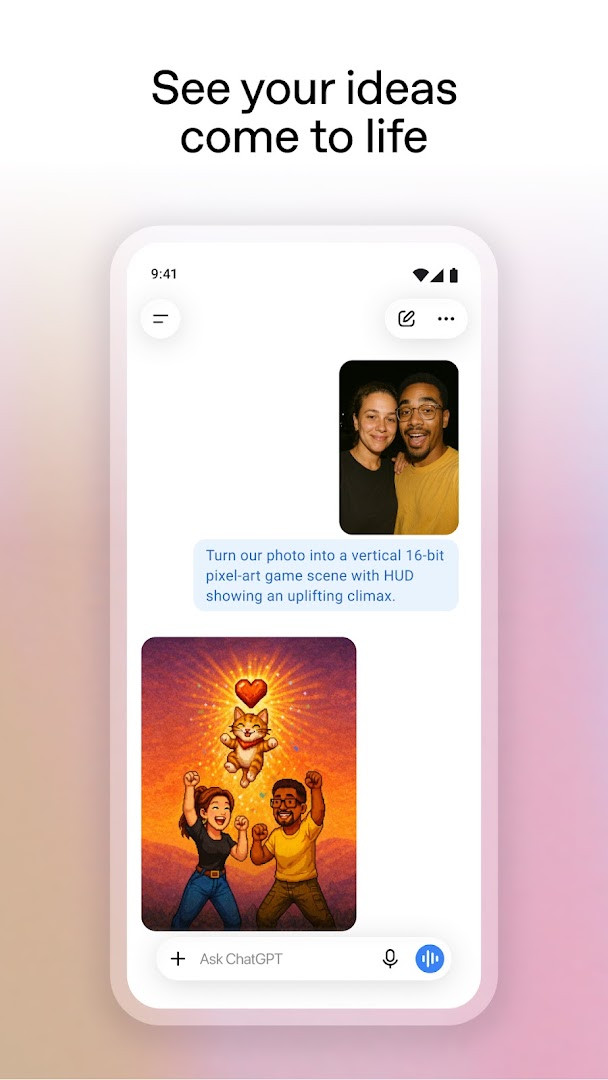
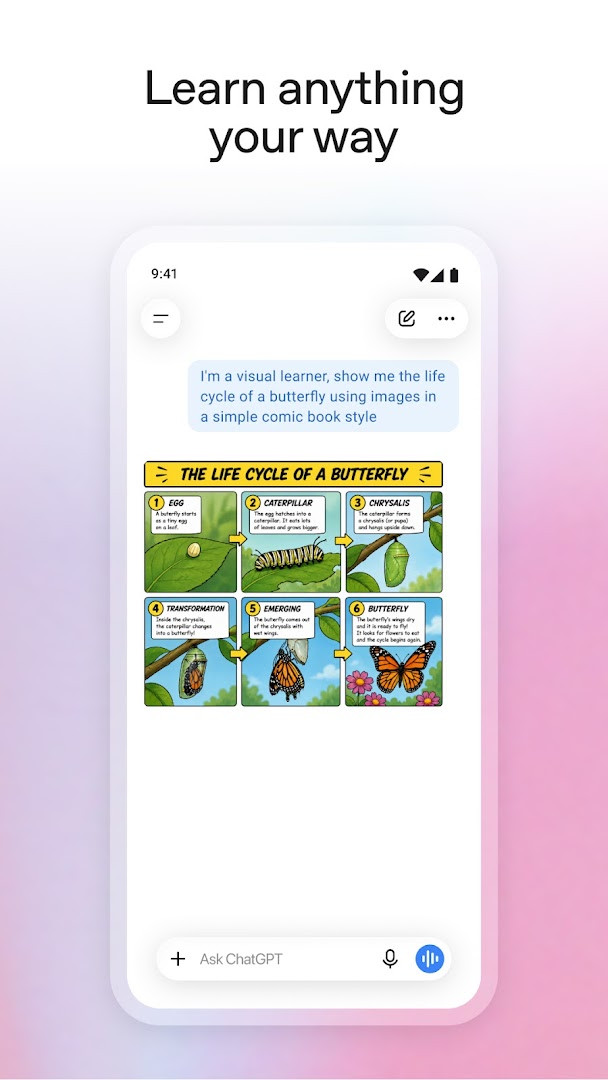
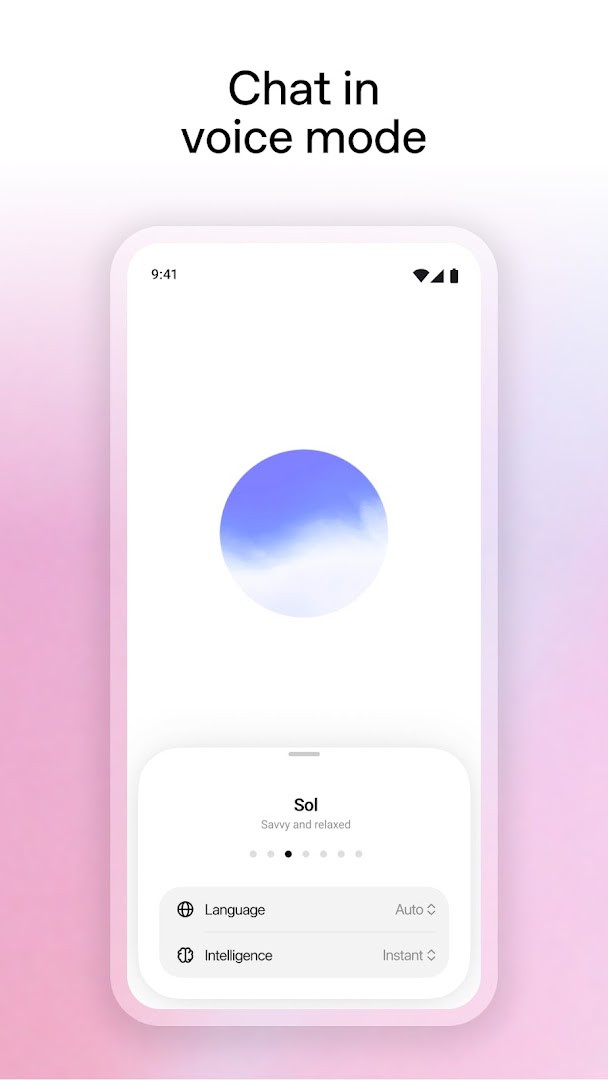
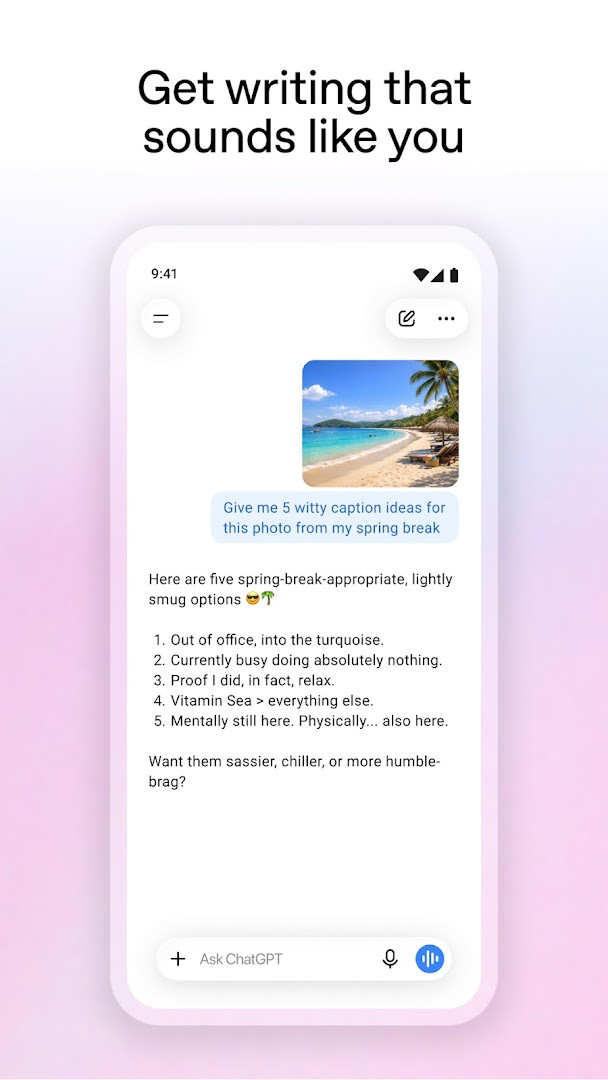
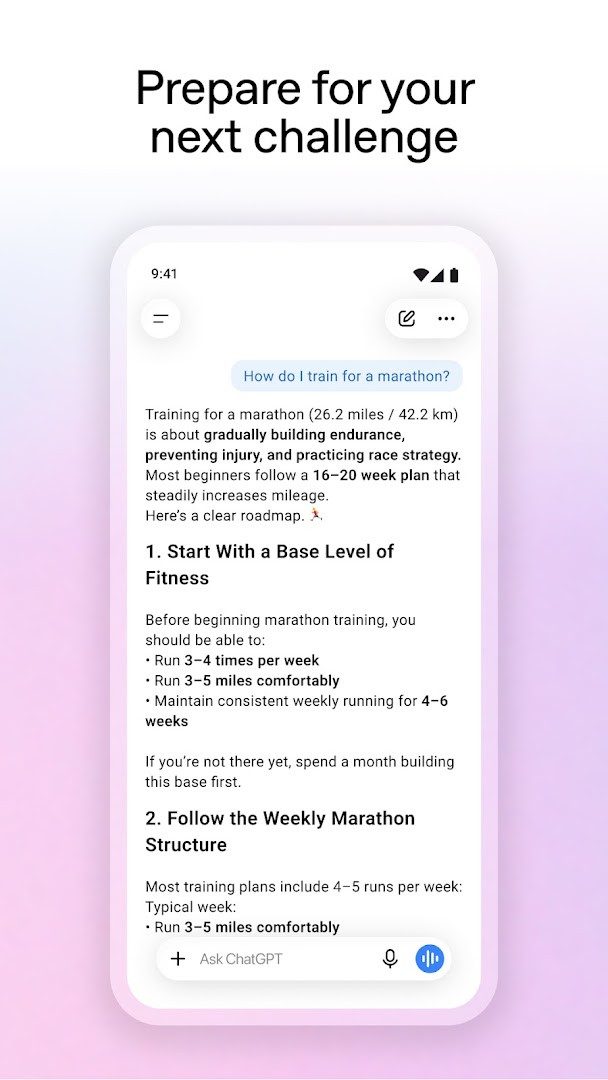
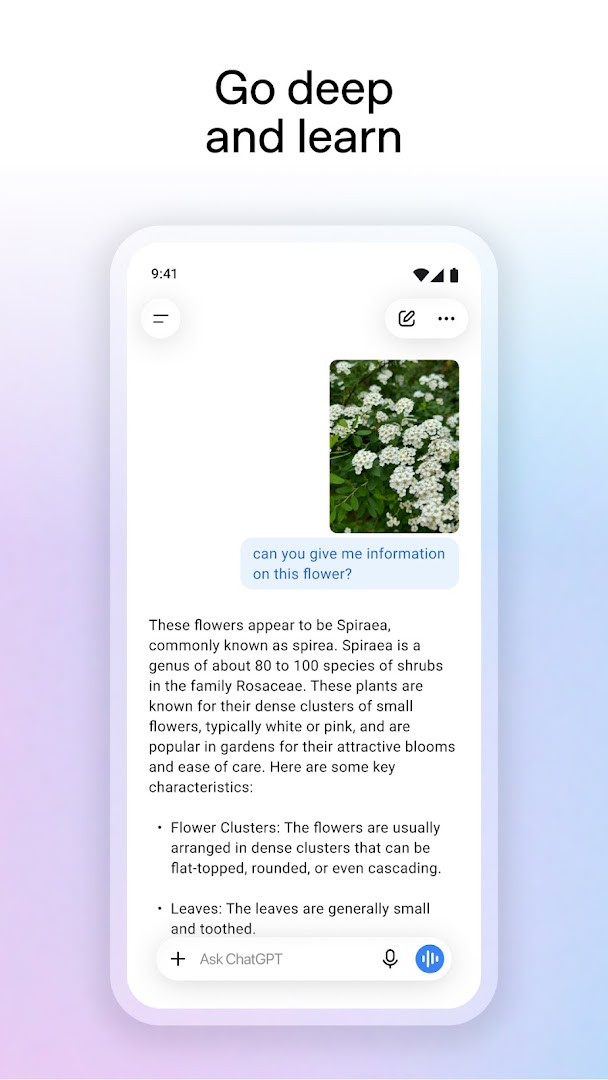
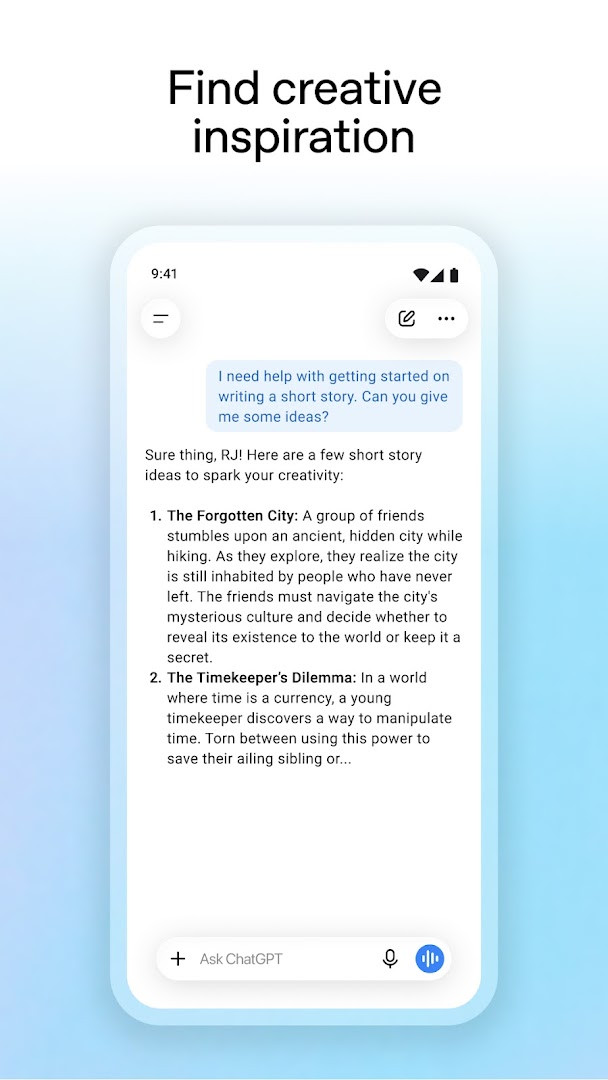
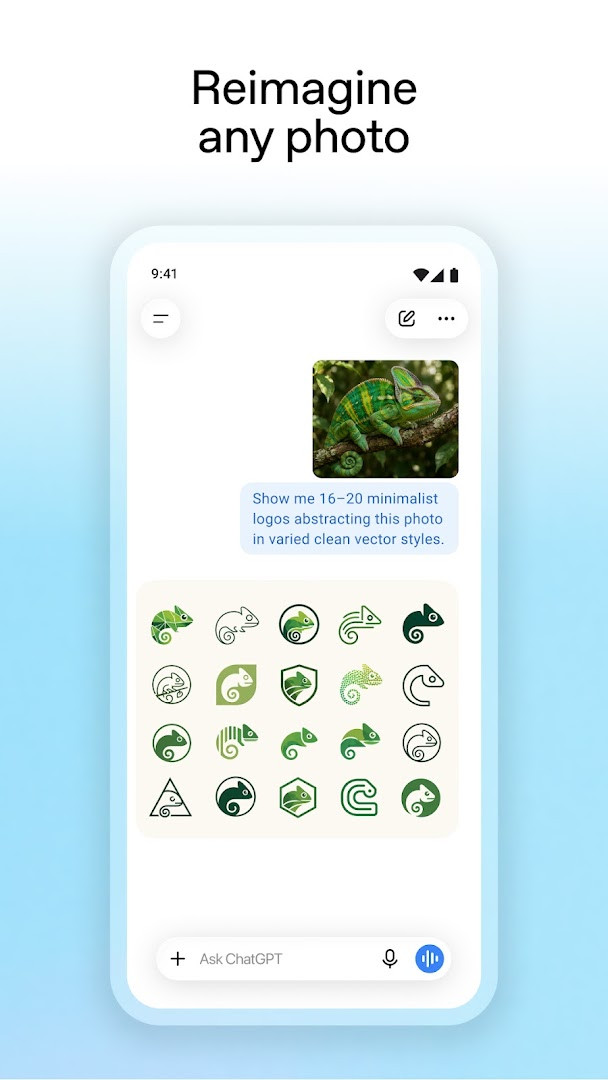
ChatGPT is a productivity app by OpenAI that provides an AI-powered assistant for writing, search, image generation, and more. It addresses the need for immediate, versatile assistance across various tasks, from answering questions to generating creative content. The app tackles this by offering a single interface where users can type, speak, or upload images to get responses, create images from text prompts, and engage in real-time voice conversations. It also syncs chat history across devices, making it a portable tool for both casual and professional use.
Key features
- Image generation: create original images from a text description or transform existing images with simple instructions.
- Advanced Voice Mode: engage in real-time spoken conversations by tapping the soundwave icon, useful for language practice or settling debates.
- Photo upload: snap or upload a picture to transcribe handwritten notes or obtain information about a landmark.
- Creative inspiration: generate custom gift ideas or design a personalized greeting card.
- Tailored advice: receive help with difficult conversations, detailed travel itineraries, or crafting the perfect response.
- Personalized learning: get explanations tailored to a child's interests, such as electricity explained for a dinosaur-loving kid, or brush up on historical events.
- Professional input: brainstorm marketing copy or outline a business plan.
- Screen share with Accessibility Services (limited availability): let ChatGPT answer questions about on-screen details without requiring screenshot uploads.
How to install
- Tap the download button on this page to obtain the APK file.
- When Android prompts, allow your browser or file manager to install apps by enabling the 'Install unknown apps' setting.
- Open the downloaded APK file from your notification or file manager.
- Tap Install and wait for the installation to complete.
- Open the app from your app drawer. The file size is not specified, and the minimum Android version required is 7.1.
Pros
- Free to download and use, with optional in-app purchases for additional features.
- Syncs chat history across devices for continuity.
- Supports image generation and photo uploads for versatile use.
- Advanced Voice Mode enables hands-free, real-time conversations.
- High user rating of 4.78 based on over 64 million ratings.
Cons
- Contains ads, which may interrupt the experience.
- Requests access to sensitive permissions including contacts, location, SMS, phone, camera, microphone, and device ID, which may raise privacy concerns.
- In-app purchases required for some features or subscription tiers.
- Limited availability of screen share with Accessibility Services.
Older versions
| Version | Size | Requires Android | Updated |
|---|---|---|---|
| 1.2026.279 | — | 7.1 | Oct 11, 2026 |
ChatGPT is suitable for a wide range of users, from students seeking homework help and language learners practicing with voice mode, to professionals needing quick drafts, brainstorming support, or business planning assistance. It also appeals to creative individuals looking for image generation and personalized content ideas. The app's broad feature set makes it a flexible tool for anyone who wants instant, AI-powered assistance in daily tasks, though users sensitive to data permissions should consider the access it requests.
To get the most out of ChatGPT, try using the voice mode for hands-free queries while on the go, and experiment with the photo upload feature for real-world tasks like transcribing documents. For professional use, leverage the tailored advice feature to refine your writing and plan projects. Be mindful of the permissions you grant, and adjust settings to limit access where possible.
Permissions
FAQ
How do I install the ChatGPT APK on Android?
Make sure your device runs Android 7.1 or newer. Download the APK file using the button on this page, then open it and confirm the install prompt. You may need to allow installation from your current source in your device settings first.
What is the latest version of ChatGPT for Android?
The current release is version 1.2026.279, which was updated on October 11, 2026.
Does ChatGPT show ads or offer in-app purchases?
Yes. The app is free to download, but it does contain advertising and offers in-app purchases.
Can I use ChatGPT without an internet connection?
No. The app relies on a Wi-Fi or mobile data connection to work, since responses and features like voice mode and image generation are processed remotely.
How much does ChatGPT cost to download?
The app itself costs nothing to download, though optional in-app purchases are available.
Are there other apps similar to ChatGPT in the productivity category?
Yes, the productivity category includes various AI assistant and writing helper apps. Features, pricing and privacy practices differ between them, so compare options before choosing.
What can I do with the ChatGPT app?
You can generate or edit images, hold real-time voice conversations, upload photos for information or transcription, get writing and brainstorming help, plan trips, and receive tailored advice and explanations.
ChatGPT is a powerful and feature-rich assistant that integrates writing, search, and image generation into one convenient app. While the ads and permission requests may be a drawback for some, its versatility and high user satisfaction make it a compelling choice for most Android users.
Similar apps





Updated: Oct 24, 2026
| Version | Size | Requires Android | Updated |
|---|---|---|---|
| 1.2026.279 | — | 7.1 | Oct 11, 2026 |
- Version
- 1.2026.279
- Requires Android
- 7.1
- Updated
- Oct 11, 2026
- Installs
- 1B+
- Rating
- ★ 4.78 (64,372,799)
- Category
- Productivity
- Developer
- OpenAI
- Content rating
- Teen
- Package
- com.openai.chatgpt
- Free
- ✓ · Contains ads · In-app purchases