
Google Play Games: Instant Play and Game Hub
Google Play Games is a free entertainment app by Google LLC that lets you instantly play games, save progress, and earn achievements.
Google Play Games is a 14 MB app that requires Android 5.0 or higher. It includes ads, but does not offer in-app purchases. The app is designed for gamers who want to play instantly without installation, track achievements, and continue progress across devices.
Screenshots
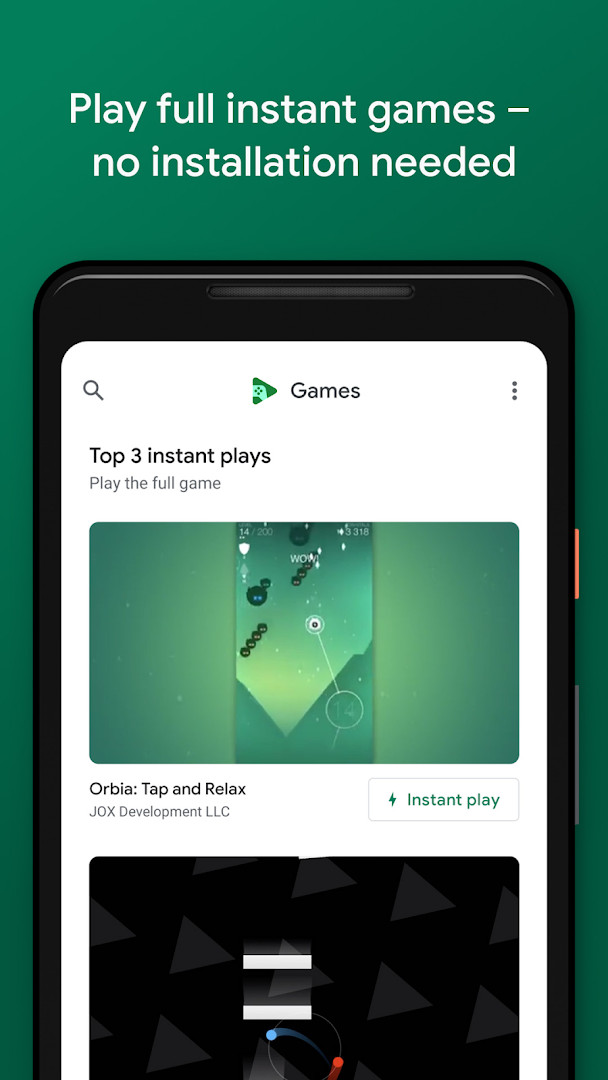
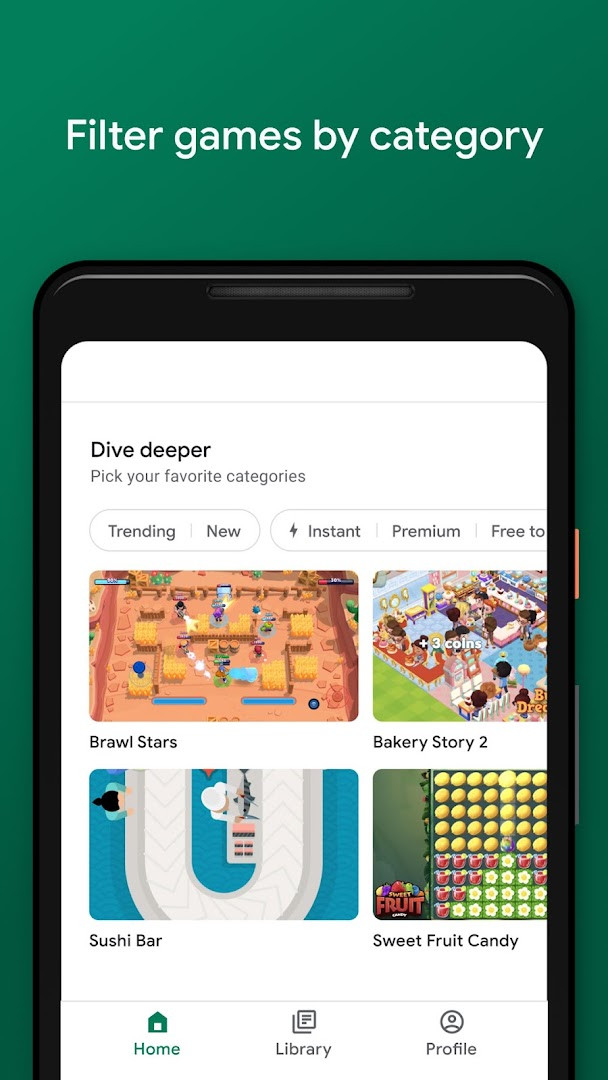
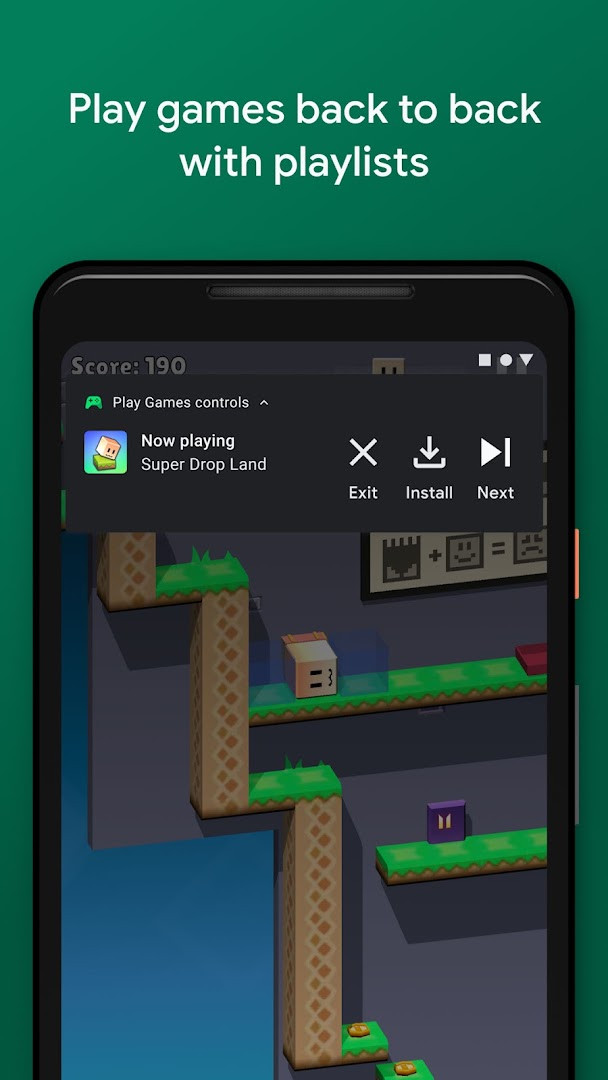
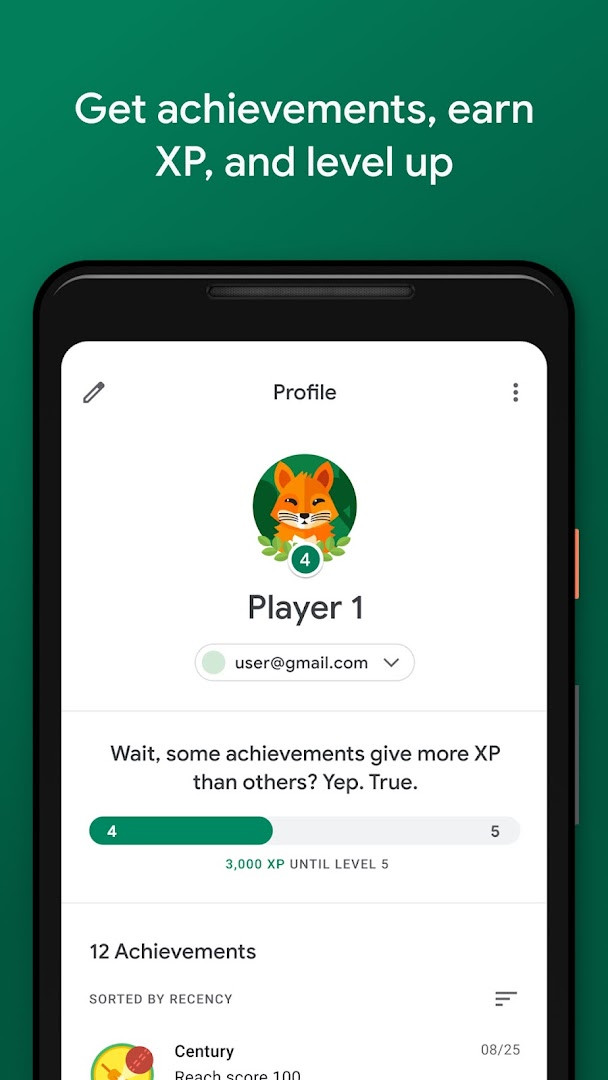
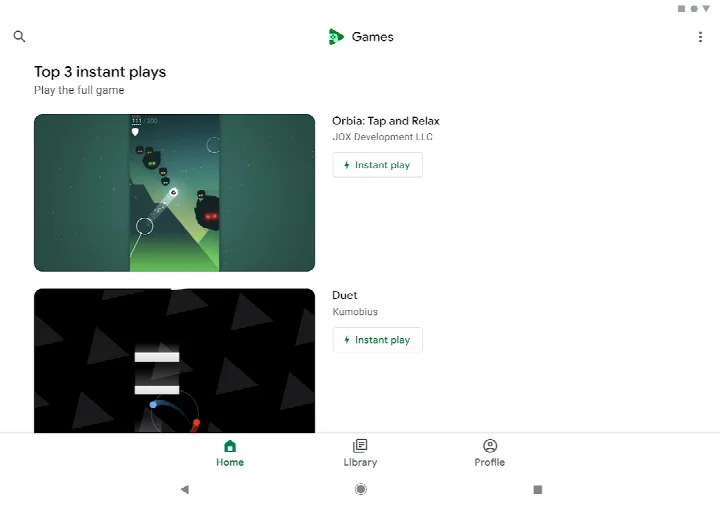
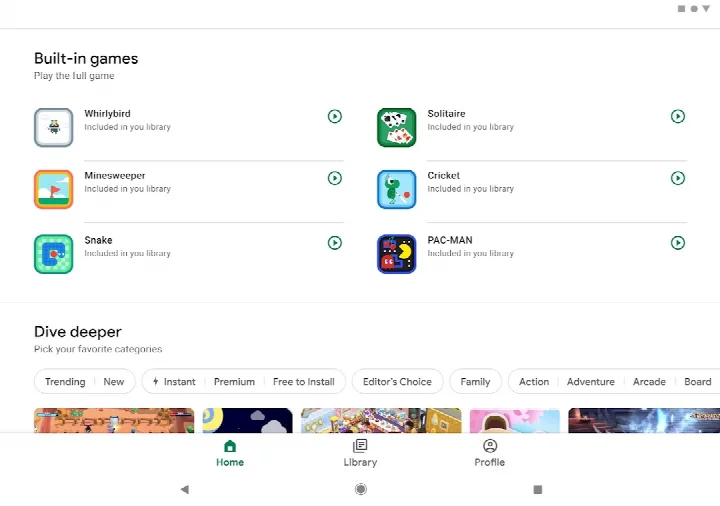
Google Play Games is an entertainment utility by Google LLC that acts as a central hub for your mobile gaming experience. It helps you discover new games, manage your library, and connect with a community of players.
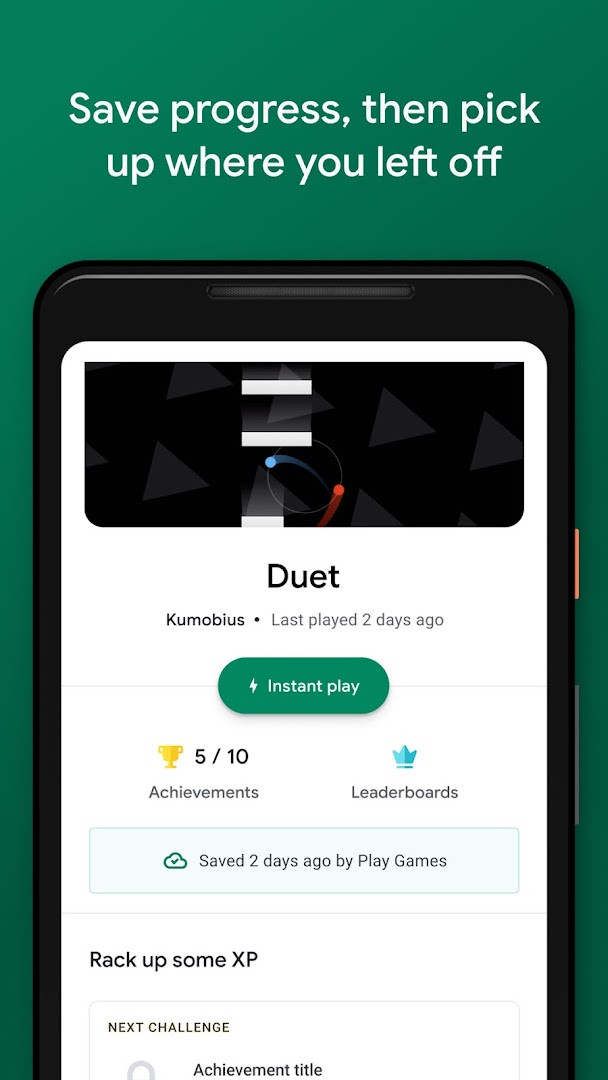
The app brings several core services together. It lets you find your next favorite game across different genres, and the 'Instant play' feature allows you to try many games immediately without waiting for an installation. It also automatically saves your progress to the cloud, so you can pick up right where you left off, even if you switch to a different device.
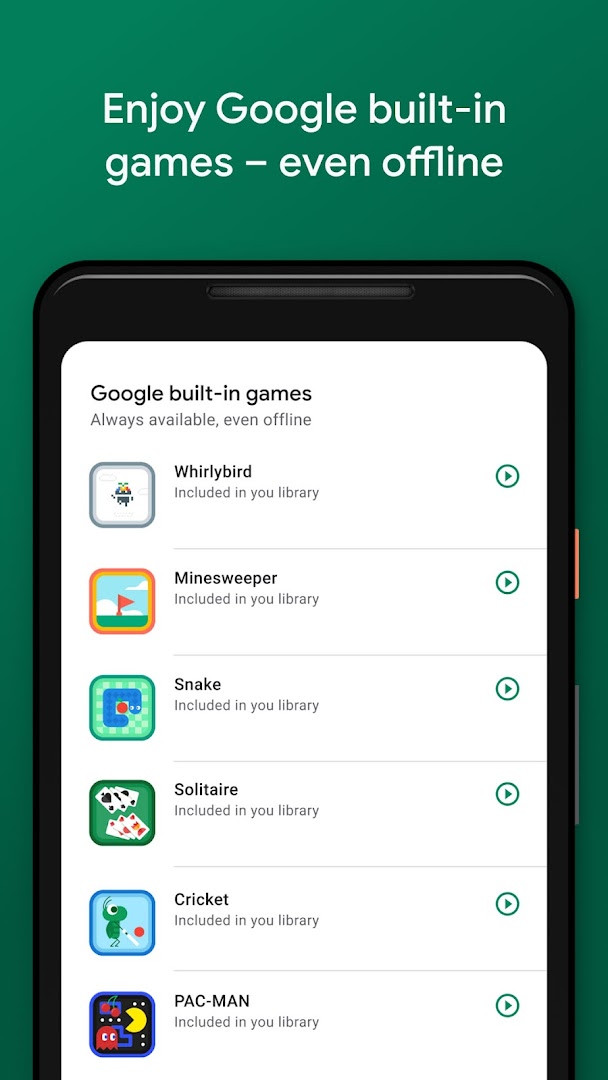
Beyond just managing games, the app provides a personal gamer profile where you can create a custom ID, track your achievements, and level up your XP. It also includes a few built-in games like Solitaire and PAC-MAN that can be played offline, which is handy when you don't have an internet connection.
Key features
- Instant play: launch full games without needing to install them first.
- Built-in Google games: enjoy Solitaire, Minesweeper, Snake, PAC-MAN, Cricket, and Whirlybird offline.
- Progress saving: your game progress is automatically stored in the cloud.
- Gamer profile: create a custom ID, unlock achievements, earn XP, and level up.
- Gameplay recording: easily capture and share your best gaming moments.
- Automatic sign-in: just pick your account once and start playing without repeated logins.
How to install
- Tap the download button on this page to get the APK file. The file size is about 14 MB, so the download should be quick.
- When your Android device asks for permission, allow your browser or file manager to install apps. This is often found under the 'Install unknown apps' setting.
- Once the download is complete, open the APK file from your notifications or downloads folder.
- Tap the 'Install' button on the screen that appears. Your device may ask you to confirm the action.
- After installation is finished, open the app. It requires a device running Android 5.0 or later.
Pros
- The 'Instant play' feature lets you try games without committing to a full installation.
- Automatic cloud saves keep your game progress secure across multiple devices.
- Includes built-in offline games like Solitaire, Minesweeper, and PAC-MAN.
- A unified gamer profile and achievement system work across many titles.
- The automated sign-in feature simplifies getting into your games quickly.
Cons
- Contains advertisements, which can interrupt the browsing or gaming experience.
- Requests the Microphone permission, which may feel unnecessary for a game manager.
- Requests access to Contacts, which could be a privacy concern for some users.
- Requires Android 5.0 or higher, leaving out devices running older operating systems.
Latest changes
The update notes cover two changes. Additional built-in mini games are planned, intended for offline use. Signing in to games is now automatic: you select an account and continue, and you can switch to a different account at any time in the settings. The listing shows version 5.14.7825 dated 2026-08-21, a size of 14 MB, Android 5.0 as the minimum, and an updated date of 2026-05-07. The app is free with ads and no in-app purchases.
Older versions
| Version | Size | Requires Android | Updated |
|---|---|---|---|
| 5.14.7825 (224833494.224833494-000700) | 16 MB | 4.0 | Aug 21, 2026 |
| 1.1.04 (794842-30) | 2 MB | — | Nov 4, 2025 |
| 2024.03.51732 (646593252.646593252-020700) | 14 MB | 5.0 | Sep 22, 2024 |
| 2024.03.50149 (625366451.625366451-000800) | 21 MB | 4.4 | Jun 2, 2024 |
| 2.1.13 (1518121-106) | 4.1 MB | 4.2 | Mar 7, 2015 |
| 2.0.13 (1404932-038) | 3.3 MB | — | Sep 15, 2014 |
This app is ideal for anyone who plays games on their Android phone or tablet and wants an easy way to discover new titles, keep their progress safe, and build a single gaming identity. It is especially useful for those who switch between phones often or enjoy the convenience of playing simple games without an internet connection.
Use the built-in gameplay recording tool to capture a tricky level or a proud victory and share it directly with friends. If you find yourself with no internet, the app's offline mini-games are a great way to pass the time without using your mobile data.
Permissions
FAQ
How do I install Google Play Games on my Android device?
You can install it like any other Android app by using the download button on this page, then opening the APK file. Your device needs Android 5.0 or newer, and the package takes about 14 MB.
What is the current version of the app?
The most recent listed version is 5.14.7825, dated August 21, 2026. The app itself was last updated on May 7, 2026.
Does Google Play Games have ads or in-app purchases?
The app is free to download and has no in-app purchases, but it does contain ads.
Can I use any features without an internet connection?
Yes. Several built-in games, such as Solitaire, Minesweeper, Snake, PAC-MAN, Cricket, and Whirlybird, can be played even when you are offline.
Are there alternatives to Google Play Games?
Yes, there are other entertainment apps in this category that offer game discovery, cloud saves, achievements, and gaming profiles. The choice depends on which ecosystem and feature set you prefer.
What features does the app include besides playing games?
You can record your gameplay moments and share them, create a custom gamer ID, unlock achievements, earn XP, and level up. Many games also support instant play without installation.
Google Play Games serves as a central hub for Android entertainment, combining a large game library with progress tracking, achievements, and even a handful of built-in titles for offline moments. Its instant play feature and automatic sign-in make it convenient, though the presence of ads and a few requested permissions may give some users pause. Overall, it is a solid companion app for anyone who enjoys gaming on their phone.
Similar apps






More from this developer






Updated: Oct 19, 2026
| Version | Size | Requires Android | Updated |
|---|---|---|---|
| 5.14.7825 (224833494.224833494-000700) | 16 MB | 4.0 | Aug 21, 2026 |
| 1.1.04 (794842-30) | 2 MB | — | Nov 4, 2025 |
| 2024.03.51732 (646593252.646593252-020700) | 14 MB | 5.0 | Sep 22, 2024 |
| 2024.03.50149 (625366451.625366451-000800) | 21 MB | 4.4 | Jun 2, 2024 |
| 2.1.13 (1518121-106) | 4.1 MB | 4.2 | Mar 7, 2015 |
| 2.0.13 (1404932-038) | 3.3 MB | — | Sep 15, 2014 |
- Size
- 14 MB
- Requires Android
- 5.0
- Updated
- May 7, 2026
- Installs
- 5B+
- Rating
- ★ 3.91 (13,146,858)
- Category
- Entertainment
- Developer
- Google LLC
- Content rating
- Teen
- Package
- com.google.android.play.games
- Free
- ✓ · Contains ads