Netflix: streaming app
Netflix is a subscription streaming service by Netflix, Inc. that lets you watch TV episodes and movies.
Netflix offers a wide range of award-winning series, movies, live events, podcasts, and games in one mobile app. It is designed for viewers who want personalized recommendations and easy navigation. The app is free to download, requires Android 5.0 or higher, and has a download size of 63 MB.
Screenshots
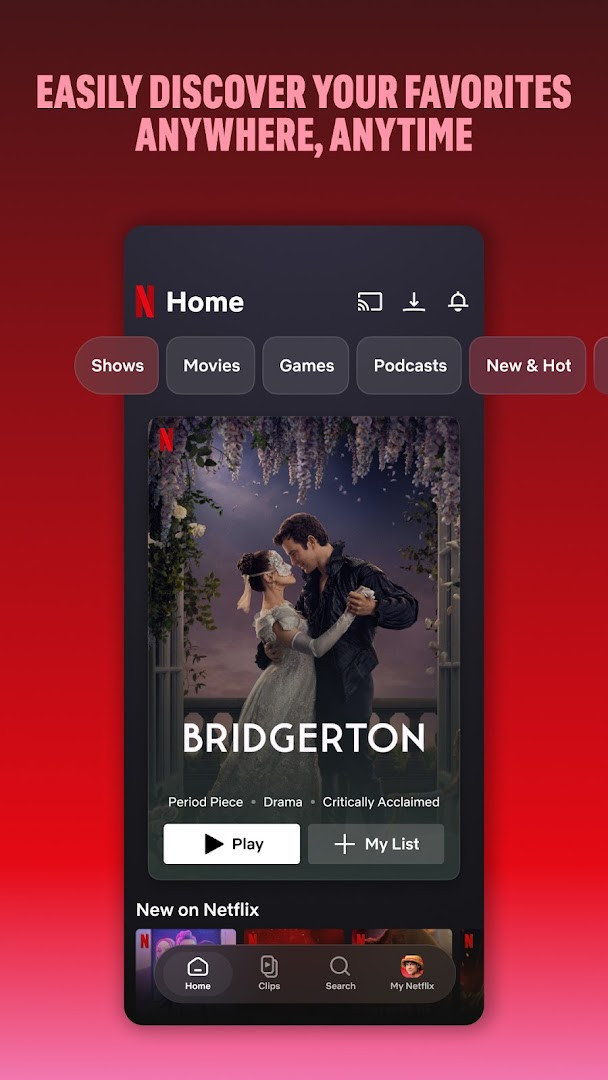
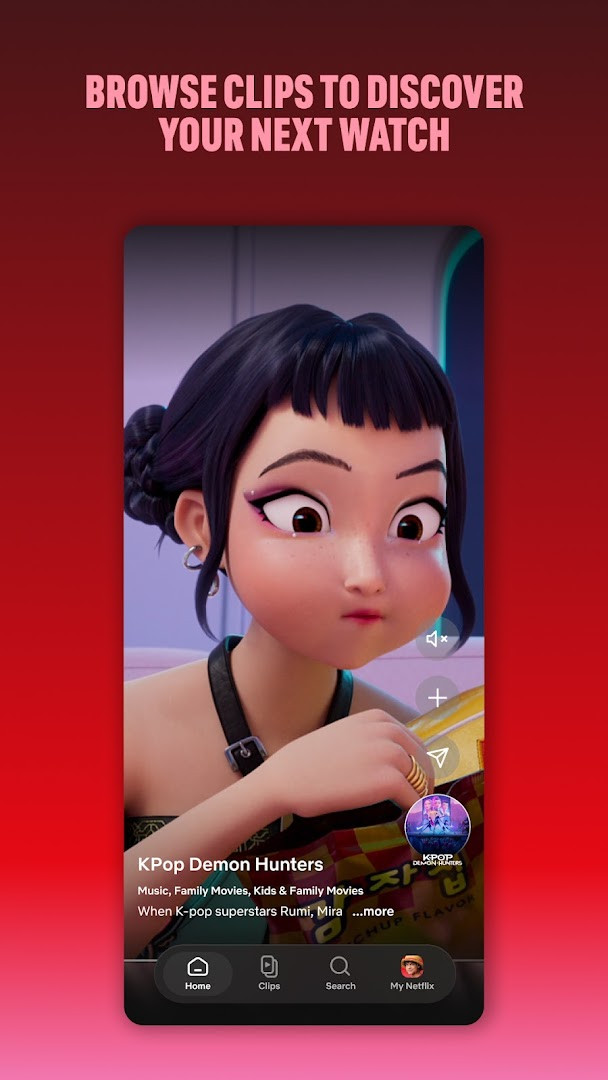
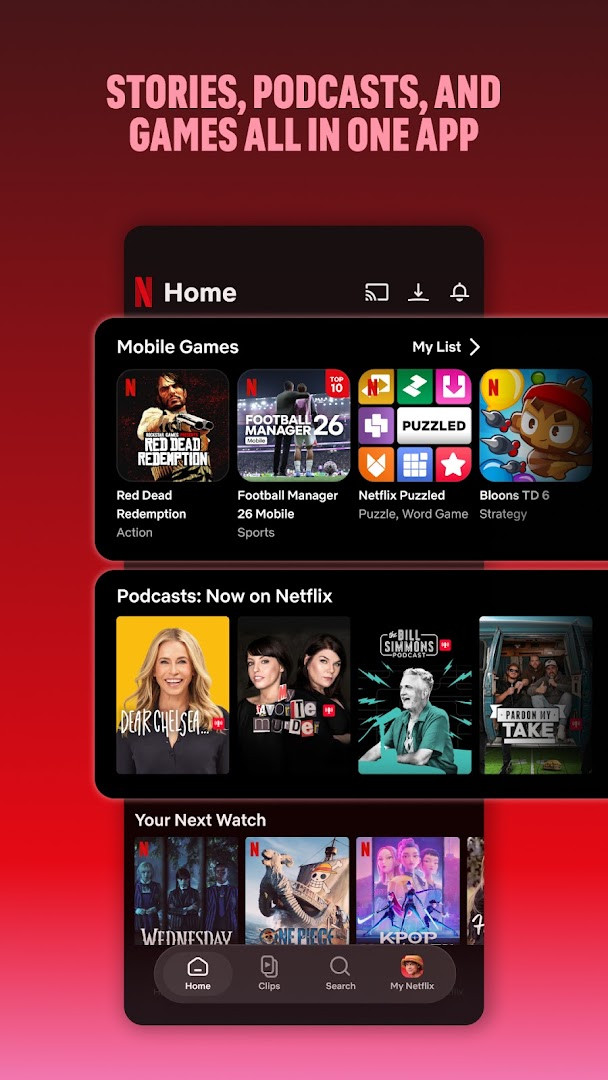
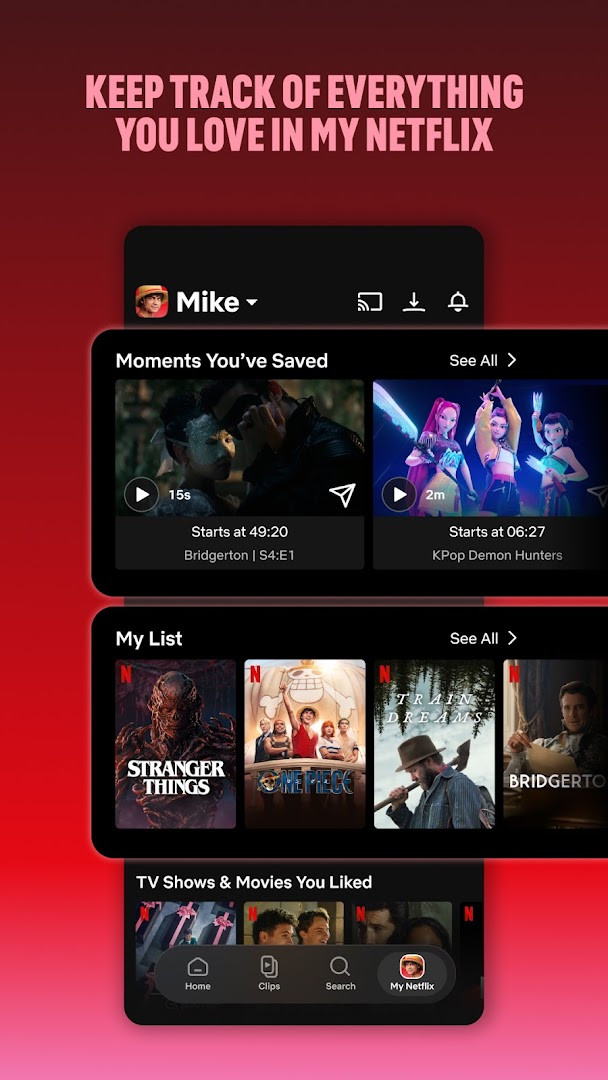
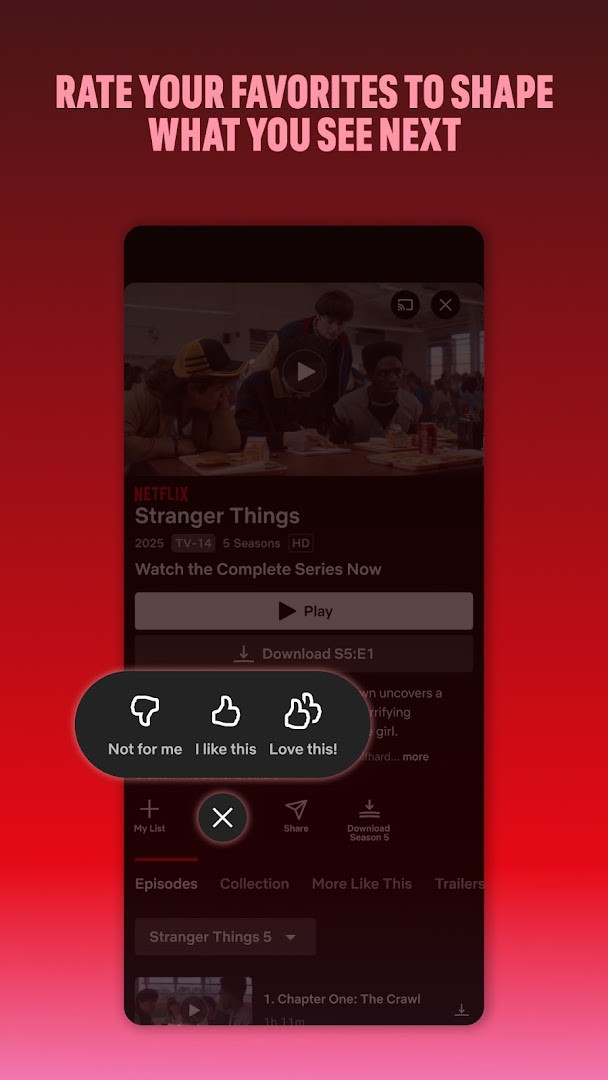
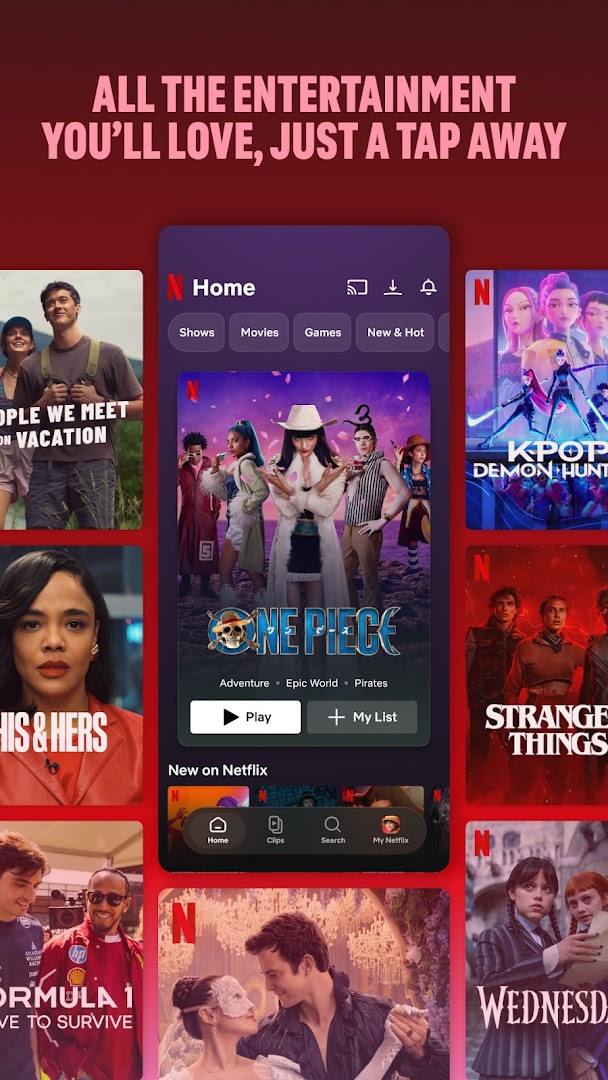
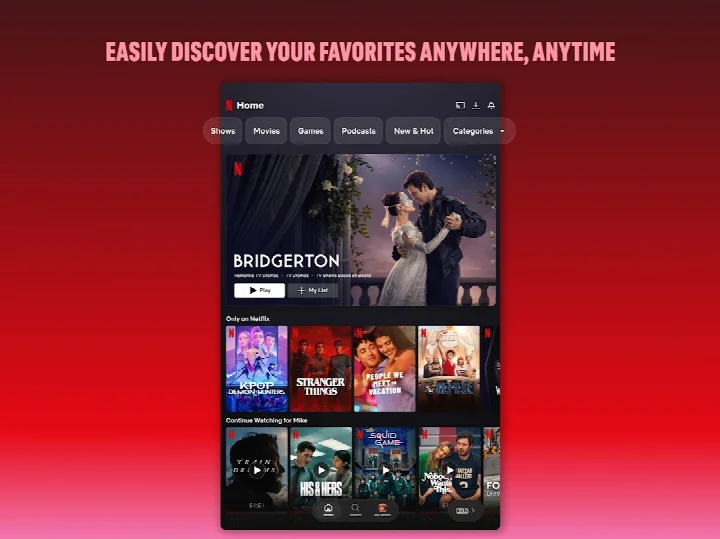
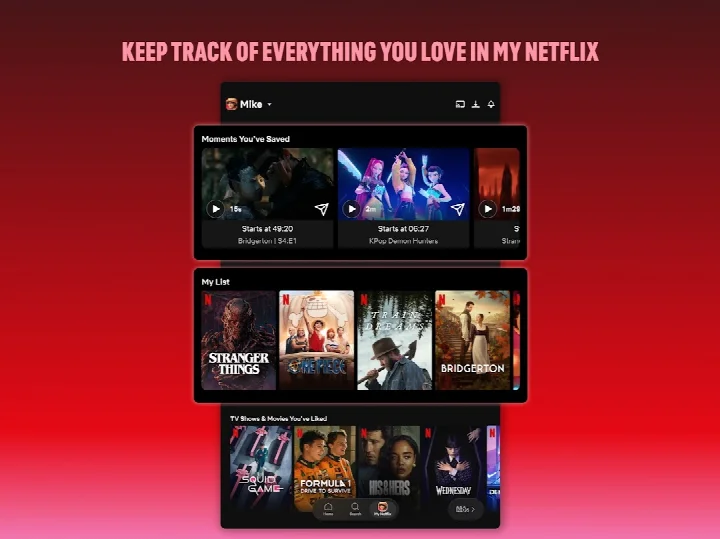
Netflix is an entertainment streaming app by Netflix, Inc. that lets subscribers watch TV shows, movies, live events, podcasts, and games on their mobile devices. It serves as the mobile companion to the widely used subscription service, offering a vast catalog of content that spans award-winning originals, timeless classics, and recent hits. The app is designed to keep users engaged whether they are at home, commuting, or traveling, with a focus on seamless discovery and playback.
With over a billion installs and a high user rating, the app has become a staple for mobile entertainment. The current version introduces a smoother navigation experience, featuring bottom shortcuts that allow quick browsing and easy return to favorite content. A new upcoming clips feed helps users discover what's next, while the 'My Netflix' tab centralizes personal lists, watched history, and saved moments. The update also emphasizes personalized recommendations based on ratings and instant notifications for new releases and live events.
The app is free to download, with no in-app purchases or ads, but requires an active Netflix membership to stream content. Subscriptions are month-to-month and can be canceled anytime online without long-term contracts or fees. The app requests several permissions, including access to photos, storage, camera, microphone, and Wi-Fi connection information, which are used for features like profile avatars, casting, and improving streaming quality. Privacy details are outlined in the Netflix Privacy Statement, which users can review for more information.
Key features
- Bottom navigation shortcuts for quick browsing and returning to favorites
- Upcoming clips feed to discover new content
- Access to series, movies, live events, games, and podcasts in one place
- My Netflix tab to track favorite moments and manage 'My List'
- Personalized recommendations based on your ratings
- Instant notifications for new releases, episodes, and live events
- Smooth playback with adaptive streaming quality
How to install
- Tap the download button on this page to get the APK file (63 MB).
- Your browser may ask for permission to install unknown apps; allow it when prompted.
- Open the downloaded APK file from your downloads folder or notification.
- If prompted, confirm that you want to install the app by tapping 'Install'.
- Wait for the installation to complete; the app requires Android 5.0 or higher.
- Open the Netflix app from your home screen or app drawer and sign in to your account.
Pros
- Vast library of popular and original content
- User-friendly interface with easy navigation
- Personalized recommendations and notifications
- No ads or in-app purchases
- Supports multiple content types including games and podcasts
- High user rating reflecting overall satisfaction
Cons
- Requires a paid subscription to access content
- Requests several permissions that may raise privacy concerns
- Streaming quality may depend on internet connection
- Content availability varies by region
- Large app size may consume storage space
Latest changes
The latest Netflix update, released on October 8, 2026, is designed to give you the best experience for enjoying both recent hits and timeless classics on your phone and tablet. This release focuses on smoother navigation with bottom shortcuts for quick browsing, along with a new way to discover what's next through an upcoming clips feed. It brings together series, movies, live events, games, and podcasts all in one place, plus personalized recommendations and instant notifications for new releases and live events.
Older versions
| Version | Size | Requires Android | Updated |
|---|---|---|---|
| 2.2.5 | 2.7 MB | 8.0 | Feb 25, 2026 |
| 7.120.6 build 63 35594 | 63 MB | 5.0 | Sep 15, 2025 |
| 4.16.7 build 15235 | 25 MB | 4.4 | Apr 13, 2023 |
| 3.14.4 build 5440 | 25 MB | 4.0 | Dec 29, 2020 |
This app is ideal for entertainment enthusiasts who want to stream TV shows and movies on the go, families looking for a wide range of content for all ages, and cord-cutters who prefer a subscription-based model without long-term contracts.
To manage your privacy, review the app's permission settings in your device's system settings and grant only those that you are comfortable with, such as storage if you plan to download titles for offline viewing.
Permissions
FAQ
What content types can I access through the Netflix mobile app?
The app brings together a wide range of entertainment in one place, including TV series, movies, live events, games, and podcasts, so you can enjoy different kinds of content without switching apps.
How do I keep track of shows or movies I want to watch later?
You can use the 'My Netflix' tab to manage your favorites, including adding titles to 'My List' and keeping track of moments you enjoy. The app also offers personalized recommendations based on your ratings.
Is there a way to discover upcoming shows or movies before they are released?
Yes, the app includes an upcoming clips feed, which provides a new way to see what's coming next and helps you decide what to look forward to.
Can I cancel my membership at any time without extra charges?
Netflix is a month-to-month subscription that starts when you sign up. You can cancel anytime online, 24 hours a day, and there are no long-term contracts or cancellation fees.
What permissions does the app request and why might they be relevant?
The app lists permissions for Photos/Media/Files, Storage, Camera, Microphone, and Wi-Fi connection information. These are typical for features like uploading media or using connectivity, but the app itself does not include in-app purchases or ads.
Netflix remains a leading choice for mobile entertainment, offering a rich catalog and user-friendly experience. While the subscription requirement and permission requests may give some users pause, the app's high ratings and extensive features make it a worthwhile option for those who value convenience and variety in their streaming service.
Similar apps





Updated: Oct 24, 2026
| Version | Size | Requires Android | Updated |
|---|---|---|---|
| 2.2.5 | 2.7 MB | 8.0 | Feb 25, 2026 |
| 7.120.6 build 63 35594 | 63 MB | 5.0 | Sep 15, 2025 |
| 4.16.7 build 15235 | 25 MB | 4.4 | Apr 13, 2023 |
| 3.14.4 build 5440 | 25 MB | 4.0 | Dec 29, 2020 |
- Size
- 63 MB
- Requires Android
- 5.0
- Updated
- Oct 8, 2026
- Installs
- 1B+
- Rating
- ★ 4.67 (16,508,163)
- Category
- Entertainment
- Developer
- Netflix, Inc.
- Content rating
- Teen
- Package
- com.netflix.mediaclient
- Free
- ✓