ibis Paint X for Android
ibis Paint X is a full-featured illustration and animation app from ibis inc. for creating drawings, animations, and videos on smartphones and tablets.
ibis Paint X is designed for anyone who wants to draw and animate without pressure, from beginners to experienced artists. The app is free to download, requires Android 7.0 or higher, and has a size of about 100 MB.
Screenshots
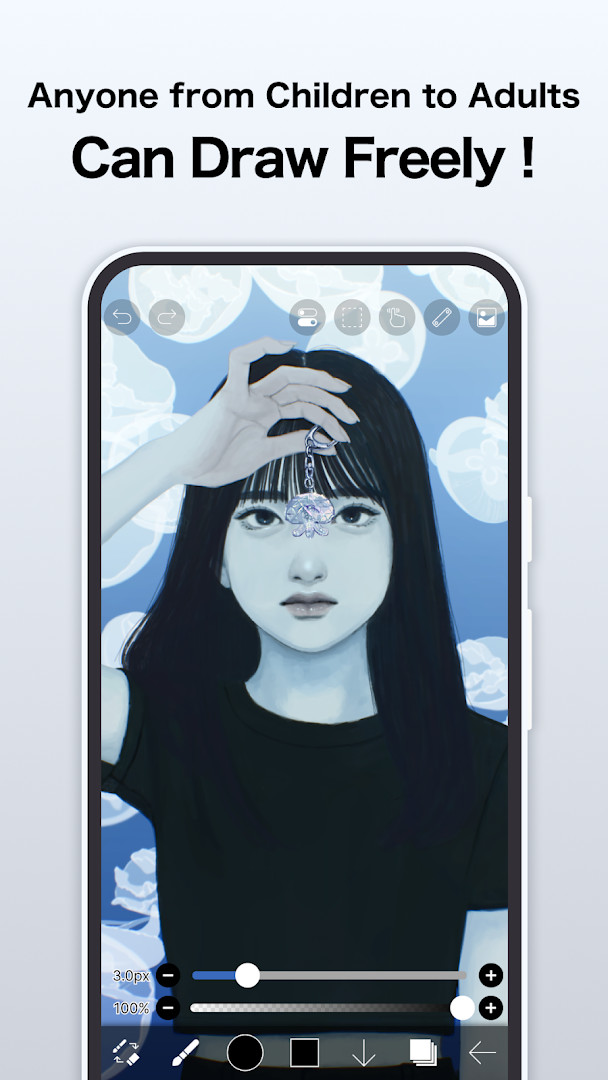
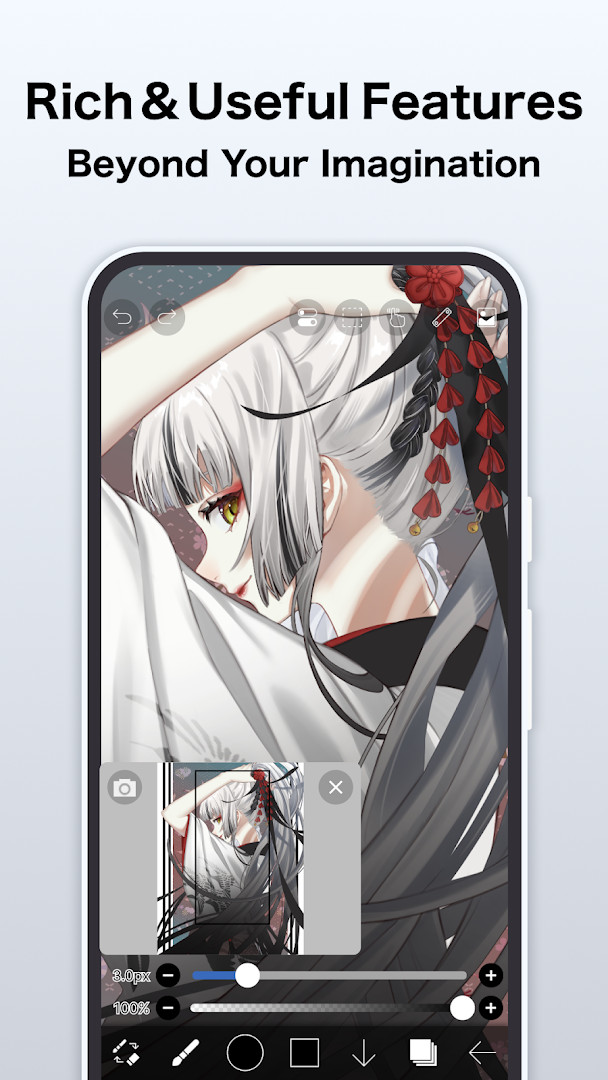
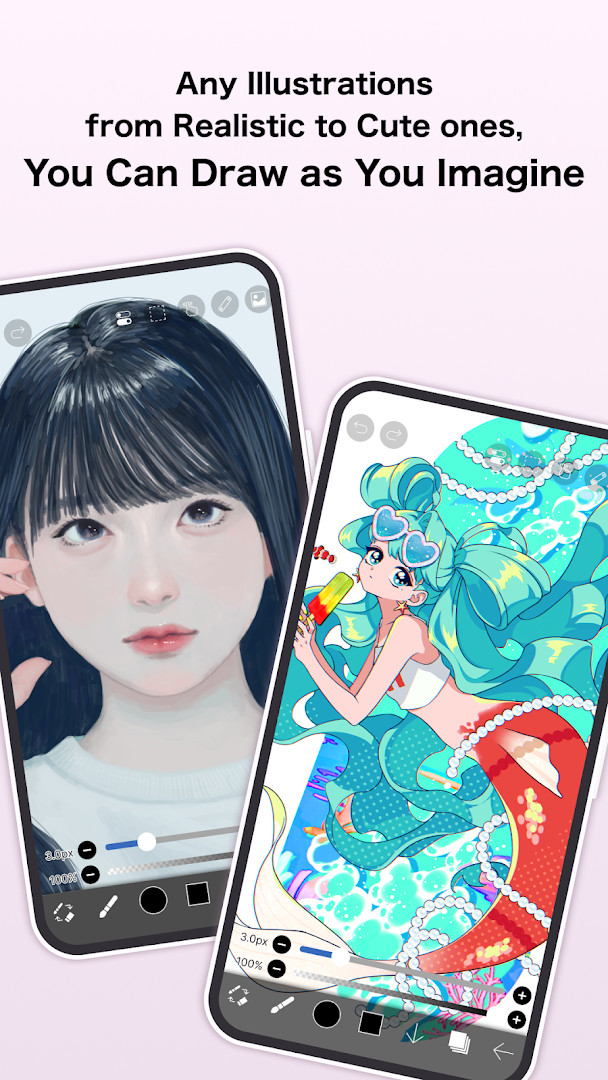
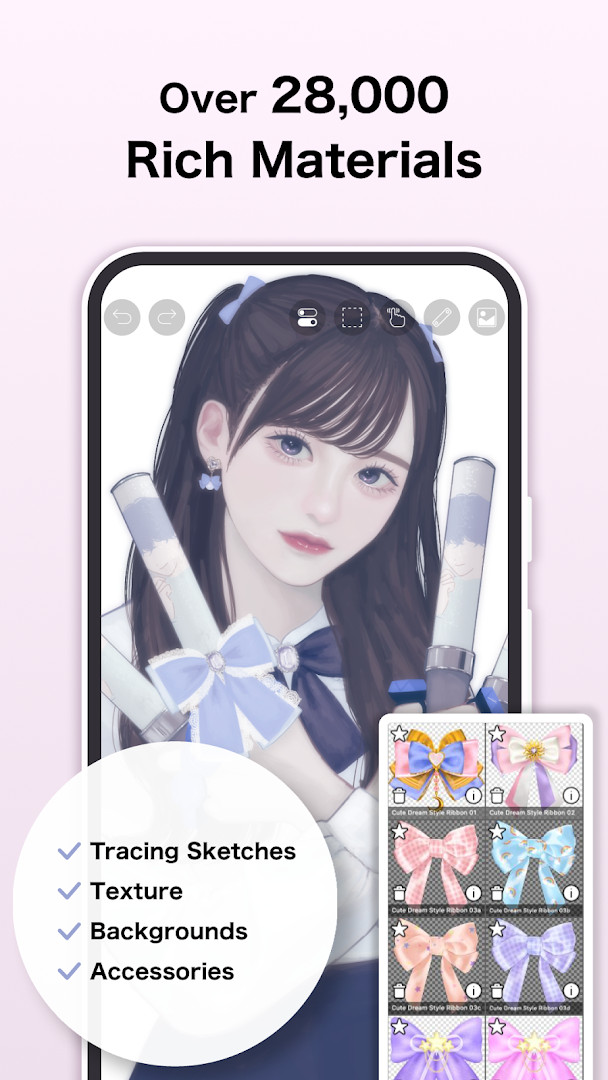
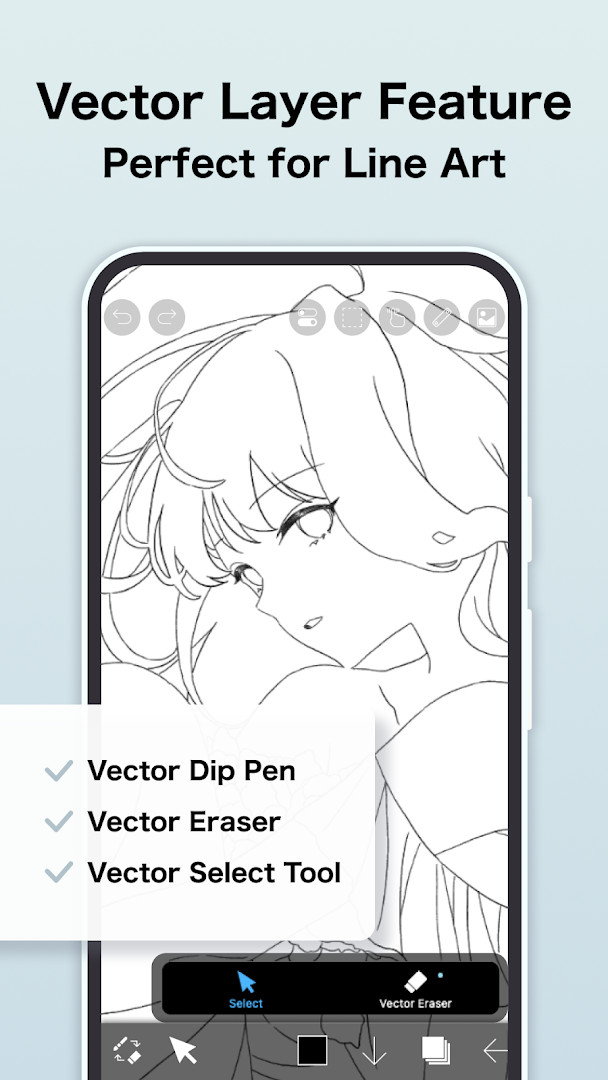
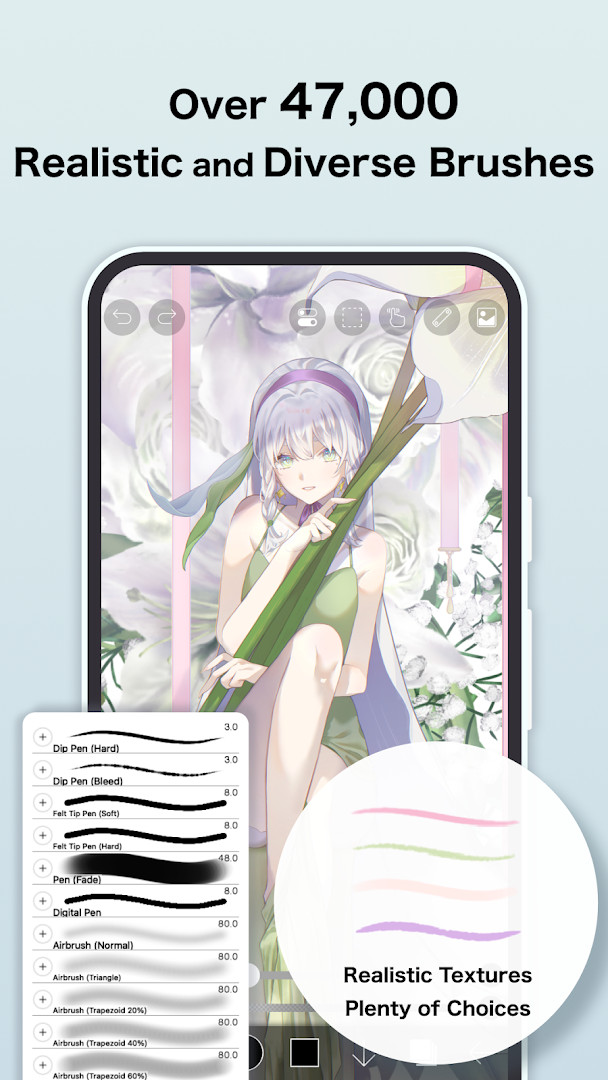
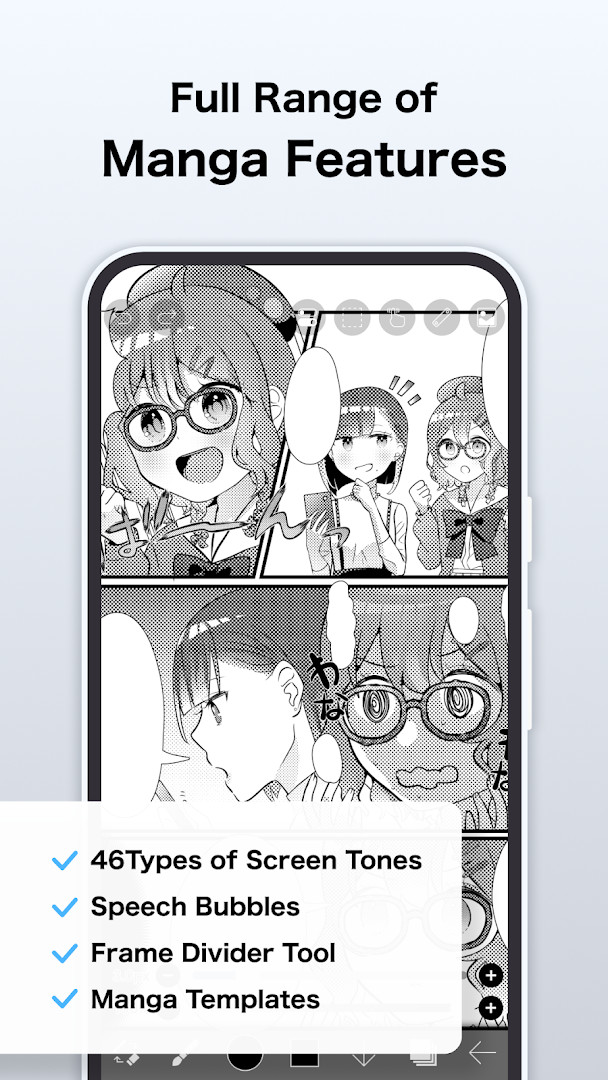
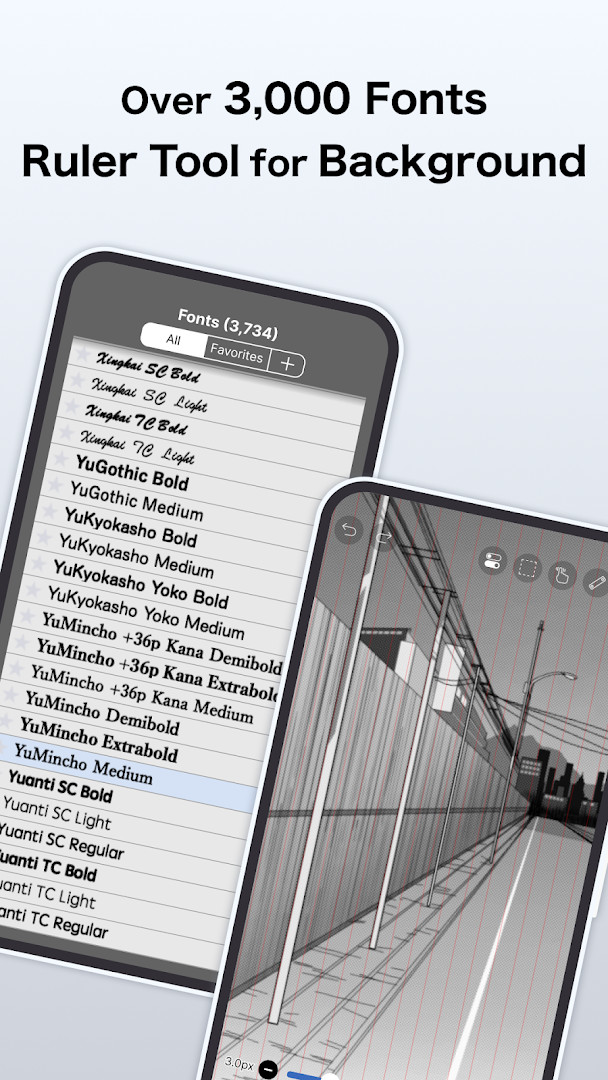
ibis Paint X is a full-featured illustration and animation app by ibis inc. that provides a comprehensive toolkit for drawing, painting, and creating frame-by-frame animations on Android devices. Designed to lower the barrier for beginners while still offering depth for experienced artists, it combines a user-friendly interface with a vast array of creative assets, including over 130,000 brushes, 30,000+ materials, and 3,000+ fonts. The app also includes 86 image filters, 46 screentones, 27 layer blending modes, vector tools, reference windows, radial and symmetry rulers, and even an AI Disturbance feature, making it a serious contender against desktop illustration software.
Version 14.1.2, updated on September 25, 2026, focuses on bug fixes and stability improvements. Specifically, it resolves an issue where shapes drawn with Smart Shape on a Vector Layer could become distorted after being applied when a Selection Area was active. It also fixes a crash that could occur when returning to My Gallery via a keyboard shortcut while a tutorial was displayed. These refinements ensure a smoother experience, particularly for users who rely on precision vector work and keyboard navigation.
From a privacy standpoint, ibis Paint X stands out by not requiring any permissions to function. All permissions are optional and can be declined without losing core functionality. The app may request access to photos/videos for importing and saving artwork, microphone input for connecting digital styluses, and push notifications for updates and announcements. This transparent approach gives users control over their data, aligning with a privacy-conscious design philosophy.
Key features
- Over 130,000 brushes, including dip pens, felt tips, airbrushes, and stamps
- 30,000+ materials and 3,000+ fonts for creative variety
- 86 image filters and 46 screentones for quick effects
- 27 layer blending modes and vector tools for precise editing
- Reference window, radial and symmetry rulers for accurate drawing
- Animated filters and AI Disturbance feature for dynamic effects
- Frame-by-frame animation support with audio and background music
- Record your drawing process as a time-lapse video
- Optional permissions only; no permission is required to use the app
How to install
- Tap the download button on this page to get the APK file.
- When Android prompts, allow your browser or file manager to install apps by enabling the 'Install unknown apps' setting.
- Open the downloaded APK file from your notification bar or file manager.
- Tap 'Install' and wait for the process to complete.
- Open the app from your app drawer. No additional setup is required. The file size is not specified, and the minimum Android version is 7.0.
Pros
- No required permissions; all are optional
- Massive library of brushes and materials
- Comprehensive animation and video features
- Free to use with in-app purchases
- Regular updates with bug fixes
Cons
- Contains ads (optional to remove via in-app purchase)
- Some advanced features require a Prime Membership
- Large content library may be overwhelming for beginners
- Permissions like microphone and storage are optional but may limit stylus or import features if declined
Latest changes · 14.1.2
Version 14.1.2 fixes several bugs. A shape drawn with Smart Shape on a Vector Layer could become distorted after applying when a Selection Area was present; this is now corrected. Also fixed is a crash that could occur when returning to My Gallery via a keyboard shortcut while a tutorial was displayed. Additional minor fixes are included.
Older versions
| Version | Size | Requires Android | Updated |
|---|---|---|---|
| 14.1.2 | — | 7.0 | Sep 25, 2026 |
| 9.2.3 | 28 MB | 4.1 | Jan 15, 2025 |
| 4.2.3 | 28 MB | 4.0 | Jan 20, 2017 |
This app is ideal for aspiring digital artists who want a free, full-featured drawing tool, animators looking to create frame-by-frame animations on mobile, and hobbyists who enjoy sharing their creative process through time-lapse videos.
Before starting a complex project, explore the settings to adjust brush stabilization and enable the reference window—this can significantly improve line accuracy and workflow efficiency.
Permissions
FAQ
How can I install the APK on Android?
You can install the APK on an Android device by allowing installations from unknown sources in your settings, then opening the downloaded file and following the on-screen prompts. The app requires Android 7.0 or higher.
What should I know about the current version 14.1.2?
The current version is 14.1.2, updated on September 25, 2026. It fixes an issue with Smart Shape distortion on vector layers and a crash when returning to My Gallery during a tutorial.
Does the app include ads or purchases?
The app is free, but it shows ads and offers in-app purchases. A Remove Ads add-on can hide advertisements, and a Prime Membership unlocks more advanced functions.
Can I use it offline or control its data access?
Yes, core drawing features work offline. Optional permissions for photo library access, microphone input, and notifications may be declined without disabling the main app features.
What are some alternatives in the same category?
This is a full-featured illustration and animation app with over 130,000 brushes, 30,000 materials, 3,000 fonts, 86 filters, vector tools, rulers, and time-lapse recording. If you want a simpler drawing tool or a more specialized desktop-style program, other options in the Art & Design category may suit different needs.
What are the basic system requirements?
The minimum Android version is 7.0, and the app is rated for everyone.
ibis Paint X delivers a remarkably robust painting and animation experience on Android, rivaling desktop software while respecting user privacy through optional permissions. Its occasional ads and premium features are minor trade-offs for a free, powerful creative suite. Whether you're a beginner or a seasoned artist, this app offers immense value and room to grow.
Similar apps



Updated: Oct 19, 2026
| Version | Size | Requires Android | Updated |
|---|---|---|---|
| 14.1.2 | — | 7.0 | Sep 25, 2026 |
| 9.2.3 | 28 MB | 4.1 | Jan 15, 2025 |
| 4.2.3 | 28 MB | 4.0 | Jan 20, 2017 |
- Version
- 14.1.2
- Requires Android
- 7.0
- Updated
- Sep 25, 2026
- Installs
- 100M+
- Rating
- ★ 4.48 (3,011,553)
- Category
- Art & Design
- Developer
- ibis inc.
- Content rating
- Everyone
- Package
- jp.ne.ibis.ibispaintx.app
- Free
- ✓ · Contains ads · In-app purchases