PENUP – Drawing-sharing SNS: Draw and Share
PENUP – Drawing-sharing SNS is a free drawing-sharing app by Samsung Electronics Co., Ltd. that lets you share drawings and communicate with artists worldwide.
PENUP – Drawing-sharing SNS has a download size of 97 MB and requires Android 9 or higher. PENUP is free, shows no ads, and includes no in-app purchases. PENUP serves artists and casual users who want to share drawings, join drawing challenges, and practice with video drawing tutorials.
Screenshots
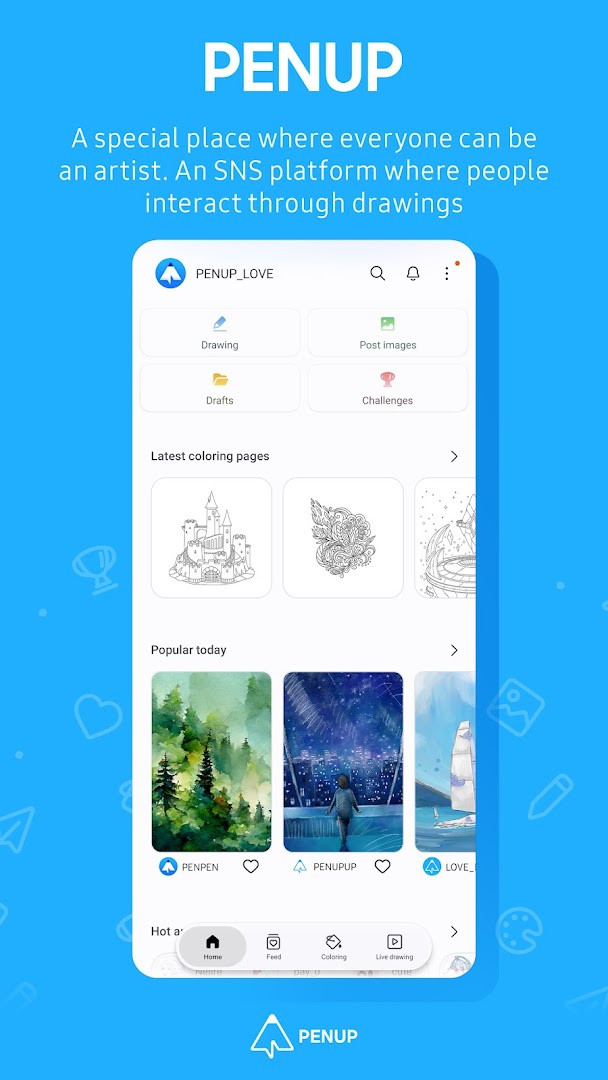
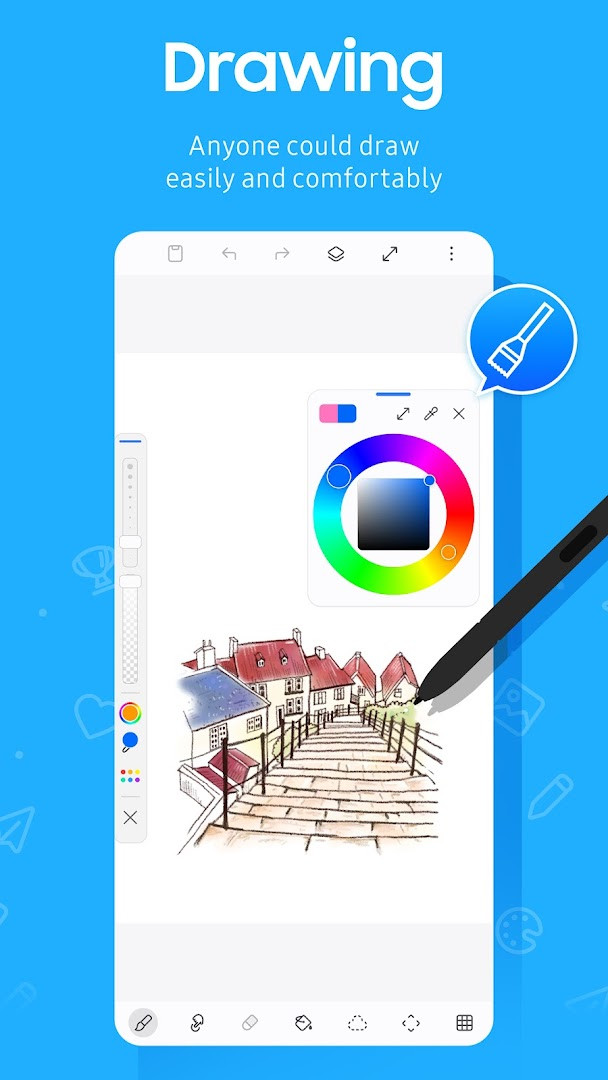
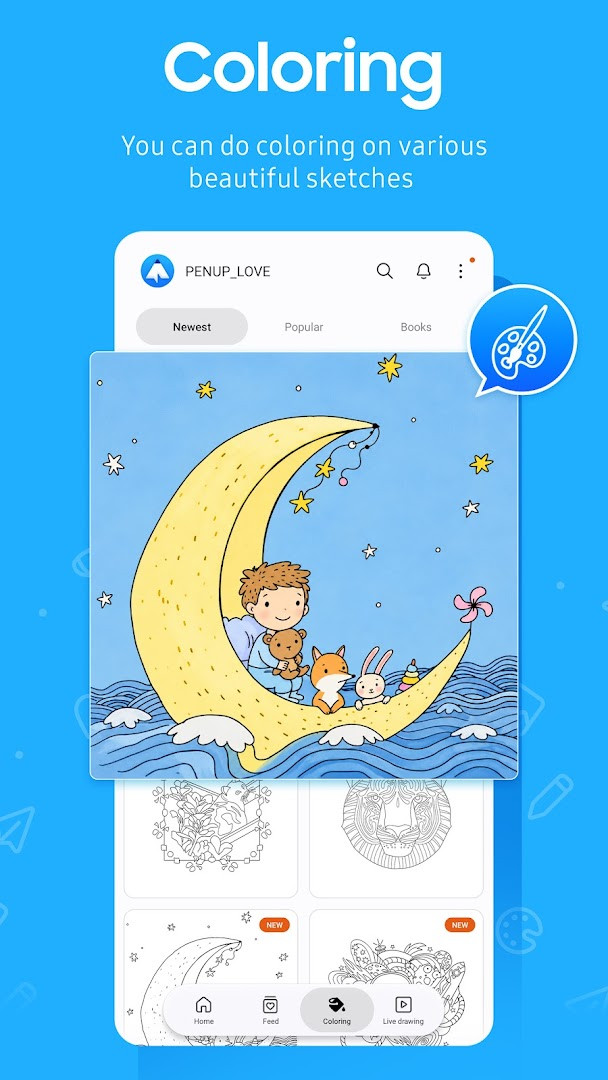
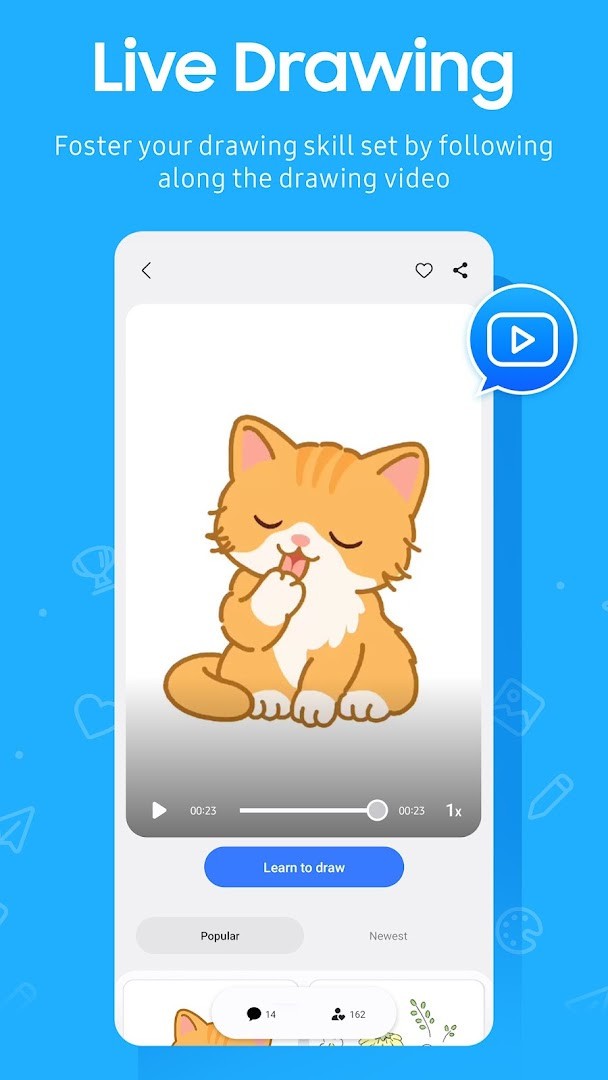
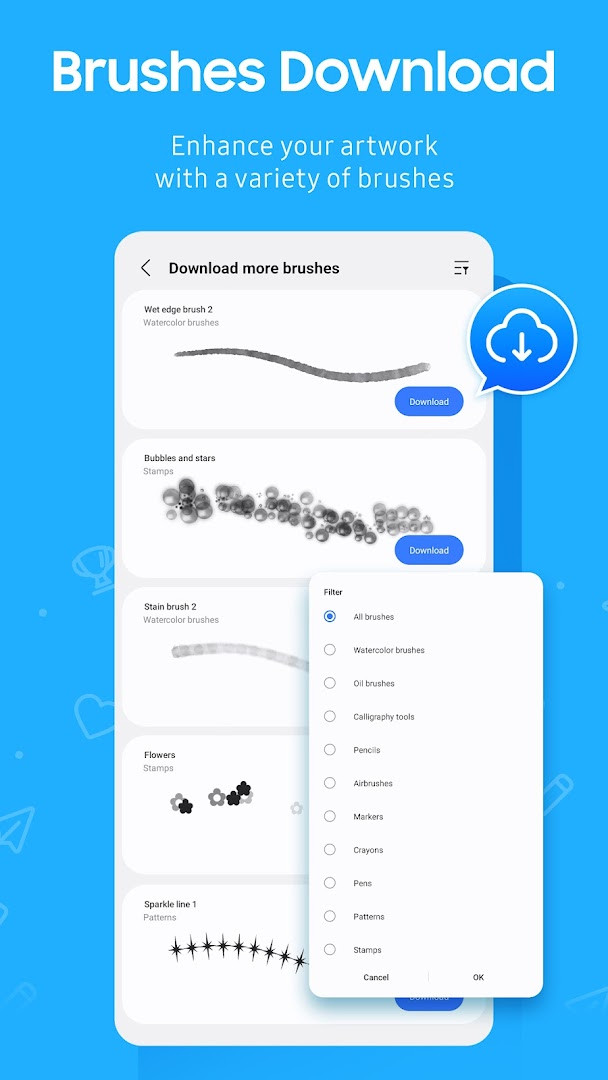
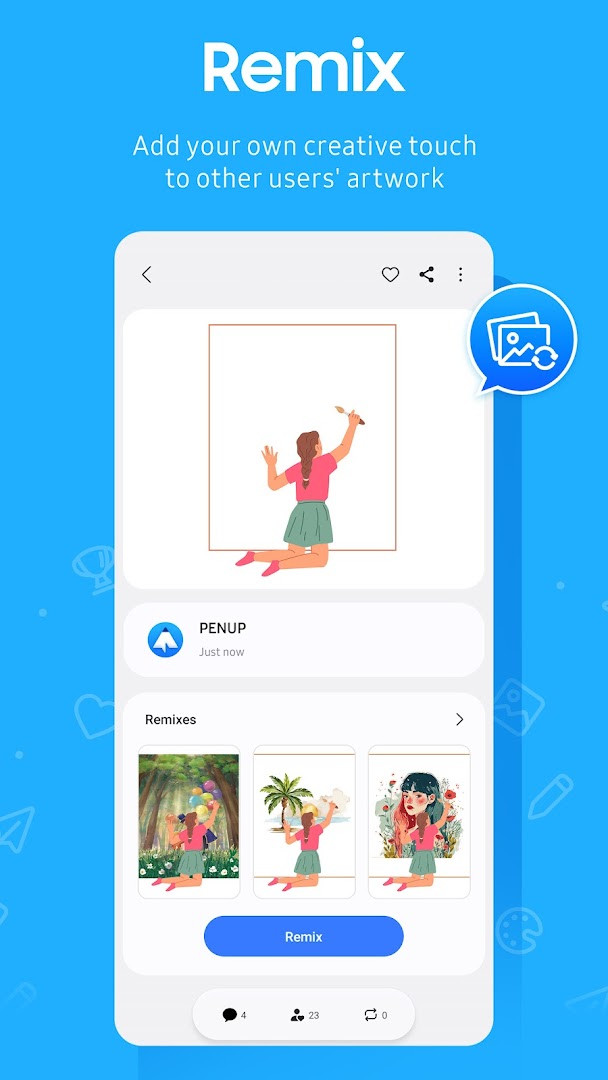
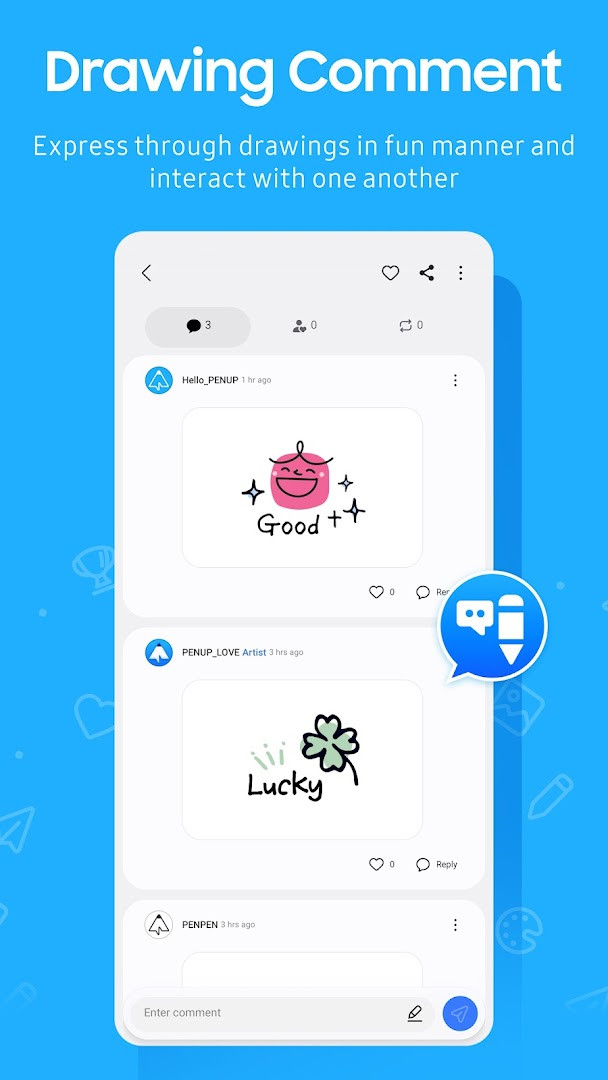
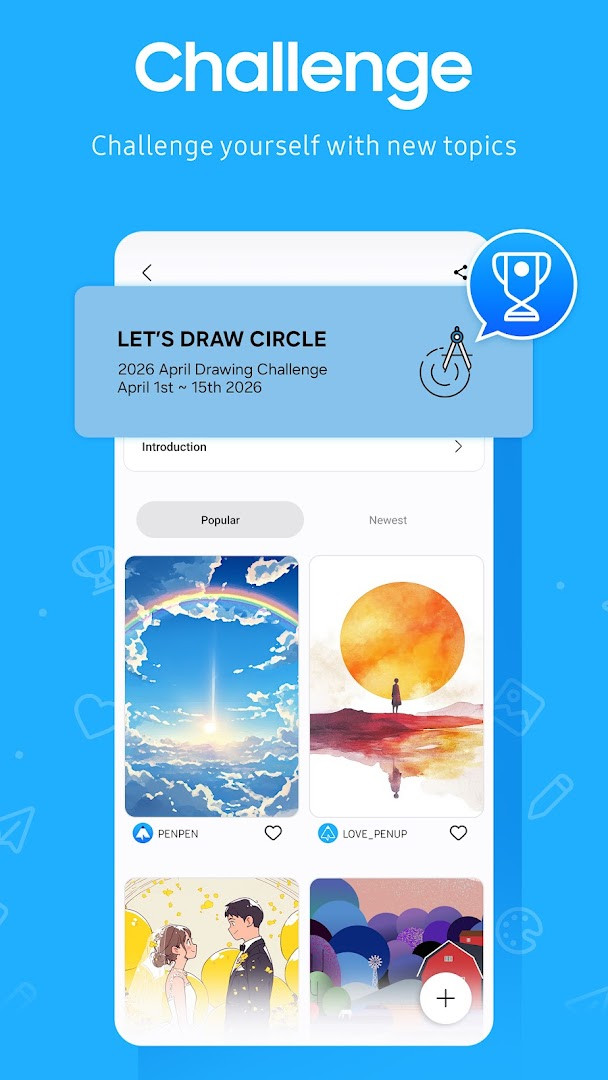
PENUP – Drawing-sharing SNS is an art and design app by Samsung Electronics Co., Ltd. that combines drawing tools with a social feed where users share and discuss their pictures. It has been available since 2013 and was last updated on 2026-09-18, so the toolset behind it has had years to mature. The app addresses a common problem for hobbyist sketchers: drawing software often feels technical, and sharing finished work usually means juggling several unrelated services. PENUP puts both sides in one place. You can sketch or color directly in the app, follow guided exercises, or work from a photo reference, then post the result to a public feed where other members comment and follow. It is free to use, carries no advertising and no in-app purchases, and the overall content rating is Teen.
Key features
- Live Drawing videos that let you follow along step by step and practice technique
- Photo Drawing mode, which uses a photograph as a reference while you sketch
- A library of coloring book pages to fill in when you want something relaxing
- Ready-made templates for users who would rather start from an existing outline
- Drawing challenges that give you a theme and a reason to pick up the pen
- Trending Works, a feed where you browse and appreciate other members' drawings
- Comments and following, so you can hold conversations around your own creations
- A new brush added as a drawing tool in the latest release, version 3.9.24.3 from 2026-10-01
How to install
- Tap the download button on this page to get the app package; the file is about 97 MB.
- If Android asks, allow your browser or file manager to install apps — this is the "Install unknown apps" setting in your device options.
- Open the downloaded APK file from your notifications or file manager.
- Tap Install and wait for the process to complete.
- Launch the app. It requires Android 9 or higher to run.
- Grant the optional permissions you are comfortable with: storage on Android 9 or lower for uploading and downloading drawings, and notifications on Android 13 or above for activity alerts.
Pros
- Completely free, with no advertising and no in-app purchases to work around
- A large existing community, reflected in more than 100 million installs
- Highly rated by users, holding 4.54 stars across 223,505 ratings
- Beginner-friendly tools such as templates and guided Live Drawing sessions
- Actively maintained, with several version updates through 2026
- Runs as a general app on Android 9 and above, so older phones are still supported
Cons
- Requests identity and contacts permissions, which not every user will want to grant
- Uploading and downloading drawings needs storage access on Android 9 or lower
- The Teen content rating means the public feed is not aimed at younger children
- A social drawing feed depends on other users, so quiet moments in Trending Works are possible
Latest changes
The latest update adds a new brush to the drawing tools. PENUP remains a drawing-focused social network where users share artwork, follow along with Live Drawing, use Photo Drawing, and join drawing challenges. Recent releases also include versions from June through October 2026, with the newest brush appearing in the current build.
Older versions
| Version | Size | Requires Android | Updated |
|---|---|---|---|
| 3.9.24.3 | 97 MB | 9 | Oct 1, 2026 |
| 3.8.00.18 | 27 MB | 6.0 | Sep 29, 2026 |
| 3.9.23.13 | 97 MB | 9 | Sep 18, 2026 |
| 3.9.22.32 | 97 MB | 9 | Aug 14, 2026 |
| 3.9.21.33 | 124 MB | 9 | Jun 20, 2026 |
| 3.9.12.77 | 40 MB | 8.0 | Nov 13, 2025 |
| 3.2.01.1 | 21 MB | 5.0 | Jun 1, 2019 |
This app suits casual and improving sketchers who want a low-pressure place to draw and be seen. If you like coloring pages, guided practice, or themed challenges rather than professional-grade illustration tools, you will find the workflow approachable. It also works well for people who enjoy browsing other artists' work and leaving comments, since the feed and following system are central rather than bolted on. Parents should note the Teen rating before handing it to a younger child.
Try one Live Drawing session and one coloring page in your first week to see which style keeps you drawing. Posting regularly matters more than posting perfectly — the challenge prompts are a good way to build the habit. If you would rather not share contacts or identity details, you can review and reset individual permissions at any time in your device's app settings, and the core drawing tools keep working.
Permissions
FAQ
Is PENUP free to use?
Yes, the app is free, costs nothing, and includes no ads or in-app purchases.
Which Android version is required?
The app requires Android 9 or higher. If your device runs a version older than Android 6.0, update your system software first so app permissions can be configured.
How large is the app file?
The app file is about 97 MB.
Do I need an account to use the app?
Yes. Since PENUP is a social network for sharing drawings, you need an account to post your drawings, comment on others' work, and communicate through your creations.
What permissions does the app ask for?
The app requests access to identity, contacts, photos/media/files, and storage. Storage is used to upload or download drawings on Android 9 or lower, and notifications are used on Android 13 and above to alert you about drawing activity, followers, and people you follow.
How can I update the app?
To update, simply download the newest version from this page. The latest listed version is 3.9.24.3, released on 2026-10-01.
PENUP blends a friendly set of drawing and coloring tools with a social feed, and it does so without ads or purchases getting in the way. For anyone who wants to sketch more often and share the results, it is a sensible, well-established option worth trying.
Similar apps



More from this developer


Updated: Oct 23, 2026
| Version | Size | Requires Android | Updated |
|---|---|---|---|
| 3.9.24.3 | 97 MB | 9 | Oct 1, 2026 |
| 3.8.00.18 | 27 MB | 6.0 | Sep 29, 2026 |
| 3.9.23.13 | 97 MB | 9 | Sep 18, 2026 |
| 3.9.22.32 | 97 MB | 9 | Aug 14, 2026 |
| 3.9.21.33 | 124 MB | 9 | Jun 20, 2026 |
| 3.9.12.77 | 40 MB | 8.0 | Nov 13, 2025 |
| 3.2.01.1 | 21 MB | 5.0 | Jun 1, 2019 |
- Size
- 97 MB
- Requires Android
- 9
- Updated
- Sep 18, 2026
- Installs
- 100M+
- Rating
- ★ 4.53 (223,826)
- Category
- Art & Design
- Developer
- Samsung Electronics Co., Ltd.
- Content rating
- Teen
- Package
- com.sec.penup
- Free
- ✓