Adobe Express: AI Photo, Video
Adobe Express is a photo and video editing app from Adobe for creating marketing materials, editing videos, and enhancing images.
Adobe Express is designed for both beginners and seasoned creators who need to produce on-brand marketing and business content quickly. The app offers tools for video editing, photo enhancement with AI, background removal, QR code generation, and PDF editing. It is free to use with in-app purchases, requires Android 10 or later, and has been installed over 100 million times.
Screenshots
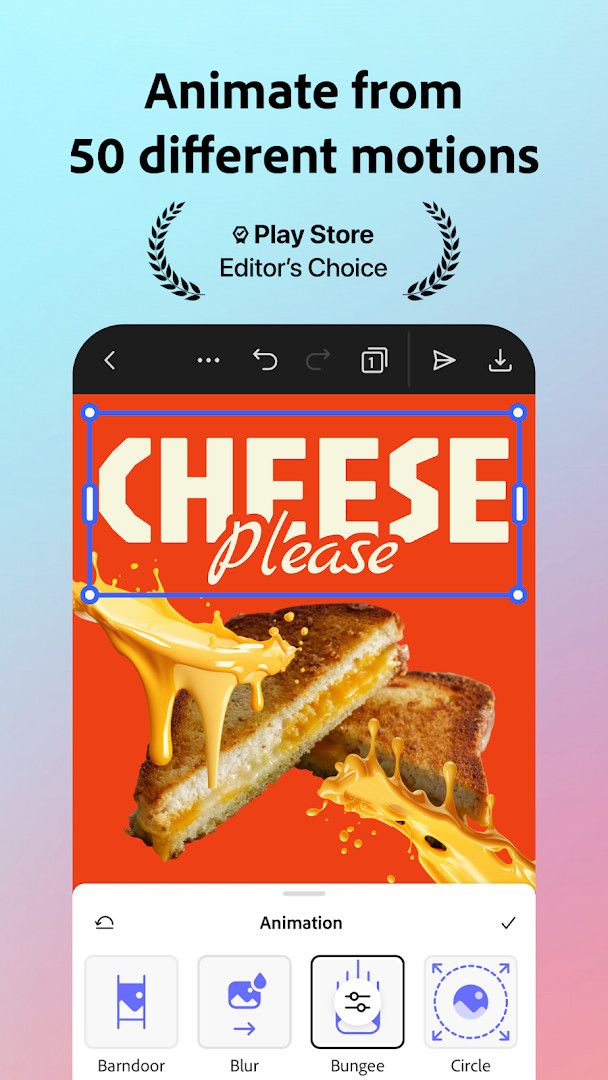
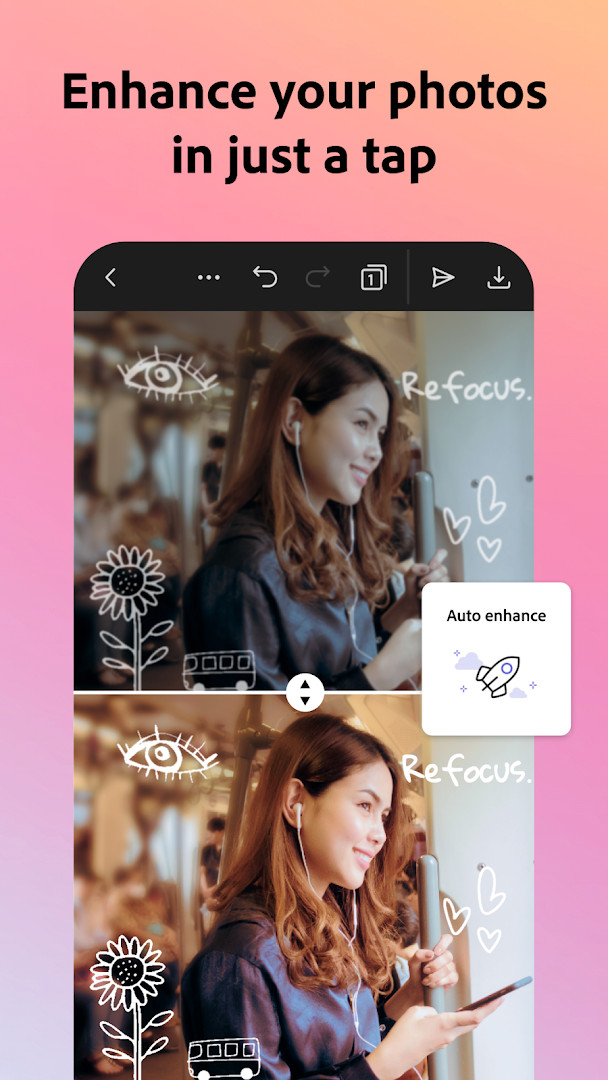
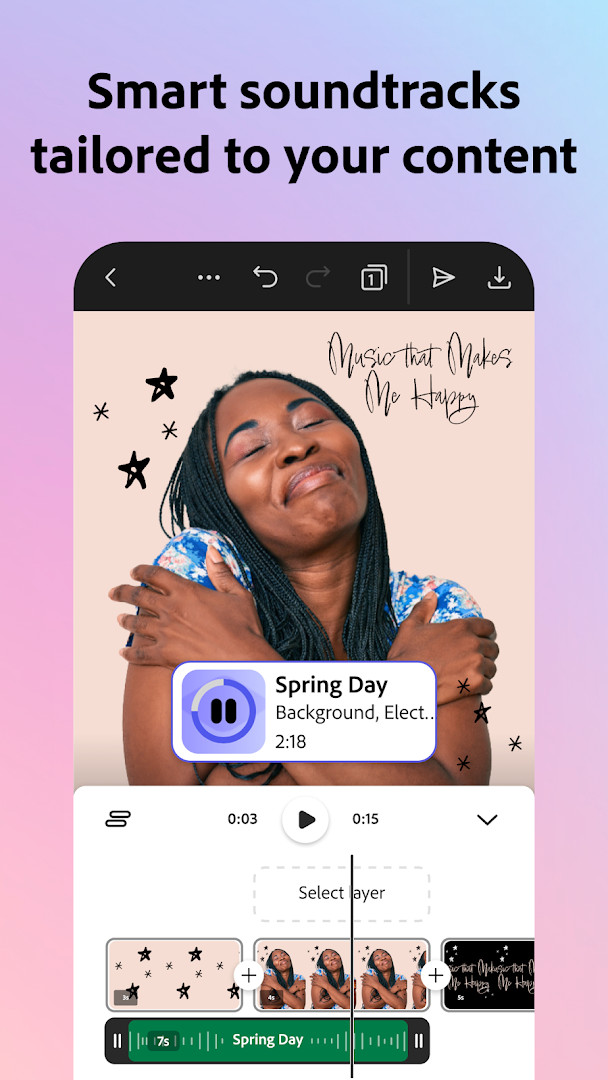
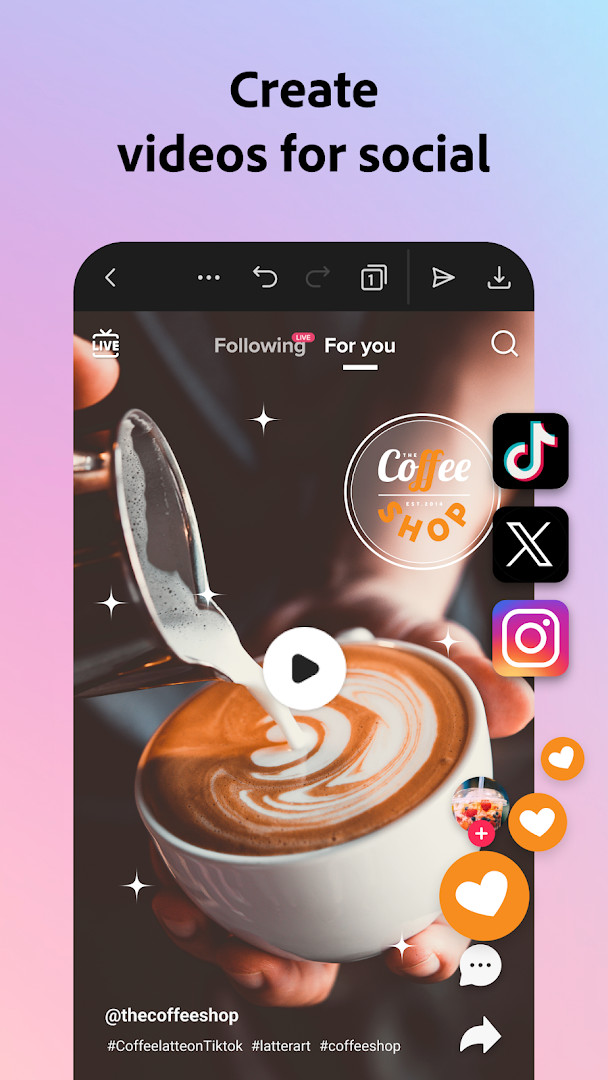
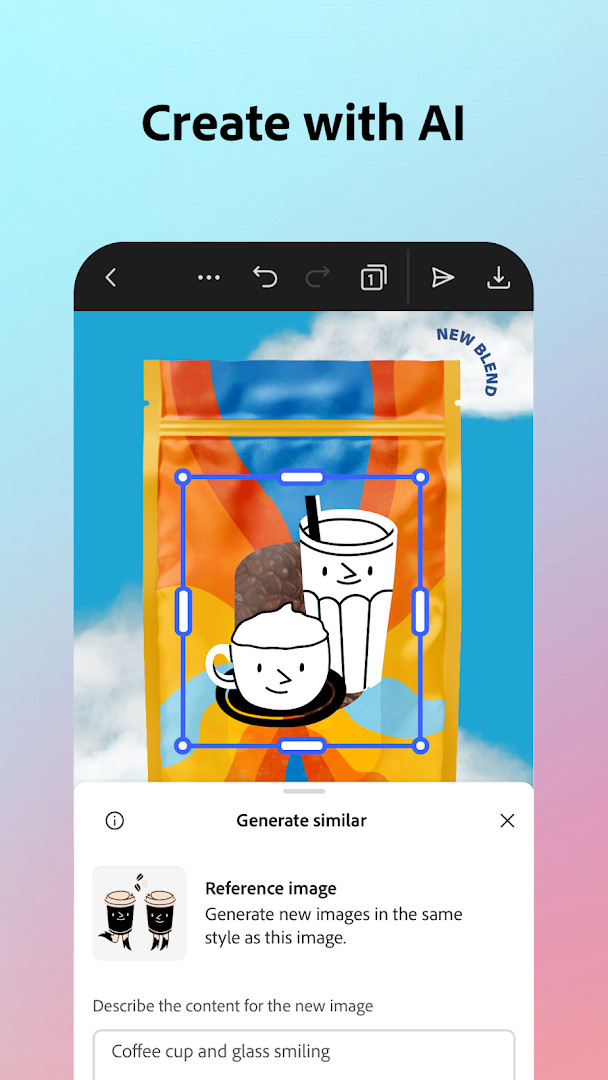
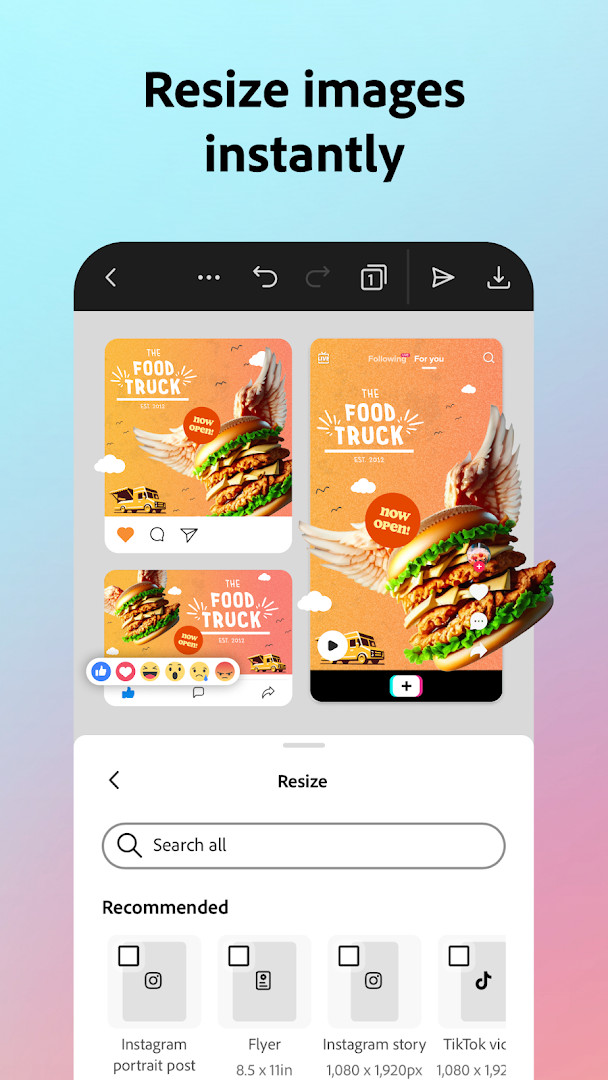
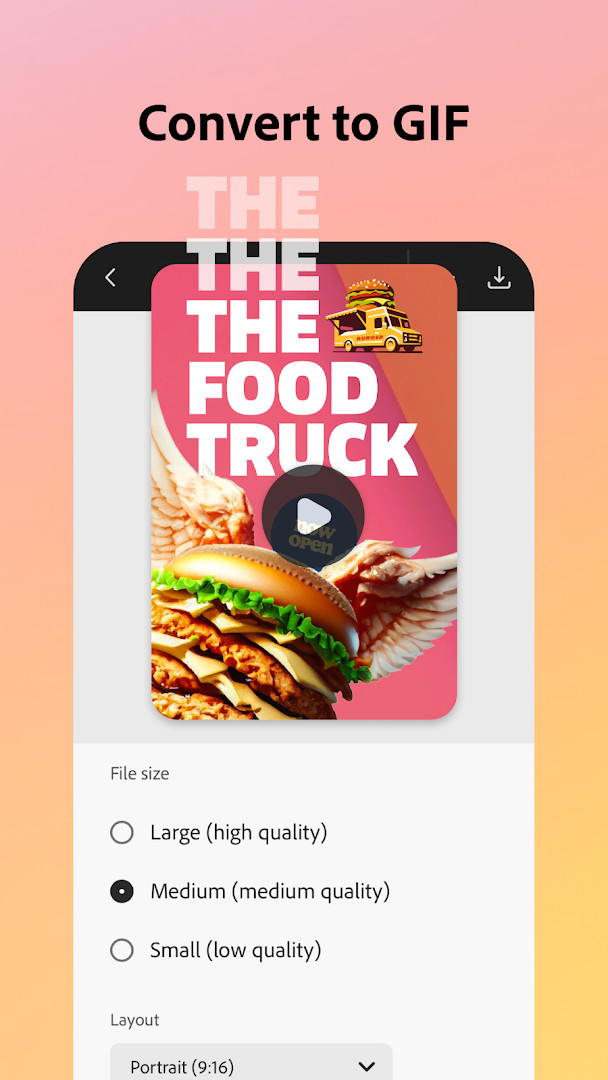
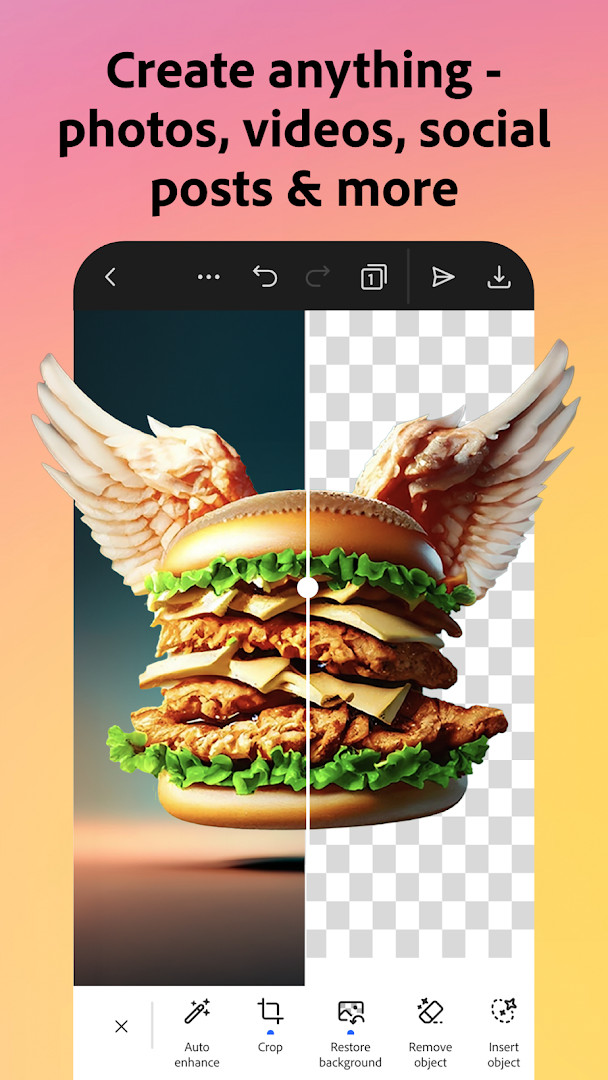
Adobe Express: AI Photo, Video is a design and content creation app by Adobe that helps users make social posts, videos, marketing materials, and branded content. It brings together photo editing, video tools, PDF support, and brand consistency features in one mobile workspace.
The app is built for everyday creative tasks. You can edit videos using templates, trim and combine clips, add captions, remove background noise, and reframe content for different social channels. For photos, it offers AI-assisted object removal and addition, filters, and an AI photo generator. Background removal, GIF conversion, and one-tap resizing are available through Quick Actions.
Adobe Express also includes practical tools for small businesses and teams. Brand kits let you keep fonts, colors, and logos ready to apply across designs. PDF editing allows you to update content, swap images, refine layouts, and convert files. QR code generation with customizable styles is included as well.
A premium membership unlocks additional resources such as a large stock library, generative credits, video background removal, and one-click resizing for multiple channels. Some features may not be available on every device yet and are being rolled out over time.
Key features
- Video editing with templates, trimming, combining clips, text, music, transitions, sound effects, automatic captions, social reframing, and background noise removal.
- Photo editing with AI object add/remove, Photoshop-powered filters, and an AI photo generator.
- Quick Actions for removing photo or video backgrounds, converting images to GIFs, and resizing content with a single tap.
- Customizable QR code creation with styles and colors to match your brand.
- Brand kits for keeping fonts, colors, and logos ready to drop into any design.
- PDF editing including updating content, swapping images, refining layouts, adding brand elements, and converting or exporting files.
- Additional Quick Action tools such as trimming and resizing designs, cropping photos, converting images and videos to GIF, animating a character with your voice, and importing PDF.
How to install
- Tap the download button on this page to get the APK file.
- Wait for the download to finish. The file size is listed as n/a, so it may vary by device.
- When Android asks, allow your browser or file manager to install apps by enabling the 'Install unknown apps' setting.
- Open the downloaded APK file from your notifications or file manager.
- Tap Install and wait for the process to complete.
- Open the app and sign in or create an Adobe account to start using it. Your device must run Android 10 or later.
Pros
- Combines photo, video, PDF, and branding tools in one app.
- Free to download with no ads.
- AI features help speed up everyday edits and content creation.
- Works with a large library of templates and royalty-free assets through premium.
- Suitable for both beginners and experienced creators.
Cons
- Some features are not currently supported on all devices and are rolling out over time.
- Premium membership is required for certain tools like video background removal and one-click multi-channel resizing.
- Uses several permissions including camera, microphone, storage, and device ID information.
- The wide feature set may feel overwhelming if you only need a simple photo editor.
Latest changes · 31.0.1
The update brings regular improvements to make the app faster and more reliable, along with new features. If you enjoy using Adobe Express, consider rating it, as your feedback supports continued app improvements.
Older versions
| Version | Size | Requires Android | Updated |
|---|---|---|---|
| 31.0.1 | — | 10 | Oct 12, 2026 |
This app is for content creators, small business owners, marketers, students, and anyone who wants an all-in-one tool for quick photo edits, video clips, branded graphics, and PDF adjustments without needing separate specialized apps.
Start with Quick Actions for fast tasks like background removal, GIF conversion, or resizing before diving into full design projects. Set up a brand kit early if you create content for a business or team, so fonts, colors, and logos stay consistent. Check the app after updates, since support for more devices is rolling out over time.
Permissions
FAQ
What does the Adobe Express Premium membership include?
The Premium membership unlocks access to over 200 million royalty-free Adobe Stock assets, 250 generative credits, and features like removing video backgrounds, one-click resizing for multiple channels, and brand kits. It can be used across desktop browsers and mobile phones, and also includes Adobe Photoshop Express on mobile.
Can I edit PDFs within Adobe Express?
Yes, Adobe Express lets you update content, swap images, refine layouts, and add your brand’s colors, fonts, and visuals to PDFs. You can also convert files to PDF or export PDFs to share instantly.
What are Quick Actions in Adobe Express?
Quick Actions are tools that let you remove backgrounds from photos or videos in seconds, convert images to GIFs, resize content with a single tap, trim and resize designs for any channel, crop photos, convert image files, animate a character with your voice, and import PDFs.
Does Adobe Express support video editing features like captions and background noise removal?
Yes, Adobe Express makes video editing simple with customizable templates, the ability to upload clips, trim and combine footage, add text, music, transitions, and sound effects. It also automatically adds captions, reframes for social channels, and removes background noise.
How does Adobe Express help maintain brand consistency?
Adobe Express offers brand kits where you can keep your fonts, colors, and logos ready to drop into any design. You can apply your brand across all your content with a tap and use the Generate Similar feature to refine designs and maintain a cohesive look.
The app combines photo editing, video creation, branding tools, and PDF support in a single place. For anyone who needs approachable design features with room to grow into premium options, it is a solid everyday choice.
Similar apps





Updated: Oct 19, 2026
| Version | Size | Requires Android | Updated |
|---|---|---|---|
| 31.0.1 | — | 10 | Oct 12, 2026 |
- Version
- 31.0.1
- Requires Android
- 10
- Updated
- Oct 12, 2026
- Installs
- 100M+
- Rating
- ★ 4.62 (865,419)
- Category
- Art & Design
- Developer
- Adobe
- Content rating
- Everyone
- Package
- com.adobe.spark.post
- Free
- ✓ · In-app purchases