
FlipaClip: Draw 2D Animation: cartoon and character animation maker
FlipaClip: Draw 2D Animation is a 2D animation app by Visual Blasters LLC that lets you draw, animate, and create short animated movies and flipbooks.
FlipaClip: Draw 2D Animation offers frame-by-frame animation tools, onion skinning, up to 10 layers, and AI-powered Magic Cut and Voice Maker. It is designed for beginners and professionals, with support for stylus input and export to MP4, GIF, or PNG. The app is free with ads and in-app purchases, requires Android 7.0 or higher, and has a download size of approximately 33 MB.
Screenshots
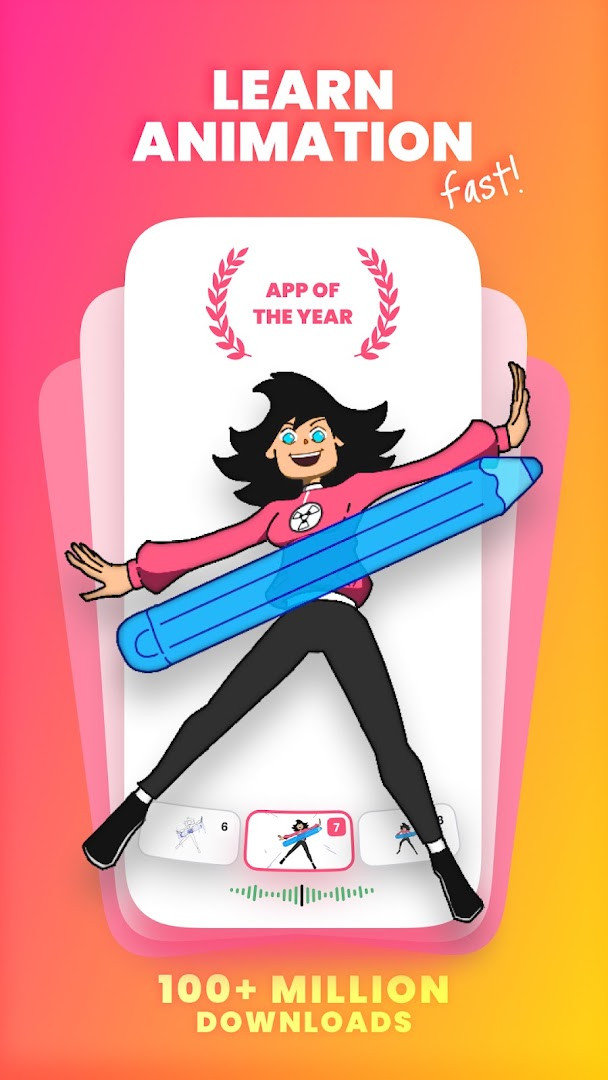
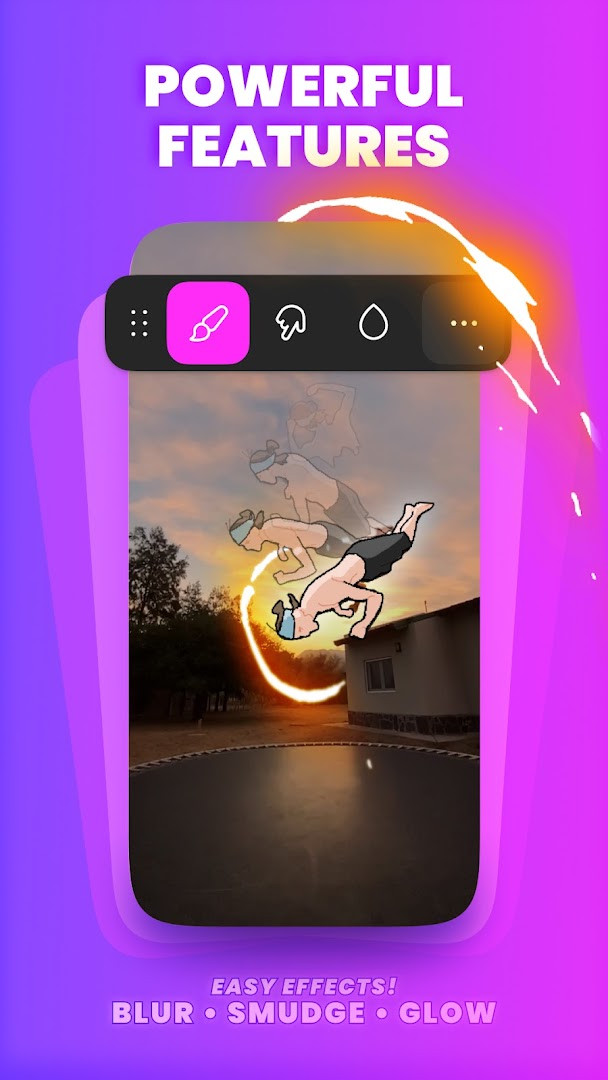
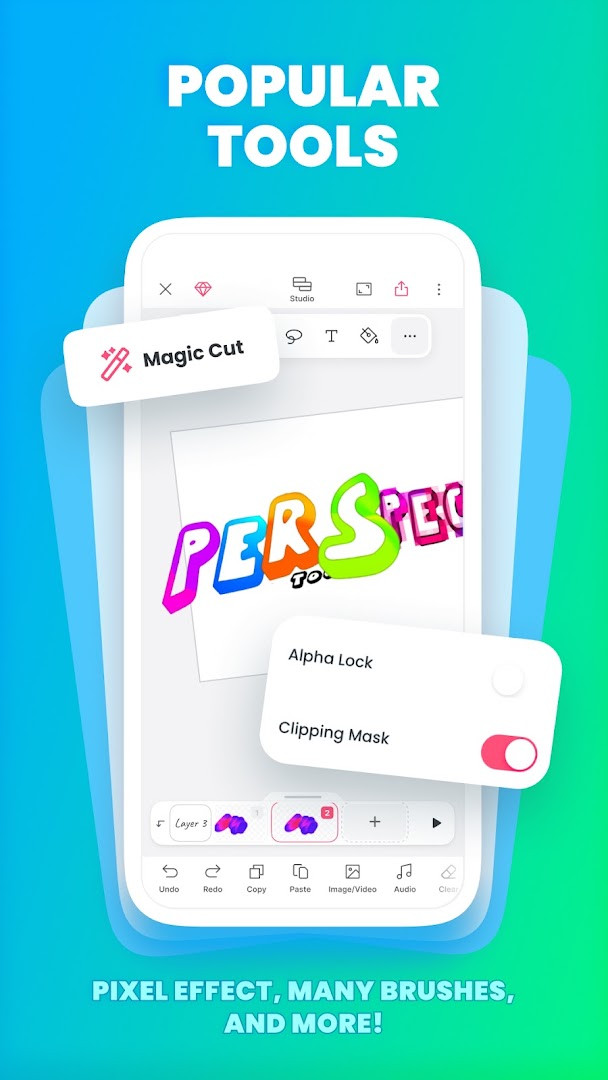
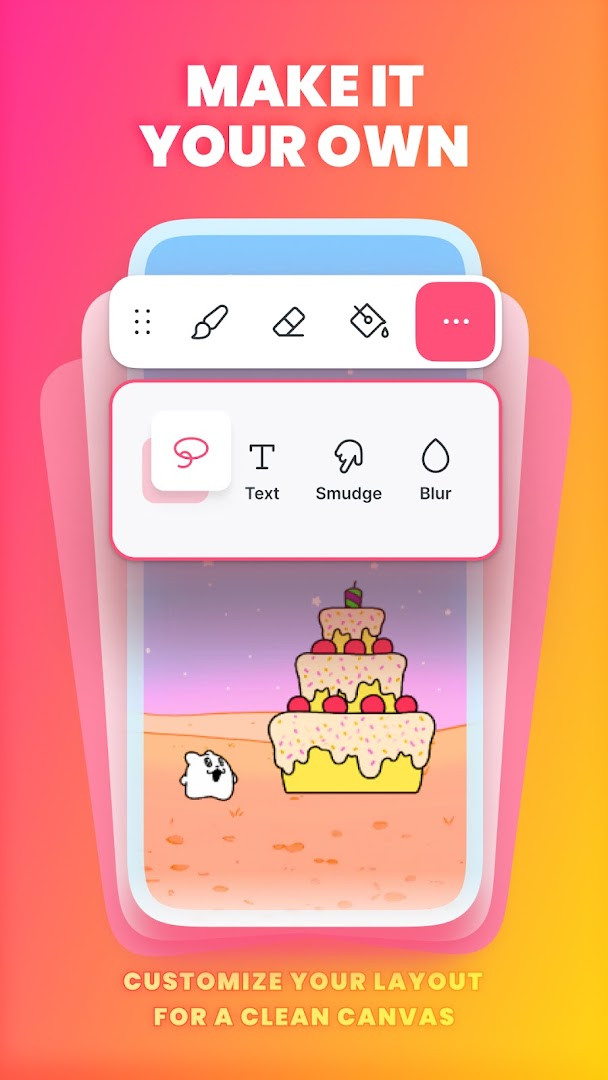
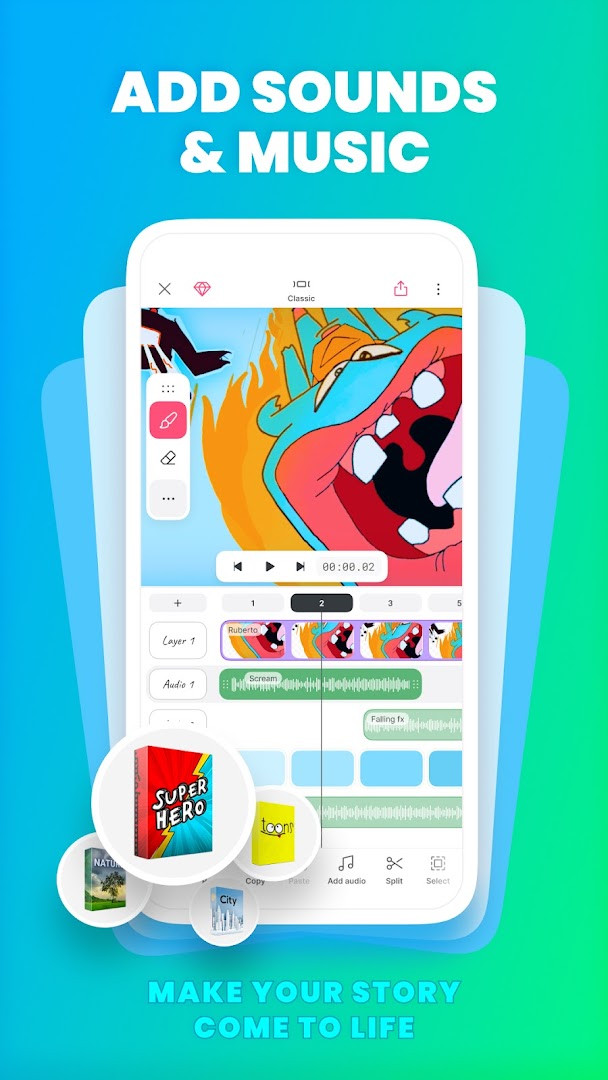
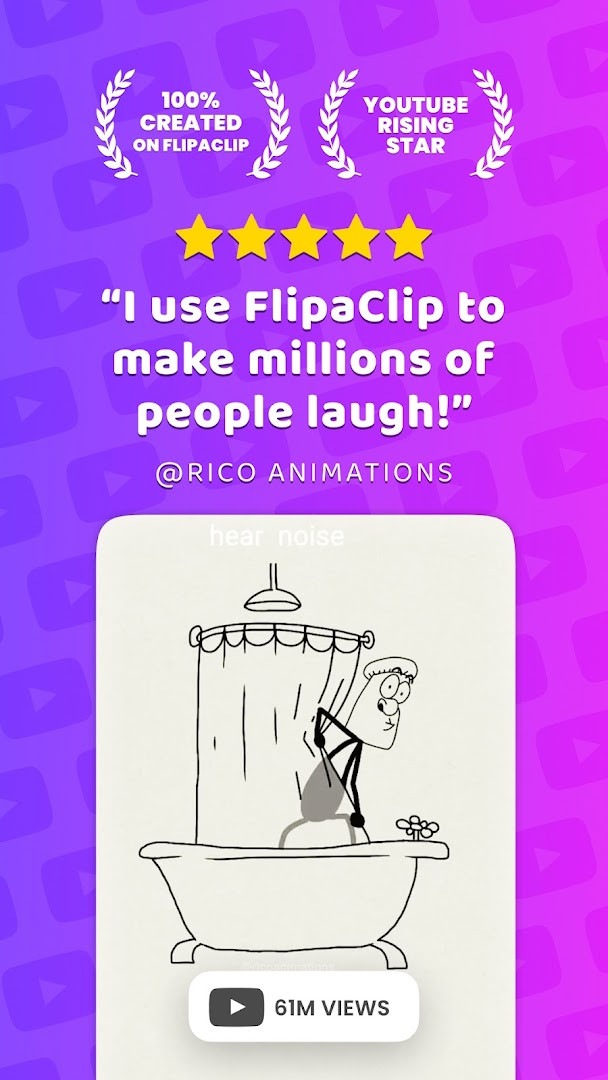
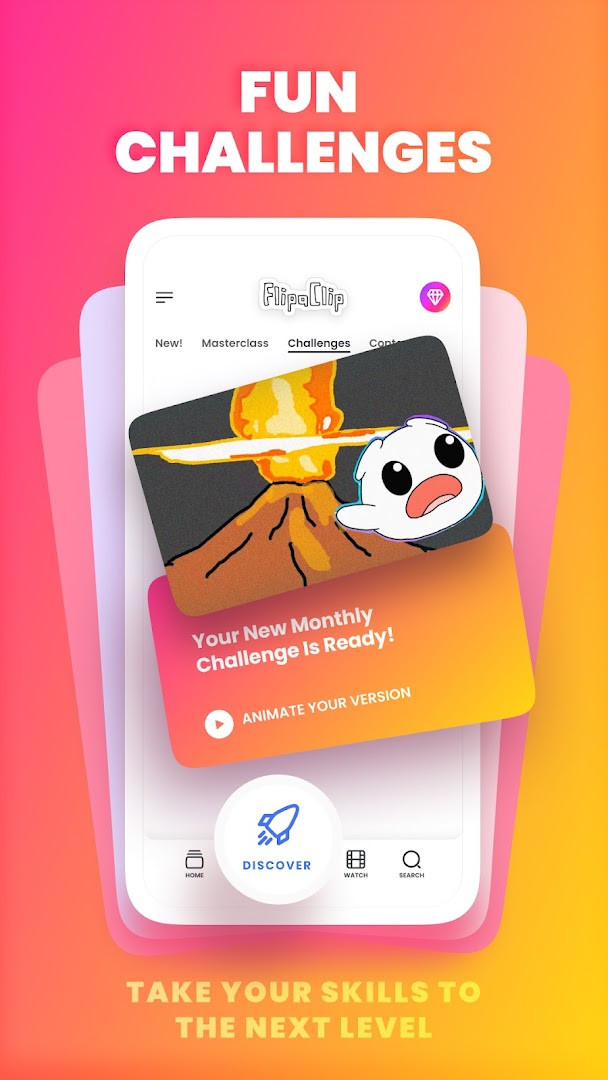
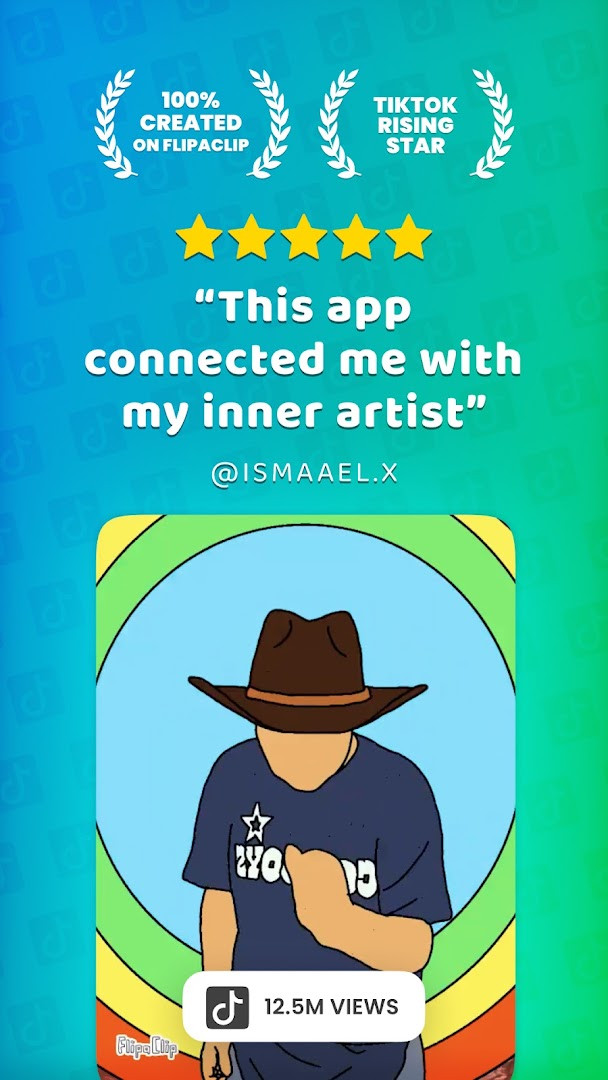
FlipaClip: Draw 2D Animation is a 2D animation and cartoon drawing app by Visual Blasters LLC that lets users draw frame by frame, add audio, and export animated videos or GIFs. The app solves the problem of making hand-drawn animation on a phone or tablet by replacing paper flipbooks with a timeline-based editor that includes onion skinning, layered composition, and a full set of drawing tools. Users sketch with brushes, shapes, text, and lasso tools, then refine motion frame by frame, import photos or video for rotoscoping, and sync up to six audio tracks. AI-assisted features such as Magic Cut for slicing images and an AI voice maker for narration round out the workflow, and finished work can be shared as MP4, GIF, or transparent PNG sequences.
Key features
- Frame-by-frame animation timeline with onion skin tool for smooth transitions
- Up to 10 layers (3 free) plus glow effects and blending modes
- Drawing tools include brushes, fill, lasso, eraser, ruler, text, and shapes on custom canvas sizes
- Pressure-sensitive stylus support for devices such as Samsung S Pen and SonarPen
- Import photos or videos to create rotoscope animations
- Export animations as MP4, GIF, or PNG with transparency
- Add up to 6 free audio tracks, import custom sound effects or songs, and sync them to the timeline
- AI-powered Magic Cut to slice images and objects from frames, plus AI Voice Maker for narration
How to install
- Tap the download button on this page to get the APK file.
- When Android asks, allow your browser or file manager to install apps by enabling the "Install unknown apps" setting.
- Open the downloaded APK file from your notifications or Downloads folder.
- Tap Install and wait for the process to finish; the file size is n/a and the app requires Android 7.0 or newer.
- Open the app and start a new project.
Pros
- Intuitive frame-by-frame workflow works for beginners and experienced animators alike
- Onion skin, blending modes, and glow effects are available free of charge
- Stylus support enables precise drawing on compatible hardware
- Photo and video import opens the door to rotoscope animation
- Multiple export formats, including transparent PNG, suit compositing workflows
- AI voice maker and Magic Cut add convenient shortcuts for narration and object cleanup
Cons
- Contains ads
- Offers in-app purchases, with the free tier limited to 3 of the 10 available layers
- Requests broad permissions, including identity, contacts, microphone, and storage access
- Advanced features such as the AI tools may require additional setup or purchases
Latest changes · 5.0.2
FlipaClip version 5.0.2 brings a more unified workspace where you can view and edit all your drawings, frames, and audio in a single place. Choose between the Classic layout for focused work or the Studio layout for a full timeline, and even draw outside the canvas to keep reference images handy. This update also introduces easier frame stretching and looping, an expanded undo option that covers deleted frames and layers, and lighter project files that take up less space.
Older versions
| Version | Size | Requires Android | Updated |
|---|---|---|---|
| 5.0.2 | — | 7.0 | Oct 10, 2026 |
This app is for hobbyist animators, cartoonists, students, and content creators who want to produce short 2D animations, flipbooks, stick-figure clips, anime-style drawings, or storyboards directly on a phone or tablet. It also suits teachers and learners exploring animation fundamentals without a desktop-grade tool, as well as YouTubers and social video makers who need quick exports in MP4 or GIF. Because it supports stylus input and rotoscoping, more experienced users can rely on it for rough storyboards or reference-based animation, while the AI voice tool helps add narration without a separate recording setup.
Use the onion skin tool to check spacing and motion between frames before finalizing them. Keep reference drawings outside the canvas so you can trace them without consuming one of your limited free layers, and decide early whether the three free layers are enough for your scene or whether you want to invest in the paid tier.
Permissions
FAQ
What changed in version 5.0.2 of FlipaClip?
The 5.0.2 release, dated October 10, 2026, introduces a unified project view so you can see and edit drawings, frames, and audio in one place. It adds two editor layouts, Classic and Studio, lets you draw outside the canvas for references, supports stretching frames or groups and looping frames, expands undo to cover frame and layer deletion, and makes projects lighter so they use less storage.
How many layers and audio tracks can I use in a project?
FlipaClip supports up to 10 layers, with the first 3 available in the free tier. For sound, you can add up to 6 free audio tracks and import your own sound effects or songs, syncing them to the animation timeline.
What formats can I export my finished animation in?
You can export your animation as MP4 video, GIF, or PNG images with transparency, which makes it easy to save short movies, flipbooks, or individual frames and share them with others.
What AI-powered tools are included?
FlipaClip includes two AI tools: Magic Cut, which slices images and objects out of your frames, and AI Voice Maker, which adds natural-sounding narration to your animations. These are listed among the app's signature features.
Is FlipaClip free, and what are the system requirements?
The app is free to download and use, with ads and optional in-app purchases available. It is rated for everyone and requires Android 7.0 or newer. It has an average rating of 4.33 based on about 798,881 ratings, with installs in the tens of millions.
FlipaClip delivers a capable frame-by-frame animation workflow in a package that remains approachable for newcomers. Its ads, permission requests, and layered free tier are worth weighing, but the core toolset and export options make it a solid choice for mobile 2D animation.
Similar apps




Updated: Oct 24, 2026
| Version | Size | Requires Android | Updated |
|---|---|---|---|
| 5.0.2 | — | 7.0 | Oct 10, 2026 |
- Version
- 5.0.2
- Requires Android
- 7.0
- Updated
- Oct 10, 2026
- Installs
- 50M+
- Rating
- ★ 4.33 (798,881)
- Category
- Art & Design
- Developer
- Visual Blasters LLC
- Content rating
- Everyone
- Package
- com.vblast.flipaclip
- Free
- ✓ · Contains ads · In-app purchases