Sketchbook for Android
Sketchbook is a drawing and painting app from Sketchbook for creating sketches and finished artwork on the go.
Sketchbook is for artists, illustrators, and anyone who enjoys drawing, offering a complete toolkit to move from quick sketches to polished pieces. The app is free to download, requires Android 5.0 or higher, and takes up about 69 MB. It works without an account and offline, and includes customizable brushes, layers, and guides to support both casual and professional work.
Screenshots
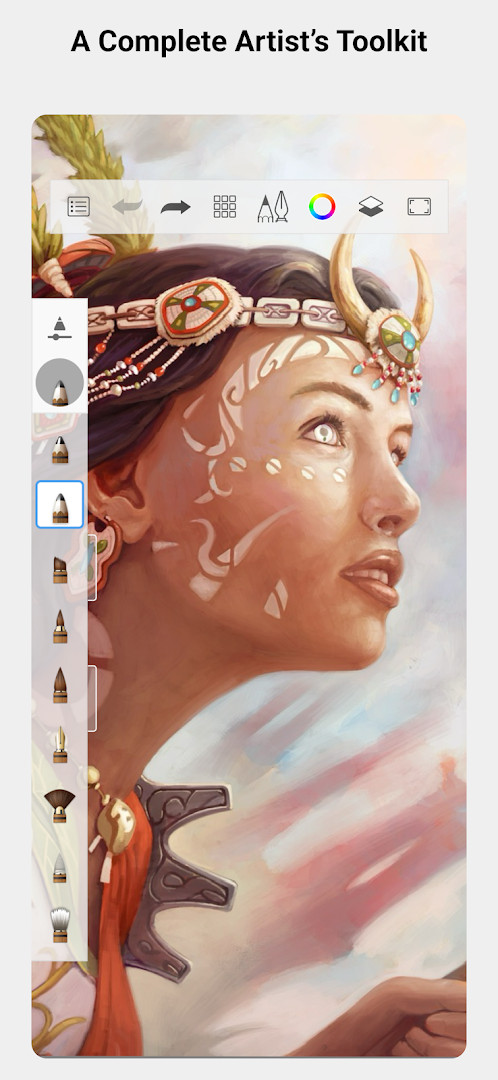
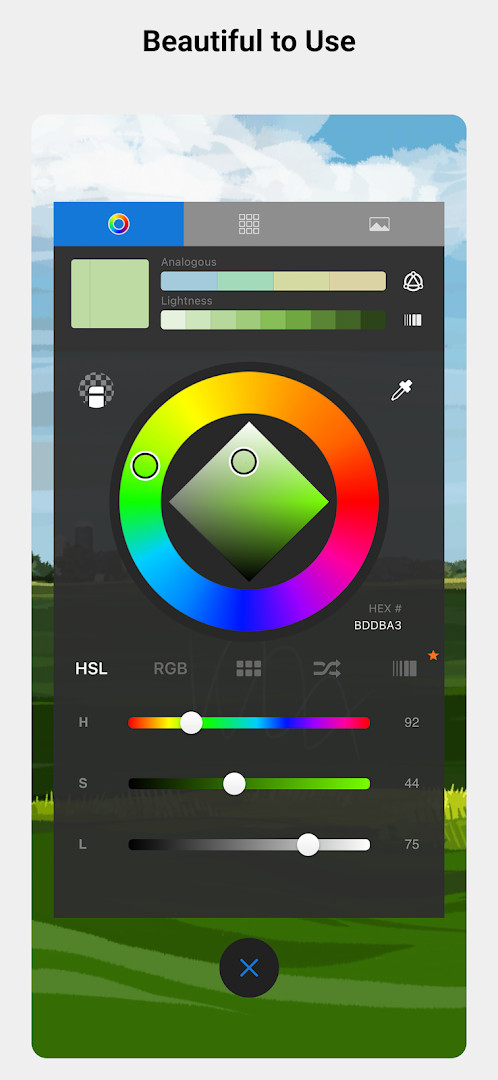
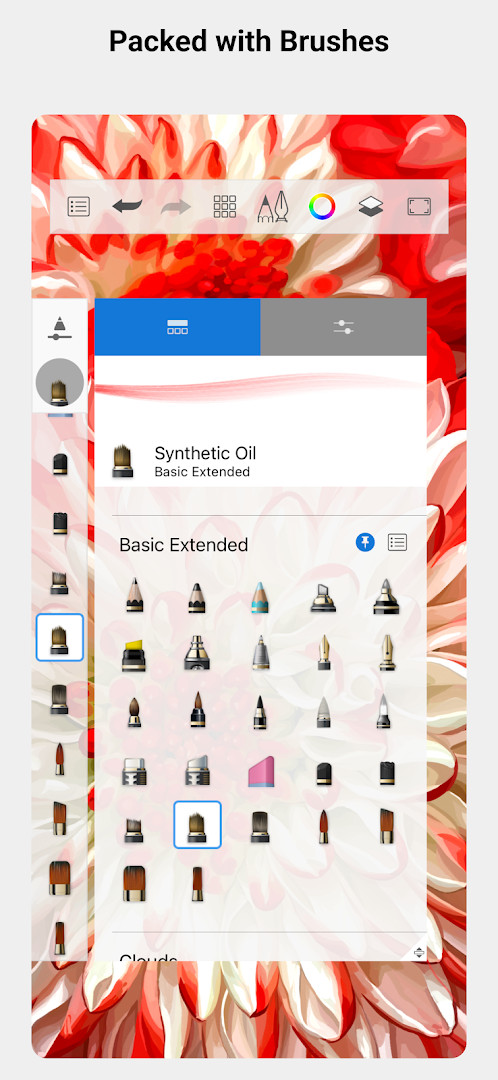
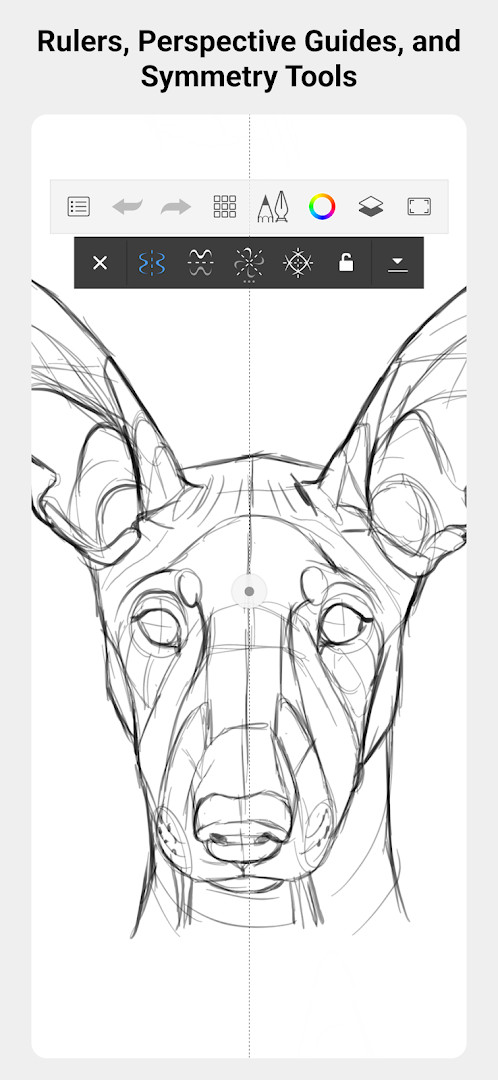
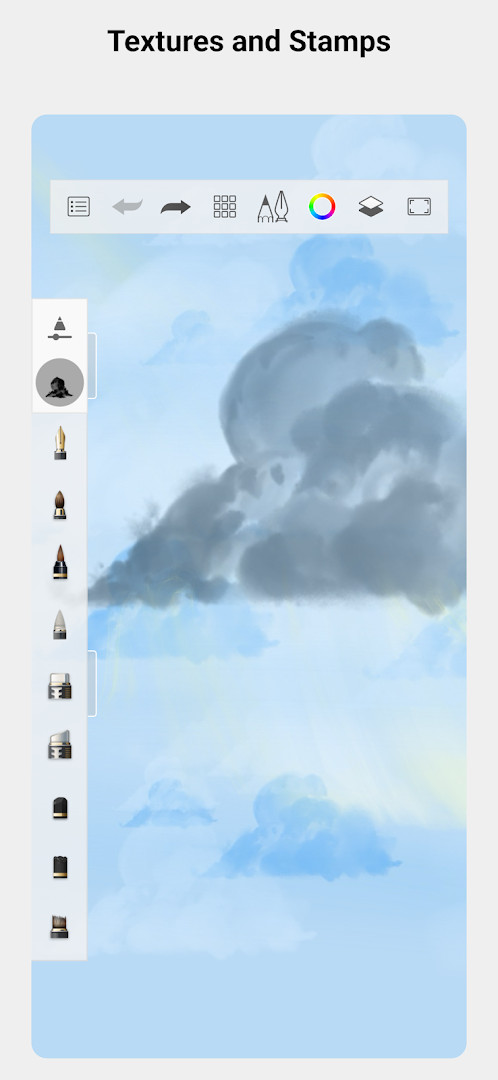
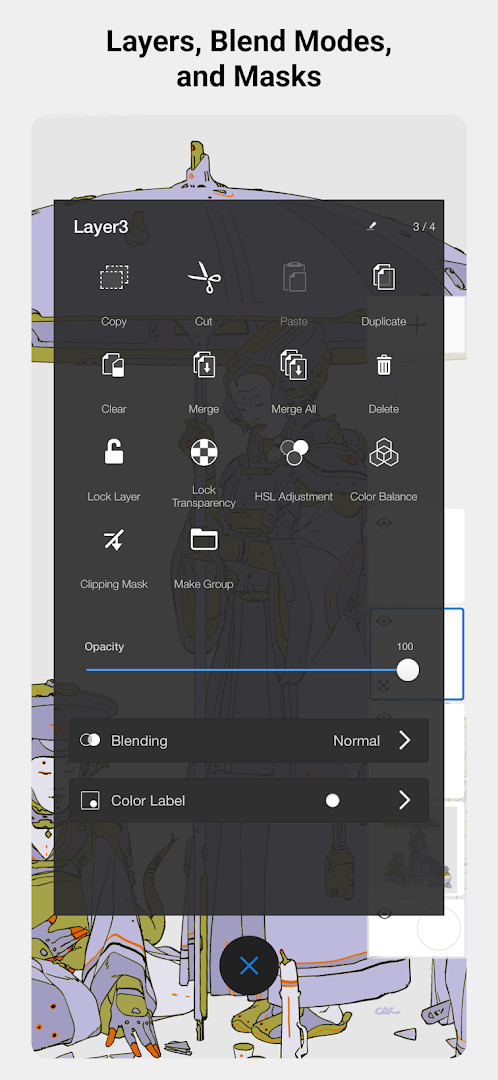
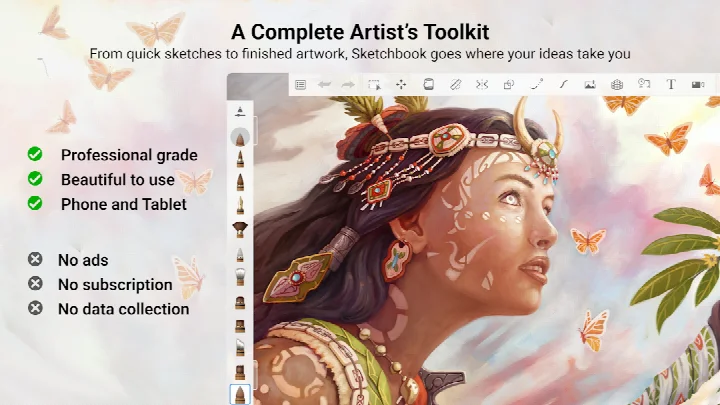
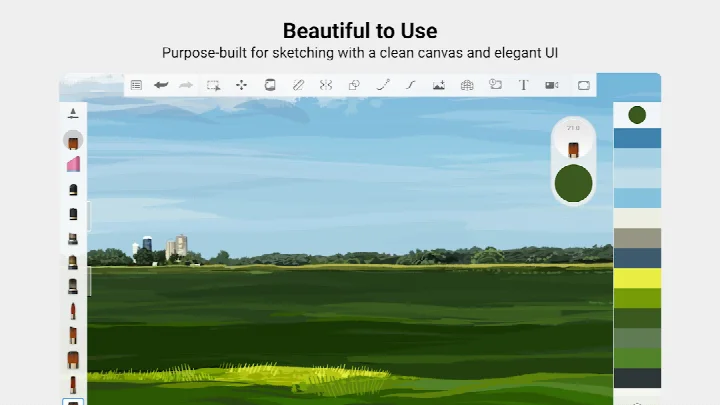
Sketchbook is a drawing and painting app by Sketchbook that gives users a complete artist's toolkit for creating everything from quick sketches to fully finished artwork. It is built around a professional-grade feature set while keeping the interface clean and free of distractions, so the focus stays on the drawing itself. The app includes a full complement of brush types, customizable brushes, guides and rulers, and layer support with blend modes. The most recent change listed for the app is simply bug fixes and performance improvements, which suggests a maintenance-focused update rather than a major feature overhaul.
Key features
- A broad set of brush types including pencils, markers, airbrushes, and smear tools that imitate traditional media.
- Highly customizable brushes so you can adjust size, opacity, flow, and other parameters for a personal drawing style.
- Precision aids such as guides, rulers, and stroke tools for technical or measured work.
- Layers with multiple blend modes for building up artwork, testing color ideas, and making non-destructive edits.
- A clean, unobtrusive interface designed specifically for sketching without visual clutter.
- Support for working from quick concept sketches all the way to finished rendered pieces.
How to install
- Tap the download button on this page to get the Sketchbook APK file, which is about 69 MB.
- When Android asks, allow your browser or file manager to install apps by enabling the "Install unknown apps" setting for that app.
- Open the downloaded APK file from your notifications or file manager.
- Tap Install and wait for the installation process to complete.
- Open Sketchbook and start drawing. Your device needs to run Android 5.0 or newer.
Pros
- The app is free to download with no ads, making it easy to try without commitment.
- A large user base and a solid rating of 4.07 from over 700,000 ratings indicate broad acceptance.
- The brush engine is highly customizable, letting experienced artists shape tools to their workflow.
- Layers with blend modes provide flexibility for building up complex digital paintings.
- The minimal interface helps reduce distractions during long drawing sessions.
- It has been available since 2014, so the core drawing experience has had years of refinement.
Cons
- In-app purchases are present, which can be a drawback if you prefer a fully self-contained free tool.
- The last listed version is 5.0.2 from 2019, so feature development has not been visibly active in the provided update history.
- The interface is intentionally minimal, but users who want many panels, palettes, or customizable docks may find it too restrained.
- Camera permission may seem unnecessary if you only plan to sketch from imagination.
Latest changes
The update brings bug fixes and performance improvements.
Older versions
| Version | Size | Requires Android | Updated |
|---|---|---|---|
| 5.0.2 | 69 MB | 5.0 | Jul 29, 2019 |
| 4.1.14 | 82 MB | 5.0 | Apr 6, 2019 |
| 4.1.7 | 77 MB | 4.0.3 | May 4, 2018 |
Sketchbook is for illustrators and concept artists who want a focused mobile sketching tool without visual clutter. It also suits students and hobbyists who need a capable free drawing app, as well as experienced digital painters who value customizable brushes and layer-based workflows.
Use the ruler and stroke tools when you need clean perspective or smooth inking lines, especially if you are coming from a desktop drawing program and want to keep technical accuracy on a touchscreen.
Permissions
FAQ
Which drawing tools does Sketchbook include, and can they be adjusted?
Sketchbook provides a full set of brush types, including pencils, markers, airbrushes, and smudge tools that aim to behave like their physical counterparts. Most brushes are highly customizable, so you can modify them to achieve a particular look.
How does Sketchbook help with precision work?
The app includes guides, rulers, and stroke tools that support accurate drawing when you need it, while the interface stays clean and unobtrusive so you can focus on the artwork.
Does Sketchbook support working with layers?
Yes, Sketchbook offers layers with a full complement of blend modes, giving you flexibility to build up drawings and experiment with color step by step.
How large is the app and what is the minimum Android version required?
Sketchbook is about 69 MB in size and requires a minimum operating system of version 5.0.
Is Sketchbook free, and are there any ads or purchases?
The app is free to download at a price of $0.00, and it contains no ads. In-app purchases are available, but the core drawing and painting features do not require payment to use.
Sketchbook remains a strong choice for mobile sketching because it balances a professional toolkit with a deliberately simple interface. It may not satisfy users who expect a one-time purchase model or those who need advanced vector editing, yet its free entry point and mature brush engine make it a sensible default for everyday drawing work.
Similar apps






Updated: Oct 20, 2026
| Version | Size | Requires Android | Updated |
|---|---|---|---|
| 5.0.2 | 69 MB | 5.0 | Jul 29, 2019 |
| 4.1.14 | 82 MB | 5.0 | Apr 6, 2019 |
| 4.1.7 | 77 MB | 4.0.3 | May 4, 2018 |
- Size
- 69 MB
- Requires Android
- 5.0
- Updated
- May 30, 2026
- Installs
- 100M+
- Rating
- ★ 4.07 (706,663)
- Category
- Art & Design
- Developer
- Sketchbook
- Content rating
- Everyone
- Package
- com.adsk.sketchbook
- Free
- ✓ · In-app purchases