Facemoji AI Emoji Keyboard for Android
Facemoji AI Emoji Keyboard is a free personalization app from Nexileap for typing with emojis, fonts, themes, stickers, and AI-generated content.
Facemoji AI Emoji Keyboard is for people who want more expressive chats, with over 6000 emojis, more than 1500 themes, and AI-generated content. Facemoji AI Emoji Keyboard is free to install, runs on Android 6.0 and newer, and includes ads and in-app purchases. Facemoji AI Emoji Keyboard has a 4.68-star rating from over 1.5 million ratings and supports 100+ languages.
Screenshots
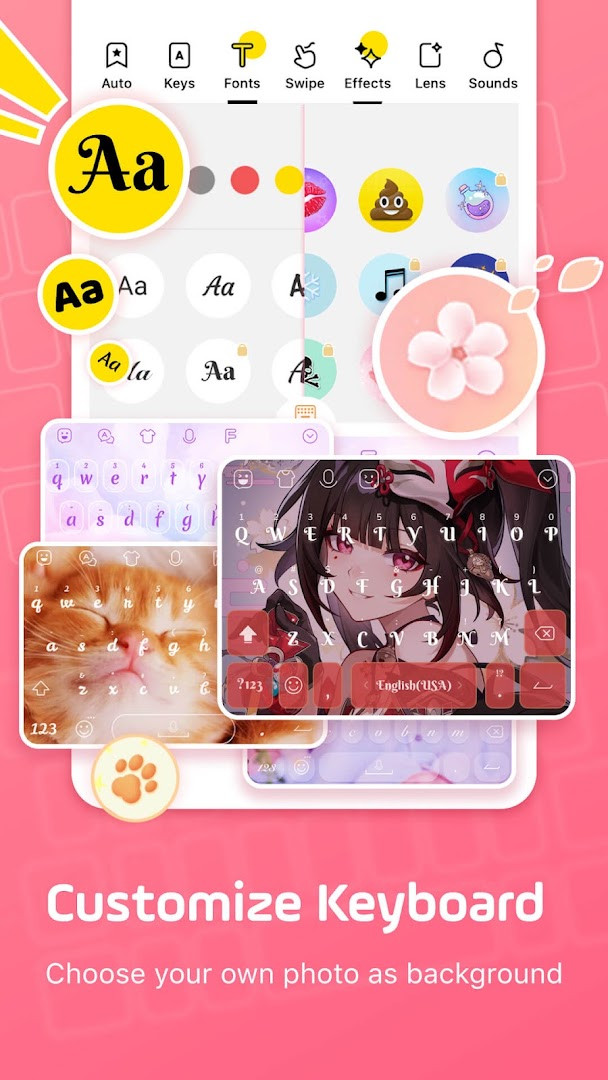
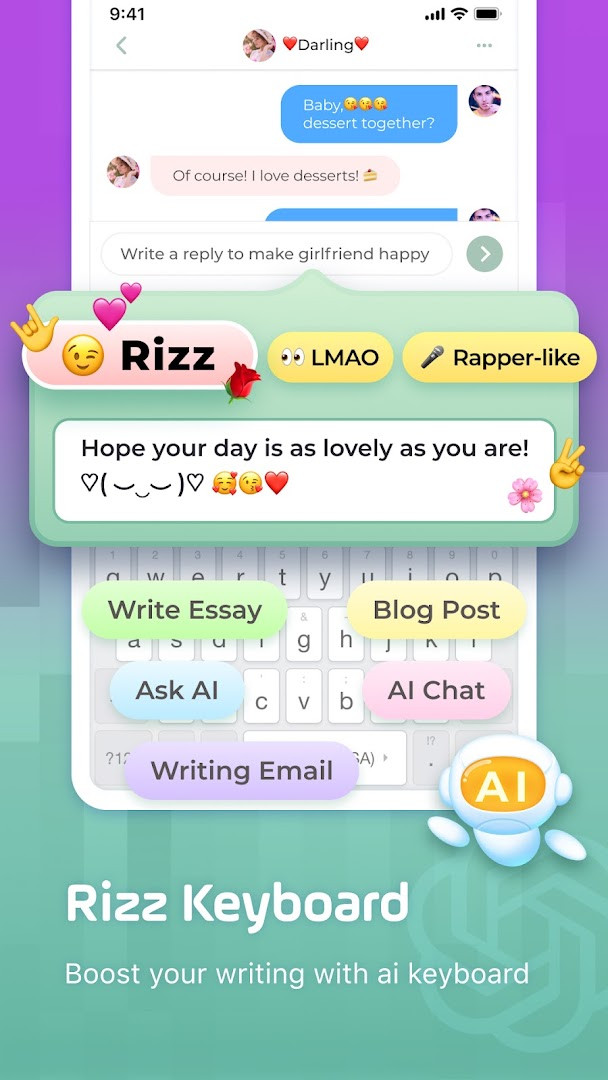
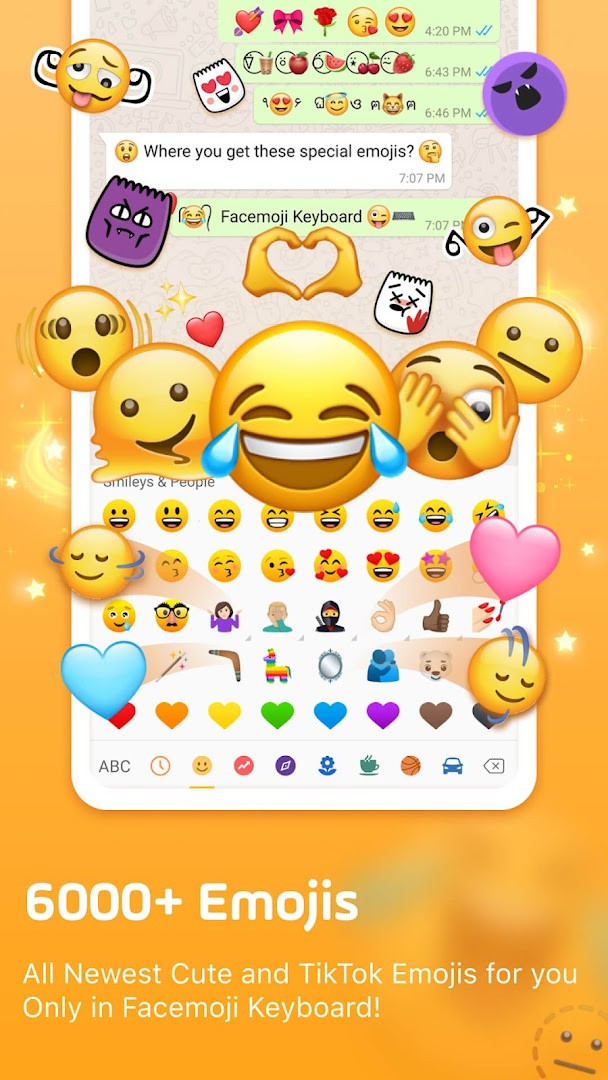
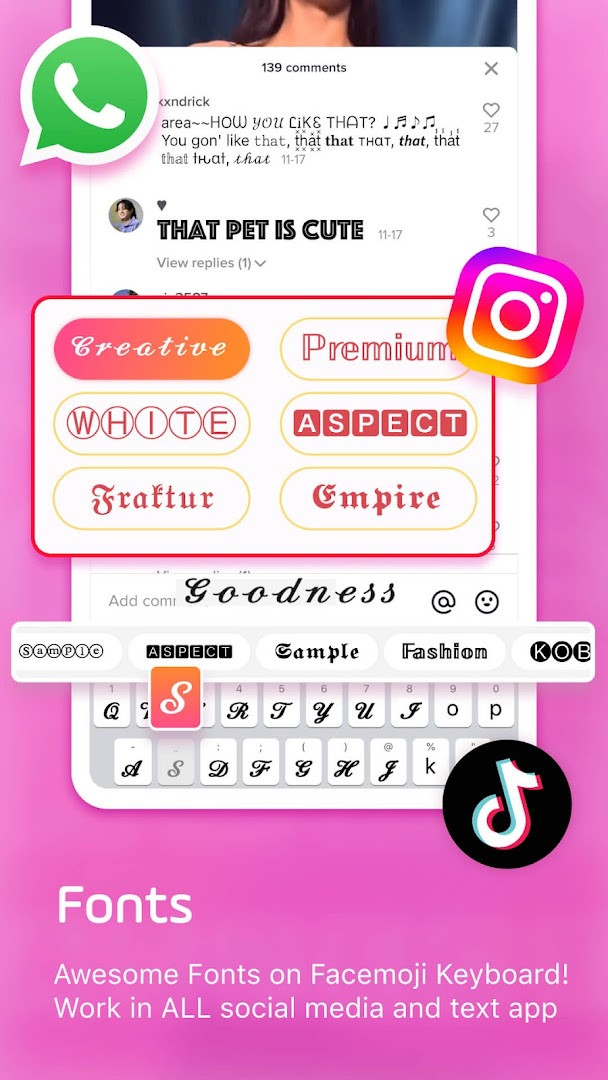
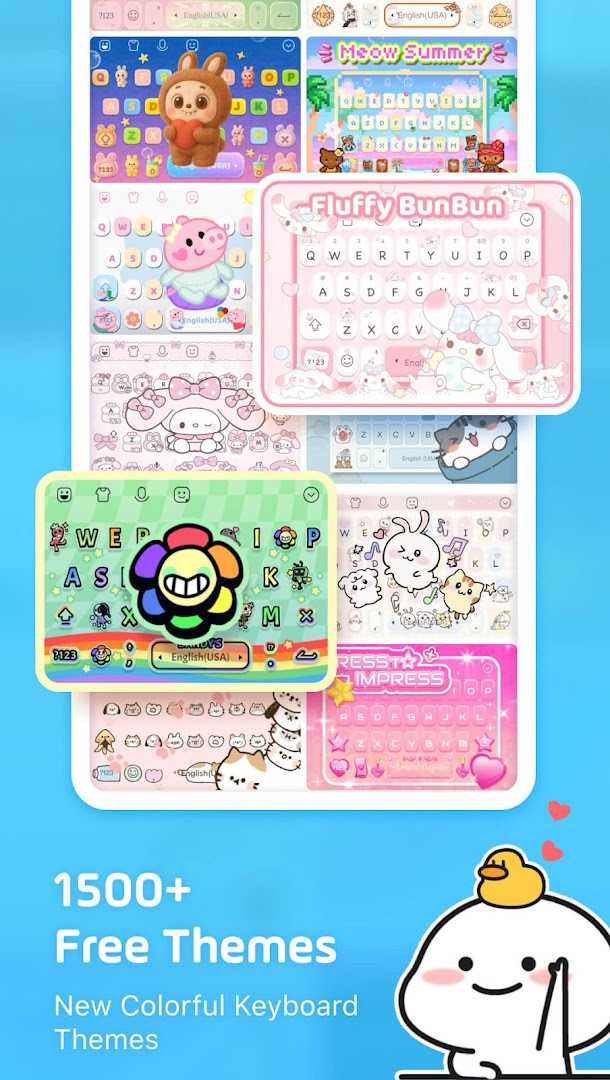
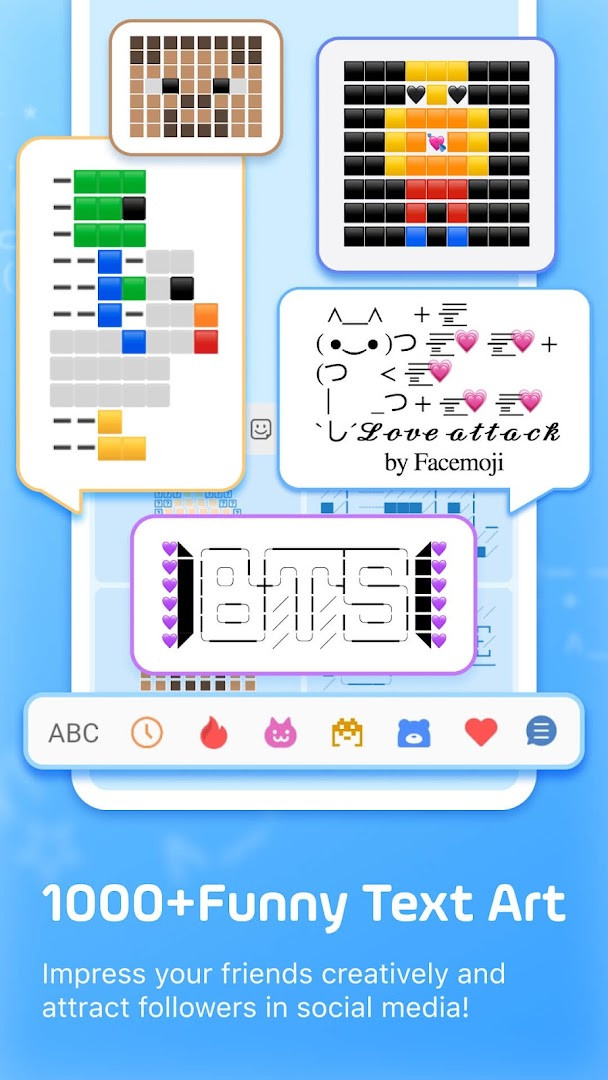
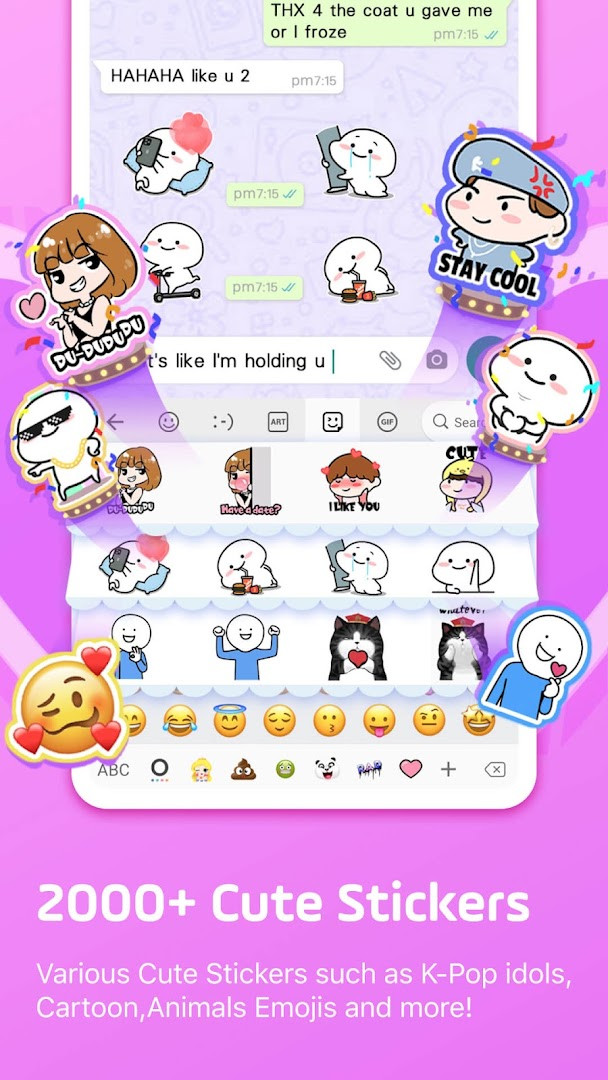
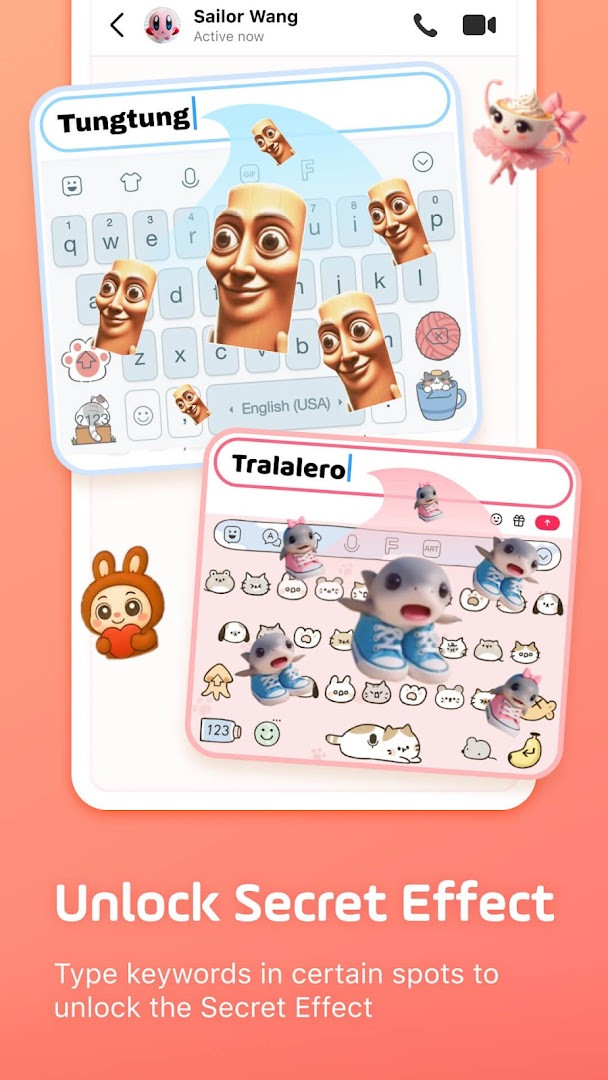
Facemoji AI Emoji Keyboard is a personalization keyboard app by Nexileap that turns everyday typing into a decorated, AI-assisted experience with emojis, fonts, themes, stickers, and generated images. It packs more than six thousand emojis, around a hundred cool fonts, over fifteen hundred free keyboard themes, and tools for building custom emoji characters and look-alike stickers based on your face. For users who live in chat apps like WhatsApp, Telegram, or TikTok, the keyboard adds trending emojis, Kaomoji, emoji art, GIFs, and even game-specific quick-message layouts for titles such as Among Us, Roblox, and Minecraft.
The app also includes a built-in translator and support for over one hundred languages, making it a practical pick for bilingual typers. Smart suggestions, autocorrect, gesture typing, and a clipboard paste keyboard reduce friction, while the AI layer can generate responses, magic avatars, and face emojis on demand. Fans of K-Pop will find dedicated stickers and hidden surprises when typing group names like BTS or Blackpink.
This version, 3.6.8.3, requires Android 6.0 or newer. It is free to download, but the app shows ads and offers in-app purchases, and it requests access to photos, media, files, storage, the microphone, and Wi-Fi connection information. That is a typical permission set for an input method that wants to create wallpapers from your photos, record voice input, and manage clipboard content, but it is worth reviewing before installing. Although the content rating is Teen, the app is best suited to people who personalize their chats heavily and enjoy experimenting with emoji art and themed keyboards.
Key features
- More than 6,000 emojis, emoticons, stickers, symbols, and GIFs, including 2025 emoji updates and hidden TikTok emojis.
- Over 1,500 free keyboard themes with DIY wallpaper creation and custom button, color, font, tap effect, and tap sound options.
- 100+ cool fonts and over 1,000 unicode symbols and nickname templates for bios and posts.
- AI keyboard and Genmoji-style emoji maker that creates look-alike stickers and animated GIFs from your face or text input.
- Game keyboard with one-tap quick messages for Among Us, Roblox, Free Fire, PUBG, Mobile Legends, and similar titles.
- Sticker prediction and 2,000+ cute stickers compatible with WhatsApp, Messenger, and Telegram, including K-Pop stickers.
- Kaomoji keyboard, emoji art, text art, jokes, quotes, pick-up lines, and fairy comments.
- Smart autocorrect, creative emoji suggestions, swipe gesture typing, auto-paste keyboard, and clipboard saving.
- Bilingual typing with 100+ language support and a built-in translator.
How to install
- Tap the download button on this page to save the APK file to your device (the installer size is not specified for version 3.6.8.3).
- When Android asks for permission, allow your browser or file manager to install unknown apps via the 'Install unknown apps' setting.
- Open the downloaded APK file from your notifications or Downloads folder.
- Tap Install on the system prompt and wait for the process to finish.
- Open the app and follow the setup screens to enable it as your keyboard in Android settings.
- Confirm that your device runs Android 6.0 or newer, since that is the minimum operating system for this version.
Pros
- Genuinely large emoji and sticker library with frequent updates.
- High degree of visual customization for keyboard wallpapers, buttons, colors, fonts, sounds, and effects.
- AI-assisted emoji and sticker generation adds a creative layer beyond typical keyboards.
- Game keyboard shortcuts are handy for multiplayer titles with frequent quick messages.
- Supports over 100 languages and includes a built-in translator.
- Free to install, with a user rating of 4.68 across roughly 1.5 million ratings.
Cons
- Shows ads while in use.
- Offers in-app purchases, so some content may nudge you toward paid upgrades.
- Requests broad permissions, including storage, microphone, and Wi-Fi connection information.
- Content rated Teen, which may not suit younger users without supervision.
- Large feature set can feel cluttered if you only need a basic keyboard.
Latest changes · 3.6.8.3
Version 3.6.8.3 introduces Facemoji AI. Users can create Magic Avatars and Face Emoji. The AI accepts text prompts and generates responses. A Genmoji-style emoji maker lets you design personalized emojis and stickers, including look-alike stickers based on your face, custom emoji characters, and animated GIFs. The update focuses on expanding AI-driven customization.
Older versions
| Version | Size | Requires Android | Updated |
|---|---|---|---|
| 3.6.8.3 | — | 6.0 | Sep 23, 2026 |
| 1.5 | 15 MB | 4.0.3 | Jun 21, 2026 |
Experienced Android users who spend a lot of time chatting on social apps and want a keyboard that is also a creative toolbox: people who enjoy themed wallpapers, custom emojis, K-Pop stickers, game macros, and AI-generated visuals, and who are comfortable reviewing the app's permissions and ad-supported model.
After setup, open Android's language and input settings to make Facemoji the default keyboard. Experiment with the DIY theme builder early, since custom wallpapers and tap effects are where the app stands out most. Review the privacy options to control which features can access photos, storage, or the microphone.
Permissions
FAQ
How do I install the APK on Android?
The app requires Android 6.0 or higher. After downloading the APK, open the file and follow the on-screen prompts, granting permission for installations from unknown sources if your device asks for it.
What is included in version 3.6.8.3?
Version 3.6.8.3, updated in September 2026, introduces Facemoji AI features such as Magic Avatar and Face Emoji creation, along with the ability to generate responses from typed prompts.
Does the app cost money or show ads?
The keyboard is free to download and use, but it contains ads and offers optional in-app purchases for additional content.
What data does the app access?
It requests permissions for photos, media, files, storage, microphone, and Wi-Fi connection information. The developer states that personal information is never collected without explicit permission.
Can I use it offline?
The app description does not specify offline functionality, so an internet connection may be needed for features like AI generation, stickers, and emoji updates.
Are there alternatives in the same category?
Yes, other personalization keyboards offer emoji packs, stickers, and themes. Facemoji stands out with its AI tools, 6000+ emojis, and custom character or sticker creation.
Facemoji AI Emoji Keyboard delivers far more than basic texting: it combines a large emoji library, deep theming, game shortcuts, and AI generation in one package. If you accept the ads, permissions, and in-app offers, it is one of the most expressive keyboards available for Android 6.0 and newer.
Similar apps


Updated: Oct 23, 2026
| Version | Size | Requires Android | Updated |
|---|---|---|---|
| 3.6.8.3 | — | 6.0 | Sep 23, 2026 |
| 1.5 | 15 MB | 4.0.3 | Jun 21, 2026 |
- Version
- 3.6.8.3
- Requires Android
- 6.0
- Updated
- Sep 23, 2026
- Installs
- 100M+
- Rating
- ★ 4.68 (1,512,891)
- Category
- Personalization
- Developer
- Nexileap
- Content rating
- Teen
- Package
- com.simejikeyboard
- Free
- ✓ · Contains ads · In-app purchases