Themepack - App Icons, Widgets: Customize Home Screen
Themepack - App Icons, Widgets is a free personalization app by YoloTech that lets you customize home screens with icons, widgets, and wallpapers.
Themepack - App Icons, Widgets offers over 10,000 widgets, icons, and wallpapers, including battery, calendar, clock, weather, and control panel options. The app requires Android 7.0 or higher and includes ads and in-app purchases. It suits users who want to personalize their device with DIY icon and widget customization.
Screenshots
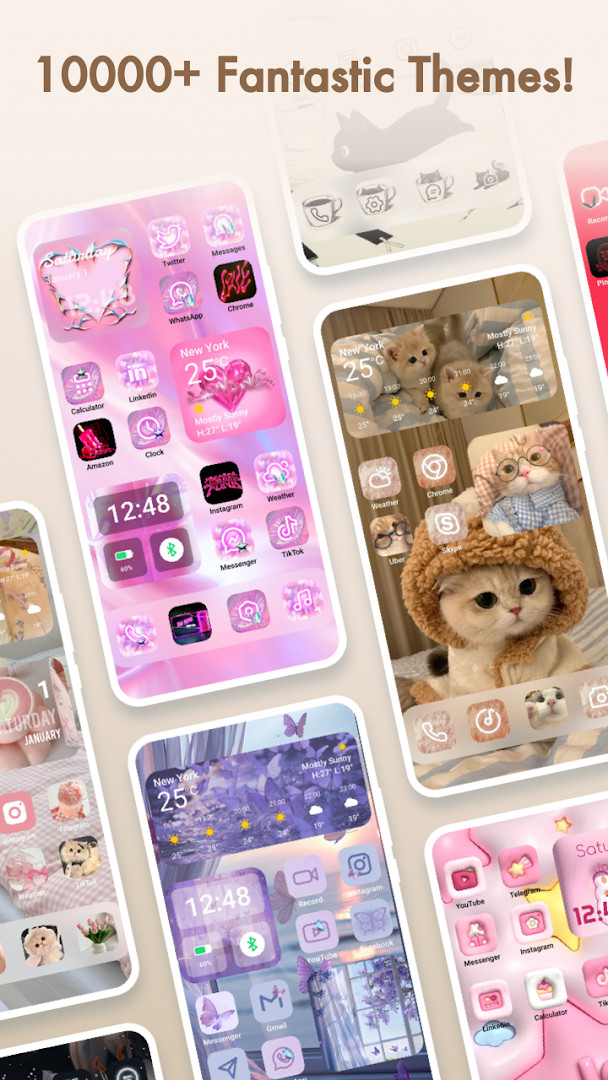
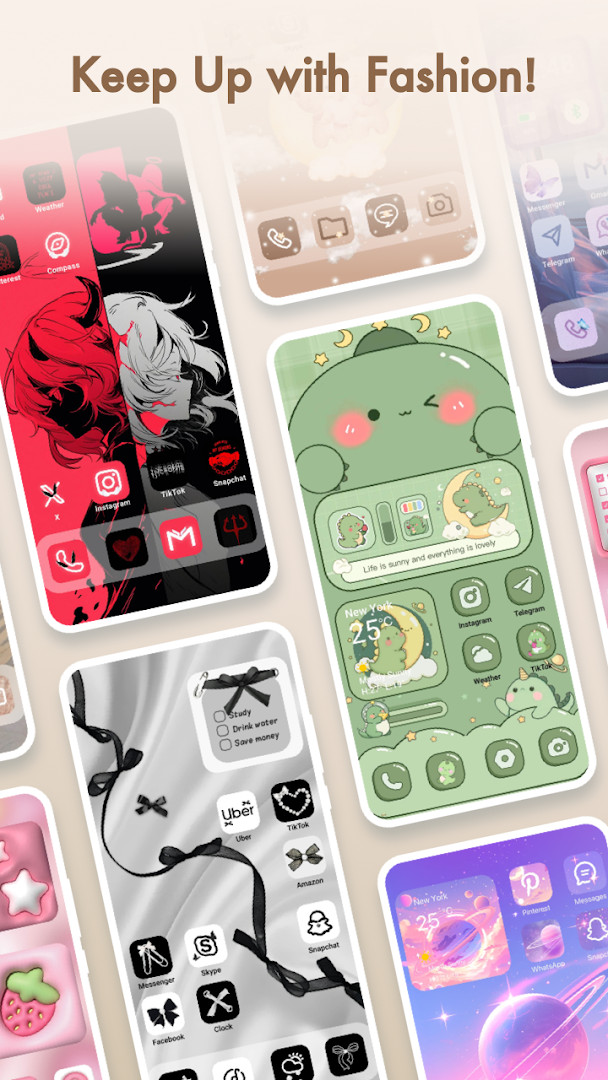
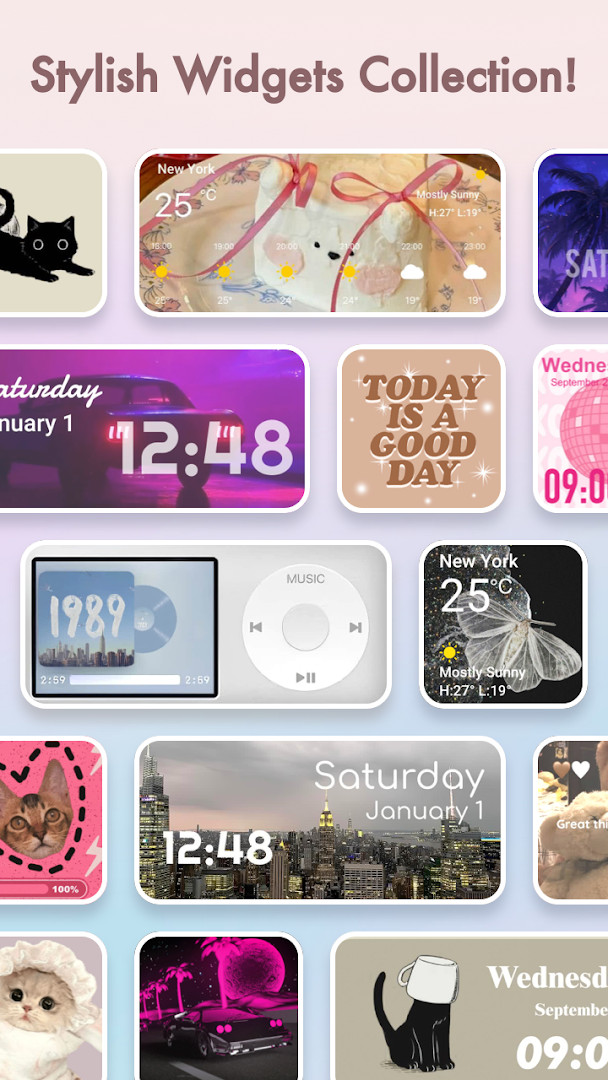
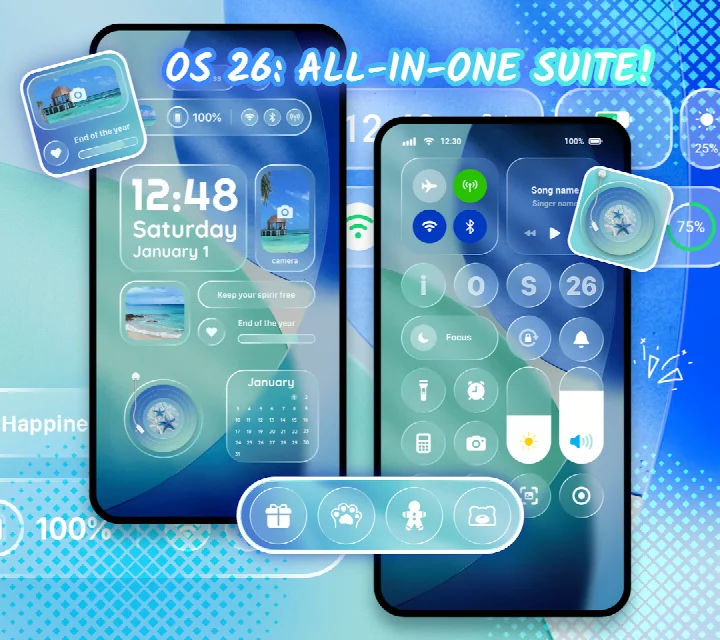
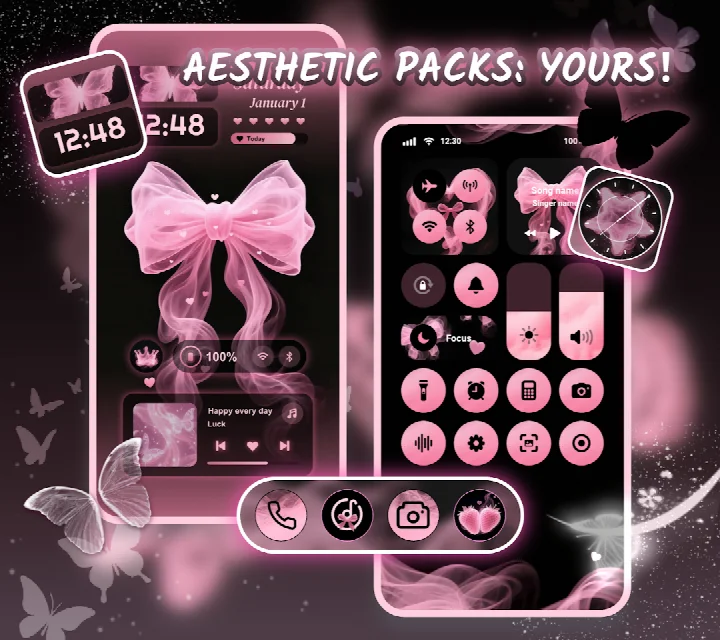
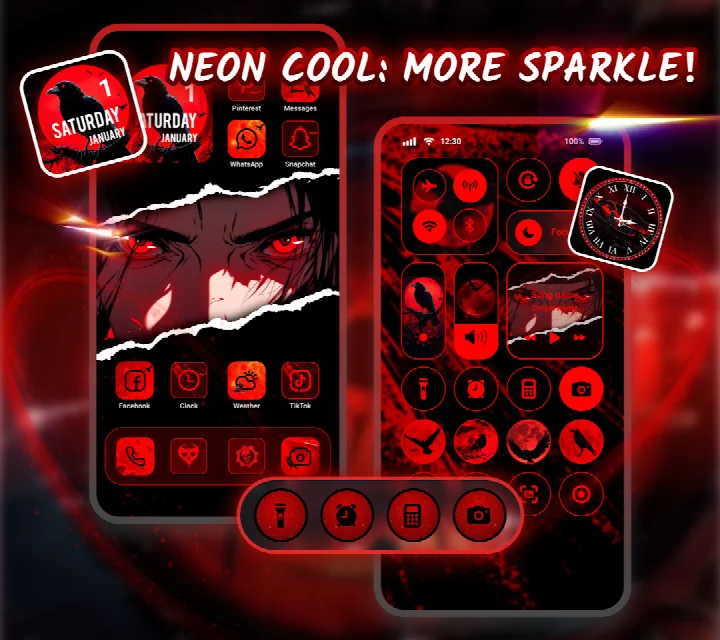
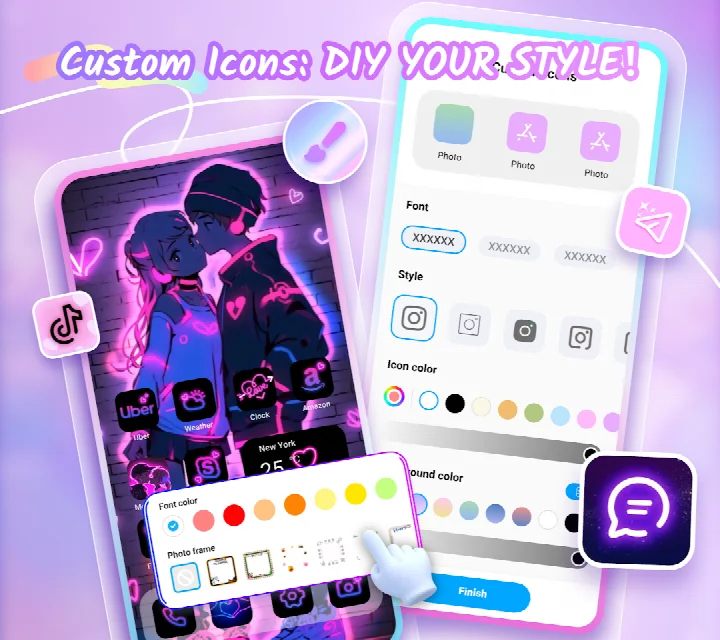
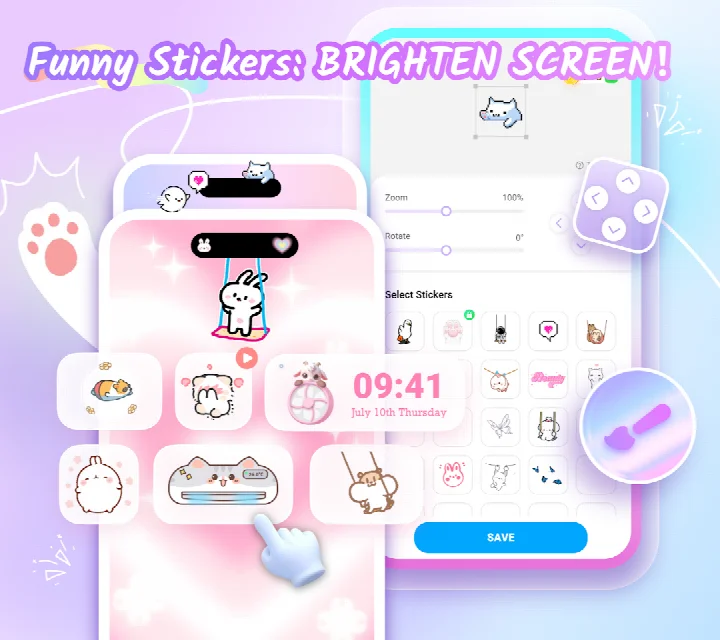
Themepack - App Icons, Widgets is a personalization application by YoloTech that lets you redesign your Android home screen with a large collection of icons, widgets, and wallpapers. It provides tools to apply complete visual themes in one action and to build custom widgets and icons from your own images and preferences, giving you direct control over how your device looks. The app is aimed at users who want to move beyond the default interface and create a screen that reflects their personal taste, whether through subtle tweaks or a complete visual overhaul.
The app includes over 10,000 functional widgets, icon packs, and wallpapers. Widget types cover practical information such as battery level, calendar, clock, weather, and control panel shortcuts, alongside decorative dynamic image effects. You can open your gallery, select photos, and apply them to widgets, and you can adjust icon styles, fonts, colors, transparency, and background colors to craft distinctive icons, including renaming them with different typefaces. The theme library spans aesthetic, K-pop, anime, neon, sports, and festival categories, all applicable with a single tap.
Because the app offers a wide range of options and frequent updates, it suits both casual users who want quick theme changes and more involved users who enjoy fine-grained customization. The application runs on devices with Android 7.0 or newer and is free to use, though it includes advertisements and in-app purchases for additional content. It requests access to location, photos/media/files, storage, and Wi-Fi connection information, and it requires Accessibility Service permission to display the control center view on screen; the developer states that no user data is collected or stored in connection with that access.
Key features
- Over 10,000 functional widgets, icons, and wallpapers
- Widget types include battery, calendar, clock, weather, control panel, and dynamic image effects
- Create custom widgets by selecting images from your gallery
- Adjust icon styles, fonts, colors, transparency levels, and background colors
- Rename icons using different fonts
- One-click application of complete themes
- Theme categories include aesthetic, K-pop, anime, neon, sports, and festival
- Regular content updates with new designs
- Works with Android 7.0 and newer versions
How to install
- Tap the download button on this page to get the APK file; the file size is not specified.
- When Android prompts you, allow your browser or file manager to install apps by enabling the 'Install unknown apps' setting for that app.
- Open the downloaded APK file from your notifications or file manager.
- Tap Install and wait for the installation to complete.
- Open Themepack - App Icons, Widgets from your app drawer.
- Grant the permissions requested on first launch, including Accessibility Service if you want the control center view.
Pros
- Large catalog of over 10,000 widgets, icons, and wallpapers
- Supports deep customization of icons and widgets
- One-click theme application saves time
- Frequent updates add fresh content
- Free to download and use
Cons
- Contains advertisements
- Offers in-app purchases for additional content
- Requires several permissions, including location and storage
- Accessibility Service permission needed for control center features
- Content rated Teen, which may not suit all audiences
Older versions
| Version | Size | Requires Android | Updated |
|---|---|---|---|
| 1.0.0.4348 | — | 7.0 | Sep 24, 2026 |
This app is for Android users who want to personalize their home screen with themes, widgets, and icons, especially those who enjoy creating custom designs from their own images and adjusting fine details like fonts and transparency. It also appeals to fans of anime, K-pop, neon, or festival aesthetics who want quick one-tap visual changes.
For the best experience, grant the Accessibility Service permission only if you plan to use the control center widget; you can manage this later in your system settings. When creating DIY widgets, use high-resolution images from your gallery to get clearer results on larger screens.
Permissions
FAQ
How do I install the APK on my Android device?
Download the APK file and open it from your file manager or notification. Your device may ask you to allow installation from unknown sources; enable that in settings, then follow the on-screen steps to finish the install.
What is the current version of Themepack - App Icons, Widgets?
The current version is 1.0.0.4348, released on September 24, 2026. It requires Android 7.0 or higher.
Does the app contain ads or in-app purchases?
The app is free to download and includes ads as well as in-app purchases. Some premium items or features may require a purchase, while ads help support the free experience.
Can I use the app offline?
The app does not specify offline capabilities. Many widgets, icons, and wallpapers are applied locally, but certain features like downloading new themes or updates may require an internet connection.
Are there alternatives in the same personalization category?
Yes, there are other personalization apps that offer icon packs, widgets, and wallpapers. You can explore similar tools to compare styles, widget variety, and customization options to find what fits your home screen best.
What permissions does the app request and why?
The app requests access to location, photos/media/files, storage, and Wi-Fi connection information. It also asks for Accessibility Service permission to enable control center features like do-not-disturb, volume controls, and screen capture. The developer states no user data is stored from this access.
Is the app suitable for teens?
The app has a Teen content rating. It is designed for home screen customization and does not include adult content, but parental guidance is recommended for younger users.
Themepack - App Icons, Widgets is a versatile personalization tool that combines a large ready-made catalog with hands-on customization options. It is a solid choice for Android 7.0+ users who want to refresh their home screen quickly or build a unique look, provided they are comfortable with ads and in-app purchases.
Similar apps




Updated: Nov 2, 2026
| Version | Size | Requires Android | Updated |
|---|---|---|---|
| 1.0.0.4348 | — | 7.0 | Sep 24, 2026 |
- Version
- 1.0.0.4348
- Requires Android
- 7.0
- Updated
- Sep 24, 2026
- Installs
- 100M+
- Rating
- ★ 4.63 (1,351,804)
- Category
- Personalization
- Developer
- YoloTech
- Content rating
- Teen
- Package
- com.iconchanger.widget.theme.shortcut
- Free
- ✓ · Contains ads · In-app purchases