Launcher OS™ home screen personalization
Launcher OS™ is a free personalization app by Apps Genz that lets you make your phone simple and pretty.
Launcher OS™ is a free home screen replacement for Android 8.0 and newer. It contains ads and offers in-app purchases. The app is designed for users who want to customize their phone's look and simplify daily navigation.
Screenshots
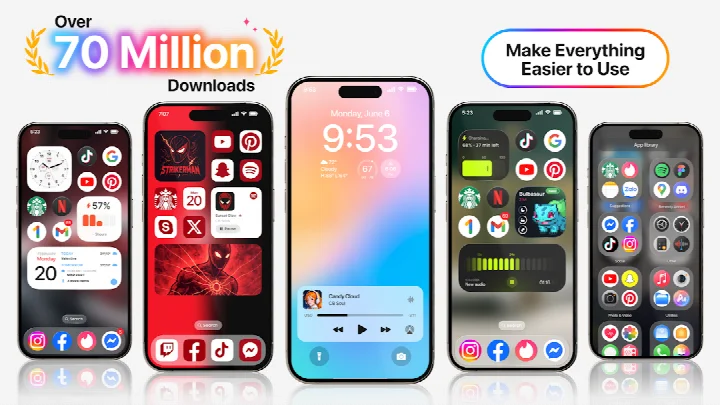
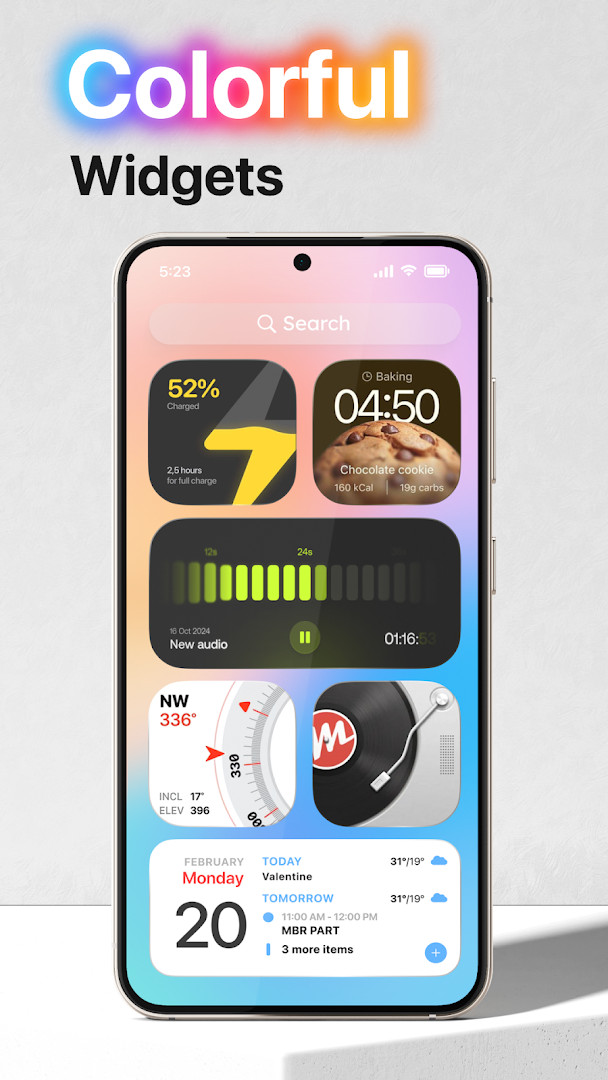
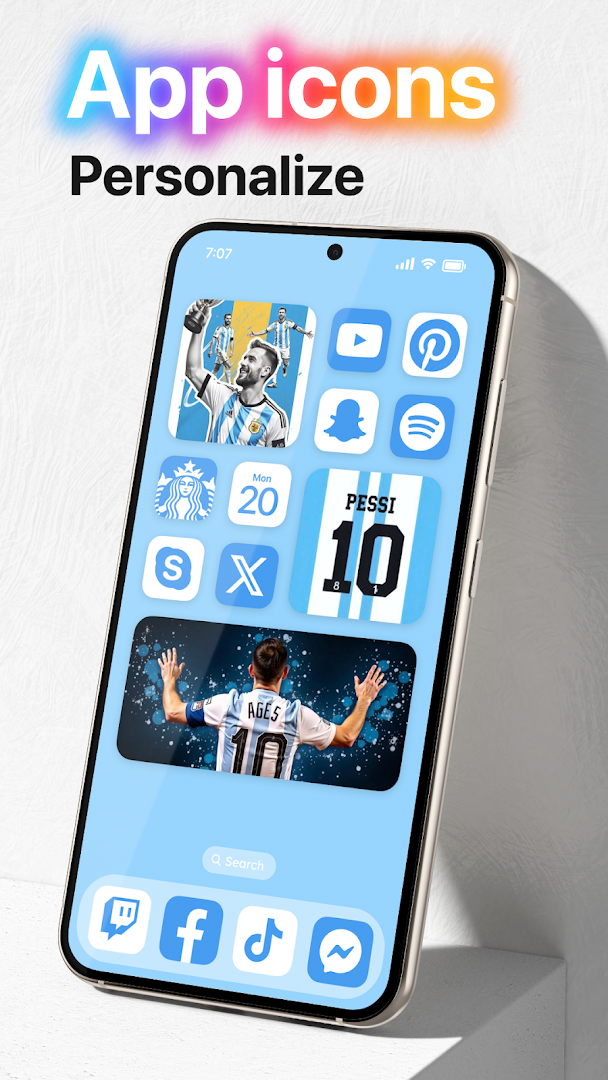
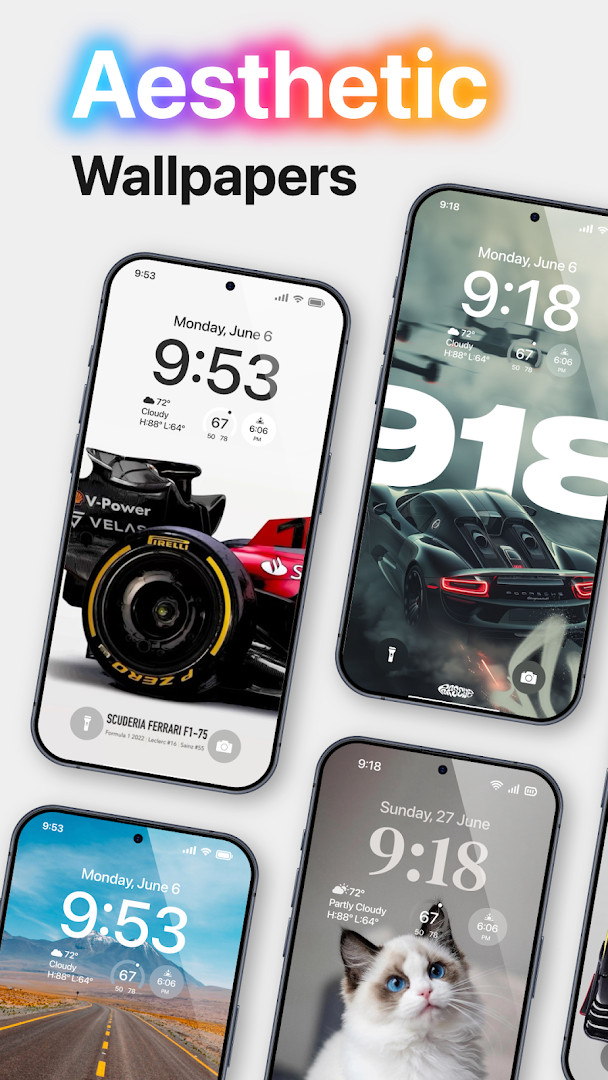
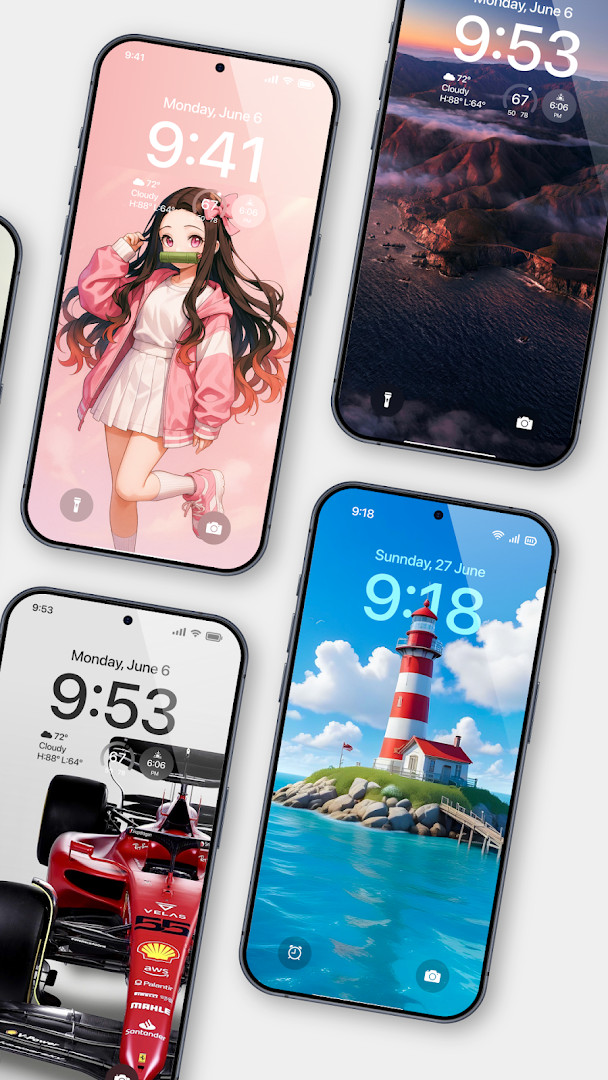
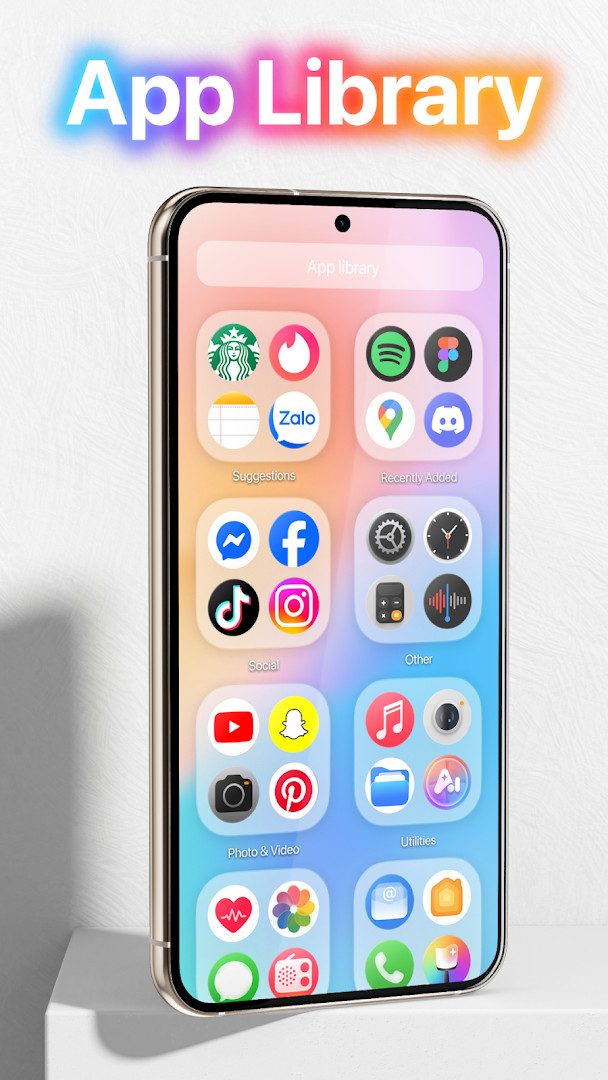
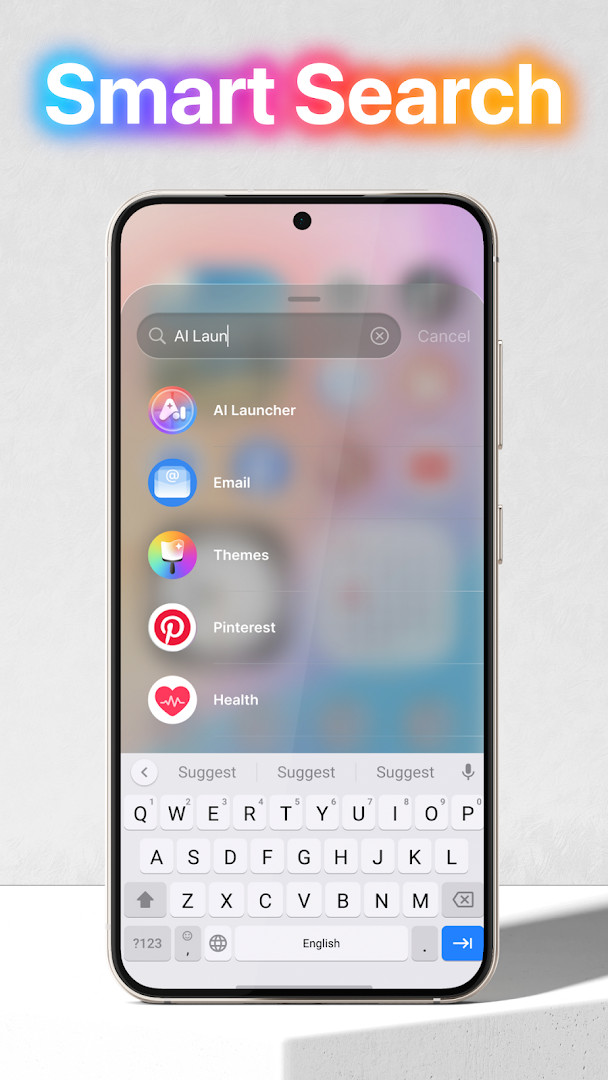
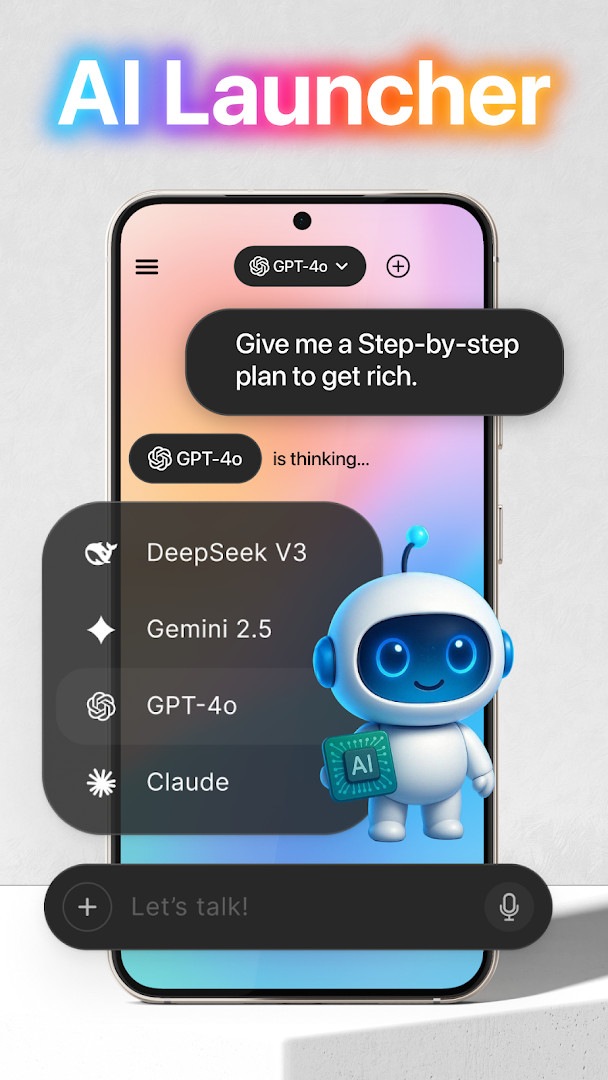
Launcher OS™ is a personalization app by Apps Genz that replaces the default home screen with a simpler, more attractive interface. It focuses on making an Android phone feel cleaner and more personal through customizable layouts, lock screen tools, and integrated search features. Version 6.3.15, updated on September 3, 2026, continues to refine that experience.
The app goes beyond a standard launcher by adding a lock screen that can show notifications, calls, and a camera shortcut. It also includes a built-in universal file search to quickly locate any file on the device, and an AI chat feature that uses microphone access to convert voice into text. These extras make it more of a full interface layer than a basic home screen replacement.
To work properly, Launcher OS™ requests several special permissions, including camera, phone state, notification access, storage, draw-over-screen, manage external storage, and record audio. These permissions support the lock screen, wallpaper handling, file search, and voice features. The app is free to download, includes ads and in-app purchases, and is rated for everyone. Since its release on May 19, 2020, it has grown to over 100 million installs and holds a rating of 4.39 from more than 1.8 million reviews.
Key features
- Customizable home screen for a cleaner, more personal look.
- Lock screen with camera, phone call, and notification access.
- Wallpaper support from device storage and server-saved images.
- Built-in universal file search to find any file on the device.
- AI chat with voice-to-text conversion through microphone access.
- Draw-over-screen capability for a lock screen across all apps.
- Lightweight launcher design that works as a replacement home interface.
How to install
- Tap the download button on this page to get the APK file.
- If Android asks, allow your browser or file manager to install apps by enabling the 'Install unknown apps' setting.
- Open the downloaded APK file from your notification bar or file manager.
- Tap Install and wait for the process to finish.
- Open Launcher OS™ and grant the permissions it requests for the features you want to use.
- The file size is not listed, and the app requires Android 8.0 or newer.
Pros
- Free to download with a large, active user base.
- Combines launcher and lock screen features in one app.
- Universal file search can save time when hunting for documents or media.
- Frequent updates, with the latest version dated September 3, 2026.
- Broad device support starting from Android 8.0.
- Highly customizable appearance for a more personal phone.
Cons
- Contains ads, which can occasionally interrupt the experience.
- Asks for a wide range of permissions, far beyond what a basic launcher needs.
- Some lock screen and AI chat functions depend on granting sensitive access.
- In-app purchases are present, so not every feature is fully free.
What's New · 6.3.15
Launcher OS has been updated to version 6.3.15, released on September 3, 2026. This release continues to refine the experience for making your phone simple and pretty, with the latest build numbered 380.
Versions
| Version | Size | Requires Android | Updated |
|---|---|---|---|
| 6.3.15 | — | 8.0 | 03.09.2026 |
This app is for Android users who want a fresh, cleaner home screen without buying a new phone. It suits people who like lock screen shortcuts and quick file search, as well as those who enjoy customizing their device's appearance. Users comfortable managing app permissions and tolerating ads will get the most out of it.
Start by granting only the permissions you actually need for the features you plan to use, then add others later if you find you want the lock screen or AI chat extras.
Permissions
FAQ
Is Launcher OS™ free to use?
Yes, Launcher OS™ is completely free to download and use. It does include ads and optional in-app purchases.
What Android version do I need to install this launcher?
The app requires Android 8.0 or a newer version to run properly.
Do I need to create an account to use Launcher OS™?
No, you can use the app without creating an account. It works right after installation.
What permissions does the app request?
It asks for several permissions, including Camera, Microphone, Storage, Phone, Location, and Contacts. These are needed for features like the lock screen camera, voice-to-text in AI chat, file search, and call display on the lock screen.
How do I update Launcher OS™ to the latest version?
To update, simply download the newest version from this page whenever it is released. This will give you the latest features and improvements.
Overall, Launcher OS™ offers a lot of visual and functional flexibility for a free app, though the broad permission list and advertising may not suit everyone. If you want a dramatically different home screen and can accept the trade-offs, it is easy to recommend trying.
Similar Apps


Updated: 20.10.2026
| Version | Size | Requires Android | Updated |
|---|---|---|---|
| 6.3.15 | — | 8.0 | 03.09.2026 |
- Version
- 6.3.15
- Requires Android
- 8.0
- Updated
- 03.09.2026
- Installs
- 100M+
- Rating
- ★ 4.39 (1 820 374)
- Category
- Personalization
- Developer
- Apps Genz
- Content rating
- Everyone
- Package
- com.babydola.launcherios
- Free
- ✓ · Contains ads · In-app purchases