POCO Launcher 2.0 - Customize, for Android
POCO Launcher 2.0 - Customize is a personalization launcher from Xiaomi Inc. for customizing your Android home screen.
POCO Launcher 2.0 - Customize is for Android users who want a faster, lighter home screen with extensive personalization options. It lets you resize layouts, apply themes and animations, use third-party icon packs, and hide app icons for privacy. The app is free, requires Android 8.0 or later, and its 27 MB size makes it a compact choice.
Screenshots
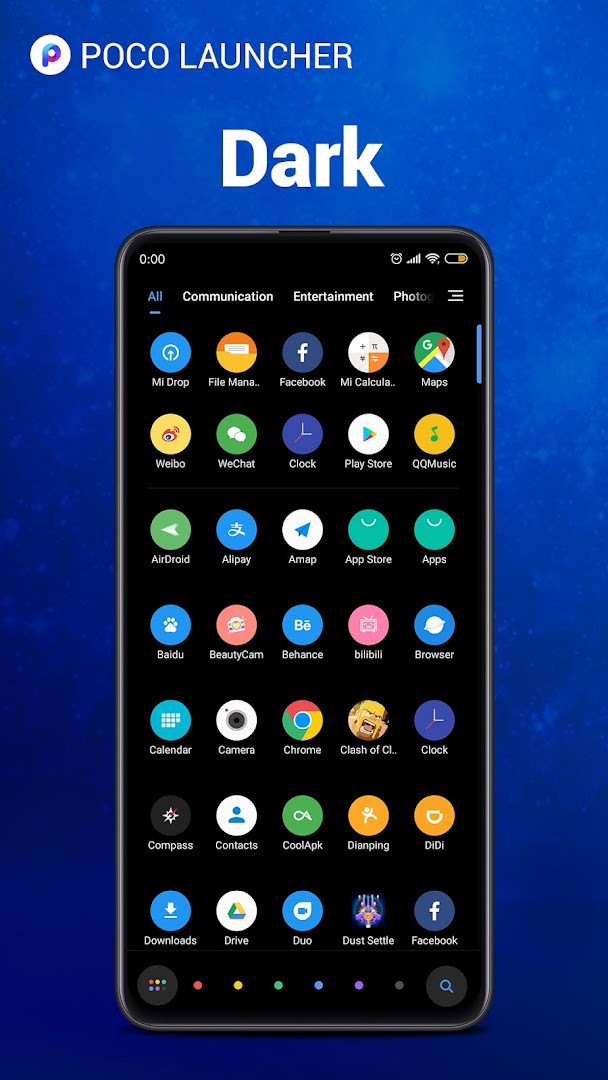
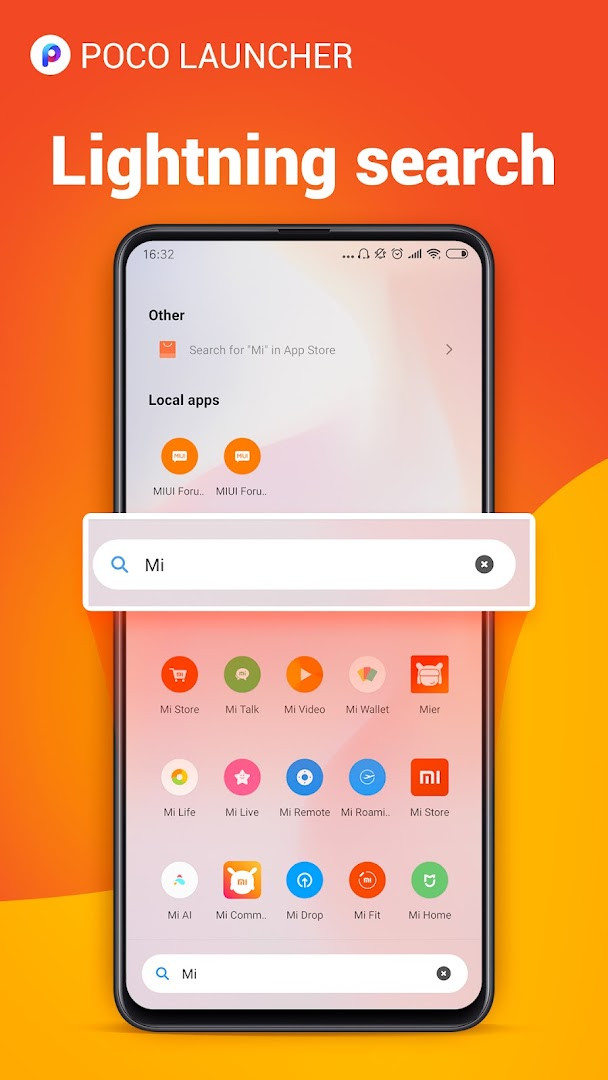
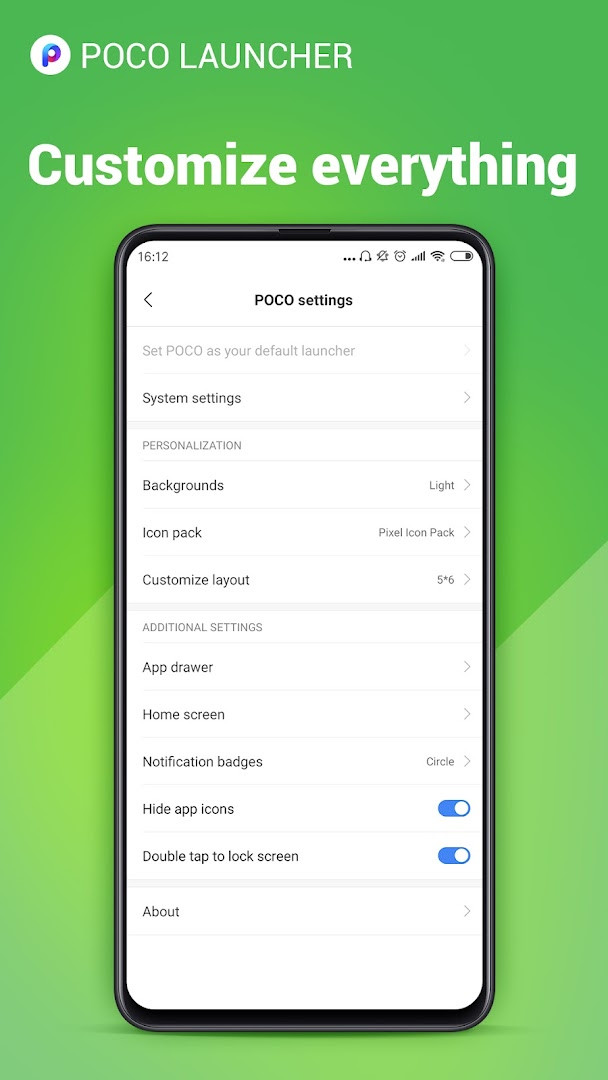
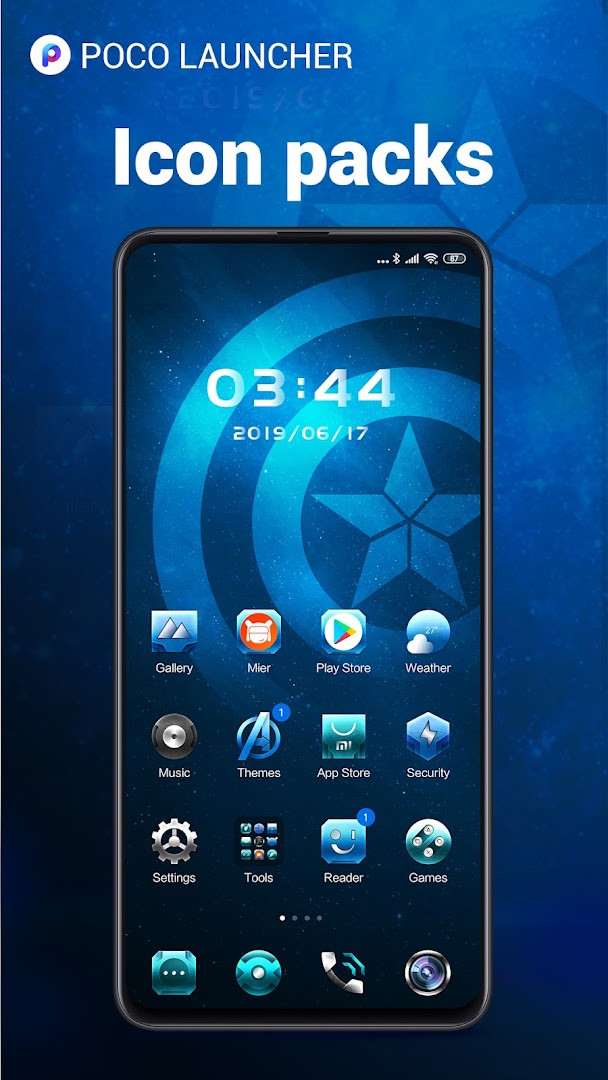
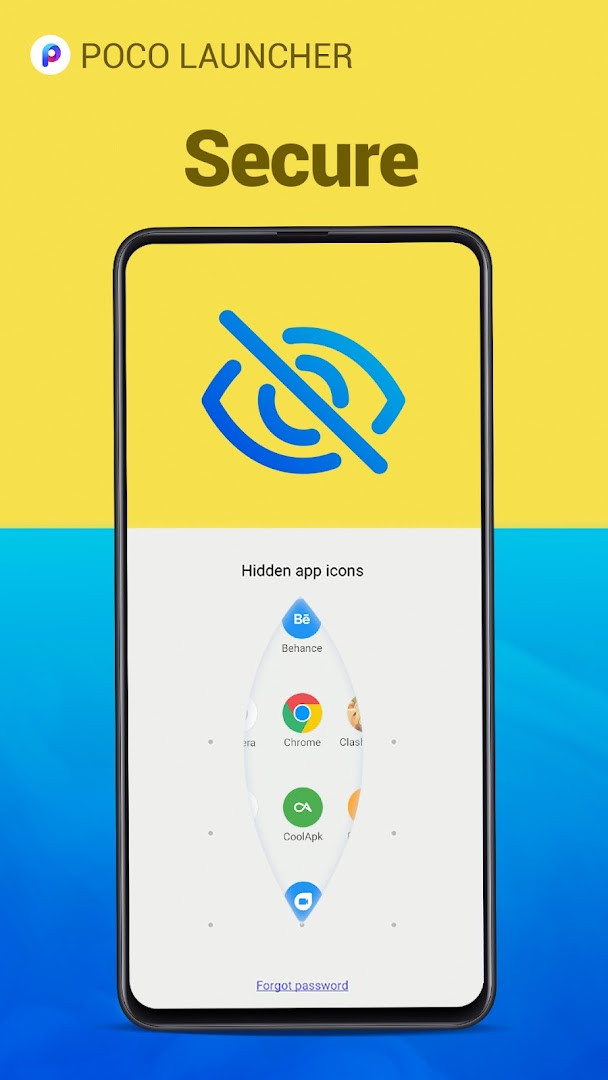
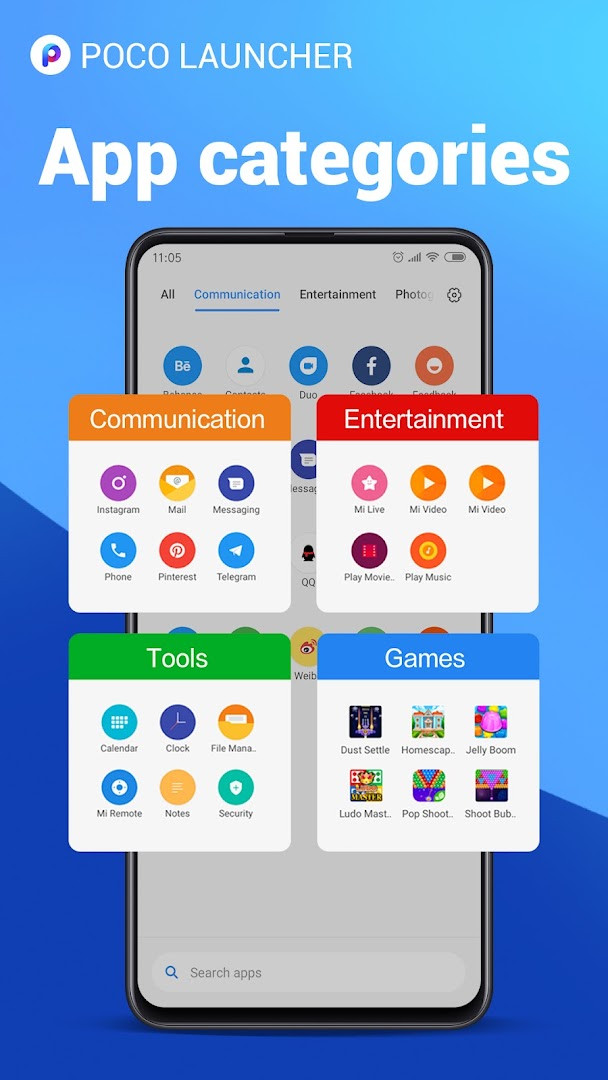
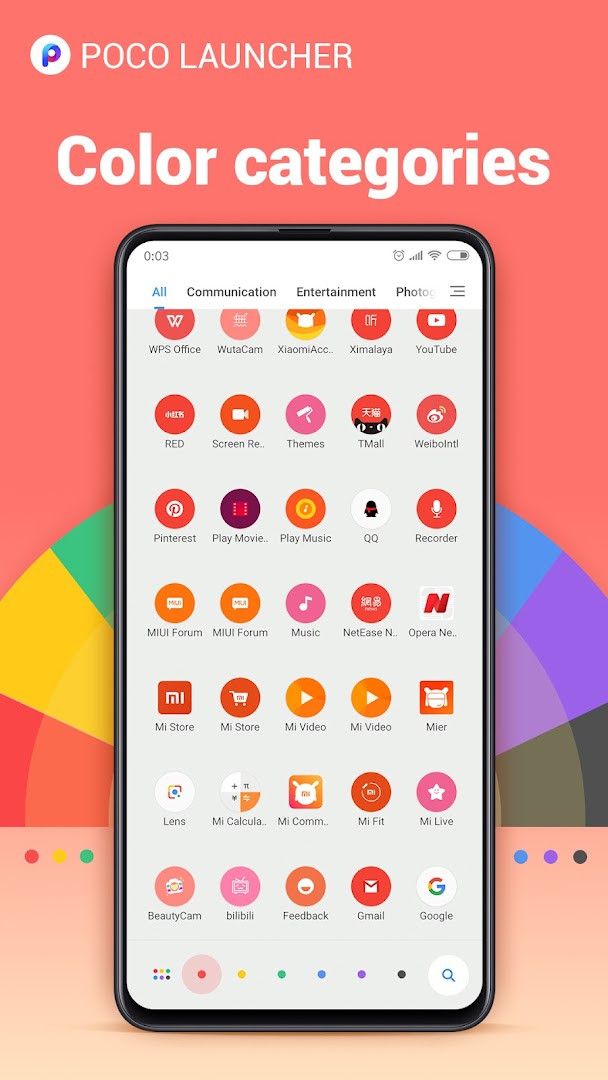
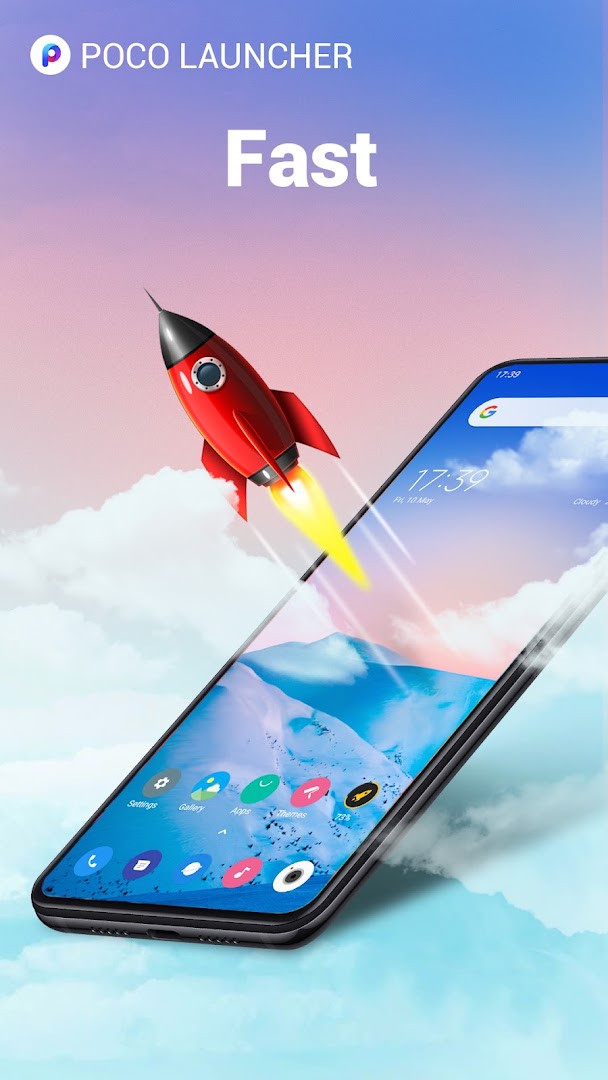
POCO Launcher 2.0 - Customize is a home screen launcher app by Xiaomi Inc. that lets Android users personalize the look and organization of their device. The app tackles the problem of a cluttered or slow home screen by moving all apps into a single App drawer, keeping the main screen clean, and offering tools to adjust layouts, wallpapers, themes and animations. It also aims to speed up everyday use with a searchable drawer, automatically grouped app categories, and a lightweight design optimized for responsiveness. The current build is version 2.7.4.39, and the app has been installed over 100 million times, with an average rating around 4.47 from more than 710 thousand reviews.
Key features
- Move all apps into one tidy App drawer so the home screen stays clean.
- Resize the home screen grid and app icons to match your preferences.
- Apply custom wallpapers, themes, animations, and third-party icon packs.
- Search for apps quickly with suggestions and icon color categories.
- Auto-group apps by category or create custom groups for frequently used tools.
- Hide selected app icons to keep private apps out of sight.
- Use dark mode, double-tap to lock the screen, and pick notification badge styles (dots or counts) on Android 8.0+.
How to install
- Tap the download button on this page to save the app's APK file (27 MB) to your device.
- The first time you open the file, Android may ask you to allow your browser or file manager to install apps; enable the 'Install unknown apps' setting when prompted.
- Open the downloaded APK file from your notifications or file manager.
- Tap Install and wait for the installation to finish.
- Tap Open to launch POCO Launcher and set it as your home screen app.
- Make sure your device runs Android 8.0 or newer, as that is the minimum supported version.
Pros
- Fast, lightweight performance that feels responsive on everyday phones.
- Extensive personalization: layouts, icons, wallpapers, themes, and animation effects.
- Dark mode support and flexible notification badge styles.
- Privacy-friendly option to hide app icons.
- Useful search and automatic app categorization for faster access.
- No in-app purchases required.
Cons
- Shows advertisements.
- Requests a wide range of permissions, including location, contacts, calendar, and phone information, which some users may find excessive.
- Some permissions, such as device and app history, storage, and device ID, are broad for a launcher.
Latest changes · 2.7.4.39
This version of POCO Launcher 2.0 focuses on fixing bugs and optimizing overall performance to make the launcher feel smoother and more responsive. The update aims to improve stability and enhance the general user experience without adding new features.
Older versions
| Version | Size | Requires Android | Updated |
|---|---|---|---|
| RELEASE-5.39.35.11203-05301911 | 22 MB | 13 | Jun 12, 2025 |
| RELEASE-5.39.35.10841-03212122 | 22 MB | 13 | Apr 30, 2025 |
| RELEASE-5.39.35.10556-02142213 | 21 MB | 13 | Mar 13, 2025 |
| RELEASE-4.39.14.7578-01311601 | 38 MB | 11 | Feb 22, 2024 |
| 2.7.4.43 | 27 MB | 8.0 | Aug 27, 2023 |
| 2.7.4.39 | 27 MB | 8.0 | Mar 13, 2023 |
| RELEASE-4.39.5.5856-01041951 | 24 MB | 7.0 | Jan 30, 2023 |
| 2.7.4.10 | 22 MB | 5.0 | Sep 2, 2020 |
This launcher suits beginners who want to refresh how their Android phone looks without diving into complex setup. Its clean drawer design, straightforward search, and simple customization options make it easy to pick up, while features like icon hiding and dark mode give newcomers a taste of more advanced personalization at their own pace.
After installing, spend a few minutes exploring the launcher settings: enable dark mode, pick a notification badge style, and try the double-tap-to-lock gesture. If you use many apps, let the launcher auto-group them first, then fine-tune the groups to match how you actually work.
Permissions
FAQ
How do I install the APK on Android?
Download the APK file and open it from your file manager. If your device asks for unknown sources, allow installation from that app, then follow the on-screen prompts. Android 8.0 or later is required.
What is the current version of the app?
The listed version is 2.7.4.39, which was updated on March 13, 2023. The app was originally released on October 11, 2018.
Does the app contain ads or in-app purchases?
The app is free to download and has no in-app purchases. It does contain ads, so you may see advertisements while using it.
Can I use the app offline or does it need data?
The app works as a launcher, so core functions like organizing apps and customizing your home screen do not require an internet connection. Ads may need data to load, but the launcher itself is usable offline.
Are there alternatives in the same category?
Yes, several other launcher apps offer similar customization, app drawer organization, and icon theming. You can compare them by features like performance, privacy options, and design to find one that suits your needs.
What Android version is needed?
The app requires Android 8.0 or higher. It is fully compatible with Android Q, and the developer has extended support for various phone models.
POCO Launcher delivers a clean, customizable home screen experience that should feel familiar to most Android newcomers. Just keep in mind that it shows ads and asks for a broad set of permissions before granting access.
Similar apps




More from this developer
Updated: Nov 23, 2026
| Version | Size | Requires Android | Updated |
|---|---|---|---|
| RELEASE-5.39.35.11203-05301911 | 22 MB | 13 | Jun 12, 2025 |
| RELEASE-5.39.35.10841-03212122 | 22 MB | 13 | Apr 30, 2025 |
| RELEASE-5.39.35.10556-02142213 | 21 MB | 13 | Mar 13, 2025 |
| RELEASE-4.39.14.7578-01311601 | 38 MB | 11 | Feb 22, 2024 |
| 2.7.4.43 | 27 MB | 8.0 | Aug 27, 2023 |
| 2.7.4.39 | 27 MB | 8.0 | Mar 13, 2023 |
| RELEASE-4.39.5.5856-01041951 | 24 MB | 7.0 | Jan 30, 2023 |
| 2.7.4.10 | 22 MB | 5.0 | Sep 2, 2020 |
- Version
- 2.7.4.39
- Size
- 27 MB
- Requires Android
- 8.0
- Updated
- Mar 13, 2023
- Installs
- 100M+
- Rating
- ★ 4.47 (711,647)
- Category
- Personalization
- Developer
- Xiaomi Inc.
- Content rating
- Everyone
- Package
- com.mi.android.globallauncher
- Free
- ✓ · Contains ads