Weather: Hyperlocal Forecast App
Weather is a hyperlocal weather forecast app by OneLouder Apps that provides real-time conditions, minute-by-minute precipitation, and a 10-day outlook.
Weather offers 10-day forecasts, multi-layer radar maps, air quality information, and a sun and moon tracker, along with customizable widgets and themes. Weather is free to download, requires Android 8.0 or higher, and has been installed more than 100 million times. Weather includes ads and in-app purchases, and its rating of 4.56 is based on over 262,000 ratings.
Screenshots
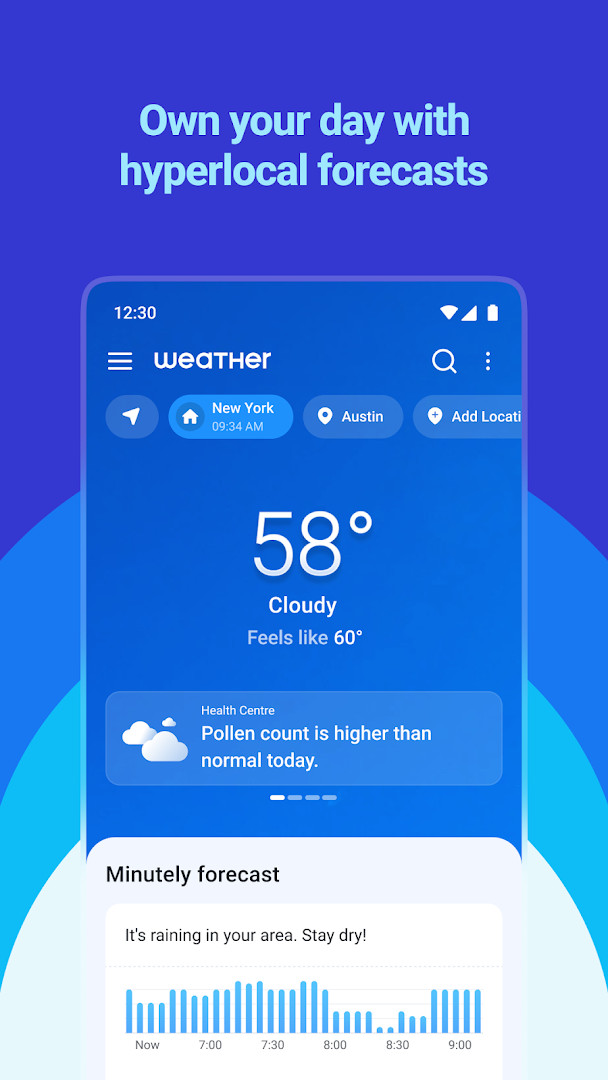
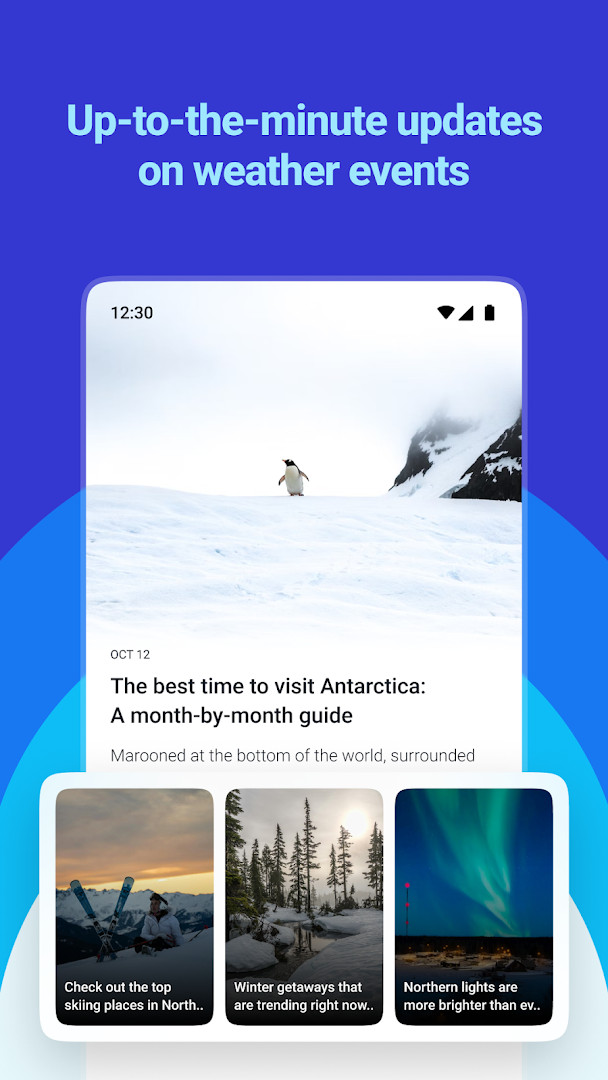
Weather is a weather app by OneLouder Apps that delivers hyperlocal forecasts, radar maps, and a range of environmental data to help users plan their day. Aimed at anyone who wants more than a basic temperature reading, the app combines short-term precipitation outlooks with extended planning tools, so it works both for quick morning checks and for tracking storms or changing conditions over the coming week.
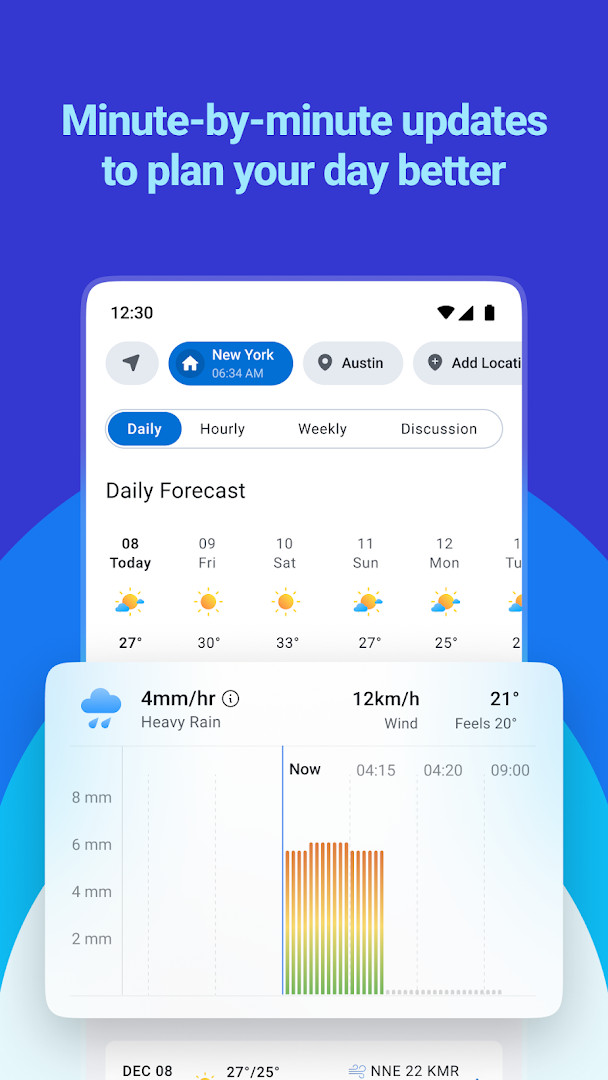
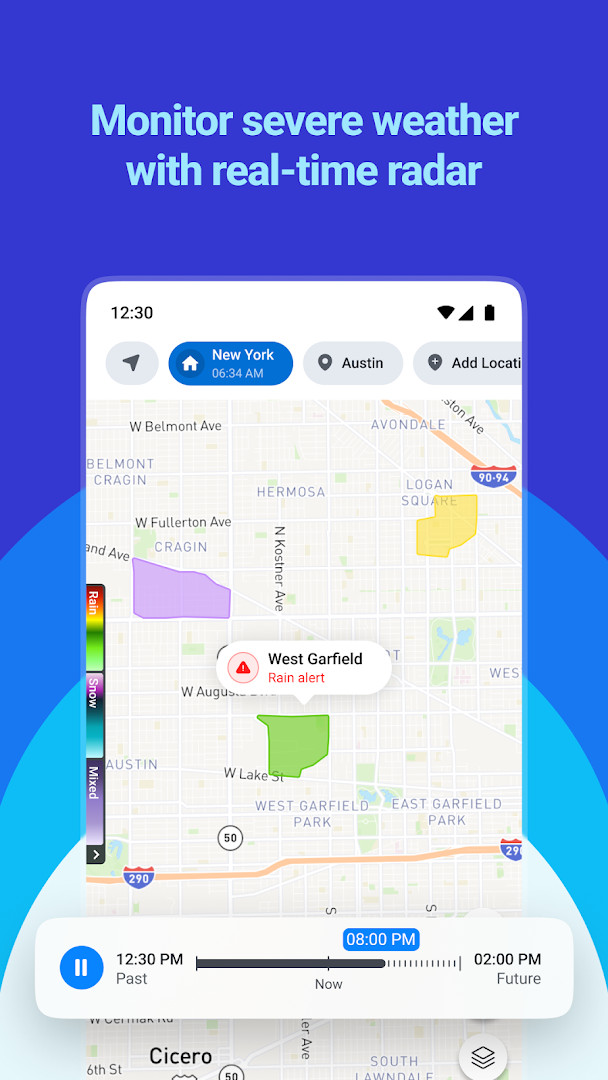
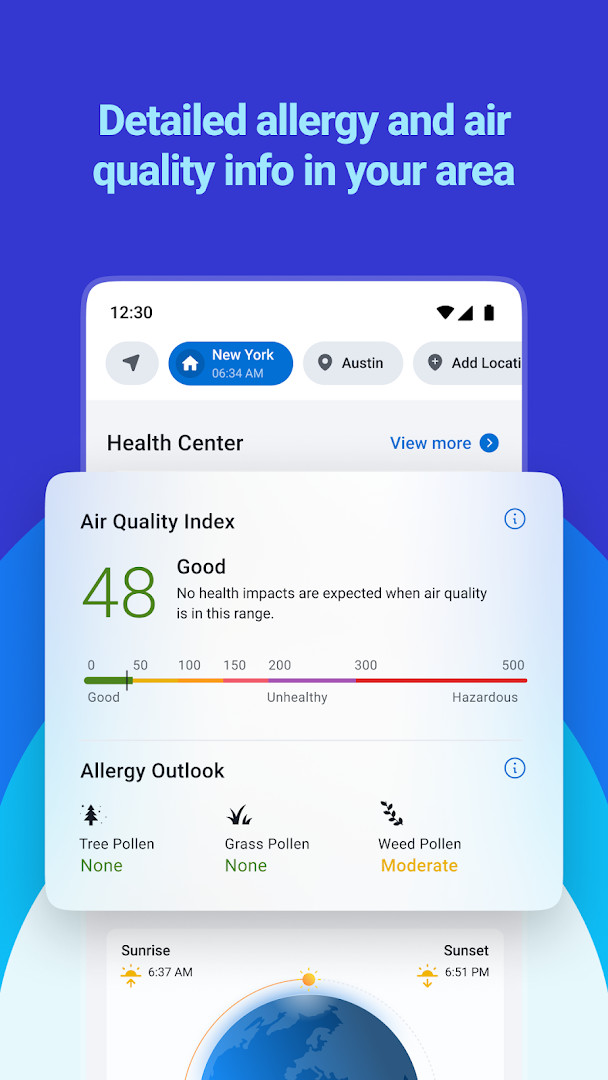
The app provides a 10-day forecast as well as a 48-hour rain outlook, with minute-by-minute precipitation information for near-term decisions. Its multi-layer radar maps can display future projections, which makes it useful for monitoring thunderstorms, typhoons, hurricanes, rainfall, and snowfall. Beyond weather itself, it reports air quality, pollution levels, pollen counts, and other health-related metrics, giving users a fuller picture of outdoor conditions.
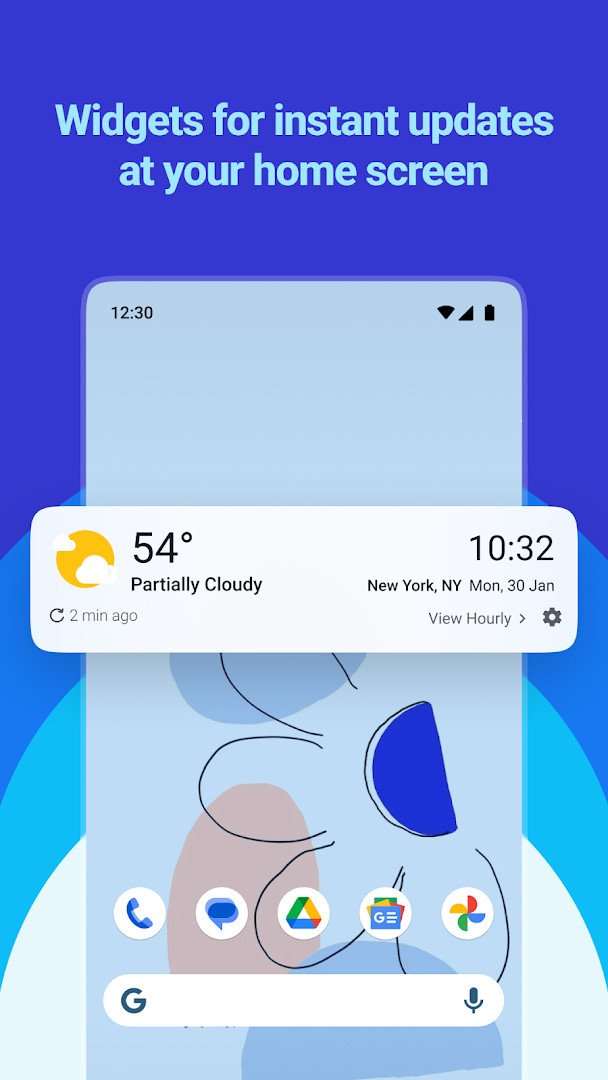
Widgets are a central part of the experience, with more than ten size options ranging from compact 1x1 tiles to large 5x2 layouts, so users can choose how much information appears on their home screen. The app also includes sunrise, sunset, moonrise, and moonset times along with moon phases, plus customization options for units, themes, and language. With a rating of 4.56 based on over 262,000 ratings and more than 100 million installs, it is a widely used tool, though it does contain ads, offer in-app purchases, and request several permissions including location, microphone, and device ID information.
Key features
- 10-day weather forecast for longer-range planning
- 48-hour rain forecast with minute-by-minute precipitation details
- Multi-layer radar maps with future projections for tracking storms
- 10+ customizable widget sizes, from 1x1 to 5x2
- Air quality index, pollution levels, and pollen outlooks
- Sun and Moon tracker with phases, sunrise, and sunset times
- More than 15 weather data points such as UV index, dew point, visibility, humidity, wind speed, and pressure
- Customizable units, multilingual support, and dark or light themes
How to install
- Tap the download button on this page to get the APK file. The file size is not listed, and the app requires Android 8.0 or newer.
- When Android asks, allow your browser or file manager to install apps by enabling the Install unknown apps setting for that app.
- Open the downloaded APK file from your notifications or Downloads folder.
- Tap Install and wait for the installation to finish.
- Open the app from your app list or home screen and grant the permissions you are comfortable with when prompted.
Pros
- Detailed forecasting data, including a 48-hour rain outlook and 10-day forecast
- Wide variety of widget sizes for flexible home screen layouts
- Health-related information such as air quality, pollen, and pollution levels
- Sun and Moon tracker and future radar maps add depth beyond basic weather
- Free to download with optional in-app purchases
Cons
- Contains ads within the app
- Requests several permissions, including location, microphone, phone, and device ID, which may concern privacy-minded users
- Requires Android 8.0 or newer, so older devices are not supported
Older versions
| Version | Size | Requires Android | Updated |
|---|---|---|---|
| 0.7.6.5 | — | 8.0 | Nov 24, 2026 |
| 0.7.6.4 | — | 8.0 | Nov 12, 2026 |
| 0.7.6.3 | — | 8.0 | Sep 4, 2026 |
Weather is for Android users who want detailed local forecasts, radar imagery, air quality updates, and customizable home screen widgets, especially those who like planning around precipitation, pollen, and outdoor conditions.
Allow location access for the most accurate hyperlocal forecasts, and try a few widget sizes to find one that fits your home screen. Check the Health Center section when planning outdoor time, and switch between dark and light themes to reduce eye strain in low-light settings.
Permissions
FAQ
How long is the rain forecast available for, and can I see it hour by hour?
The app provides a 48-hour rain forecast with minute-by-minute precipitation updates, so you can track expected rainfall in detail for the next two days.
What information does the Health Center include besides air quality?
The Health Center covers wind chill, moisture, air pollution level, and pollen count. It also offers an allergy outlook for grass, weed, and tree pollen, plus pollutant levels for PM10, PM2.5, O3, CO, NO2, and SO2, along with health tips for sensitive groups.
What widget sizes and formats are available for the home screen?
You can choose from 1x1, 2x1, 2x2, 2x3, 3x4, 4x1, 4x2, 4x3, 5x1, and 5x2 widget sizes in preferred formats, giving you over 10 customizable options.
How many weather data points are shown, and which ones are included?
The app displays more than 15 weather data points, including UV index, dew point, visibility, humidity, wind speed, and atmospheric pressure, along with other detailed metrics.
Does the app track moon phases and sun times?
Yes, the Sun and Moon Tracker shows sunrise, sunset, moonrise, and moonset, and it includes various moon phases such as New Moon and Full Moon to help plan day or night activities.
Weather by OneLouder Apps packs a lot of forecasting power into one free app, from hourly rain outlooks to air quality and moon phases. If you want rich data and flexible widgets on a device running Android 8.0 or newer, it is a practical choice, though you should weigh the ads and permission requests against the features.
Similar apps




More from this developer
Updated: Nov 28, 2026
| Version | Size | Requires Android | Updated |
|---|---|---|---|
| 0.7.6.5 | — | 8.0 | Nov 24, 2026 |
| 0.7.6.4 | — | 8.0 | Nov 12, 2026 |
| 0.7.6.3 | — | 8.0 | Sep 4, 2026 |
- Version
- 0.7.6.5
- Requires Android
- 8.0
- Updated
- Nov 24, 2026
- Installs
- 100M+
- Rating
- ★ 4.56 (262,452)
- Category
- Weather
- Developer
- OneLouder Apps
- Content rating
- Everyone
- Package
- com.inmobi.weather
- Free
- ✓ · Contains ads · In-app purchases