
AccuWeather: Weather Radar
AccuWeather: Weather Radar is a weather app from AccuWeather for checking local forecasts, tracking storms, and receiving severe weather alerts.
AccuWeather: Weather Radar is for anyone who wants reliable local weather forecasts, live radar maps, and warnings for severe conditions like hurricanes, tornadoes, snow, and flooding. The free app is ad-supported with optional in-app purchases for Premium+ plans, requires Android 8.0 or higher, and takes up about 15 MB.
Screenshots
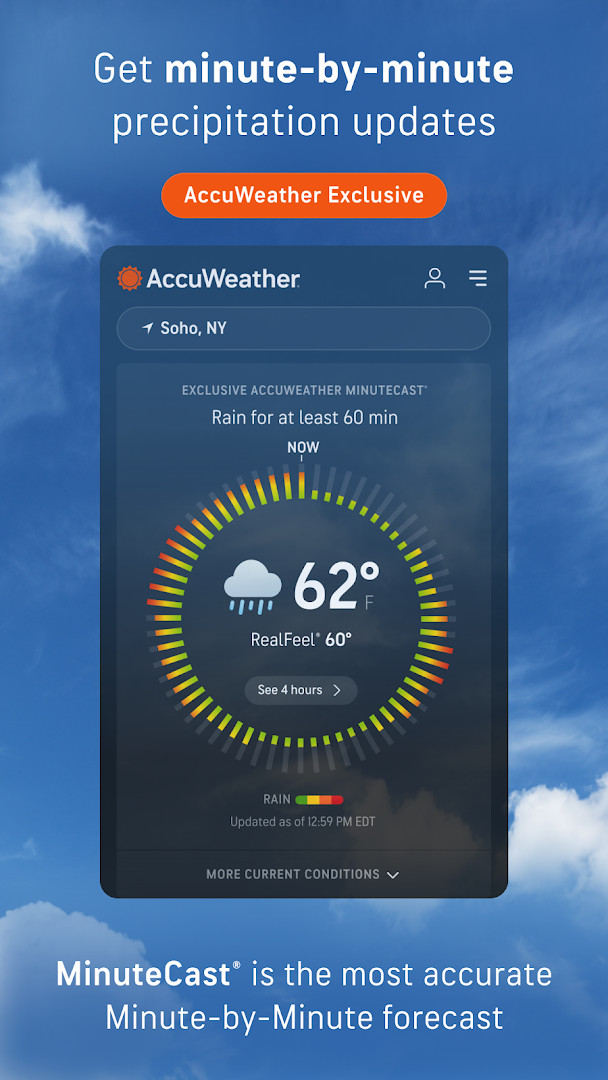
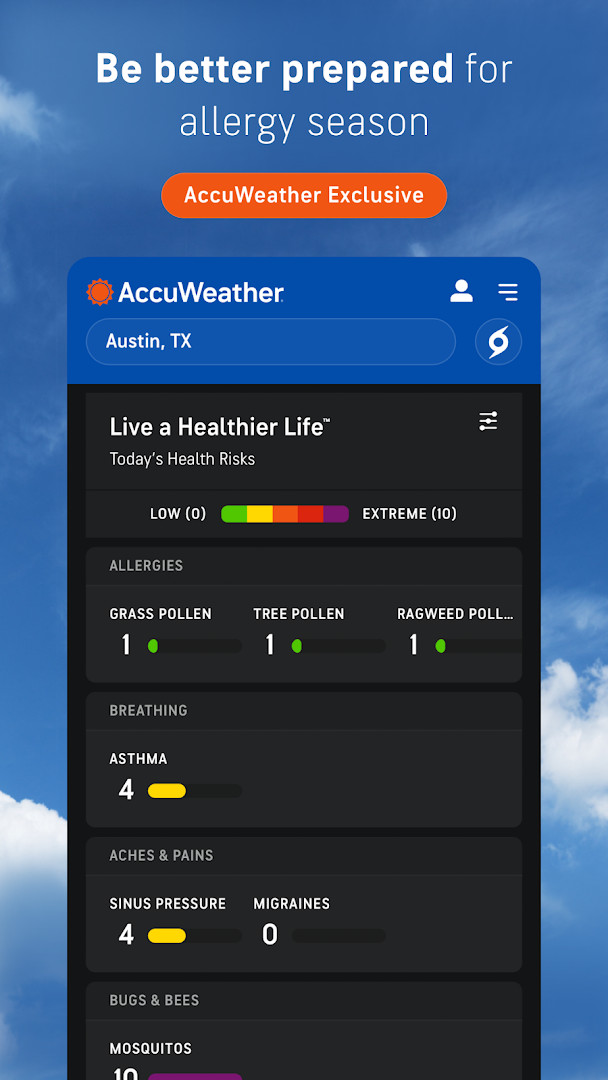
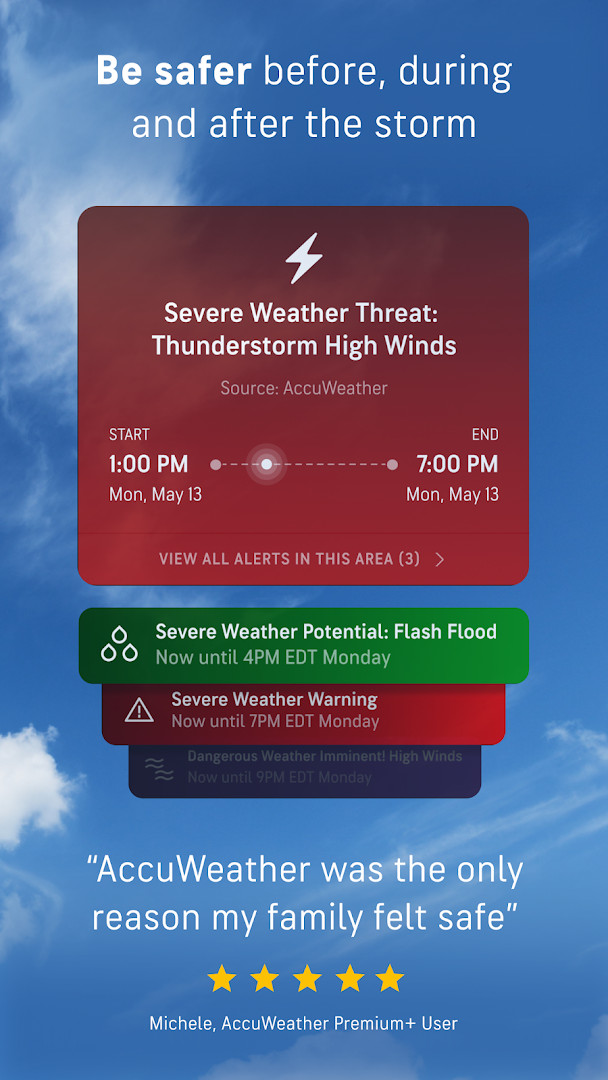
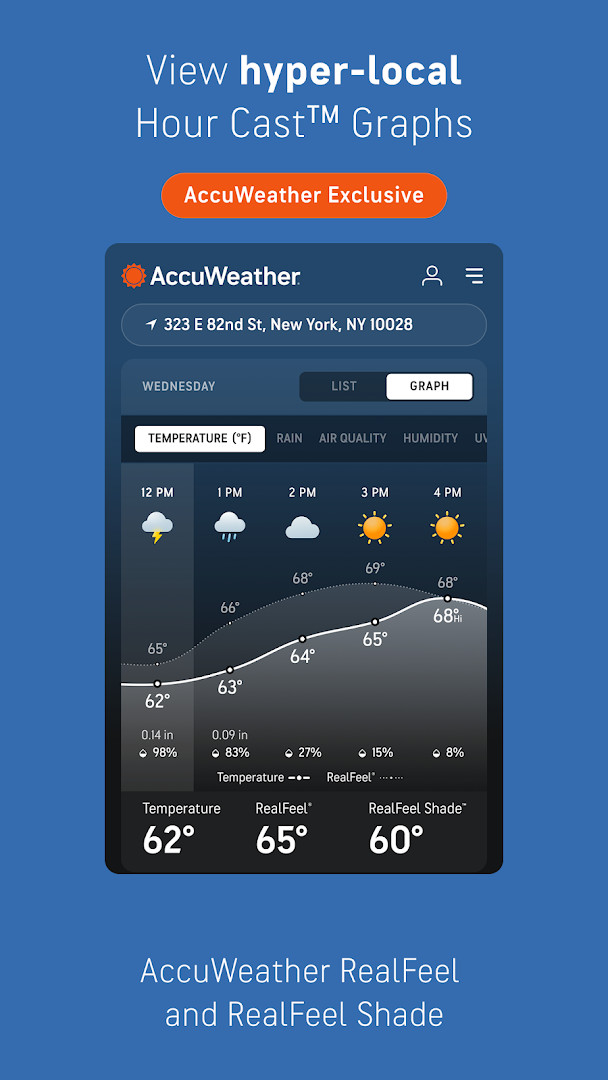
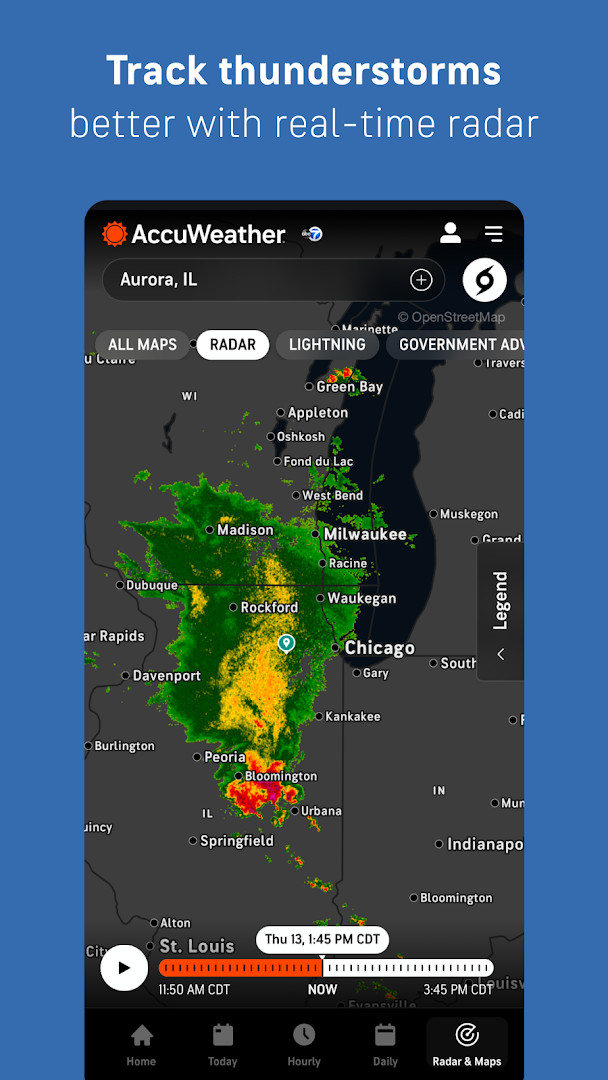
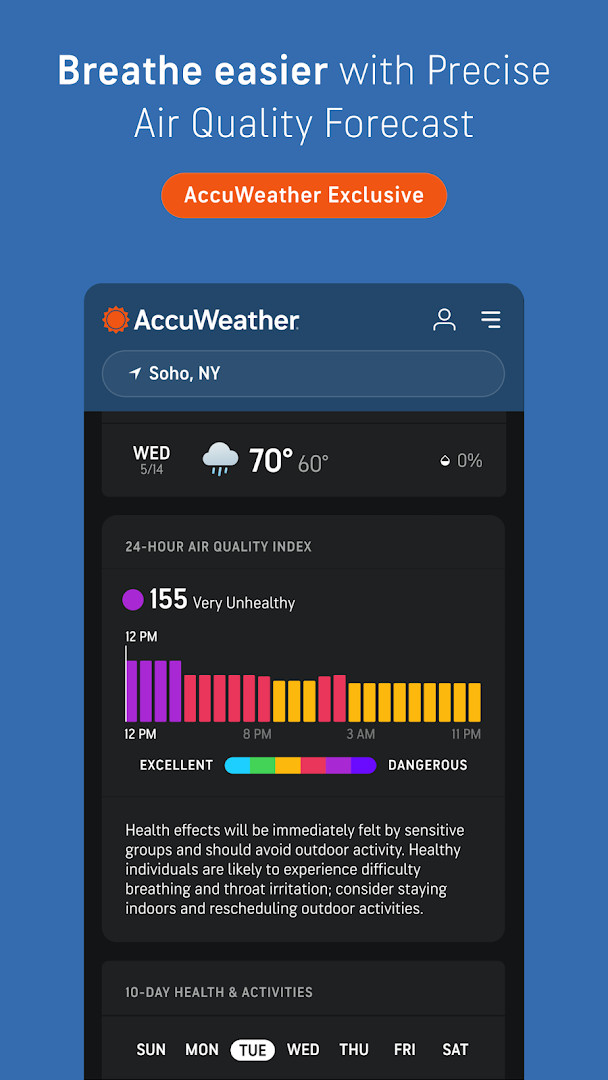
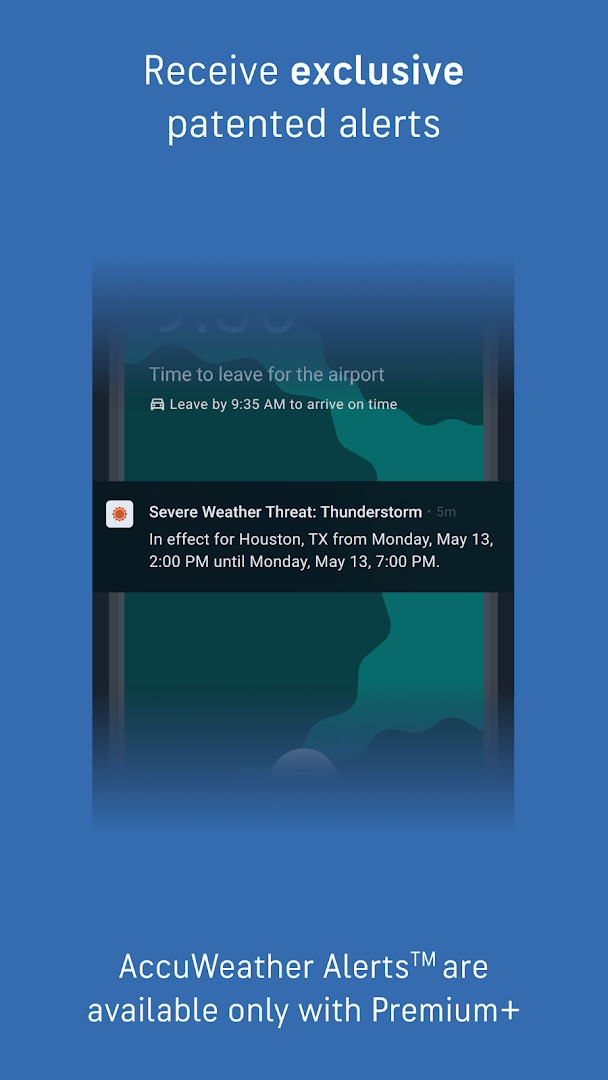
AccuWeather: Weather Radar is a weather app by AccuWeather that provides hyperlocal forecasts, live radar, and severe weather alerts. It is designed to help users stay informed and prepared for any weather condition, from daily temperature checks to tracking hurricanes and winter storms.
The app offers a comprehensive suite of tools, including real-time radar maps, lightning alerts, and exclusive features like MinuteCast® for minute-by-minute precipitation forecasts and RealFeel® Temperature for a more accurate sense of how it feels outside. It also covers air quality, wildfire smoke impact areas, and UV indexes, making it useful for planning outdoor activities.
Targeted at a broad audience, the app is suitable for anyone who wants reliable weather information, whether for daily commutes, family safety, or outdoor planning. It includes personalized experiences based on your interests, such as school, pets, or foliage, and offers a premium tier, Premium+, which provides an ad-free experience with additional features and up to six profiles for family members.
While the app is free to download and use, it contains ads and offers in-app purchases for premium features. It requires Android 8.0 or higher and requests permissions for location, phone, Wi-Fi connection, and device ID, which are typical for weather apps to provide localized forecasts and alerts.
Key features
- Personalized experiences based on your lifestyle and interests, including School, Fall Foliage, Pets, and UV & Sun.
- Maps to visualize wildfire smoke impact areas and localized air quality index (AQI) tracking.
- Exclusive MinuteCast® hyperlocal precipitation forecasts with start/end times for rain or snow, pinpointed to your address or GPS.
- RealFeel® Temperature, describing how it feels using 10+ factors like sunshine, wind, humidity, and air density.
- RealFeel Shade™ to show the difference between sun and shade conditions.
- Live radar with AccuLightning™ for real-time lightning strike tracking and AccuLumen Brightness Index™ for outdoor planning.
- WinterCast® for detailed snow/ice storm radar, including min/max snowfall per storm.
- Premium+ upgrade for extended forecasts, advanced alerts, and an ad-free experience, with a Family Plan supporting up to six profiles.
How to install
- Tap the download button on this page to get the APK file, which is 15 MB.
- When prompted, allow your browser or file manager to install apps by enabling the 'Install unknown apps' setting in your Android security options.
- Open the downloaded APK file from your notifications or downloads folder.
- Tap 'Install' on the installation screen.
- Wait for the installation to complete, then tap 'Open' to launch the app.
- The app requires Android 8.0 or higher, so ensure your device meets this minimum version.
Pros
- Provides real-time radar and severe weather alerts for various events like hurricanes, tornadoes, and floods.
- Offers exclusive features like MinuteCast® and RealFeel® Temperature for detailed and accurate forecasts.
- Includes air quality and wildfire smoke maps for health-conscious users.
- Free to download with optional premium upgrades for an ad-free experience.
- Personalized experiences tailor content to your interests, such as pets or UV exposure.
- Family Plan allows up to six profiles for localized alerts and personalized content.
Cons
- Contains ads, which can be intrusive during use.
- In-app purchases are required for premium features, which may be costly for some users.
- Requires access to location, phone, and device ID permissions, which could raise privacy concerns.
- Some users may find the interface cluttered with numerous features and options.
Latest changes
The October 6, 2026 update brings several new ways to plan around the weather. Beta experiences help you organize pet walks, track peak foliage, manage sun exposure and choose bus-stop outfits, while Premium+ Family Plans now cover up to six individual profiles with localized alerts. You can also get Today and Tomorrow notifications, read Expert Analysis in the Hurricane Center, and spot nearby lightning from Today. The app is about 15 MB and requires Android 8.0 or later.
Older versions
| Version | Size | Requires Android | Updated |
|---|---|---|---|
| 21.1.15-3-rc | 15 MB | 8.0 | Sep 9, 2026 |
This app is for anyone who wants detailed, hyperlocal weather forecasts and reliable severe weather alerts. It's especially useful for families, outdoor enthusiasts, commuters, and those who need to plan activities around weather conditions, such as parents, pet owners, and travelers.
To get the most out of the app, enable location access for accurate forecasts and alerts. Explore the personalized experiences to tailor weather information to your specific interests, and consider upgrading to Premium+ if you frequently use the app and want an ad-free experience with advanced features.
Permissions
FAQ
How do I install the AccuWeather app on my Android device?
To install it, download the APK file from the download button on this page. Before installing, make sure your device runs Android 8.0 or higher and that you have allowed installations from unknown sources in your settings. Then open the file and follow the prompts.
What is the current version of the app?
The current version is 21.1.15-3-rc, released on September 9, 2026. The app was originally released on June 11, 2018, and was last updated on October 6, 2026.
Does the app contain ads or offer in-app purchases?
Yes, the free version displays ads. It also offers in-app purchases, including a Premium+ subscription that removes ads and provides additional features like longer-range forecasts and enhanced alerts.
Can I use the app offline?
The app is primarily online as it relies on live radar, forecasts, and alerts. It does not provide offline maps or offline data. You need an internet connection to access most features.
What are some alternatives to AccuWeather in the weather category?
There are many weather apps available that offer forecasts, radar, and alerts. You can look for other apps that provide similar features such as hourly forecasts, severe weather warnings, and radar maps. Compare them based on accuracy, interface, and additional tools.
What permissions does the app require?
The app requests access to your location, phone, Wi-Fi connection information, and device ID & call information. These permissions help provide localized forecasts and weather alerts.
Is the app free to download?
Yes, the app is free to download and use. The base version costs $0.00, but optional in-app purchases are available for premium features.
AccuWeather: Weather Radar offers a robust set of tools for staying ahead of the weather, from live radar and lightning alerts to hyperlocal forecasts. While ads and in-app purchases are present, the free version provides substantial value, making it a solid choice for reliable weather tracking.
Similar apps



Updated: Oct 24, 2026
| Version | Size | Requires Android | Updated |
|---|---|---|---|
| 21.1.15-3-rc | 15 MB | 8.0 | Sep 9, 2026 |
- Size
- 15 MB
- Requires Android
- 8.0
- Updated
- Oct 6, 2026
- Installs
- 100M+
- Rating
- ★ 3.6 (2,573,967)
- Category
- Weather
- Developer
- AccuWeather
- Content rating
- Everyone
- Package
- com.accuweather.android
- Free
- ✓ · Contains ads · In-app purchases