The Weather Channel - Radar: Live Storm & Rain Tracker
The Weather Channel - Radar is a free weather app by The Weather Channel that lets you track storms, view live radar, and receive severe weather alerts.
The Weather Channel - Radar is free to install but includes advertisements and optional in-app purchases. It requires Android 9 or newer. With over 100 million installs and a 4.59-star rating from more than 3.6 million reviews, this app is suitable for anyone seeking detailed local forecasts, allergy tracking, and severe weather preparedness tools.
Screenshots
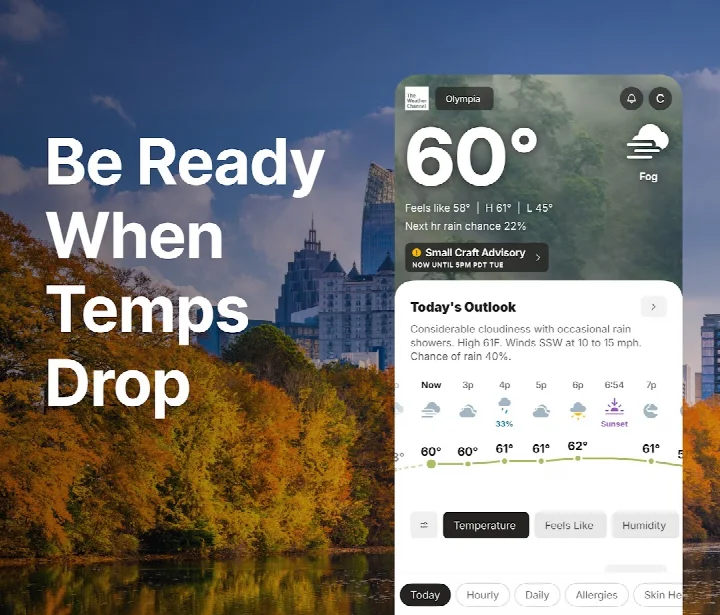
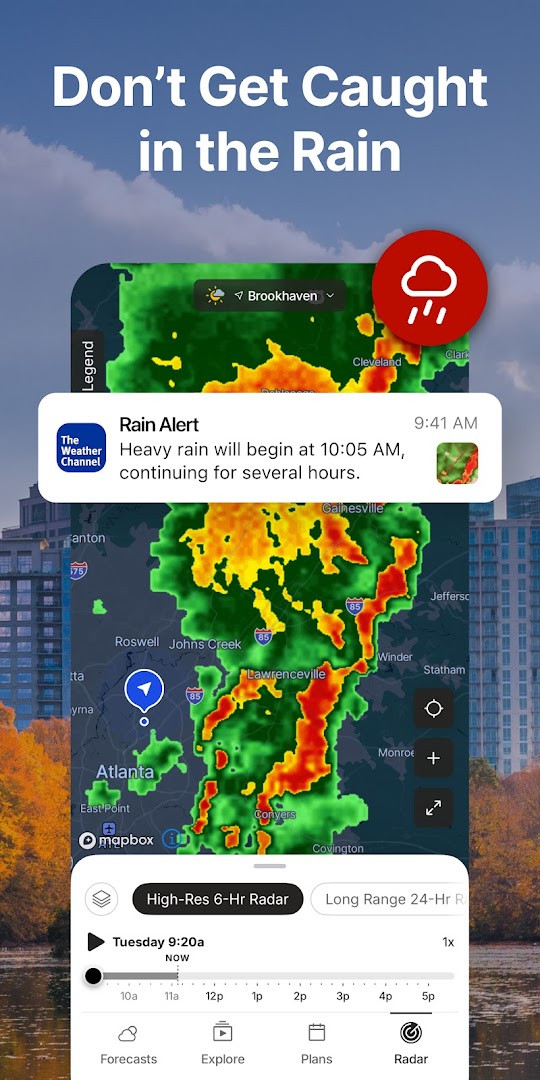
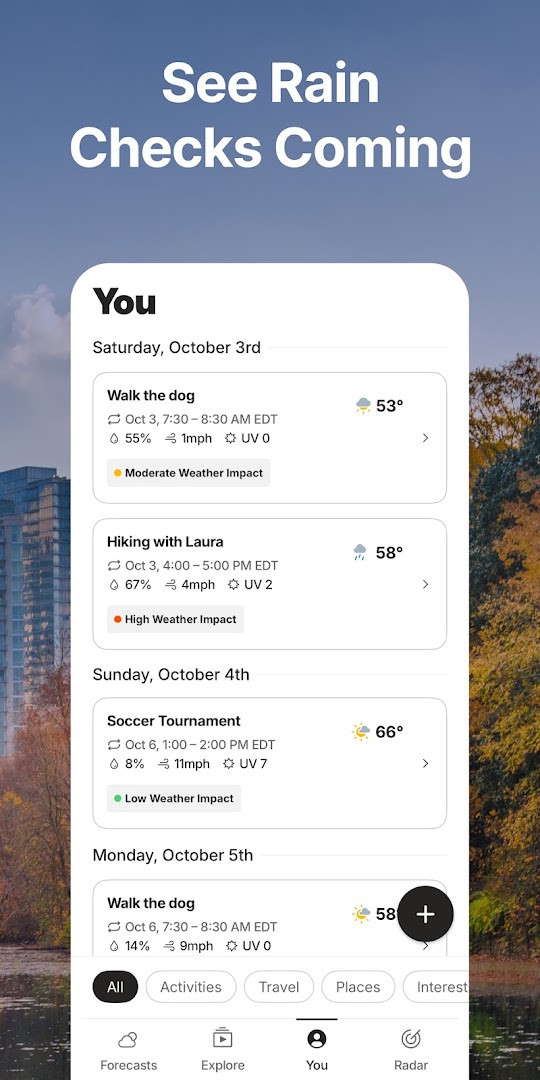
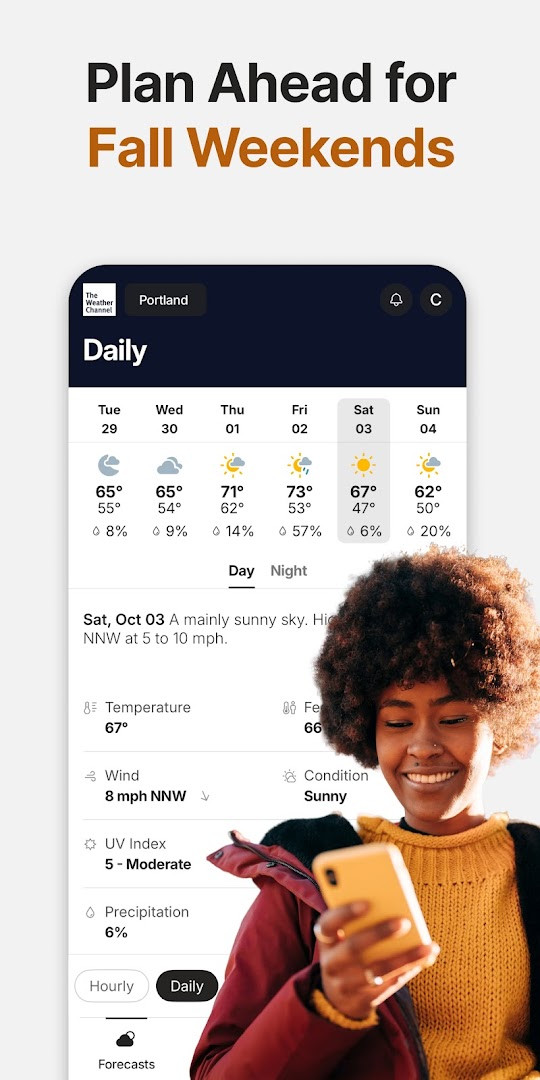
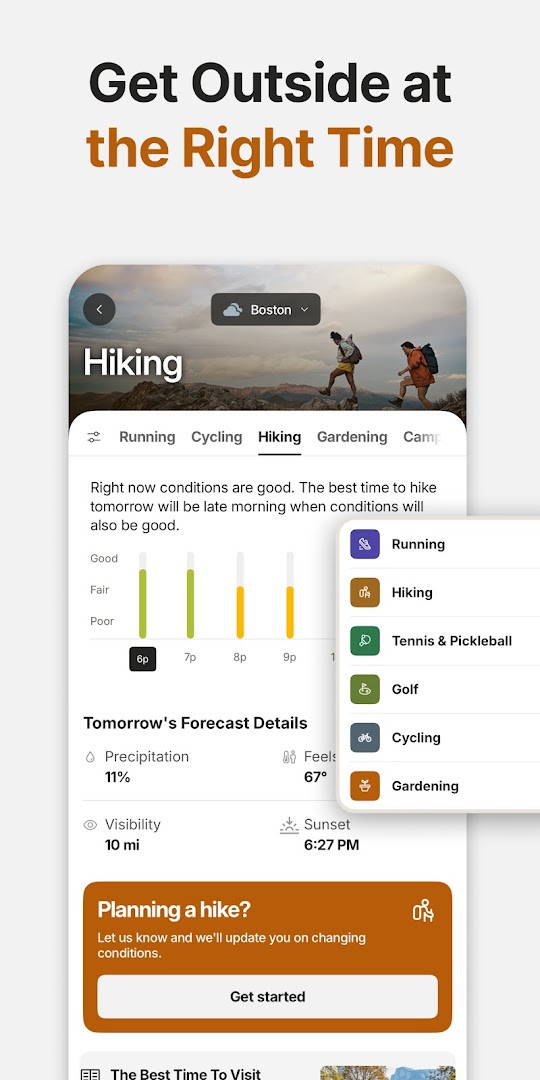
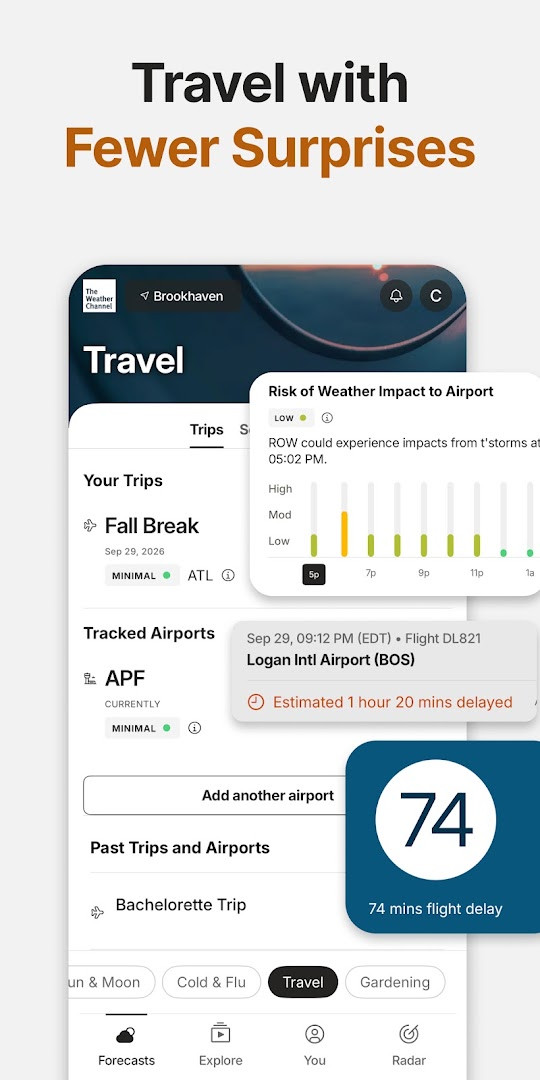
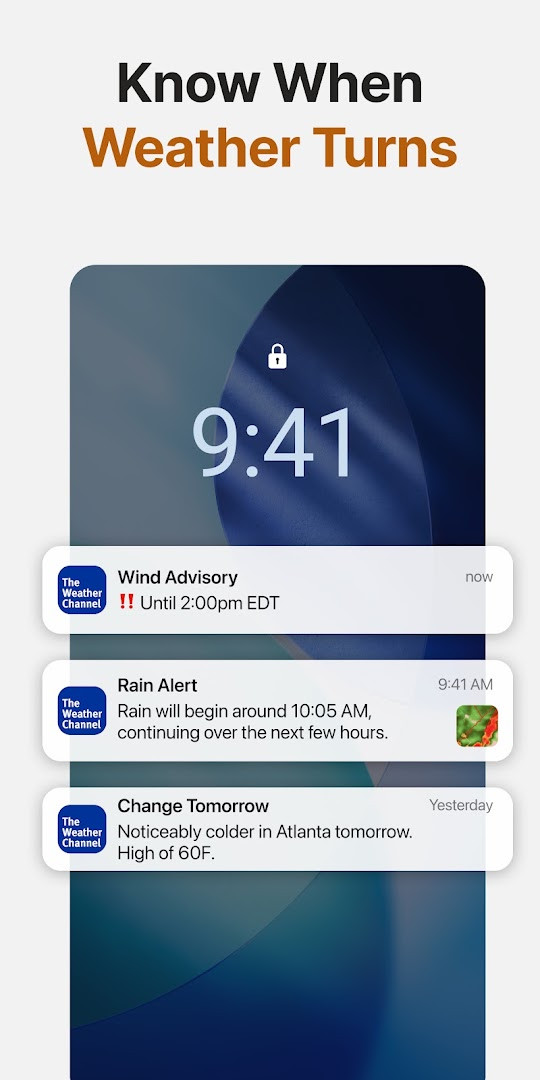
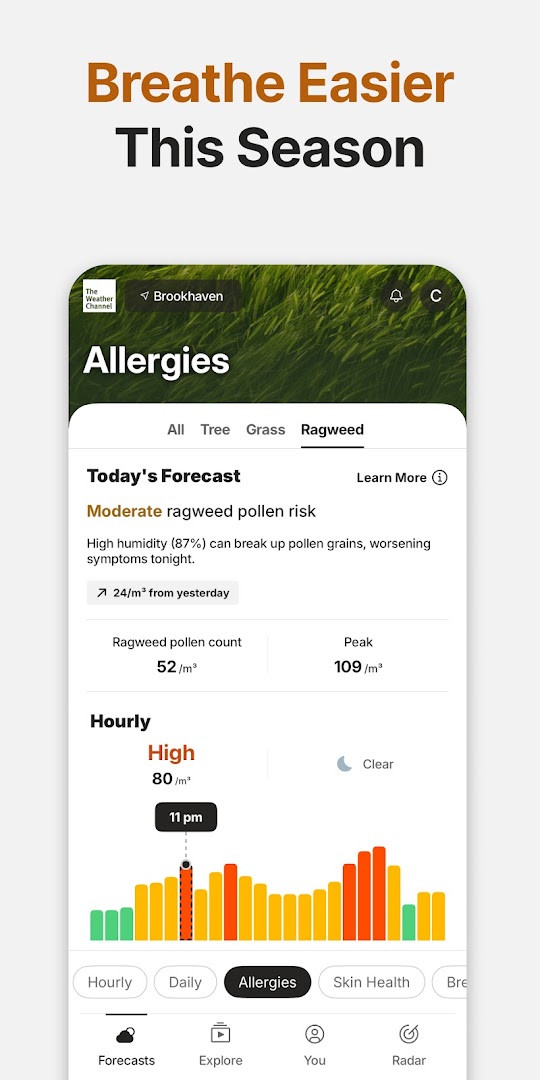
The Weather Channel - Radar is a weather app by The Weather Channel that provides forecasts, live radar, and severe weather alerts. It is designed to help users plan their days around changing conditions and stay informed when storms approach.
The app combines local forecasts with storm tracking tools. Users can check hourly and daily outlooks, view a 24-hour future radar, and receive notifications for rain, snow, or other severe weather. Allergy and pollen information is also included, which can be useful during seasonal changes.
Beyond basic forecasts, the app offers a home screen widget, dark mode support, and details such as sunset times and air quality readings. A Premium subscription removes ads and unlocks additional options like 15-minute forecast details and advanced radar, but the core weather tools remain available for free.
Key features
- Rain radar and storm tracker with live maps for following incoming weather.
- 24-hour future radar to see how precipitation is expected to move.
- Severe weather alerts for rain, snow, and other inclement conditions.
- Hourly and daily forecast updates, including a 'Feels Like' temperature view.
- Allergy tracker with pollen and air quality index information.
- Forecast alerts for the next 3 hours available directly on the home screen.
- Weather widget compatible with dark mode, plus sunset times and local weather news.
How to install
- Tap the download button on this page to get the installation file.
- If Android asks for permission, allow your browser or file manager to install apps by enabling the 'Install unknown apps' setting.
- Open the downloaded file from your notifications or file manager.
- Tap Install and wait for the process to finish.
- Open the app and grant the requested permissions when prompted. The app requires Android 9 or newer; the installation file size is not specified.
Pros
- Includes live radar, future radar, and storm tracking in one place.
- Sends severe weather alerts to help users prepare for changing conditions.
- Offers allergy and pollen tracking alongside standard weather data.
- Home screen widget and dark mode support make daily checks convenient.
- Free version provides access to the main forecasting and radar features.
Cons
- Free version contains ads, which can interrupt browsing forecasts and radar.
- Several advanced features, including ad-free use and 15-minute forecast details, require a Premium subscription.
- The app requests several permissions, including device ID and call information, which may feel broad to privacy-conscious users.
- Real-time alerts and location-based features depend on granting location access and can increase battery use.
Latest changes · 16.27.1
Version 16.25.0 introduces a redesigned allergy interface, improves radar functionality, and adds better support for foldable devices. It also includes bug fixes for smoother operation.
Older versions
| Version | Size | Requires Android | Updated |
|---|---|---|---|
| 16.27.1 | — | 9 | Nov 5, 2026 |
| 16.26.0 | — | 9 | Nov 1, 2026 |
| 16.25.0 | — | 9 | Oct 12, 2026 |
| 8.14.0 | 30 MB | 4.4 | Jul 1, 2026 |
| 10.28.0 | 36 MB | 5.0 | Jun 26, 2026 |
| 10.45.0 | 73 MB | 6.0 | Jun 25, 2026 |
| 10.69.1 | 85 MB | 7.0 | Jun 17, 2026 |
This app suits anyone who wants a straightforward daily forecast with extra tools for storm and allergy awareness. It is especially useful for people who spend time outdoors, commute in changing weather, or want timely alerts on their phone.
Set the widget on your home screen for a quick look at the next 3 hours of forecast alerts. If allergies affect your routine, check the pollen and air quality section before planning outdoor activities.
Permissions
FAQ
How do I install the APK on Android?
To install, download the APK file, then open it from your file manager. You may need to allow installation from unknown sources in your settings. The app requires Android 9 or higher.
What is the current version?
The current version is 16.25.0, released on October 12, 2026. It includes a refreshed Allergy experience, improved radar, better support for foldable phones, and bug fixes.
Are there ads or in-app purchases?
Yes, the app contains ads and offers in-app purchases with The Weather Channel Premium, which provides ad-free weather, 15-minute forecast details, and advanced radar.
Can I use the app offline?
The app does not mention offline functionality. It focuses on live radar, real-time alerts, and up-to-date forecasts, which require an internet connection to receive the latest data.
Are there alternatives to this weather app?
Yes, there are other weather apps available that provide similar features such as current conditions, hourly and daily forecasts, and severe weather alerts. You can explore other apps in the Weather category to find one that suits your needs.
What features does the app offer?
The app includes a rain radar, storm tracker, 24-hour future radar, severe weather alerts, allergy tracker, air quality index, 15-day forecast, weather widgets, and dark mode support.
Does the app require any special permissions?
The app requests access to Location, Phone, Wi-Fi connection information, and Device ID & call information. These permissions help deliver location-based forecasts and alerts.
For anyone wanting a single, dependable place to check the sky before heading out, The Weather Channel - Radar covers the essentials well. The free tier is fully usable, while the optional Premium subscription removes ads and adds finer forecast details if you want more.
Similar apps



Updated: Nov 9, 2026
| Version | Size | Requires Android | Updated |
|---|---|---|---|
| 16.27.1 | — | 9 | Nov 5, 2026 |
| 16.26.0 | — | 9 | Nov 1, 2026 |
| 16.25.0 | — | 9 | Oct 12, 2026 |
| 8.14.0 | 30 MB | 4.4 | Jul 1, 2026 |
| 10.28.0 | 36 MB | 5.0 | Jun 26, 2026 |
| 10.45.0 | 73 MB | 6.0 | Jun 25, 2026 |
| 10.69.1 | 85 MB | 7.0 | Jun 17, 2026 |
- Version
- 16.27.1
- Requires Android
- 9
- Updated
- Nov 5, 2026
- Installs
- 100M+
- Rating
- ★ 4.6 (3,619,037)
- Category
- Weather
- Developer
- The Weather Channel
- Content rating
- Everyone
- Package
- com.weather.Weather
- Free
- ✓ · Contains ads · In-app purchases