
Amazon Alexa for Android
Amazon Alexa is a lifestyle app from Amazon Mobile LLC for setting up and controlling Alexa-enabled devices and managing your smart home.
Amazon Alexa helps people manage Alexa-enabled devices from an Android phone: set up Echo products, control compatible smart lights and thermostats, and create routines that automate the smart home.
Screenshots
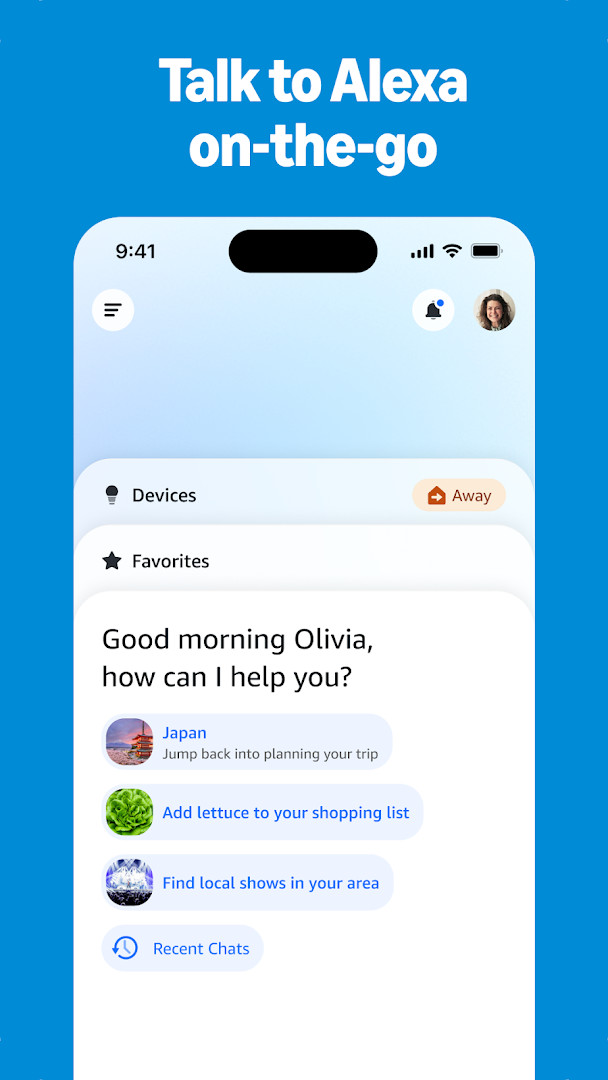
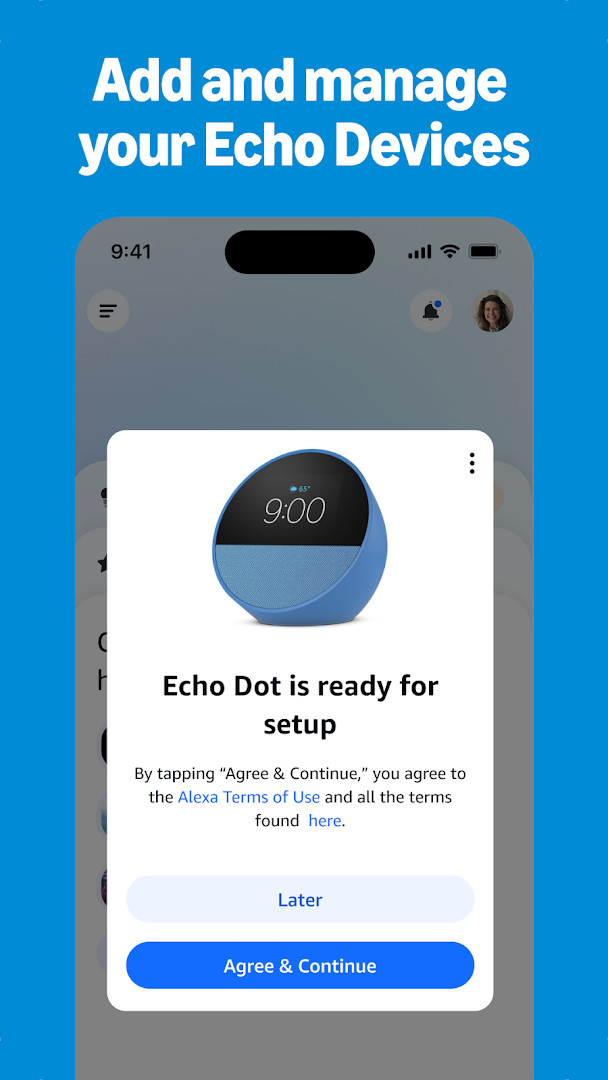


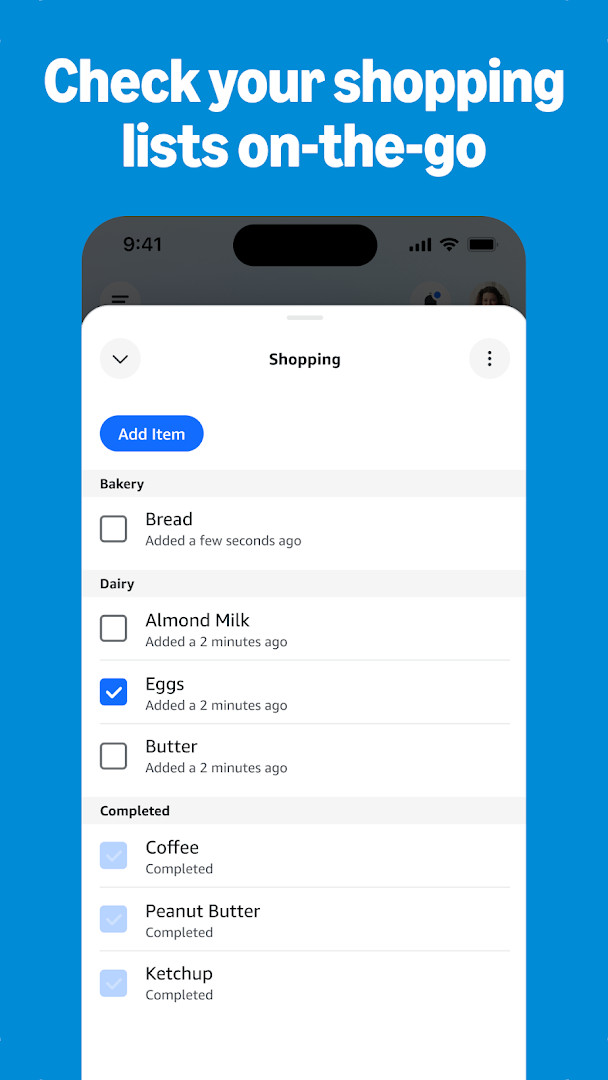
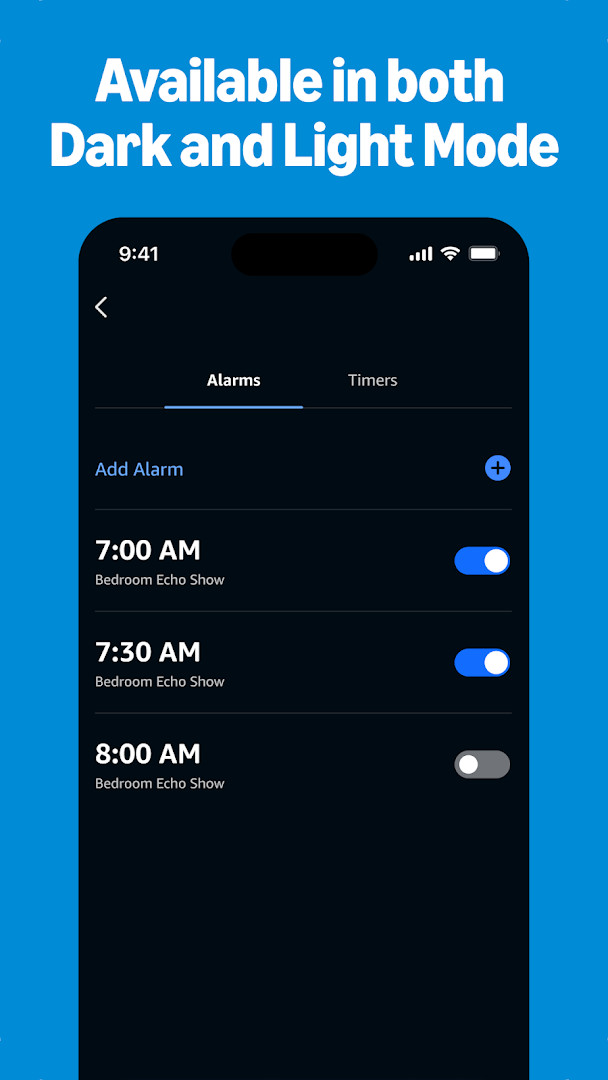
Amazon Alexa is a smart home and voice assistant companion app by Amazon Mobile LLC that lets you set up and manage Alexa-enabled devices from an Android phone or tablet. It serves as the control center for Echo speakers, compatible smart lights, locks, thermostats, and other connected hardware, while also providing access to music, lists, news, and communication tools. The app is designed to adapt over time, learning your voice, vocabulary, and personal preferences as you use it more frequently.
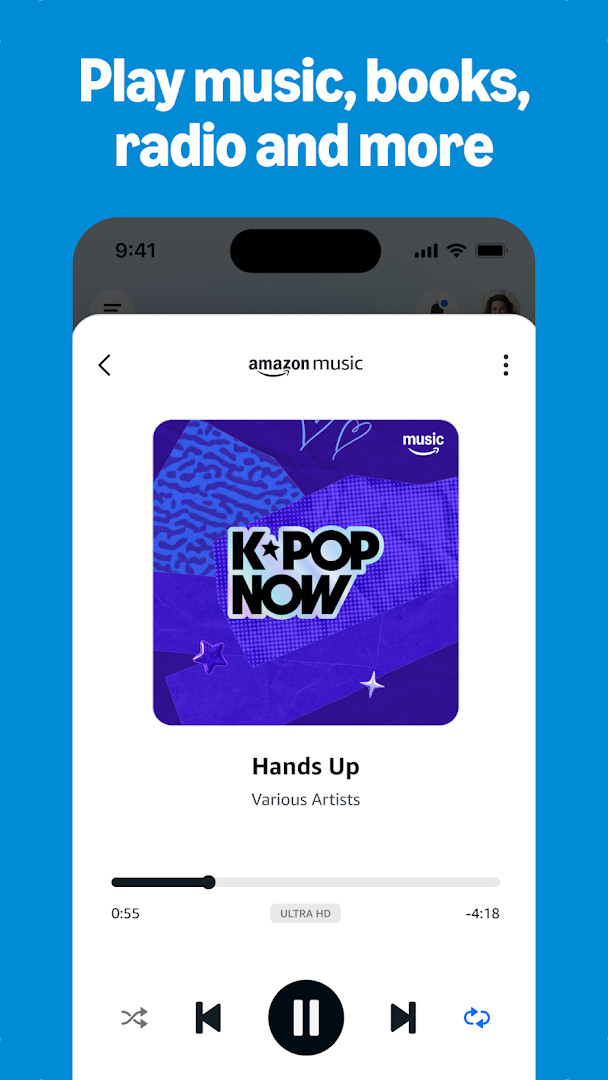
Beyond basic setup, the app brings together everyday tasks in one interface. You can create routines to automate multiple devices, check or edit shopping and to-do lists, manage timers and alarms, and get weather or news updates. Music services including Amazon Music, Pandora, Spotify, TuneIn, and iHeartRadio can be linked, with options to play a song or playlist across individual Echo devices or grouped speakers for multi-room listening.
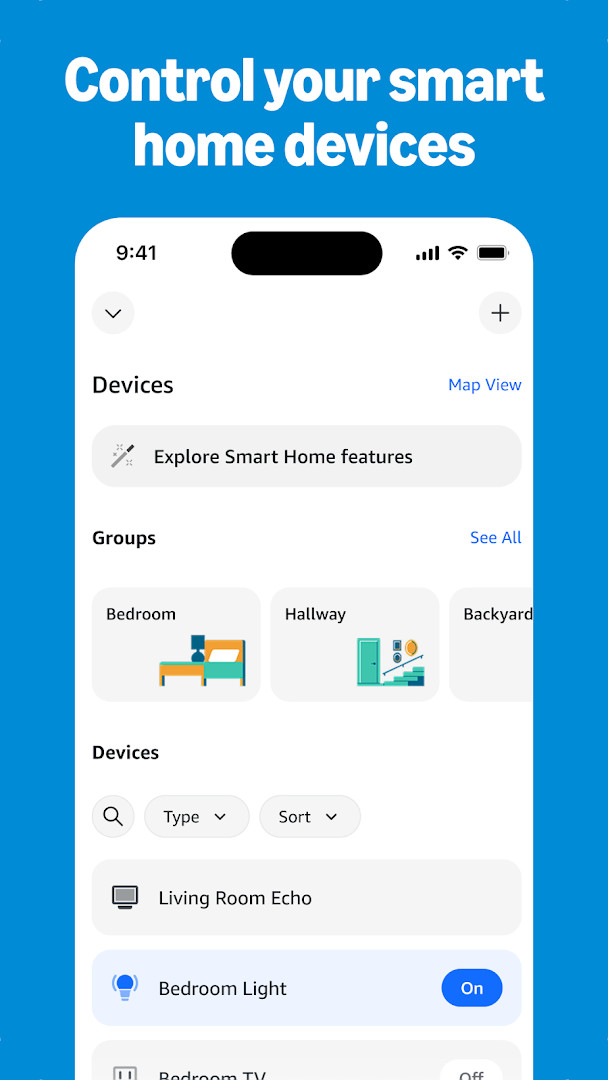
Version 2.2.718227.0 introduces a redesigned layout focused on quicker access to frequently used features. The Home page now places smart home controls, Echo management, and other Alexa tools within easier reach, while the Devices page offers customizable views for organizing and managing your hardware. The update is about navigation and presentation rather than adding entirely new capabilities.
Key features
- Set up and manage Alexa-enabled devices, including smart lights, locks, and thermostats, from one place.
- Create routines to automate multiple smart home actions at scheduled times or with a single command.
- Connect music services such as Amazon Music, Pandora, Spotify, TuneIn, and iHeartRadio, and control playback on compatible speakers.
- Build speaker groups for coordinated multi-room audio across Echo devices.
- View and edit shopping and to-do lists, check weather, read news updates, and manage timers and alarms.
- Use Drop In as a two-way intercom with compatible Echo devices and place calls or send messages at no additional cost.
- Receive personalized feature suggestions and discover recommended Alexa skills from the home feed.
How to install
- Tap the download button on this page to get the Amazon Alexa APK file.
- When Android prompts you, allow your browser or file manager to install apps by enabling the "Install unknown apps" setting.
- Open the downloaded APK file from your notifications or file manager.
- Tap Install and wait for the process to finish.
- Open the app and sign in with your Amazon account to begin setting up your devices. The file size is n/a, and the app requires Android 10 or newer.
Pros
- Free to use with no ads or in-app purchases.
- Broad support for smart home devices, music services, and routines.
- Drop In and calling features work at no additional cost between supported devices.
- The redesigned Home and Devices pages make common tasks quicker to reach.
- Personalized recommendations help users discover relevant skills and features.
Cons
- Requests broad permissions including Contacts, SMS, Phone, Camera, and precise Location, which may feel excessive for a smart home companion.
- Core functionality depends on having Alexa-enabled devices such as Echo speakers or compatible smart home gear.
- Requires a relatively recent Android version, which excludes older phones and tablets.
- Some features and integrations work best within the Amazon ecosystem and may be less flexible with third-party services.
What's New · 2.2.718227.0
The latest update introduces a refreshed layout that makes it simpler to reach your favorite features and devices. The Home page now gives you quick access to smart home controls, Echo management, and a variety of Alexa capabilities. On the Devices page, you can choose adjustable views to manage your devices more conveniently.
Versions
| Version | Size | Requires Android | Updated |
|---|---|---|---|
| 2.2.718227.0 | — | 10 | 08.10.2026 |
| 2.2.527420.0 | 173 MB | 8.0 | 30.05.2025 |
| 2.2.418281.0 | 87 MB | 5.1 | 16.07.2022 |
| 2.2.462157.0 | 97 MB | 6.0 | 03.06.2022 |
| 2.2.245855.0 | 89 MB | 5.0 | 31.12.2018 |
This app is for owners of Echo speakers or other Alexa-compatible smart home devices who want a central control panel on their phone. It also suits people who enjoy voice-controlled music, lists, and routines, as well as households that want a simple way to check in on rooms or call family members through supported devices.
Review the permission list before signing in, and consider granting only the permissions you actually need, such as Microphone for voice features or Location for weather and smart home triggers, while denying access to Contacts, SMS, or Phone if you do not plan to use calling or messaging.
Permissions
FAQ
Which music services can I connect to through the Amazon Alexa app?
You can link Amazon Music, Pandora, Spotify, TuneIn, and iHeartRadio to the app, then choose songs or playlists to play on your Alexa-enabled devices. You can also group compatible Echo speakers for multi-room audio.
Can I control my smart home devices remotely with the Amazon Alexa app?
Yes, the app lets you set up and manage compatible smart lights, locks, and thermostats from home or while you are away. You can also create routines to automate your smart home devices.
Does the app support calling and messaging between Alexa devices?
Yes, you can use the Drop In feature to connect instantly with compatible Echo devices as a two-way intercom. Additionally, you can call or message supported Alexa-enabled devices at no extra cost.
What did the latest update to the Amazon Alexa app change?
The most recent version (2.2.718227.0, released 2026-10-08) introduces a redesigned Home page for quicker access to smart home controls and Echo management, plus a Devices page with customizable views for managing your devices.
Does the Amazon Alexa app require a recent Android version?
The app requires a minimum Android OS of 10. The current version is 2.2.718227.0, which was updated on 2026-10-08.
Amazon Alexa remains a capable and convenient hub for anyone already invested in Alexa-enabled hardware. Its breadth of smart home controls, music integration, and organizational tools is impressive, though users should carefully weigh the wide-ranging permission requests and the expectation of sharing voice and device data before installing.
Similar Apps


Updated: 20.10.2026
| Version | Size | Requires Android | Updated |
|---|---|---|---|
| 2.2.718227.0 | — | 10 | 08.10.2026 |
| 2.2.527420.0 | 173 MB | 8.0 | 30.05.2025 |
| 2.2.418281.0 | 87 MB | 5.1 | 16.07.2022 |
| 2.2.462157.0 | 97 MB | 6.0 | 03.06.2022 |
| 2.2.245855.0 | 89 MB | 5.0 | 31.12.2018 |
- Version
- 2.2.718227.0
- Requires Android
- 10
- Updated
- 08.10.2026
- Installs
- 100M+
- Rating
- ★ 4.05 (5 754 989)
- Category
- Lifestyle
- Developer
- Amazon Mobile LLC
- Content rating
- Teen
- Package
- com.amazon.dee.app
- Free
- ✓