
Amazon Kindle: Reading App for Ebooks
Amazon Kindle: Reading App is a free books and reference app by Amazon Mobile LLC that lets you read ebooks, magazines, comics, and manga on your phone or tablet.
Amazon Kindle: Reading App occupies 147 MB and requires Android 9 or later. The app is free to download, shows ads, and offers in-app purchases, and it has drawn about 4.8 million ratings with more than 100 million installs since its release in June 2010.
Screenshots
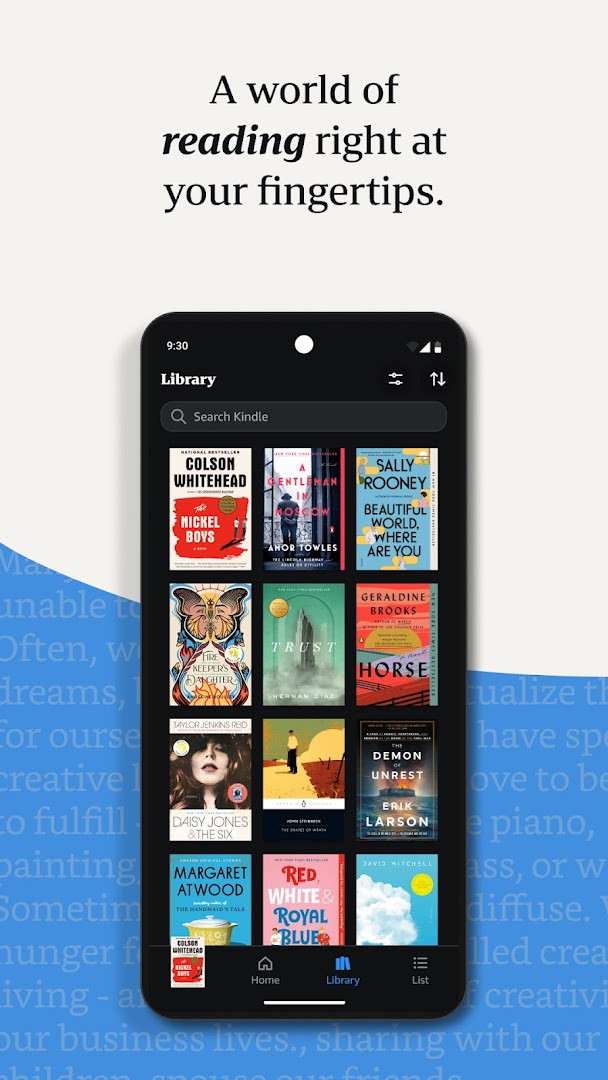
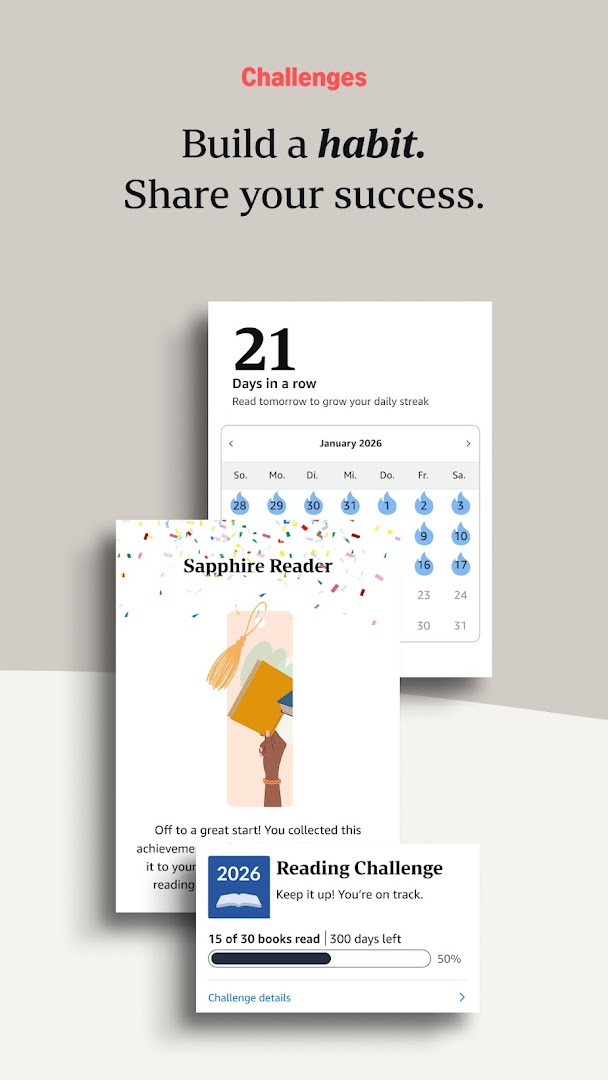
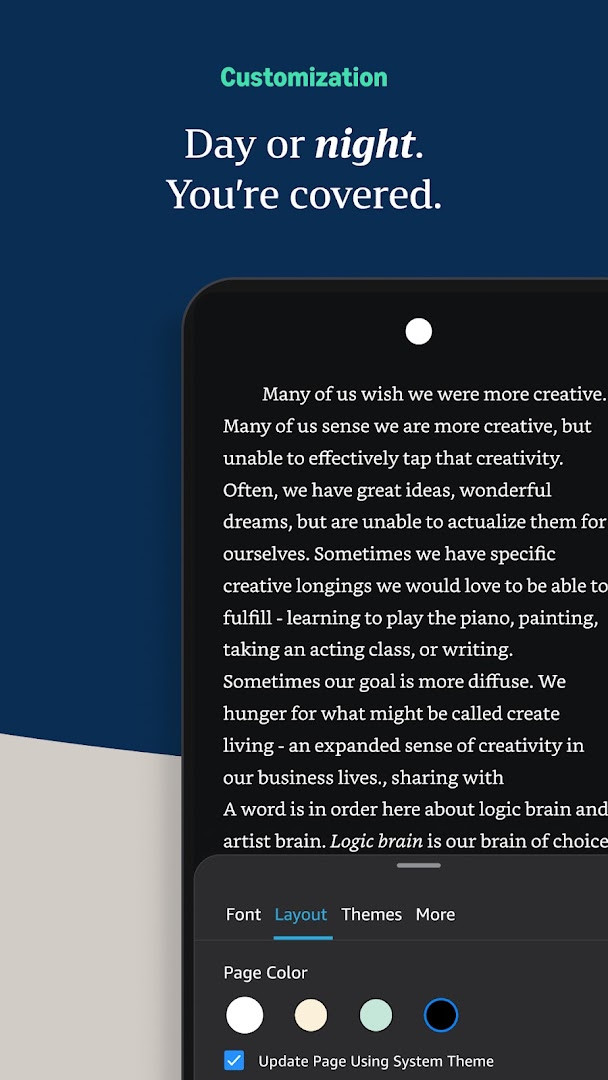
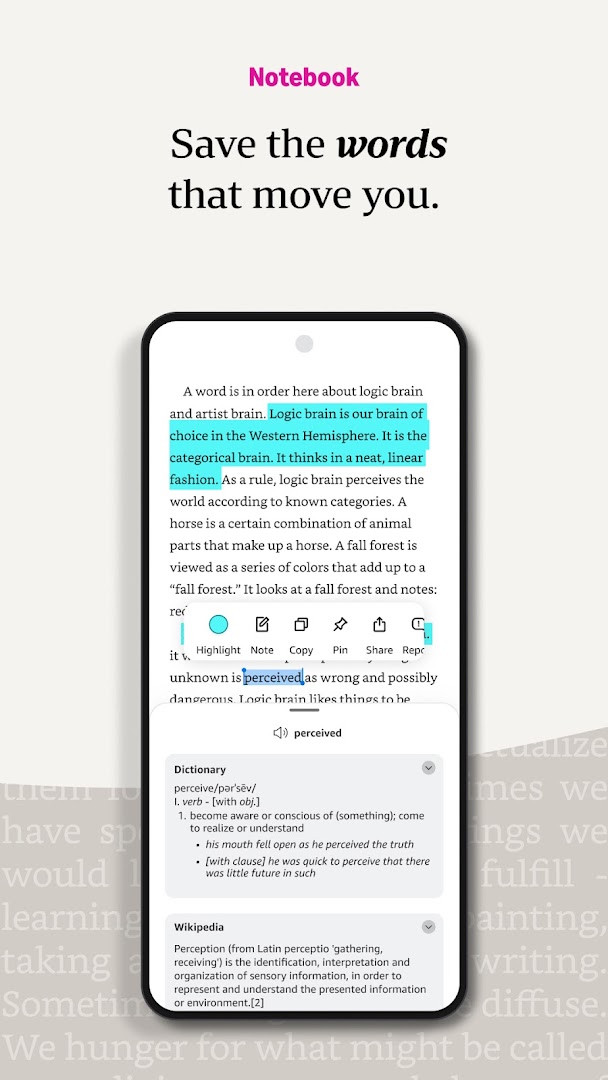
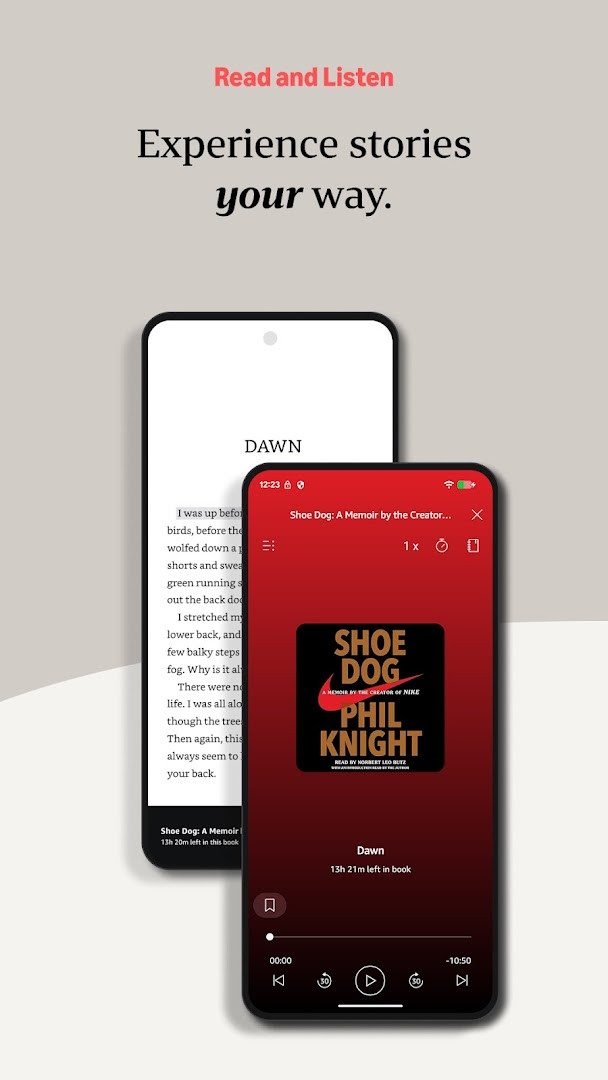
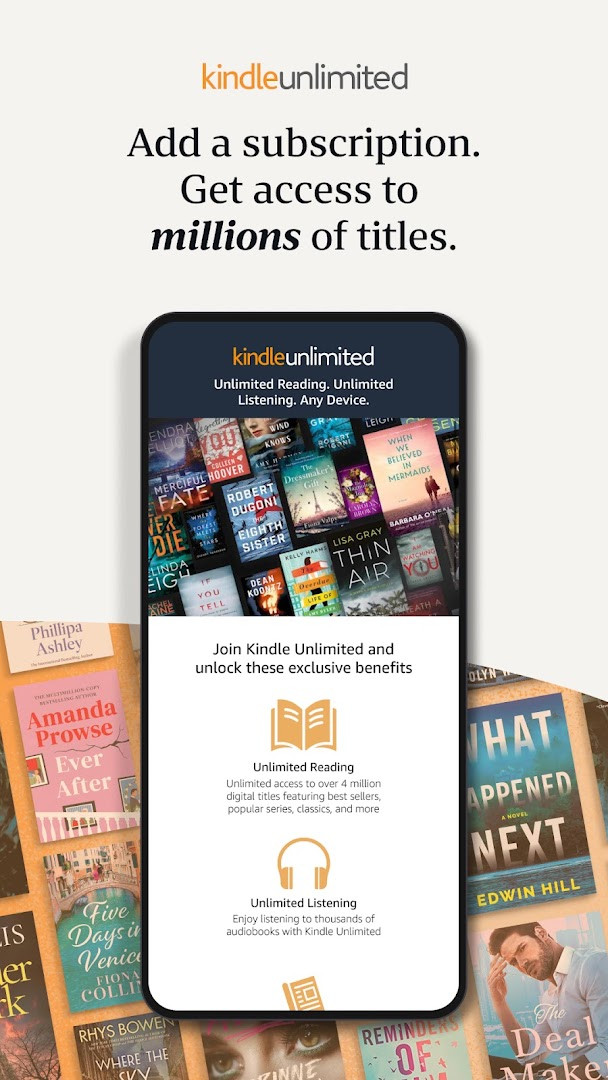
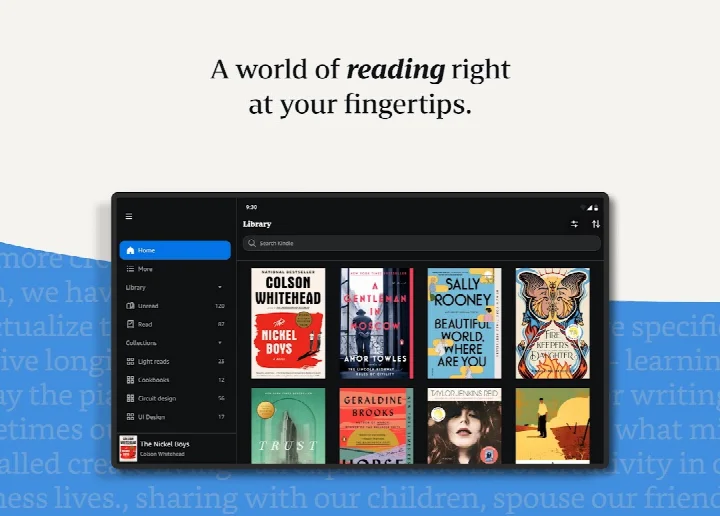
Amazon Kindle: Reading App is an e-reading application by Amazon Mobile LLC that lets you access and read millions of ebooks, magazines, comics, and audiobooks directly on your Android device. It turns your phone or tablet into a portable library, so you can carry a vast collection of titles wherever you go. The app is designed for both casual readers and dedicated book lovers, offering a range of tools to customize your reading experience and manage your digital library. With a catalog that spans genres from romance to science fiction, self-help to religion, and nonfiction to children's books, it aims to cater to diverse reading tastes. The latest update introduces a handy widget that lets you jump straight to your most recently read book from your home screen, making it even easier to pick up where you left off. Whether you're commuting, on a break, or relaxing at home, the Kindle app provides a seamless way to keep reading without carrying physical books. The app also supports syncing across devices, so your progress, bookmarks, and notes stay consistent whether you switch between your phone, tablet, or other devices. For those who enjoy listening, it integrates with Audible, allowing you to alternate between reading and listening without losing your place. The app is free to download and includes in-app purchases for buying books or subscribing to services like Kindle Unlimited. It has been available since 2010 and continues to evolve, with the current version being 8.158.0.100, released in October 2026. The app requires Android 9 or later and takes up about 147 MB of storage. It also shows ads and requests permissions related to device identity, location, and storage, which is typical for an app of this scope. Overall, it remains a popular choice for mobile reading, with over 100 million installs and a rating of 4.77 based on millions of user reviews.
Key features
- Access millions of ebooks, magazines, comics, and audiobooks from a vast catalog
- Customize font size, type, margins, alignment, and orientation (portrait or landscape)
- Adjust brightness and background color for comfortable reading day or night
- Look up words, characters, and places with built-in dictionary, X-Ray, Wikipedia, and instant translations
- Track reading progress with percentage, real page numbers, and time left in chapter or book
- Bookmark pages, make highlights, and take notes, all accessible in My Notebook
- Use Page Flip to skim or jump through pages while saving your place
- Zoom in on high-definition color images in books, magazines, comics, and manga
- Sync your reading position, bookmarks, highlights, and notes across devices automatically
- Switch seamlessly between reading and listening with Audible narration
How to install
- Tap the download button on this page to initiate the download.
- When Android prompts you, allow your browser or file manager to install apps by enabling the 'Install unknown apps' setting.
- Open the downloaded APK file from your notification bar or file manager.
- Tap 'Install' and wait for the installation to complete; the file size is 147 MB, and your device must run Android 9 or higher.
- Open the app after installation and sign in with your Amazon account to start reading.
Pros
- Huge selection of ebooks, including free titles and Kindle Unlimited access
- Customizable reading experience with fonts, brightness, and orientation
- Sync across devices keeps your place, bookmarks, and notes updated
- Built-in dictionary and Wikipedia lookup enhance understanding while reading
- Integration with Audible allows for listening when you can't read
- New widget provides quick access to your last read book
Cons
- Displays ads, which may interrupt the reading experience
- Requires Android 9 or later, potentially excluding older devices
- In-app purchases are needed for many books and subscriptions
- The app requests several permissions, including location and identity, which may raise privacy concerns
- Large file size of 147 MB may consume significant storage space
Latest changes
This update introduces a new 'Last Book Read' widget for your Android Home screen, giving you quick access to your most recent Kindle read. To add it, long press the Kindle app icon, select 'Widgets' from the menu, then long press the widget and drag it to your preferred spot on the Home screen.
Older versions
| Version | Size | Requires Android | Updated |
|---|---|---|---|
| 8.158.0.100(2.0.109808.0) | 127 MB | 11 | Oct 9, 2026 |
| 8.51.1.0(1.3.272119.0) | 62 MB | 5.0 | Oct 9, 2026 |
| 8.157.0.100(2.0.104818.0) | 128 MB | 11 | Oct 8, 2026 |
| 8.154.0.100(2.0.95887.0) | 125 MB | 10 | Sep 22, 2026 |
| 7.8.1.5 | 53 MB | 4.1 | Nov 12, 2025 |
| 14.122.100(2.0.41248.0) | 147 MB | 9 | May 30, 2025 |
| 14.121.100(2.0.40027.0) | 146 MB | 9 | May 11, 2025 |
| 14.113.100(2.0.29451.0) | 168 MB | 9 | Jan 30, 2025 |
| 14.34.100(1.3.228187.0) | 43 MB | 5.0 | Oct 28, 2020 |
| 14.23.42_1226465010 | 47 MB | 4.4 | Oct 7, 2019 |
This app is ideal for avid readers who want access to a vast digital library on their Android device, students who need to highlight and take notes while reading textbooks or research materials, and commuters who prefer carrying multiple books without the physical weight.
To save data and read offline, download books for offline reading when you have a Wi-Fi connection; you can manage this in the app's settings under 'Downloaded'.
Permissions
FAQ
How do I install the Kindle APK on my Android device?
You can install the app by downloading the APK file from this page and opening it on your device. Make sure your device runs Android 9 or later, and allow installation from unknown sources if prompted.
What is the current version of the Amazon Kindle app?
The latest version available is 8.158.0.100(2.0.109808.0), released on October 9, 2026.
Does the Kindle app contain ads or in-app purchases?
The app is free to download, but it does include ads and offers in-app purchases. You can buy books, magazines, and other content within the app, and some features may require a subscription like Kindle Unlimited.
Can I read books offline with the Kindle app?
Yes, you can download books to your device and read them without an internet connection. Your reading progress, bookmarks, and notes will sync across devices when you are online.
Are there other reading apps in the Books and Reference category?
Yes, there are several other reading apps available that offer ebooks and audiobooks. Alternatives may include apps from other major book retailers or library services, each with their own catalog and features.
Amazon Kindle: Reading App is a reliable and feature-rich e-reading solution that offers a massive collection of titles and robust customization options. While the presence of ads and in-app purchases might be a drawback for some, the app's syncing capabilities, note-taking tools, and Audible integration make it a solid choice for most readers. If you're looking for a versatile reading app that works across devices, this is worth trying.
Similar apps





More from this developer
Updated: Oct 24, 2026
| Version | Size | Requires Android | Updated |
|---|---|---|---|
| 8.158.0.100(2.0.109808.0) | 127 MB | 11 | Oct 9, 2026 |
| 8.51.1.0(1.3.272119.0) | 62 MB | 5.0 | Oct 9, 2026 |
| 8.157.0.100(2.0.104818.0) | 128 MB | 11 | Oct 8, 2026 |
| 8.154.0.100(2.0.95887.0) | 125 MB | 10 | Sep 22, 2026 |
| 7.8.1.5 | 53 MB | 4.1 | Nov 12, 2025 |
| 14.122.100(2.0.41248.0) | 147 MB | 9 | May 30, 2025 |
| 14.121.100(2.0.40027.0) | 146 MB | 9 | May 11, 2025 |
| 14.113.100(2.0.29451.0) | 168 MB | 9 | Jan 30, 2025 |
| 14.34.100(1.3.228187.0) | 43 MB | 5.0 | Oct 28, 2020 |
| 14.23.42_1226465010 | 47 MB | 4.4 | Oct 7, 2019 |
- Size
- 147 MB
- Requires Android
- 9
- Updated
- Oct 6, 2026
- Installs
- 100M+
- Rating
- ★ 4.77 (4,838,035)
- Category
- Education
- Developer
- Amazon Mobile LLC
- Content rating
- Teen
- Package
- com.amazon.kindle
- Free
- ✓ · Contains ads · In-app purchases