
Invitation card Maker, Design for Android
Invitation card Maker, Design is a digital invitation and greeting card editor from Splendid App Maker for creating birthday, wedding, and other event invitations.
Invitation card Maker, Design is for anyone planning a birthday party, wedding, engagement, baby shower, or similar event who wants a personalized card without hiring a designer. The free app includes 200+ ready-made templates and lets users edit text, add photos and stickers, apply filters, resize cards, save drafts, and share or print the finished invitation.
Screenshots
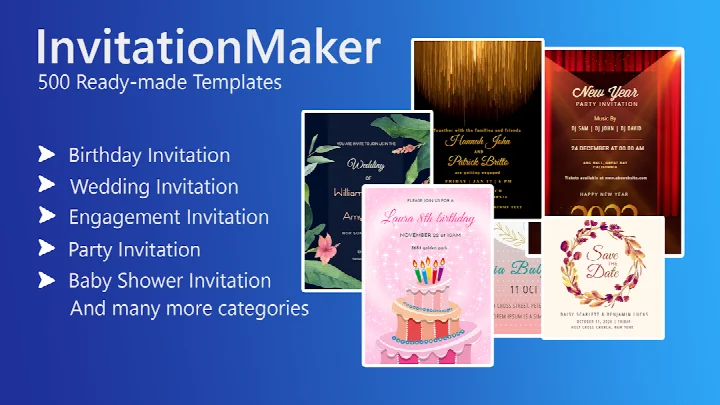

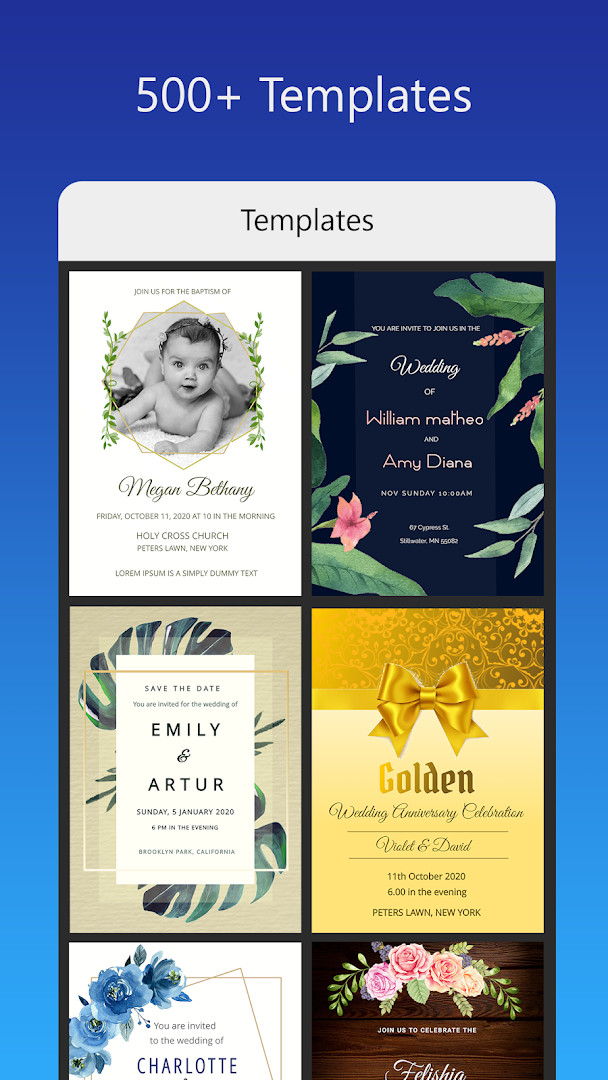
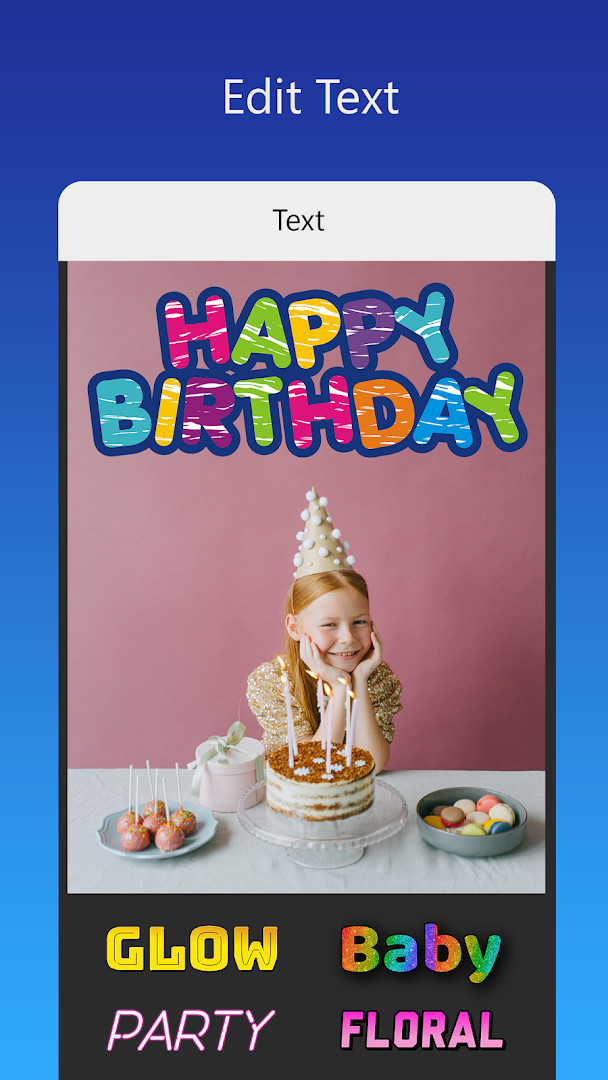
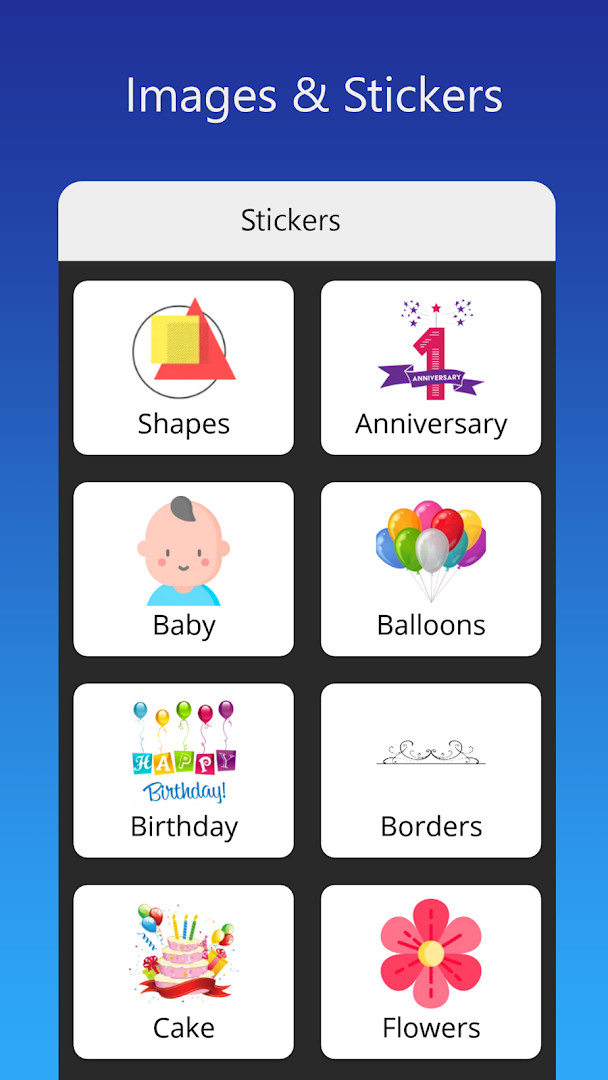
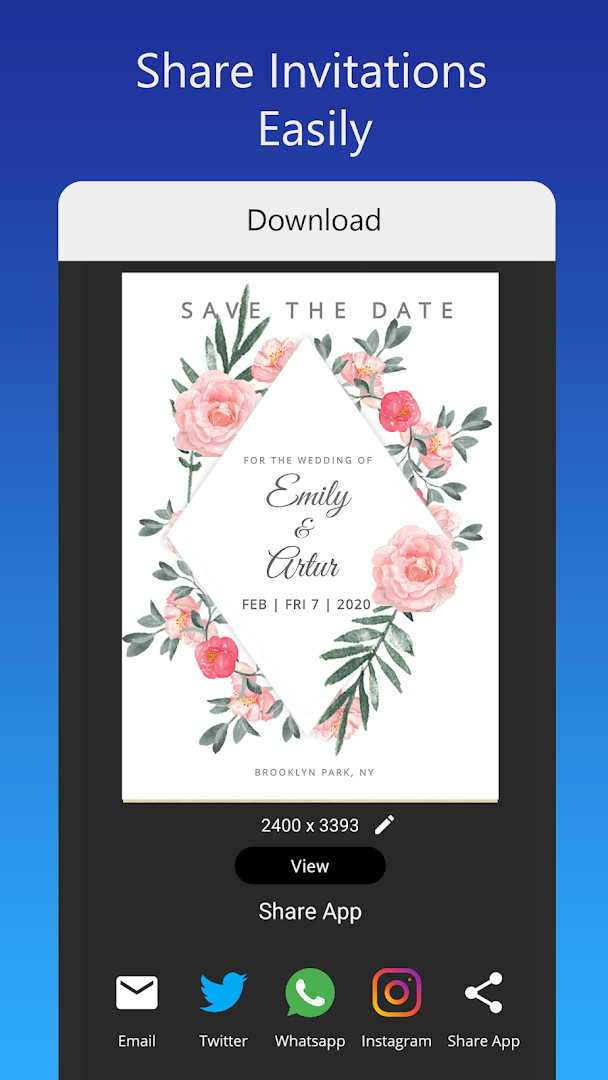
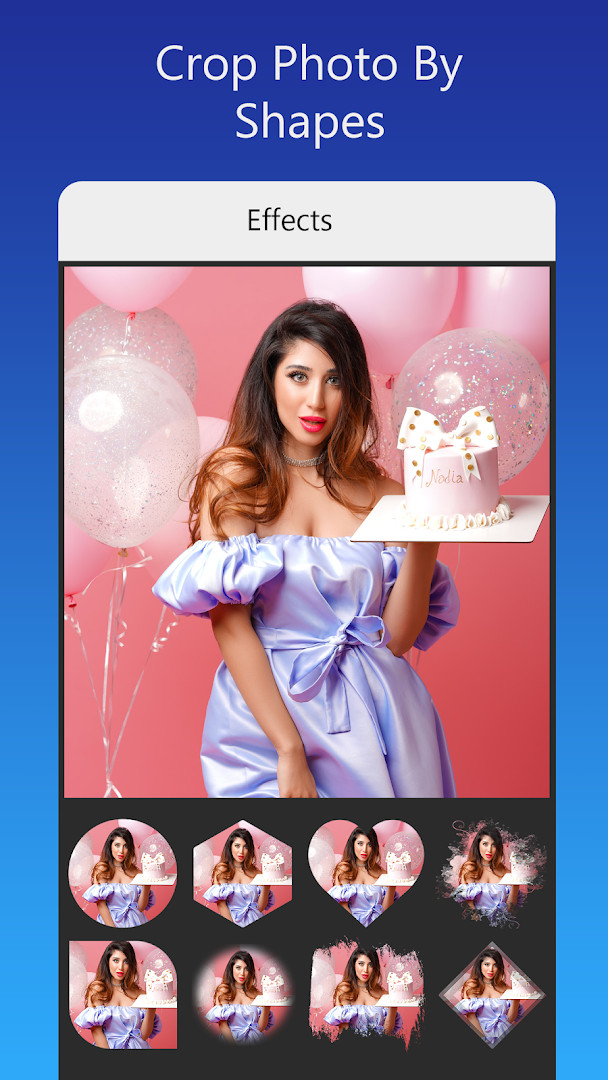
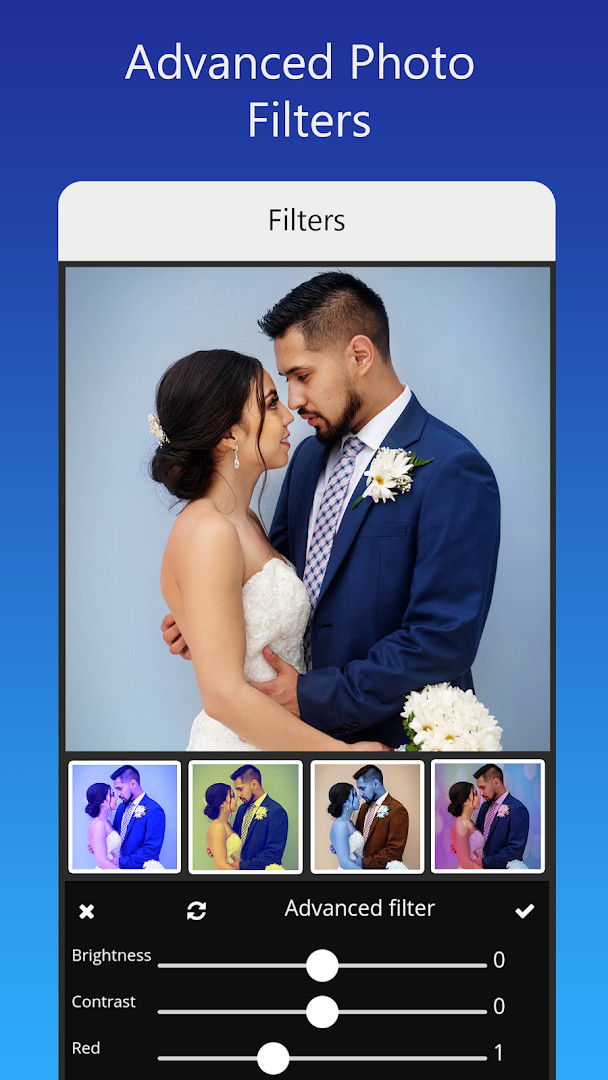
Invitation card Maker, Design is a design and editing tool by Splendid App Maker that lets users produce digital invitation cards and greeting ecards for weddings, birthdays, engagements, anniversaries, and baby showers. Instead of starting from a blank canvas, users can pick a ready-made layout and then personalize the text, photos, colors, and decorative stickers to match the occasion. The editor is simplified from more complex graphic design software, so the workflow stays approachable for people who do not work with professional design tools.
The app covers a wide range of celebration types, including themed first-birthday invites for boys and girls, classic and modern wedding cards, ring ceremony designs, bridal shower invitations, and gender-reveal announcements. Users can add their own photos or choose from built-in backgrounds, gradients, frames, and stickers, then adjust brightness, contrast, overlays, and crops. Text can be edited or replaced with different font styles, and users may upload or download fonts for other languages so names, dates, and locations read correctly.
Version 3.3, released October 30, 2025, adds more invitation designs to the existing library. On the privacy side, the app requests only Photos/Media/Files and Storage permissions, which are typically used to load images, save designs, and export finished cards; it does not ask for location, contacts, or microphone access. The app is free to download, includes ads and in-app purchases, and carries an Everyone content rating. It has been on Android since January 2020, has received roughly 53,000 ratings with an average of 4.91, and has been installed more than five million times.
Key features
- 200+ ready-made templates for invitations, RSVPs, and greeting cards
- Photo filters, effects, brightness, contrast, overlays, and shape crops
- Editable text, names, dates, locations, and quotes with multiple font styles, including uploaded or downloaded fonts
- One-tap image replacement without altering the existing layout
- Stickers, background images, gradient colors, and photo frames for every event type
- Resize options, save drafts for later editing, and export for printing or sharing
- Options to share digital cards on social platforms like Facebook, Instagram, Snapchat, WhatsApp, and Twitter
How to install
- Tap the download button on this page to save the APK file; the file size is listed as n/a on the download details.
- When Android asks, allow your browser or file manager to install apps by enabling the Install unknown apps setting.
- Open the downloaded APK file from your Downloads folder or notification.
- Tap Install and wait for the process to finish.
- Open the app; your device must run Android 7.0 or newer.
Pros
- Free to download with no upfront cost
- Large template library covering many event types
- Simple editing tools for text, photos, and decorative elements
- Option to save unfinished designs and return later
- Supports sharing as digital greeting cards on several social platforms
Cons
- Contains ads
- In-app purchases are available
- Requires storage access for photos and saved cards
- Android 7.0 or newer is required
Latest changes · 3.3
Version 3.3, released on October 30, 2025, expands the invitation design collection with additional ready-made templates for birthdays, weddings, engagements, baby showers, and more. This update gives you more options to personalize cards quickly while keeping all the existing editing tools intact.
Older versions
| Version | Size | Requires Android | Updated |
|---|---|---|---|
| 3.3 | — | 7.0 | Oct 30, 2025 |
Event hosts organizing weddings, birthdays, or baby showers; busy parents who want quick themed invitations for children’s parties; and anyone who prefers a digital greeting card over a printed one.
Before editing, download any custom fonts you plan to use for a different language, and keep an original copy of your photos saved separately so accidental edits do not destroy the source image.
Permissions
FAQ
Is Invitation card Maker, Design free to download?
Yes, the app is free to download and use. It is listed as a free app with no upfront cost, though it does include ads and offers in-app purchases.
What Android version do I need to run the app?
The app requires Android 7.0 or higher. If your device runs Android 7.0 or a newer version, it should be compatible.
Do I need to create an account or sign in to use the app?
No, the app does not require you to create an account or sign in. You can download and start designing invitation cards right away.
What permissions does the app request?
The app requests access to your photos, media, and files, as well as storage. These permissions are used so you can upload your own images and save or share your finished invitation designs.
How do I update the app to the latest version?
To update, simply download the newest version available on this page and install it over your current installation. The latest version is 3.3, released on October 30, 2025.
Does the app work offline after installation?
The app is designed to let you create and edit invitation cards using built-in templates, stickers, and fonts. While the app itself can be used without an internet connection for many tasks, sharing your designs to social networks or downloading additional fonts may require an internet connection.
Overall, Invitation card Maker, Design is a capable and convenient choice for producing attractive event invitations on a phone. The permission profile is modest, and the large template library makes most occasions quick to cover, though the presence of ads and in-app purchases means the free experience is not completely distraction-free.
Similar apps





Updated: Nov 4, 2026
| Version | Size | Requires Android | Updated |
|---|---|---|---|
| 3.3 | — | 7.0 | Oct 30, 2025 |
- Version
- 3.3
- Requires Android
- 7.0
- Updated
- Oct 30, 2025
- Installs
- 5M+
- Rating
- ★ 4.91 (53,221)
- Category
- Events
- Developer
- Splendid App Maker
- Content rating
- Everyone
- Package
- splendid.invitation.maker
- Free
- ✓ · Contains ads · In-app purchases