
Invitation Maker: Cards + RSVP for Event Invites and RSVPs
Invitation Maker: Cards + RSVP is a free event app by Photo Studio & Picture Editor Lab that lets you create invitation cards, send invites, and manage RSVPs.
Invitation Maker: Cards + RSVP has 149,423 ratings and 5 million installs. It requires Android 8.0 or higher, contains ads, and offers in-app purchases. The app is designed for users planning birthdays, weddings, baby showers, and other events who want to create digital invitations and track guest responses without design skills.
Screenshots

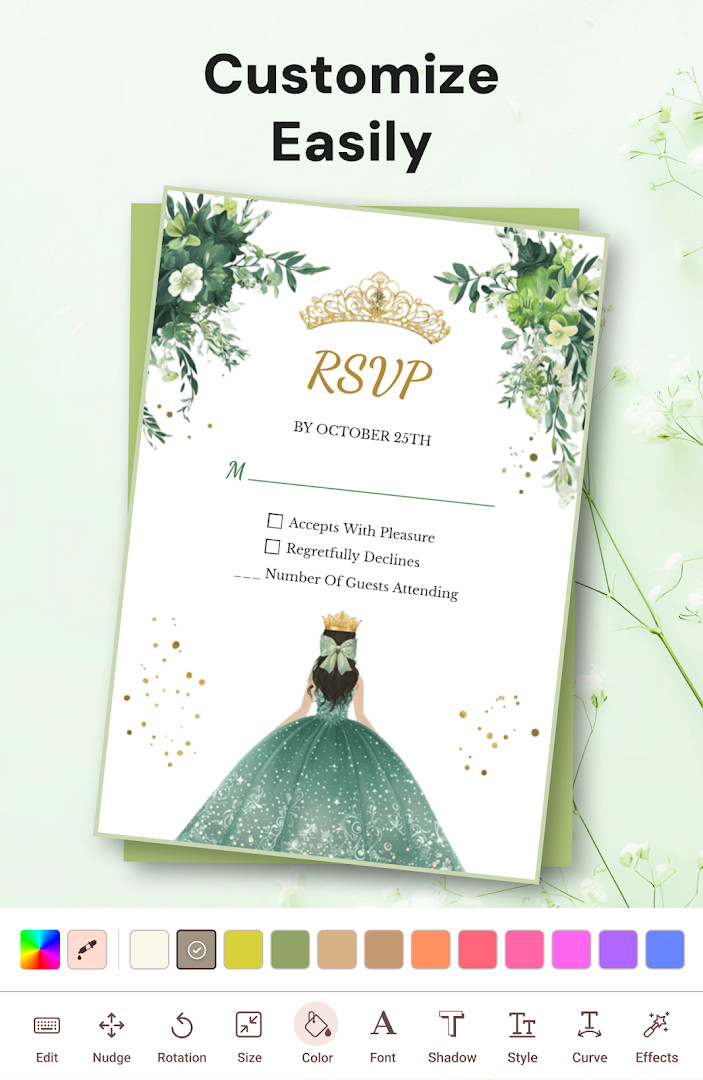

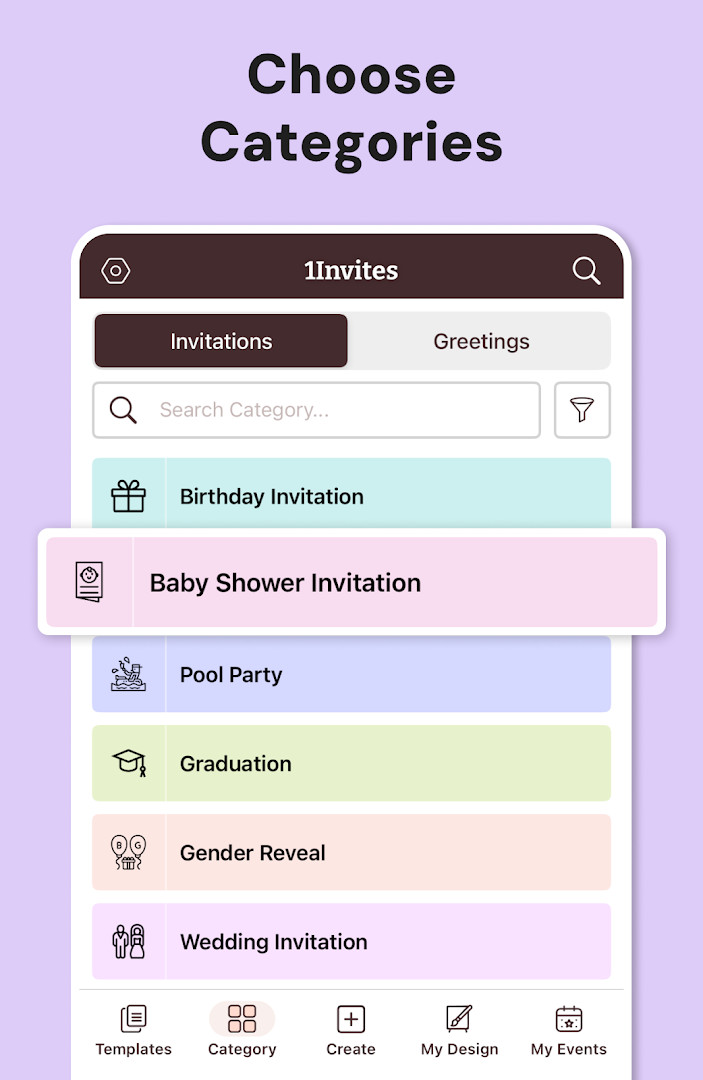
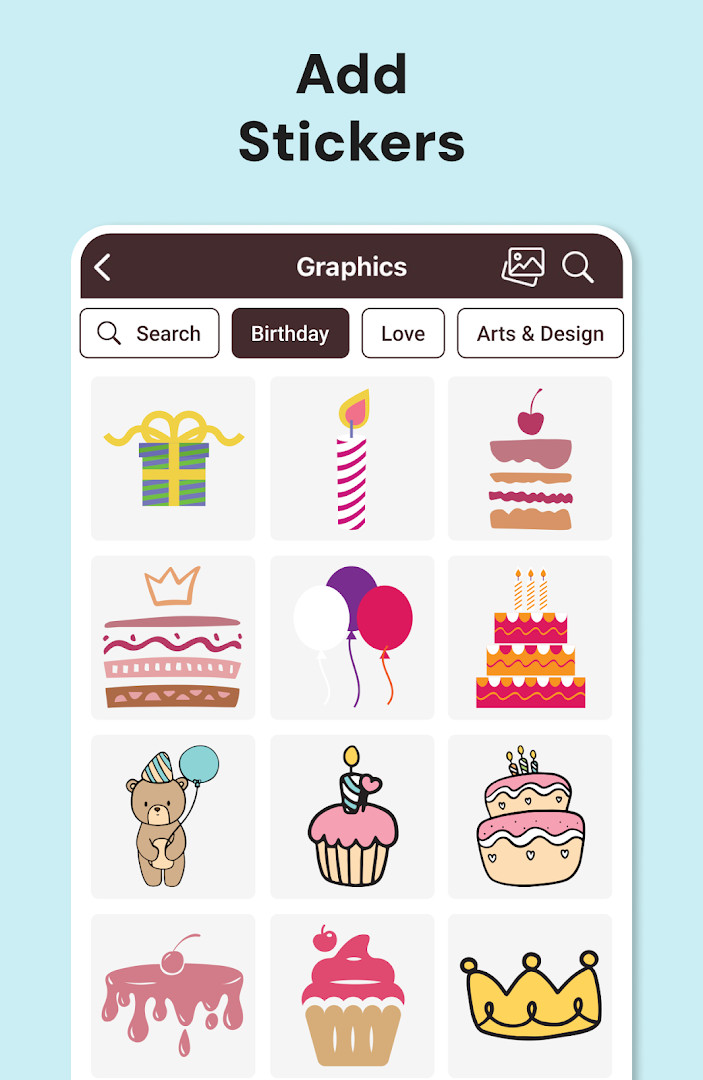
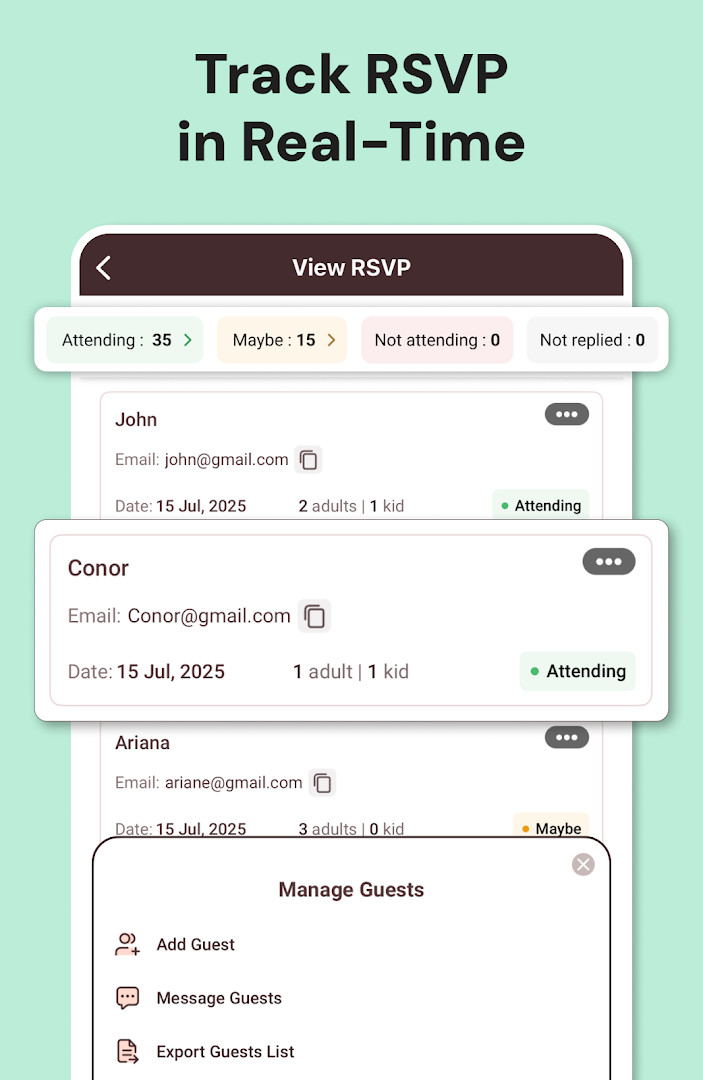
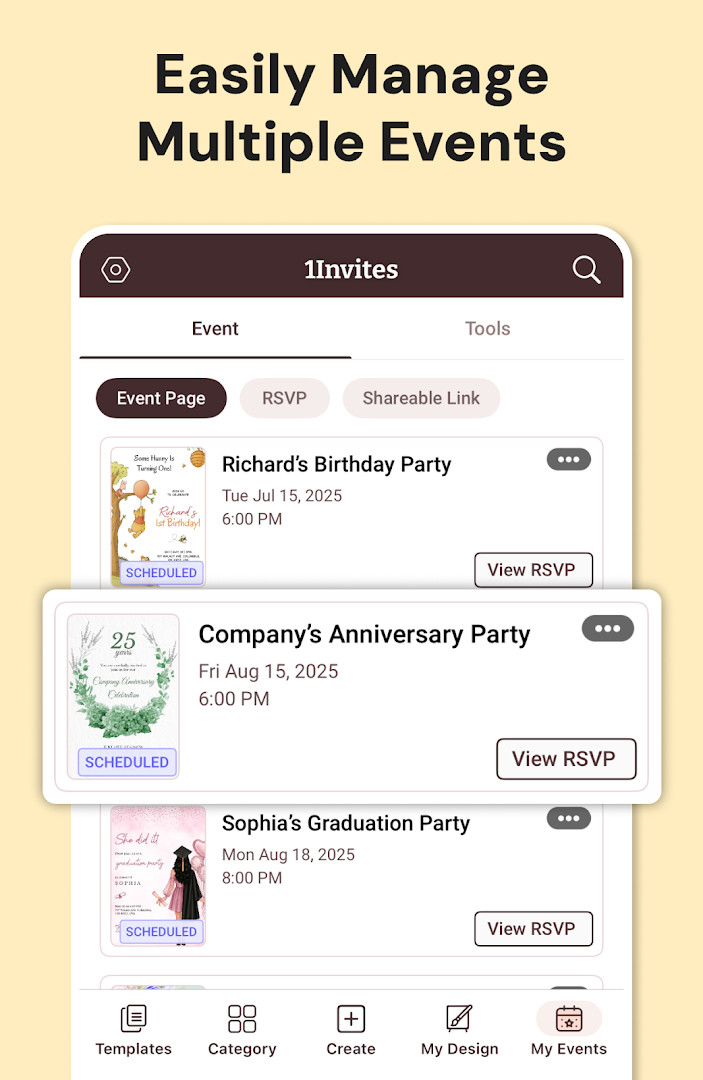

Invitation Maker: Cards + RSVP is an events app by Photo Studio & Picture Editor Lab that lets you design digital invitation cards, send them to guests, and manage their responses in one place. It addresses the hassle of planning events by replacing paper invitations and scattered RSVP tracking with customizable templates and built-in guest management. You can personalize text, fonts, colors, backgrounds, add your own photos, and include event details like date, time, venue, and even a Google Maps link. The app supports sharing via WhatsApp, email, and social media, and offers PDF export for printing. With thousands of templates and simple editing tools, it aims to make invitation creation quick and accessible even for those without design experience. The app includes a free trial for premium features, which are unlocked via subscription, and contains ads and in-app purchases. It has been updated as of October 12, 2026, with a version number of 175.0, and requires Android 8.0 or later.
Key features
- Create invitations for birthdays, weddings, baby showers, anniversaries, graduations, corporate events, and more from thousands of templates.
- Customize text, fonts, colors, backgrounds, and add your own photos and graphics with simple editing tools.
- Send invitations instantly and collect RSVPs, track guest confirmations, and manage responses from one place.
- Include event date, time, venue information, Google Maps location, and website links in your invitations.
- Share invitations via WhatsApp, email, and social media, or download high-resolution cards.
- Export invitations as PDF for professional printing or home printing.
- Use one-tap editing and ready-to-use templates to create invitations in minutes without design skills.
- Start a free trial to unlock premium templates, advanced editing tools, premium fonts, graphics, and PDF export.
How to install
- Tap the download button on this page to get the APK file.
- When Android asks, allow your browser or file manager to install apps by enabling the 'Install unknown apps' setting.
- Open the downloaded APK file from your notification bar or file manager.
- Tap Install and wait for the installation to complete.
- Open the app from your app drawer. The file size is not specified, and the minimum Android version required is 8.0.
Pros
- Comprehensive event planning with built-in RSVP tracking.
- Wide variety of templates for many occasions.
- Easy customization without design experience.
- Multiple sharing options including WhatsApp and email.
- PDF export for printing high-quality invitations.
- Free trial available for premium features.
Cons
- Contains ads, which may interrupt the experience.
- In-app purchases and subscription required for full features.
- Requests many permissions, including location, contacts, phone, camera, and storage, which may raise privacy concerns.
- Permission for device ID and call information may be considered excessive for an invitation app.
What's New · 175.0
Version 175.0, released on October 12, 2026, brings a refined experience for creating stunning invitations and tracking who’s coming with built-in RSVP. Enjoy beautifully designed invites that you can share anywhere in seconds, supported by smart RSVP tracking and an all-in-one event manager.
Versions
| Version | Size | Requires Android | Updated |
|---|---|---|---|
| 175.0 | — | 8.0 | 12.10.2026 |
This app is suitable for anyone who regularly organizes events—from casual birthday parties and family gatherings to more formal weddings, baby showers, and corporate functions. It is especially useful for individuals who want a quick, no-fuss way to create attractive invitations without learning graphic design. Event planners, busy parents, and small business owners who need to manage guest lists and track responses will find the RSVP features valuable. The app is beginner-friendly, so even those new to digital tools can navigate it easily. However, users who are sensitive about app permissions should review the requested access before installation.
To make the most of the free trial, explore the premium templates and PDF export during the trial period to see if the subscription is worth it. Also, before granting permissions, consider which ones are necessary for your use—for example, you might not need camera access if you only use existing photos.
Permissions
FAQ
Can I manage guest responses without leaving the app?
Yes, the app includes RSVP management tools that let you track guest confirmations and collect responses, so you can see who is attending from one place.
Does it support creating printable invitation cards rather than only digital versions?
You can export invitations as PDF and download high-resolution cards for printing at home or through a professional print service.
How can I help guests find the event location?
The app can add Google Maps location and event website links to your invitation, helping guests find the venue and access event details with one tap.
What sharing options are available after designing a card?
Invitations can be shared instantly via WhatsApp, email, and social media, and you can also download high-quality invitation cards.
Do I need graphic design skills to create a professional-looking invitation?
No design experience is required. The app offers ready-to-use templates, customizable text, fonts, colors, backgrounds, and the ability to add your own photos and graphics.
Invitation Maker: Cards + RSVP offers a convenient way to create and manage invitations for various events, with a strong focus on customization and RSVP tracking. Its many permissions and ad-supported nature may give some users pause, but for those who value simplicity and all-in-one event management, it is a practical choice.
Similar Apps


Updated: 20.10.2026
| Version | Size | Requires Android | Updated |
|---|---|---|---|
| 175.0 | — | 8.0 | 12.10.2026 |
- Version
- 175.0
- Requires Android
- 8.0
- Updated
- 12.10.2026
- Installs
- 5M+
- Rating
- ★ 4.91 (149 423)
- Category
- Events
- Developer
- Photo Studio & Picture Editor Lab
- Content rating
- Everyone
- Package
- com.optimumbrewlab.invitationcardmaker
- Free
- ✓ · Contains ads · In-app purchases