
Google Street View for Android
Google Street View is a travel and exploration app from Google Inc. for creating and sharing 360° street-level imagery or virtually visiting places around the world.
Google Street View is designed for curious travelers, photographers, and local guides who want to explore distant landmarks or contribute their own panoramic views. The app runs on devices with Android 7.0 and newer, takes up about 42 MB of storage, and is available at no cost.
Screenshots
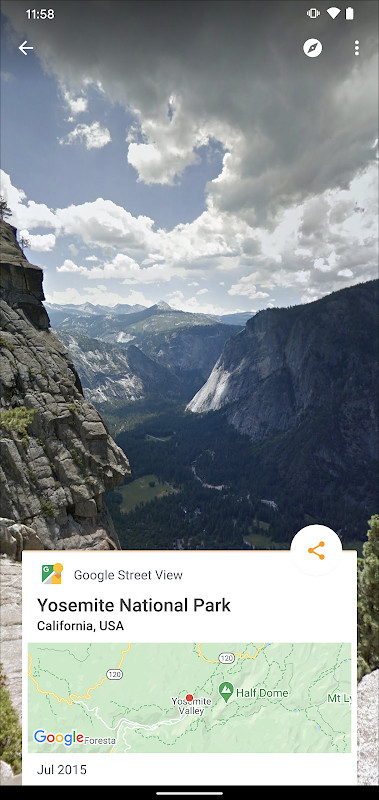
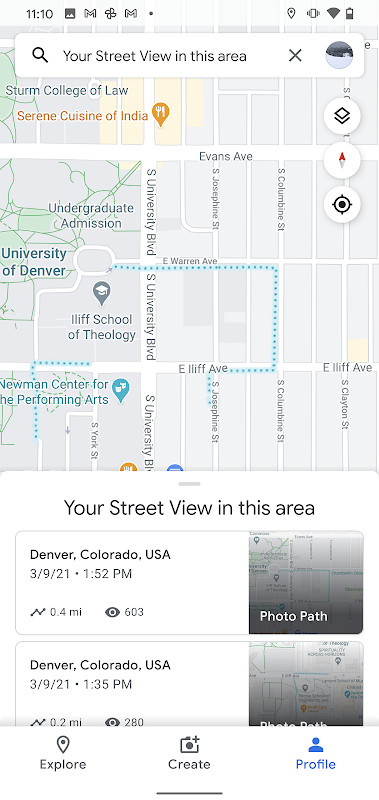
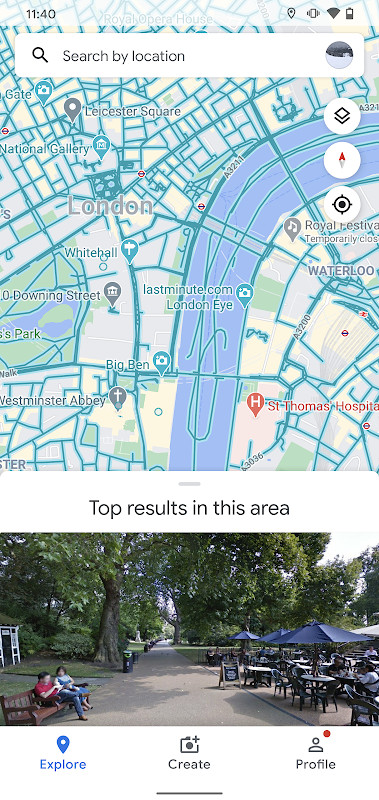
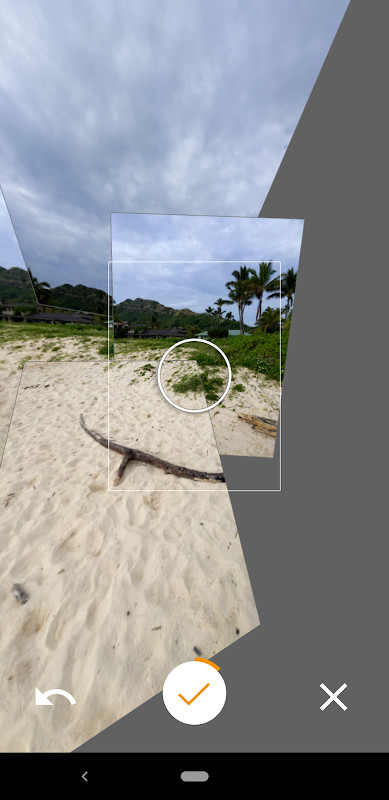
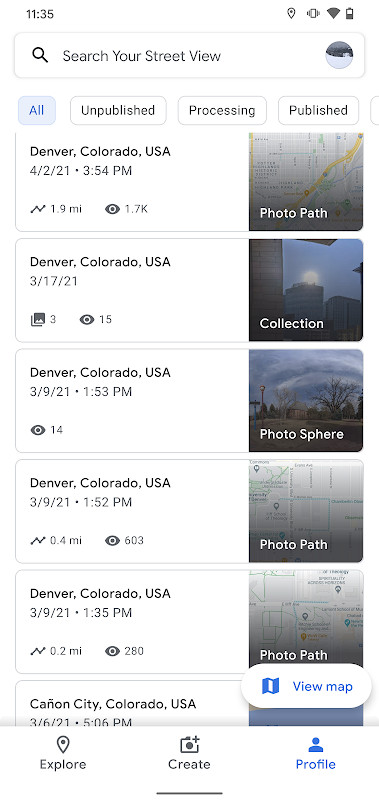
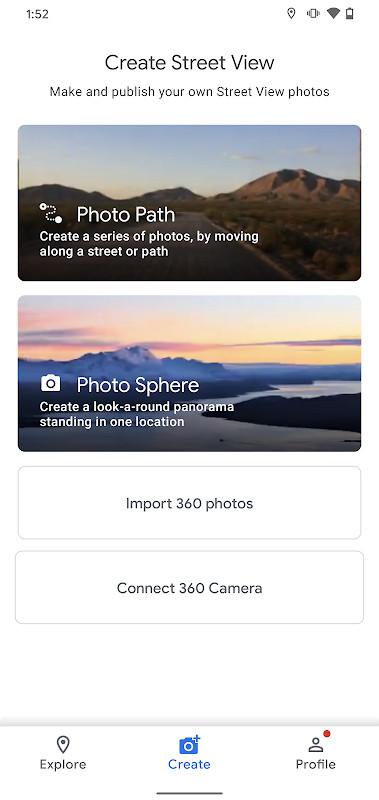
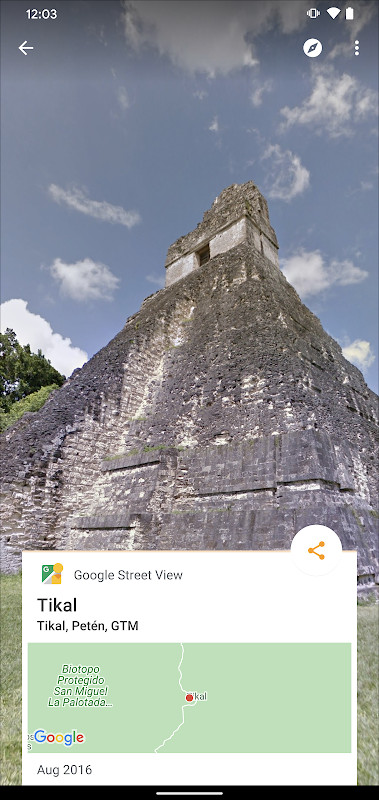
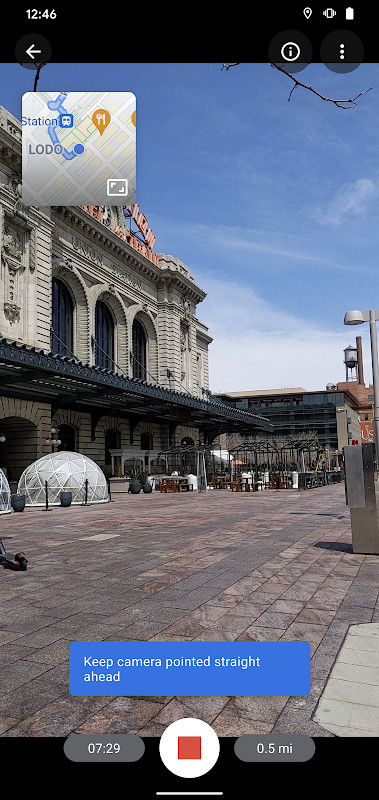
Google Street View is a Travel & Local app by Google Inc. that lets users explore immersive 360-degree imagery from around the world and also create their own contributions. The app solves the problem of limited, static map views by enabling users to virtually visit landmarks, museums, restaurants, and even natural wonders through connected panoramas. It allows users to publish their own Photo Spheres (360° panoramas), Photo Paths (sequences of connected photos along a route), and Street View imagery from 360° cameras, making it a two-way platform for both viewing and contributing. By combining Google's extensive imagery database with user-generated content, it offers a dynamic way to discover places and share new locations with a global audience. The app requires Android 7.0 or newer, has a size of 42 MB, and is free to use.
Key features
- Explore immersive Street View imagery from nearly every country, including landmarks and natural wonders.
- Create and publish Photo Spheres (360° panoramas) using your phone's camera.
- Capture and share Photo Paths—a series of connected photos along a street or trail (requires ARCore-compatible device).
- Connect a 360° camera to produce Street View imagery for publishing.
- Track your contribution progress with a Street View badge.
- A fresh user interface simplifies creating, organizing, and publishing imagery.
- View indoor places like museums, arenas, restaurants, and small businesses.
- Publish your recordings for everyone to see, helping map areas not yet covered.
How to install
- Tap the download button on this page to get the APK file (42 MB).
- When Android prompts, allow your browser or file manager to install apps by enabling the 'Install unknown apps' setting.
- Open the downloaded APK file from your notifications or file manager.
- Tap Install and wait for the installation to complete.
- Open the app from your app drawer and sign in with your Google account if needed.
Pros
- Combines official and user-generated imagery for a rich world view.
- Free to use with no in-app purchases mentioned.
- Offers multiple contribution methods: Photo Spheres, Photo Paths, and 360° cameras.
- Track your contributions with a badge.
- Useful for both travel planning and documenting local areas.
- No ads mentioned in the provided data.
Cons
- Requires sensitive permissions: camera, precise location, storage, and accounts.
- Photo Paths feature requires a compatible ARCore device.
- The app may run in the background (foreground service) and use location even when not actively used.
- Limited to Android 7.0 and above, excluding older devices.
- Potential privacy concerns due to location and camera access.
What's New · 2.0.0.484371618
This update lets you create and publish a Photo Path while moving along a street or trail. The interface has been refreshed to make it easier to create, organize, and publish imagery to Street View. A new Street View badge helps you track your contribution progress. The release also includes several bug fixes and other improvements.
Versions
| Version | Size | Requires Android | Updated |
|---|---|---|---|
| 2.0.0.484371618 | 42 MB | 7.0 | 06.03.2025 |
This app is ideal for travelers who want to preview destinations before visiting, photography enthusiasts who enjoy creating 360-degree content, and anyone interested in contributing to a global mapping project. It also appeals to businesses wanting to showcase their interiors, or researchers studying geographical areas. Since it requires a compatible device for Photo Paths, users with ARCore support will get the most out of it. The app's simplicity makes it accessible to casual users who just want to explore.
For best results when creating Photo Paths, move steadily and keep the camera stable. Ensure your device has sufficient storage (the app is 42 MB, but your photos will take more space). Review the app's permission requests and grant only what you're comfortable with; you can deny some permissions and still use basic viewing features.
Permissions
FAQ
What does the 2.0.0.484371618 update bring to the app?
The update introduces the ability to create and publish a Photo Path while traveling a street or trail, a fresh interface for organizing imagery, and a badge to track your contribution progress. It also includes bug fixes and other improvements.
Which Android versions are supported and what is the minimum OS requirement?
The app requires Android 7.0 (Nougat) or newer, as stated in the app's minimum OS version. The description notes that older versions need Android 4.4 (KitKat) or newer, but the current release specifies 7.0 as the minimum.
What is required to use Photo Paths?
Photo Paths requires a device that is ARCore-compatible. This is a separate requirement from the general app compatibility, so you need to ensure your phone supports ARCore to use this feature.
What types of imagery can you create with this app?
You can create Photo Spheres (360° panoramas), Photo Paths (a series of connected photos along a street or trail), and Street View (connected panoramas from a 360° camera). After recording, you can publish the imagery for others to see.
How large is the app and when was it last updated?
The app size is 42 MB and the latest version (2.0.0.484371618) was updated on March 6, 2025. It is free to use and has a content rating of Everyone.
Google Street View is a versatile tool for exploring the world and contributing your own imagery. It balances a comprehensive viewing experience with user-generated content, though you should weigh the extensive permissions against your privacy comfort.
Similar Apps



Updated: 19.10.2026
| Version | Size | Requires Android | Updated |
|---|---|---|---|
| 2.0.0.484371618 | 42 MB | 7.0 | 06.03.2025 |
- Version
- 2.0.0.484371618
- Size
- 42 MB
- Requires Android
- 7.0
- Updated
- 06.03.2025
- Installs
- 1B+
- Rating
- ★ 4.36 (234)
- Category
- Travel & Maps
- Developer
- Google Inc.
- Content rating
- Everyone
- Package
- com.google.android.street
- Free
- ✓