
Video Editor & Maker - InShot: AI Video Editor with Music
Video Editor & Maker - InShot is a video and photo editing app by InShot Video Editor that combines AI tools, filters, and music for creating and sharing videos.
Video Editor & Maker - InShot offers AI-powered features like auto captions, speech-to-text, background removal, and smooth slow motion, alongside traditional editing tools for trimming, merging, and adding text or music. It is designed for vloggers and social media creators aiming to produce content for platforms like YouTube and TikTok.
Screenshots
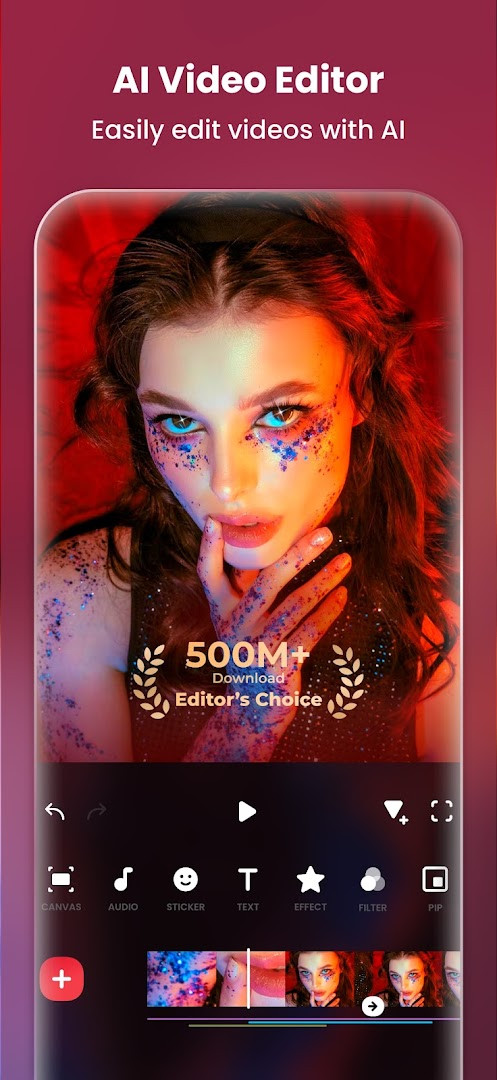
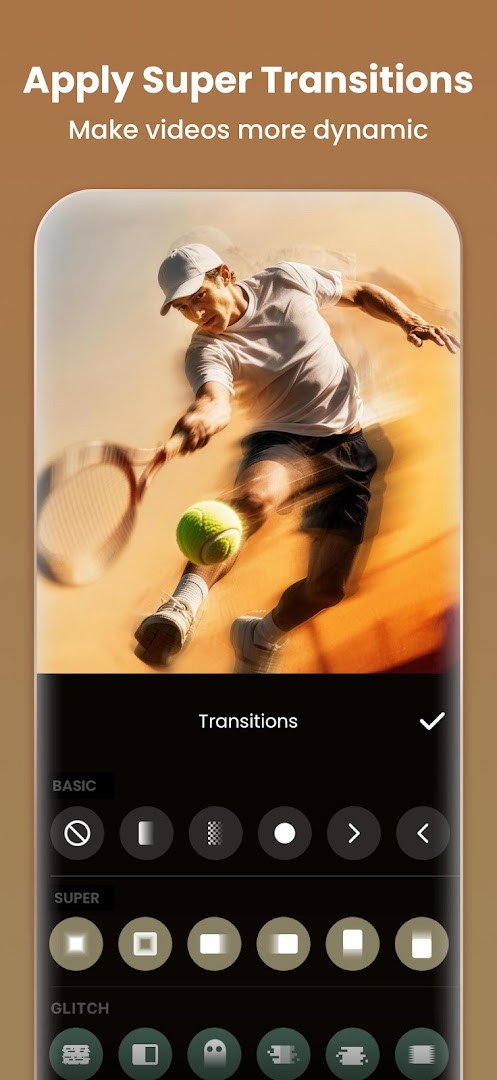
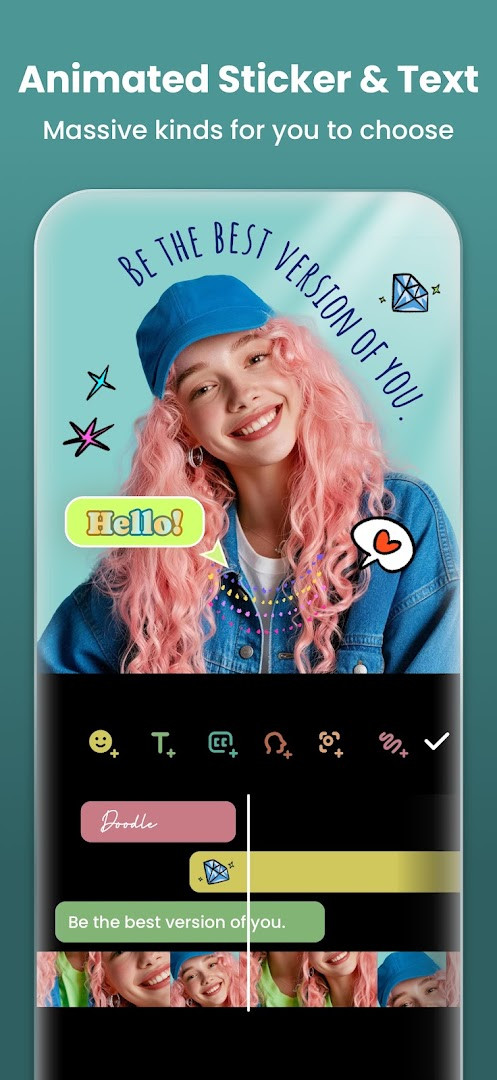
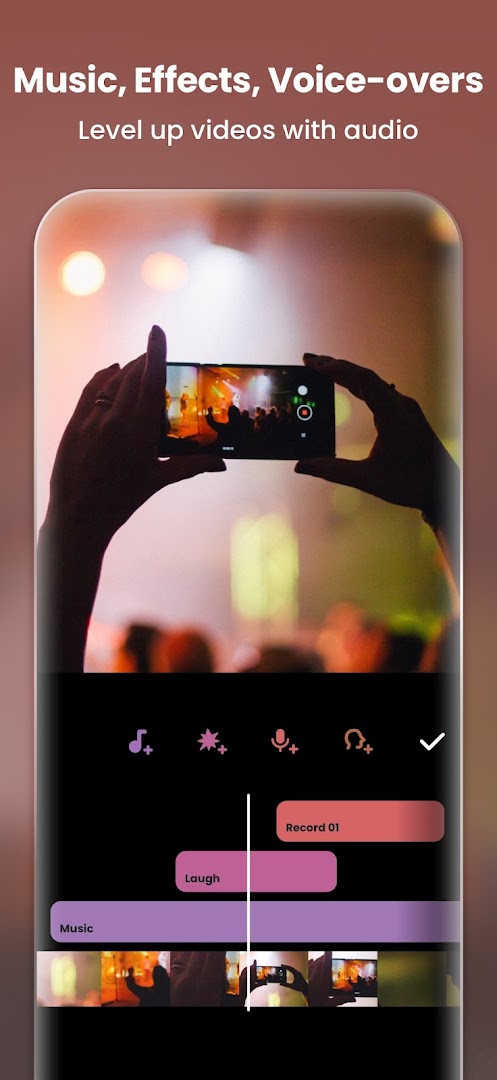
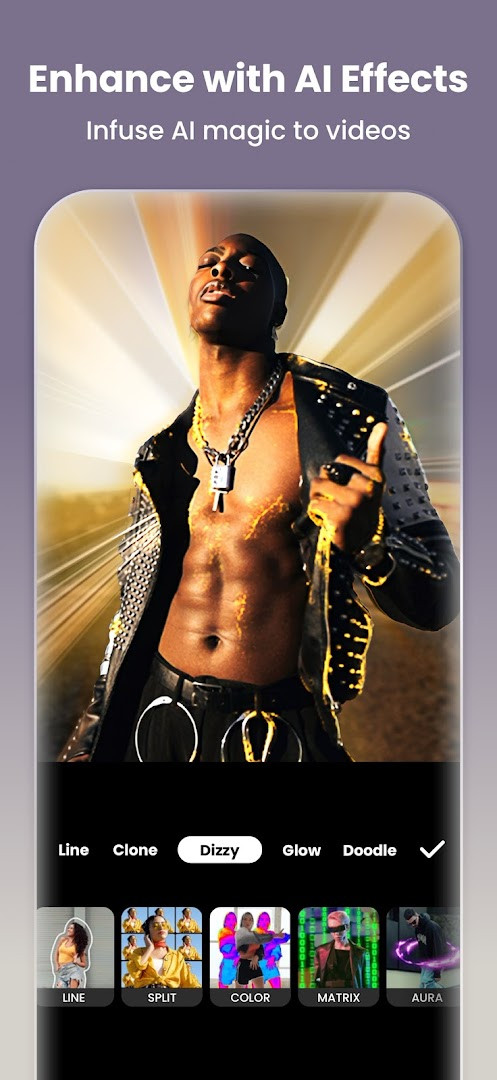
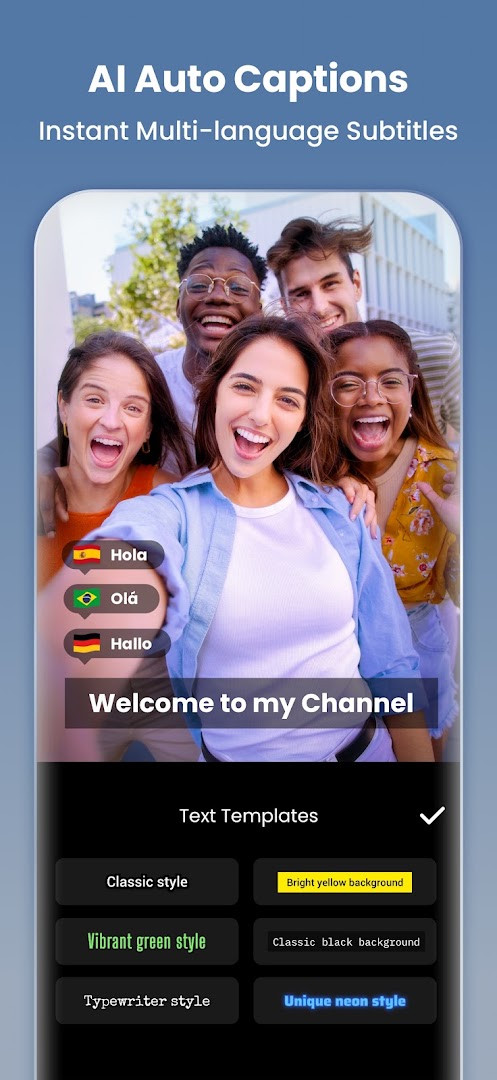
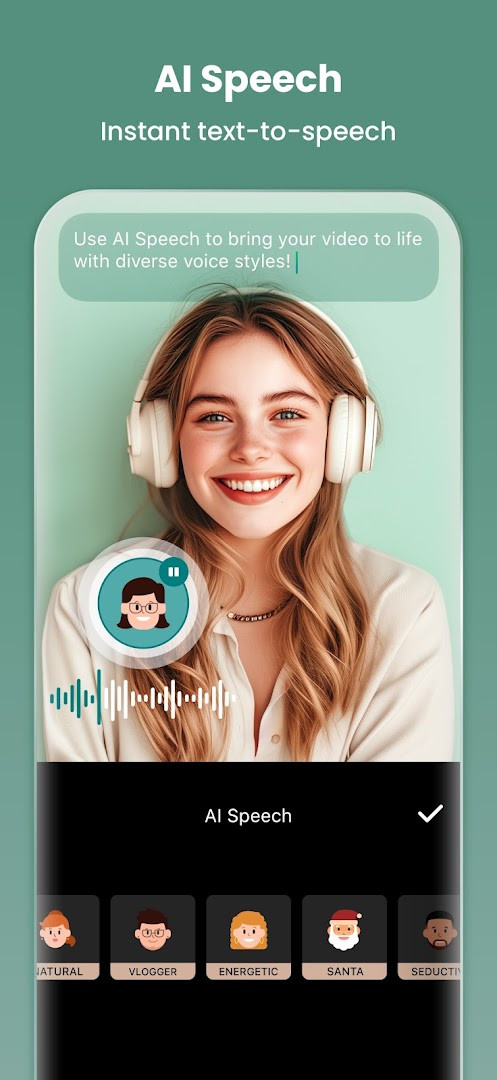
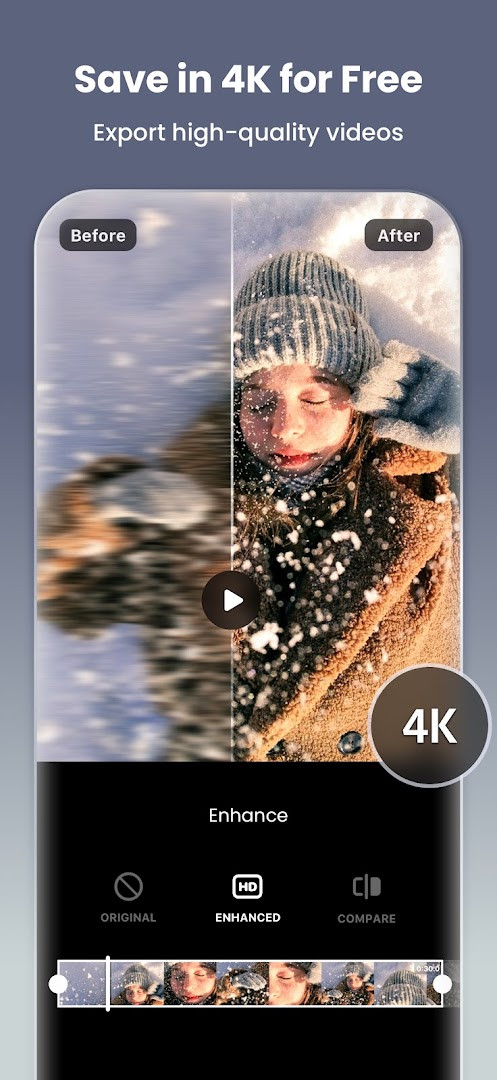
Video Editor & Maker - InShot is a video and photo editing application by InShot Video Editor that combines a multi-track timeline with AI-driven tools. It addresses the need for a mobile-first editor that can produce polished, social-media-ready content without the complexity of desktop software. By integrating trim and merge functions with advanced capabilities like chroma key, speed ramping, and keyframe animation, the app allows users to create everything from quick vlogs to layered video collages. Its AI features, such as auto captions and smart tracking, automate time-consuming tasks, while a built-in photo editor and collage maker extend its utility beyond pure video work.
Key features
- AI-powered auto captions transcribe speech to text quickly, adding subtitles with minimal effort.
- Smart tracking lets stickers and text follow a selected object's motion across a clip.
- Chroma key compositing allows for green screen removal and background replacement.
- Keyframe editing enables custom animation paths for precise control over motion and effects.
- Speed ramping adjusts playback speed variably within a single clip for dramatic effect.
- A multi-layered picture-in-picture mode supports building complex compositions with overlay videos.
- Export in custom resolutions up to 4K at 60fps, preserving high-definition output.
- AI Body Effects apply instant presets for stylized transformations in a single tap.
- The photo editor includes an AI Photo Enhancer to sharpen blurry images and an object removal tool.
How to install
- Tap the download button on this page to get the APK file.
- When prompted by Android, allow your browser or file manager to install apps by enabling the 'Install unknown apps' setting.
- Open the downloaded APK file from your device's notifications or file manager.
- Tap 'Install' and wait for the process to complete.
- Open the app. The installation requires Android 8.0 or later; the file size is not listed here.
Pros
- Handles a wide range of tasks, from basic trimming to advanced keyframe animation and chroma key compositing.
- The AI toolset, including auto captions and smart tracking, significantly speeds up repetitive editing jobs.
- Offers granular control over the final look with customizable filters, blend modes, and a color picker.
- Supports high-quality output with 4K resolution at 60fps, suitable for professional-looking social media content.
- The integrated photo editor with AI enhancement and object removal reduces the need for a separate still-image app.
- The free version provides a substantial set of features, allowing users to evaluate the core workflow before committing.
Cons
- Displays ads in the free version, which can interrupt the editing workflow.
- In-app purchases are required to unlock the full feature set, including premium effects and removal of the InShot watermark.
- Crosses into photo editing and collage making, which may feel like feature bloat for users seeking a pure video editor.
- Requires access to Photos/Media/Files, Storage, and Microphone, which privacy-focused users may want to review.
What's New · 2.231.1551
This update introduces audio stickers that add sound effects to your stickers, along with a new group editing option for working with multiple tracks at once. It also includes a hair glow effect to give hair a natural shine, plus bug fixes and other refinements.
Versions
| Version | Size | Requires Android | Updated |
|---|---|---|---|
| 2.231.1551 | — | 8.0 | 21.09.2026 |
| 1.680.2300.yingYongBao | 50 MB | 5.0 | 01.05.2025 |
| 1.950.1411 | 70 MB | 6.0 | 25.07.2023 |
| 1.649.1282.HW | 44 MB | 4.3 | 31.05.2020 |
| 1.441.164 | 21 MB | 4.0 | 19.06.2017 |
| 1.416.142 | 20 MB | — | 21.03.2017 |
| 1.162 | 6.6 MB | — | 11.07.2014 |
This app suits content creators who regularly produce video for platforms like Instagram Reels, TikTok, or YouTube Shorts and need a capable editor directly on their phone. It is also practical for users who want a single tool for both video editing and photo retouching, including collage creation. Experienced editors will appreciate the keyframe and chroma key features, while novices can rely on the AI tools to get started quickly.
To avoid the watermark on exports, consider whether an in-app purchase fits your usage frequency. Experiment with the speed ramping feature instead of simple uniform slow-motion for more dynamic results. The AI body effects work best on well-lit, unobstructed subjects.
Permissions
FAQ
Does InShot offer AI-generated subtitles for my clips?
Yes, the app includes an AI-powered Auto Captions feature that uses speech-to-text to add subtitles to videos quickly.
What new features came in the latest InShot version from 2026?
The 2.231.1551 update, released on September 21, 2026, introduced Audio Stickers with sound effects, group editing for multiple tracks, and a Hair Glow effect.
How can I remove or change the background in my InShot project?
You can use the Auto Remove Background tool to take out video or photo backgrounds with a single tap, and the Chromakey feature handles green screen editing.
Can InShot create smooth slow-motion without choppy playback?
With the Smooth Slow-mo feature, you can create slow-motion effects that play back smoothly, and the app also offers speed ramping for more control.
What is the maximum export quality supported by InShot?
The app supports custom export resolution up to 4K at 60 frames per second for high-definition output.
For those seeking a feature-rich mobile editor without a paywall blocking basic functionality, InShot remains a top contender. Its blend of AI tools and traditional editing power justifies its popularity, though the ad-supported model means the best experience lives behind a subscription.
Similar Apps


Updated: 20.10.2026
| Version | Size | Requires Android | Updated |
|---|---|---|---|
| 2.231.1551 | — | 8.0 | 21.09.2026 |
| 1.680.2300.yingYongBao | 50 MB | 5.0 | 01.05.2025 |
| 1.950.1411 | 70 MB | 6.0 | 25.07.2023 |
| 1.649.1282.HW | 44 MB | 4.3 | 31.05.2020 |
| 1.441.164 | 21 MB | 4.0 | 19.06.2017 |
| 1.416.142 | 20 MB | — | 21.03.2017 |
| 1.162 | 6.6 MB | — | 11.07.2014 |
- Version
- 2.231.1551
- Requires Android
- 8.0
- Updated
- 21.09.2026
- Installs
- 500M+
- Rating
- ★ 4.84 (24 707 806)
- Category
- Photography
- Developer
- InShot Video Editor
- Content rating
- Everyone
- Package
- com.camerasideas.instashot
- Free
- ✓ · Contains ads · In-app purchases