Piano - Music Keyboard & Tiles for Android
Piano - Music Keyboard & Tiles is a free keyboard simulator from Gismart for learning chords, notes, and songs on a phone or tablet.
Piano - Music Keyboard & Tiles helps beginners and hobbyists learn piano without formal lessons or heavy equipment. The Gismart app includes an 88-key keyboard, Magic Tiles and Magic Keys mini-games, and multiple instrument sounds. Piano - Music Keyboard & Tiles is free with ads and in-app purchases, has over 100 million installs, and requires Android 10 or newer.
Screenshots
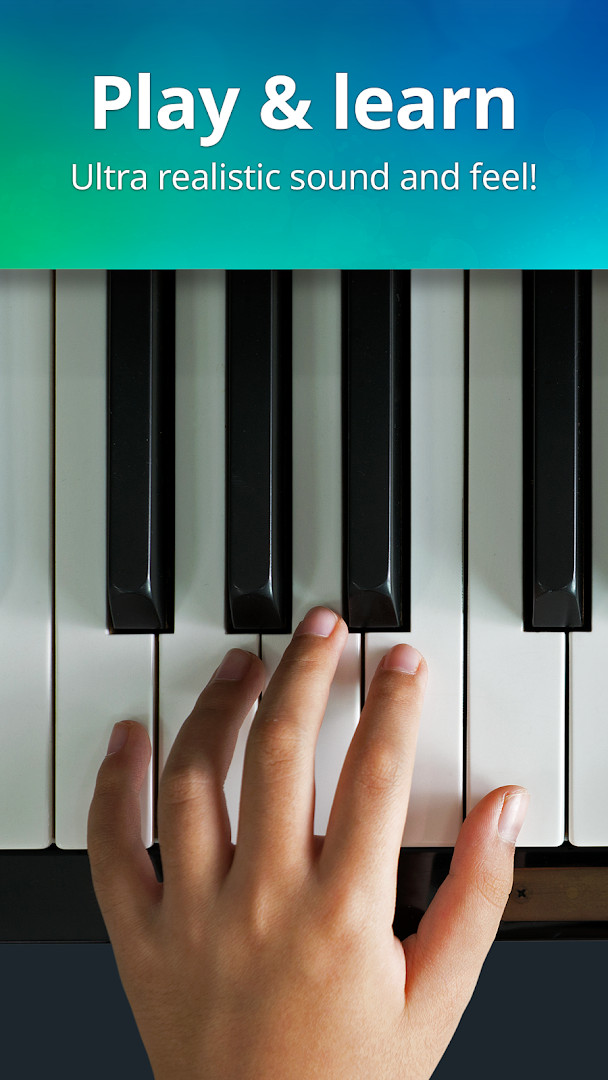
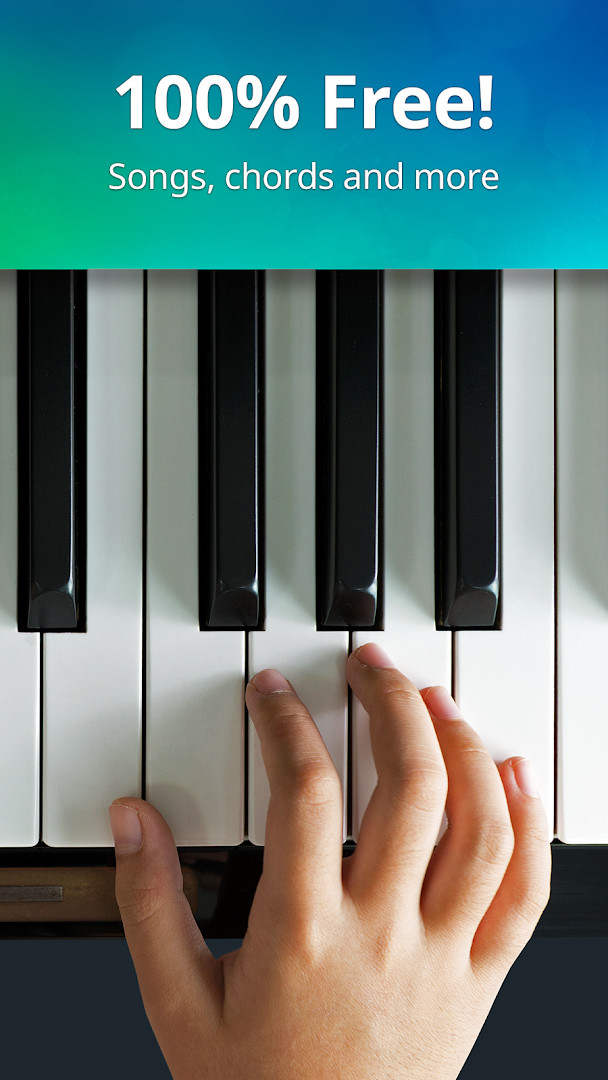
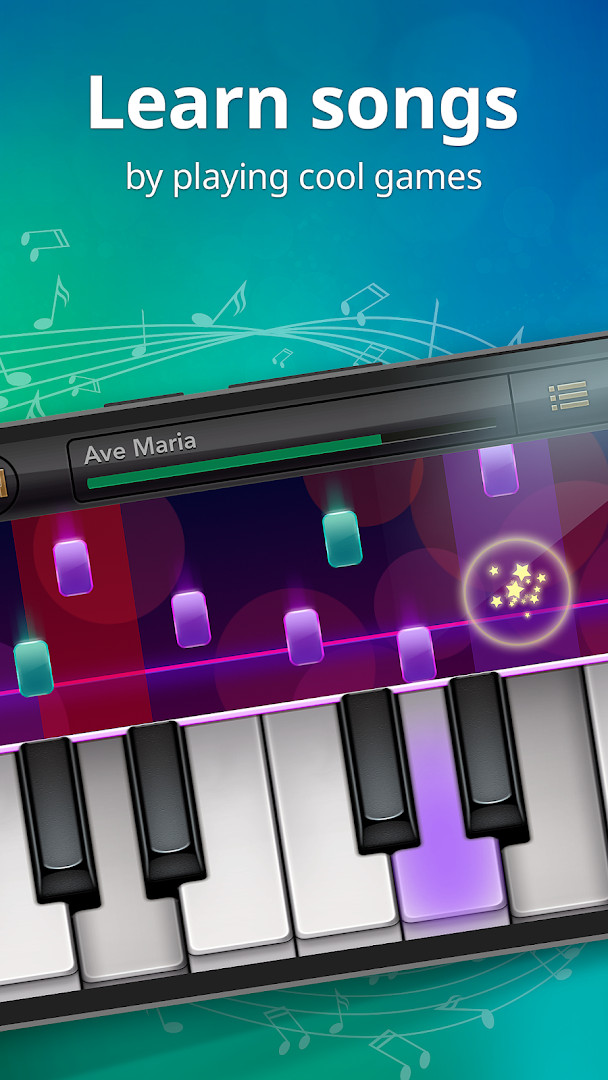
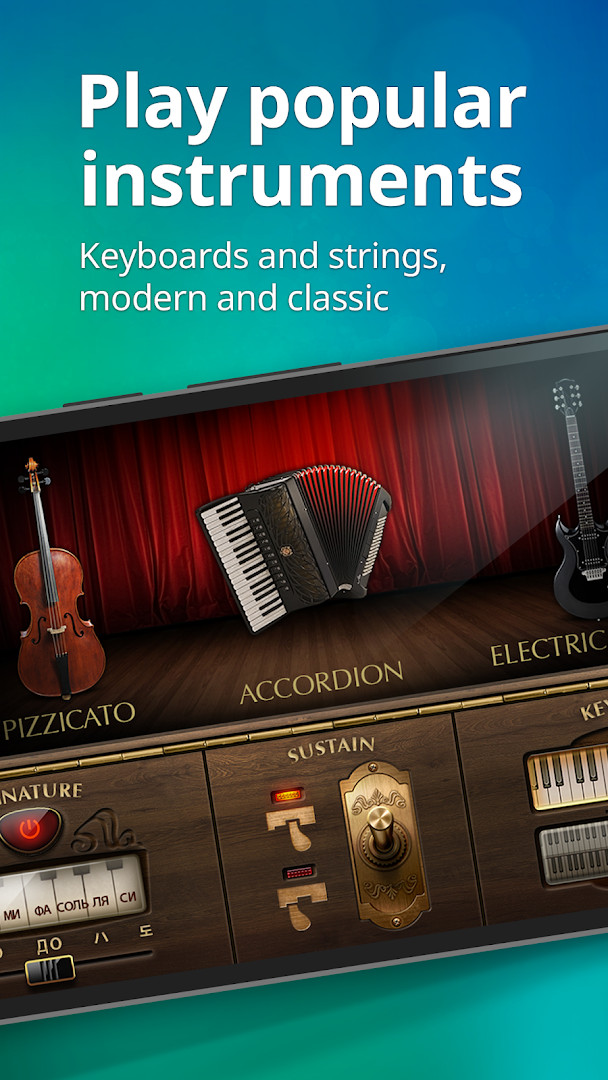
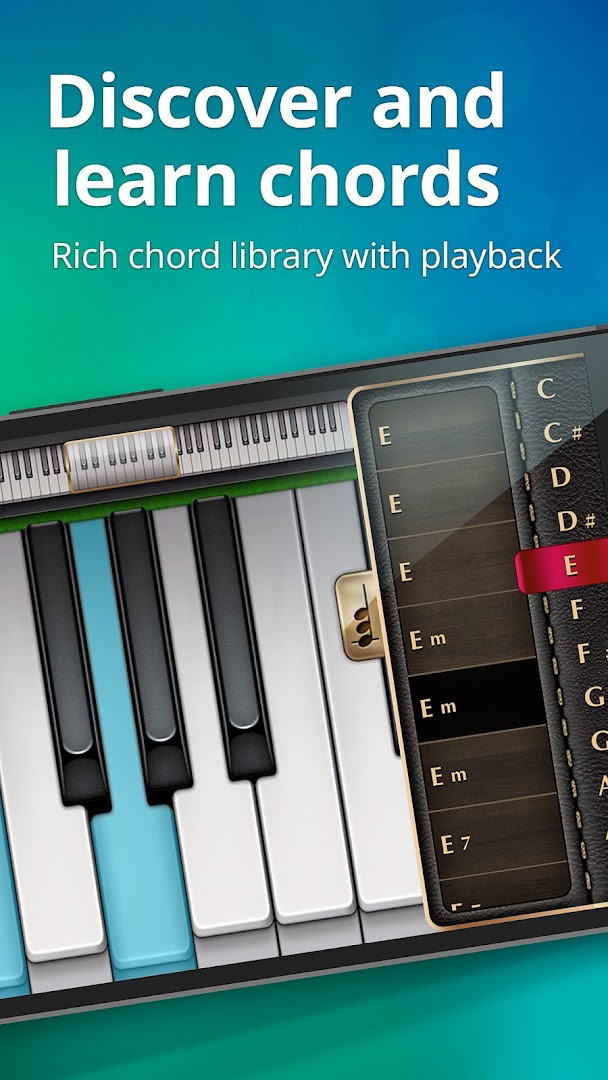
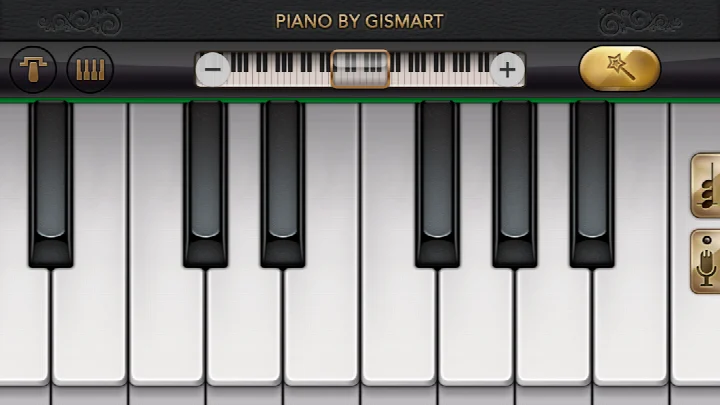
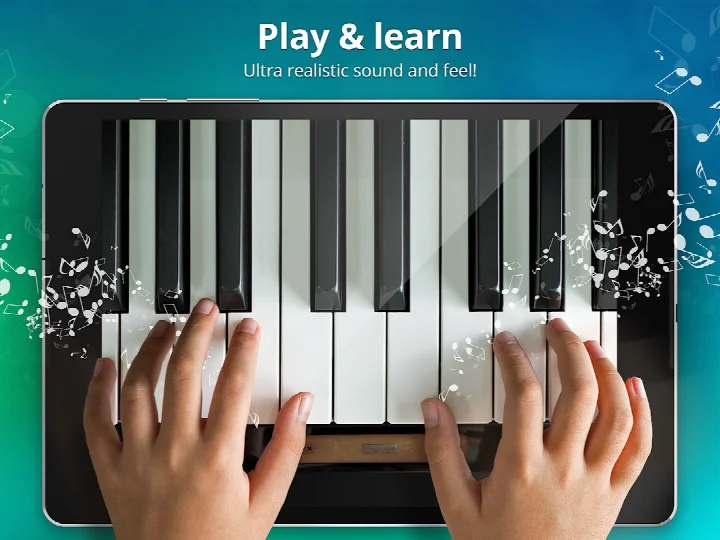
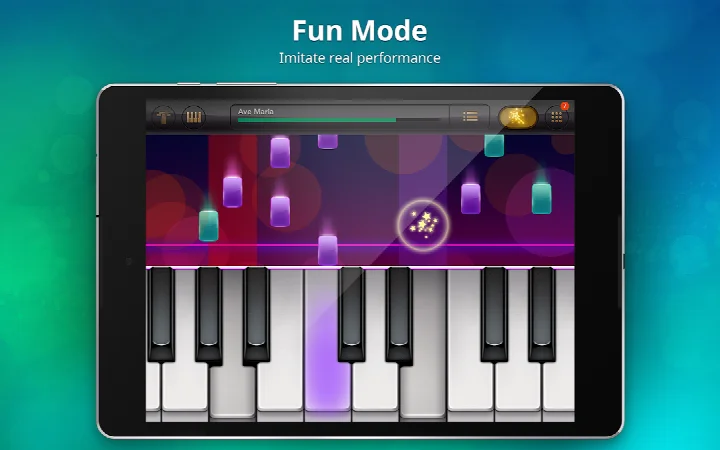
Piano - Music Keyboard & Tiles is a music simulator app by Gismart that turns a phone or tablet into a virtual keyboard with multiple instruments and built-in learning games. First released in June 2014, it has been updated regularly, and the current version 1.75, dated December 2025, focuses on stability improvements and fixes for bugs reported by users. The app is free to install, includes ads and optional in-app purchases, and carries a content rating of Everyone.
Key features
- Full 88-key keyboard layout for realistic play
- Magic Tiles and Magic Keys mini-games for learning timing and tempo
- Nine selectable sounds including grand piano, organ, harpsichord, accordion, electric guitar, harp, and cello pizzicato
- Single or dual scrollable keyboard modes
- Built-in library of popular and classic songs
- Recording feature that lets you capture performances and play them back through different instrument sounds
How to install
- Tap the download button on this page to get the APK file; the file size is not specified in the available data.
- When Android prompts you, allow your browser or file manager to install apps by enabling the “Install unknown apps” setting for that app.
- Locate the downloaded APK in your device’s file manager or notification panel.
- Open the APK file and tap Install when the confirmation dialog appears.
- Once installation completes, open the app from your app drawer to start using it.
- The app requires Android version 10 or higher to run.
Pros
- Free to download with a large collection of instruments
- Dual keyboard mode useful for two-handed practice
- Magic Tiles and Magic Keys add gamified practice options
- Recording feature helps you review your own playing
- Content rated for everyone, making it suitable for younger users
Cons
- Contains ads and optional in-app purchases
- Requires Android 10 or newer, excluding older devices
- Permissions include storage and media access, which may be broader than strictly needed for playback
- Stability updates in version 1.75 address prior bugs, implying earlier versions had occasional issues
Latest changes · 1.75
Version 1.75 focuses on stability improvements and fixes for bugs reported by users. The update does not introduce new gameplay features or instruments. Existing content, including the 88-key keyboard, Magic Tiles and Magic Keys mini-games, multiple instrument sounds, and recording functionality, remains available. Regular updates are recommended to keep the app functioning properly.
Older versions
| Version | Size | Requires Android | Updated |
|---|---|---|---|
| 1.75 | — | 10 | Dec 24, 2025 |
This app suits beginners who want to learn chord shapes and note reading without formal lessons, casual players who enjoy tile-tapping rhythm games, and anyone who needs a portable multi-instrument keyboard for quick practice sessions.
Start with the Magic Keys mini-game to train your sense of timing before attempting full songs, and use headphones to reduce audio latency if you notice a delay when tapping keys.
Permissions
FAQ
Which keyboards and instruments can I play with in this app?
The app provides a full 88-key keyboard and offers 9 different sound options: Basic Keyboard, Grand Piano, Organ, Harpsichord, Accordion, Electric Guitar, Harp, Cello Pizzicato, and Vintage Piano. You can also choose between a single or dual scrollable keyboard layout.
How do the Magic Tiles and Magic Keys mini-games work?
Magic Tiles lets you perform famous songs by tapping keys as tiles fall down the screen. Magic Keys challenges you to tap random white and black keys to improve your sense of timing and tempo. Both are designed to help you start playing without formal lessons.
Can I record my piano performances and share them?
Yes, the app includes a piano record feature that lets you capture your plays and share them on social media, including Creatubbles, which is presented as a safe sharing place for children and adults.
What are the basic technical requirements for running the app?
The app, developed by Gismart, is listed at version 1.75 and requires a minimum operating system of Android 10. It was originally released on June 5, 2014, and the latest update provided stability improvements and bug fixes.
Is the app free to use and what is its rating?
The app is free with a price of 0.00 USD, though it contains ads and offers in-app purchases. It has a content rating of Everyone, holds a rating of 4.12 based on over 1.3 million ratings, and has more than 100 million installs.
Piano - Music Keyboard & Tiles offers a practical, free way to explore keyboard playing with a wide sound palette and gamified training modes. It balances learning tools with casual entertainment, though ads, in-app purchases, and the newer Android requirement are worth considering before installation.
Similar apps


Updated: Oct 22, 2026
| Version | Size | Requires Android | Updated |
|---|---|---|---|
| 1.75 | — | 10 | Dec 24, 2025 |
- Version
- 1.75
- Requires Android
- 10
- Updated
- Dec 24, 2025
- Installs
- 100M+
- Rating
- ★ 4.12 (1,333,123)
- Category
- Music
- Developer
- Gismart
- Content rating
- Everyone
- Package
- com.gismart.realpianofree
- Free
- ✓ · Contains ads · In-app purchases